
As the days grow shorter and winter approaches, the magic of holiday lighting begins to take center stage. But constantly remembering to switch on your Christmas lights each evening can become tedious. Fortunately, modern smart home technology allows you to automate this task—ensuring your home sparkles at exactly the right moment: sunset. By setting up a smart routine that triggers your lights based on local sunset time, you eliminate guesswork, save energy, and enhance curb appeal with perfect timing every day.
This guide walks you through everything you need to know—from choosing compatible devices to creating reliable automation rules across major platforms like Google Home, Apple HomeKit, and Amazon Alexa. Whether you're new to smart homes or refining your setup, this system is simple, scalable, and surprisingly elegant in its execution.
Why Automate Holiday Lighting with Sunset Triggers?
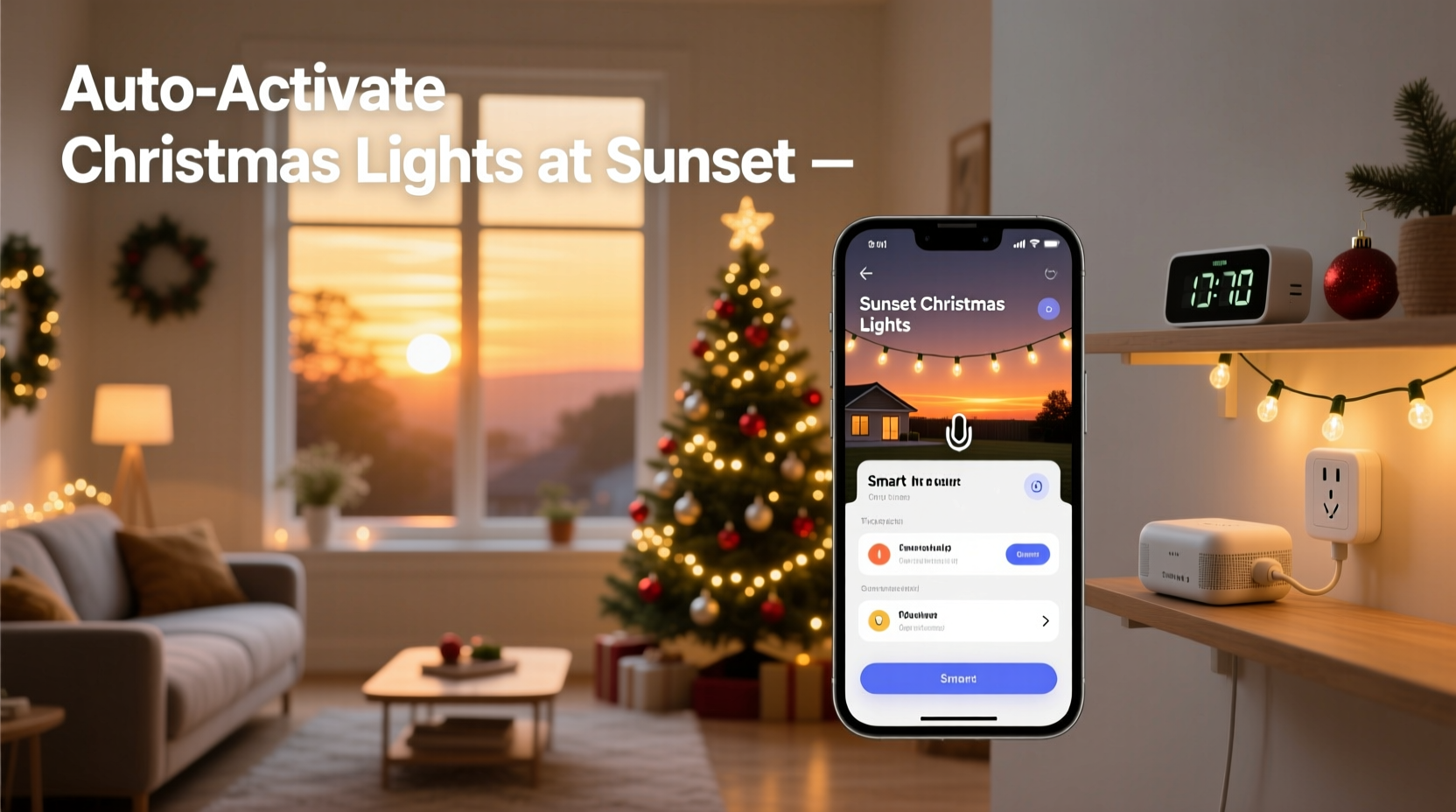
Manual control over outdoor lighting may have worked in the past, but it’s inconsistent and often forgotten. You might come home to a dark yard while neighbors’ displays are already glowing, or worse—you leave the lights on all night, wasting electricity.
Automating your Christmas lights using sunset as a trigger solves these issues by aligning illumination with natural daylight cycles. Since sunset times shift gradually throughout the season, an automated system adapts daily without any input from you. This means:
- Your display turns on precisely when visibility drops, maximizing impact.
- No more early-evening forgetfulness or late-night reminders.
- Energy savings from avoiding unnecessary daytime operation.
- A consistent, professional-looking lighting schedule.
“Smart lighting automation isn’t just convenient—it enhances safety, ambiance, and efficiency. Using environmental triggers like sunset makes systems feel intuitive rather than robotic.” — David Lin, Smart Home Systems Engineer at Nest Labs (2023)
What You’ll Need: Equipment & Compatibility
Before diving into setup, ensure your hardware and software ecosystem support sunset-based automations. Not all smart plugs or bulbs offer geolocation-aware scheduling, so compatibility matters.
| Component | Requirements | Recommended Examples |
|---|---|---|
| Smart Light Source | Bulbs or strips controllable via app/cloud | Philips Hue, LIFX, Nanoleaf, Govee LED Strips |
| Smart Plug (if using standard lights) | Wi-Fi enabled, compatible with voice assistant | TP-Link Kasa HS103, Wemo Mini, Eve Energy |
| Smart Assistant Platform | Supports sunrise/sunset triggers | Google Home, Apple HomeKit, Amazon Alexa |
| Mobile App | Installed and logged in | Google Home, Apple Home, Alexa App |
| Location Services | Enabled for accurate sunset detection | Device GPS or manual address entry |
Step-by-Step Setup Across Major Platforms
The exact steps vary slightly depending on which smart home platform you use. Below are detailed instructions for the three most common ecosystems.
Option 1: Google Home (Android & iOS)
- Open the Google Home app and ensure your smart lights or plugs appear under \"Devices.\"
- Tap the + icon in the upper-left corner, then select Create Routine.
- Name your routine (e.g., “Sunset Lights On”).
- Under When, tap Add Trigger > Time > Sunset. Choose whether to use actual sunset or civil twilight (slightly earlier).
- Tap Add Action > Device, then select your Christmas lights group or individual device.
- Set the action to Turn On. Optionally adjust brightness or color if using RGB LEDs.
- Save the routine. It will now activate daily at sunset based on your registered home location.
Option 2: Apple HomeKit (iPhone & iPad)
- Launch the Home app and verify your accessories are responsive.
- Tap the Automation tab at the bottom, then tap Create Automation.
- Select Time of Day, then tap Sunset.
- Choose “At Sunset” or customize with a delay (e.g., 15 minutes after sunset).
- Tap Next, then under Actions, choose your light accessory and set it to On.
- Tap Next again, disable “Show When Run” unless desired, then confirm with Done.
Option 3: Amazon Alexa (Echo Devices & App)
- In the Alexa app, go to Routines > Create Routine.
- Tap When This Happens, then select Sunset from the dropdown menu.
- Choose your location if prompted. Alexa uses your Echo’s registered address.
- Under Add Action, navigate to Smart Home > Turn On, then pick your Christmas light device(s).
- Optional: Add voice announcements like “The holiday lights are now on.”
- Save the routine. Alexa will execute it daily at sunset.
Real Example: A Stress-Free Holiday Display in Portland, OR
Consider Sarah, a working parent in Portland who loves decorating but struggles with time. Each year, she’d forget to turn on her front-yard lights until well after dark—or worse, leave them on overnight. In 2023, she invested in two outdoor-rated TP-Link Kasa smart plugs and connected her existing Christmas light strings.
Using the Google Home app, she created a routine titled “Holiday Glow” that activates at sunset. She grouped both plugs under one scene called “Front Yard Lights,” making activation seamless. She also added a second automation: turning off the lights at 11 PM to conserve energy.
The result? Her home has been consistently lit every evening since December 1st, drawing compliments from neighbors and even a mention in the local neighborhood newsletter. More importantly, she hasn’t had to think about it once.
“It feels like having a personal decorator,” she says. “I get the festive atmosphere without the hassle.”
Advanced Tips for Better Automation
Once the basic routine works, consider enhancing it for greater control and flexibility.
- Use Geofencing as Backup: If you’re away from home at sunset, some systems won’t trigger unless the hub is online. Pair sunset triggers with a secondary rule based on your phone’s location to ensure activation even during travel.
- Schedule End Times: Combine your “on at sunset” rule with another routine that turns lights off at a fixed hour (e.g., 11 PM) to prevent all-night burnout.
- Seasonal Scheduling: Set start and end dates for your routine (available in Apple Home and Alexa). For example, run the automation only between December 1 and January 7.
- Weather-Based Adjustments: With tools like IFTTT or Home Assistant, you can refine rules further—such as skipping activation during heavy rain or power-saving modes.
- Group Management: Organize indoor and outdoor lights into separate scenes so you can toggle them independently while still syncing to sunset.
“People assume smart homes are complicated, but sunset automations are among the easiest and most rewarding to set up. They deliver instant satisfaction with minimal effort.” — Maya Patel, Smart Living Columnist at Wirecutter
Troubleshooting Common Issues
Even well-designed automations can fail occasionally. Here are frequent problems and solutions:
- Lights don’t turn on at sunset: Check that location permissions are enabled in your app. Also verify your home address is correct in the smart assistant settings.
- Incorrect timing (too early/late): Some platforms define “sunset” differently (astronomical vs. civil). Adjust within the app or add a +5 to +15 minute delay.
- Device unresponsive: Reconnect the smart plug or bulb to Wi-Fi. Power-cycle if needed.
- Routine runs multiple times: Ensure you haven’t duplicated the automation across apps (e.g., both Alexa and Google Home controlling the same device).
- Outdoor lights flicker or disconnect: Use weatherproof enclosures for smart plugs and avoid daisy-chaining too many light sets.
Checklist: Setting Up Sunset-Activated Christmas Lights
- ✅ Purchase smart-compatible lights or plugs
- ✅ Install and test all devices individually
- ✅ Confirm your smart assistant app recognizes each device
- ✅ Enter accurate home address in app settings
- ✅ Group related lights into a single scene or room
- ✅ Create “on at sunset” automation
- ✅ Set optional end-time routine (e.g., off at 11 PM)
- ✅ Manually test the routine once
- ✅ Enable seasonal scheduling (Dec 1 – Jan 7)
- ✅ Monitor performance for first 3 nights
Frequently Asked Questions
Can I use this automation if I live in a region with extreme daylight variation?
Absolutely. The beauty of using sunset as a trigger is that it dynamically adjusts to your latitude and time of year. Whether you're in Alaska with near-constant darkness or Florida with mild winter shifts, the system recalculates daily based on real astronomical data.
Do I need a smart speaker to make this work?
No. While voice assistants like Alexa or Google Assistant help manage routines, they aren’t mandatory. Many smart plugs and bulbs operate entirely through mobile apps, where you can create sunset-based schedules directly.
Will this work during power outages?
If power goes out and comes back, most modern smart devices will restore connectivity automatically and resume normal operation. However, if the outage occurs at sunset, the routine may be missed. For critical reliability, consider a UPS (uninterruptible power supply) for your router and hub.
Conclusion: Let Technology Handle the Magic
There’s something deeply satisfying about seeing your home light up just as dusk settles—a small moment of joy amplified by thoughtful automation. By using smart home routines to turn on Christmas lights at sunset, you blend tradition with innovation, ensuring your holiday spirit shines brightly without lifting a finger.
The setup takes less than 20 minutes, pays dividends in convenience and energy savings, and impresses everyone from trick-or-treaters to carolers. As smart home tech becomes more accessible, automating seasonal details like this should be standard practice—not a luxury.




 浙公网安备
33010002000092号
浙公网安备
33010002000092号 浙B2-20120091-4
Comments
No comments yet. Why don't you start the discussion?