
In today’s digital marketplace, the line between authentic and counterfeit smartphones can be dangerously thin. From online marketplaces to second-hand vendors, consumers are increasingly at risk of purchasing fake or cloned devices that mimic popular brands like Apple, Samsung, and Xiaomi. These replicas often come with substandard hardware, security vulnerabilities, and no warranty support. Knowing how to verify if a mobile phone is genuine isn’t just about protecting your investment—it’s about safeguarding your personal data and ensuring long-term usability.
This guide provides practical, field-tested methods to help you confidently distinguish original devices from fakes using both technical checks and physical inspection techniques.
1. Inspect the Packaging and Physical Build Quality
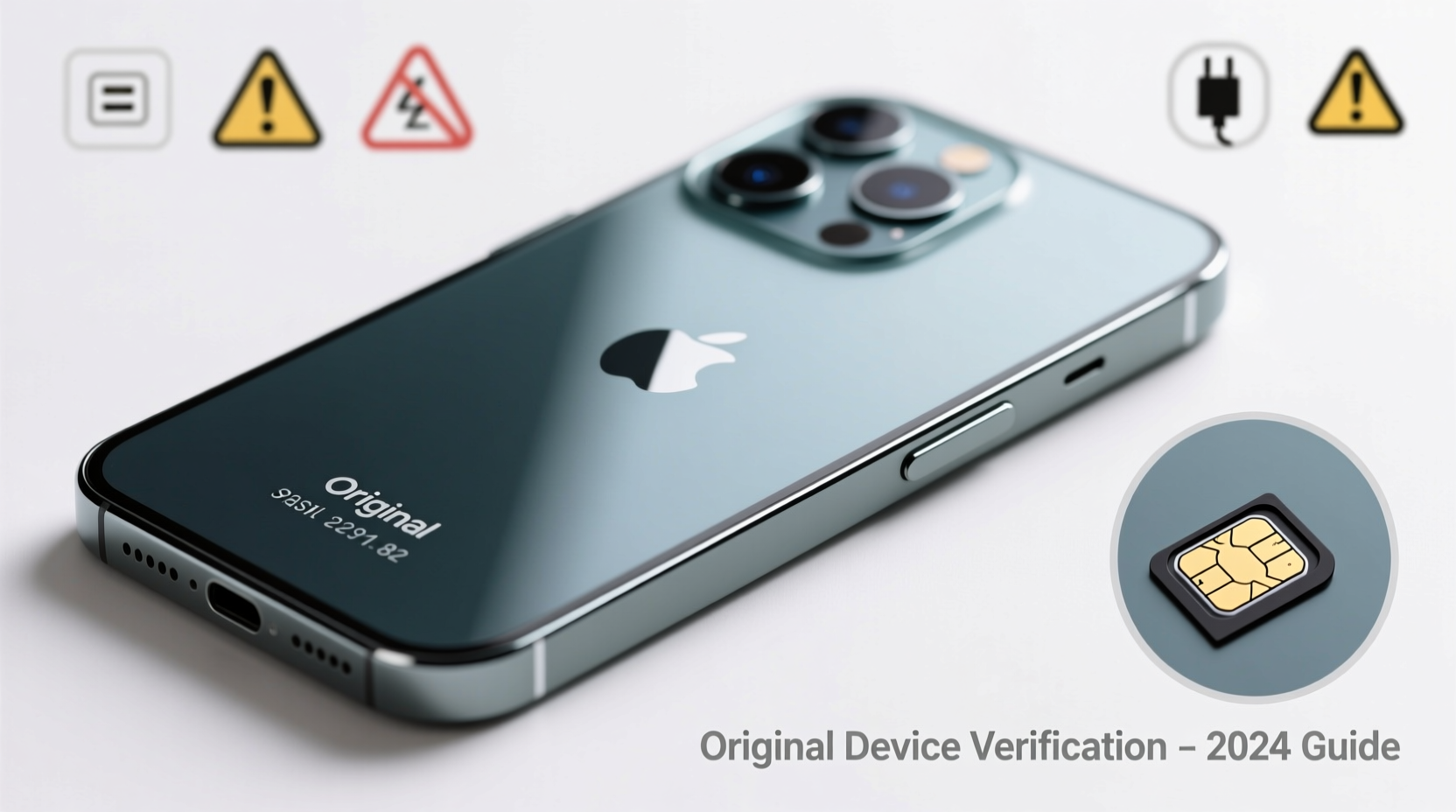
The first clue to a phone’s authenticity lies in its packaging and physical construction. Original manufacturers invest heavily in precise design, materials, and quality control. Counterfeiters, however, often cut corners.
- Box Design: Check for accurate branding, correct logos, spelling errors, and high-quality printing. Official boxes usually have a serial number matching the device and IMEI label on the side.
- Build Materials: Feel the weight and texture. Fake phones often use cheaper plastics, misaligned seams, or incorrect button placements.
- SIM Tray Fit: On iPhones and premium Androids, the SIM tray should slide in smoothly and sit flush. Poorly fitted trays are a red flag.
2. Verify the IMEI and Serial Number
Every legitimate mobile phone has a unique International Mobile Equipment Identity (IMEI) number. This acts as a digital fingerprint for the device and can be used to confirm its origin and history.
To locate the IMEI:
- Dial
*#06#on the phone—this displays the IMEI. - Check the back of the device or under the battery (if removable).
- Look at the retail box—there should be a printed IMEI sticker.
All three IMEIs must match exactly. If they don’t, the phone is likely tampered with or counterfeit.
Next, verify the IMEI through official channels:
- Apple: Use Apple’s Check Coverage tool.
- Samsung: Visit Samsung Support and enter the serial number.
- Global Databases: Sites like IMEI.info provide basic device info, but always cross-check with the manufacturer.
“IMEI verification is the single most reliable way to confirm a smartphone’s legitimacy before purchase.” — David Lin, Senior Technician at MobileCert Labs
3. Perform a Software and System Check
Fake phones often run modified versions of Android or display misleading system information. Here’s how to test software authenticity:
Check Device Settings
Navigate to Settings > About Phone. Look for:
- Correct model number (e.g., “SM-S918B/DS” for Galaxy S23 Ultra)
- Accurate Android version and security patch date
- Presence of Google Play Services (absent on many clones)
Test Core Features
Run real-time tests:
- Open the camera app—does it lag or crash?
- Try installing an app from the Google Play Store or App Store.
- Check GPS accuracy using Google Maps.
4. Use Manufacturer Tools and Diagnostic Apps
Most major brands offer built-in diagnostics or online verification tools:
| Brand | Verification Tool | What It Checks |
|---|---|---|
| Apple | Check Coverage (checkcoverage.apple.com) | Warranty status, purchase date, model validity |
| Samsung | Samsung Members App / Website | IMEI validation, Knox security status, service history |
| Xiaomi | MI Unlock Status & Official Warranty Checker | Activation lock, firmware authenticity |
| Google Store Order Lookup | Purchase confirmation for Pixel devices |
Additionally, third-party diagnostic apps like Device Info HW or AIDA64 can reveal inconsistencies in CPU, RAM, and storage specs—common areas where fakes deviate.
5. Real-World Example: How One Buyer Avoided a $800 Scam
Rajiv, a buyer in Chennai, was offered a brand-new iPhone 15 Pro Max for ₹78,000 (nearly 30% below market price) by a local reseller. The box looked convincing, but he decided to verify it before paying.
He dialed *#06# and compared the displayed IMEI with the one on the box. They didn’t match. He then visited Apple’s official coverage checker—no record existed for the device. When he asked the seller to unlock the phone, it booted into a Chinese-language interface with no App Store.
Rajiv walked away. Later, he learned the device was a “Frankenphone”—assembled from stolen parts and fake casing. His diligence saved him from losing thousands and potential data theft.
“When the price seems too good to be true, it almost always is. Verification takes five minutes but can prevent years of frustration.” — Lena Park, Consumer Rights Advocate, TechSafe Initiative
Step-by-Step Guide: How to Verify a Phone Before Purchase
Follow this checklist when buying new or used smartphones:
- Inspect the Box: Look for typos, low-resolution logos, or missing regulatory labels.
- Match IMEIs: Confirm the number on the device, box, and under Settings all match.
- Verify Online: Use the manufacturer’s official website to validate the IMEI.
- Boot the Device: Check the startup animation and language settings.
- Test Connectivity: Make a call, connect to Wi-Fi, and use GPS.
- Install an App: Try downloading something from the official app store.
- Check Storage & RAM: Use a diagnostic app to confirm actual hardware specs.
- Review Warranty: Ensure the device is eligible for service at authorized centers.
Frequently Asked Questions
Can a fake phone have a valid IMEI?
Yes, some counterfeiters clone IMEIs from real devices. However, only one device with that IMEI can be active on networks at a time. If the IMEI is already registered or blacklisted, the phone may not work properly. Always check the IMEI status with your carrier or manufacturer.
Do all original phones come with a warranty?
New phones from authorized sellers include a manufacturer warranty. Refurbished units may have limited coverage. No warranty—or inability to register one—is a strong indicator of a fake or stolen device.
Is it safe to buy a phone from a third-party seller online?
It can be, but extra caution is needed. Stick to platforms with buyer protection (like Amazon, Best Buy, or certified sellers on eBay). Avoid social media deals without verifiable seller history. Always request IMEI verification before payment.
Conclusion: Stay Informed, Stay Protected
Verifying a mobile phone’s authenticity is a critical step in today’s tech-driven world. With counterfeit devices becoming more sophisticated, relying solely on appearance is no longer enough. By combining physical inspection, IMEI validation, software testing, and manufacturer tools, you can confidently identify genuine devices and avoid costly mistakes.
Your smartphone holds your identity, finances, and memories. Protecting yourself starts with knowing what you’re buying. Take the time to verify—every time.




 浙公网安备
33010002000092号
浙公网安备
33010002000092号 浙B2-20120091-4
Comments
No comments yet. Why don't you start the discussion?