
TNT is one of the most popular cable networks in the United States, known for its gripping dramas, high-octane sports coverage, and acclaimed original series. From NBA games to hit shows like *Snowpiercer* and *Animal Kingdom*, fans want reliable ways to stream TNT content whether they’re at home or on the go. With traditional cable subscriptions declining, knowing how to access TNT via streaming services has become essential. This guide breaks down every legal method to watch TNT live or on demand, including compatible platforms, required subscriptions, and tips for optimizing your viewing experience.
Understanding TNT’s Streaming Availability
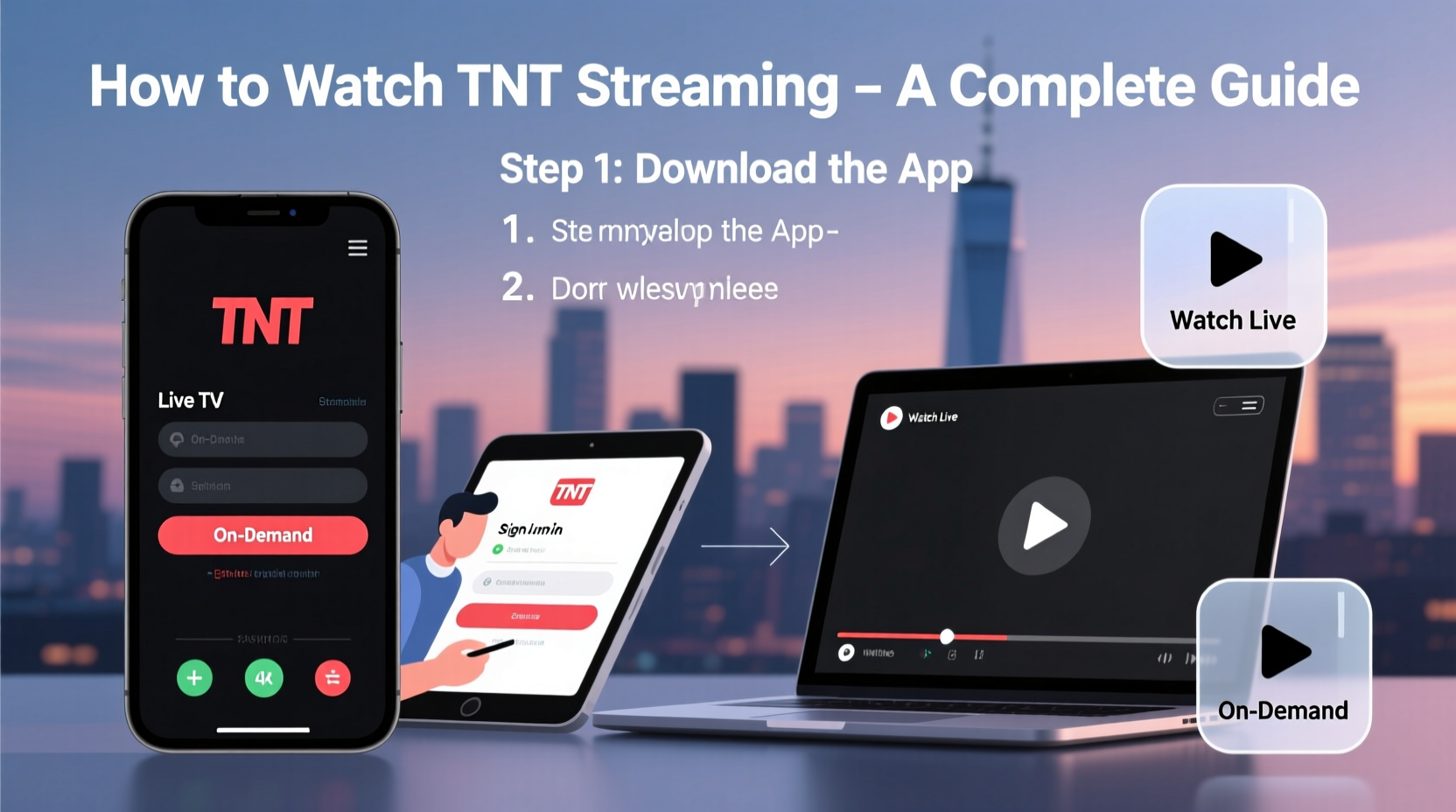
TNT does not offer a standalone streaming app or subscription service. Instead, it operates as part of larger entertainment bundles provided by cable and internet-based TV platforms. To stream TNT, you must subscribe to a service that includes TNT in its channel lineup. The good news is that many modern streaming providers now carry TNT alongside other Warner Bros. Discovery networks like TBS, truTV, and Discovery Channel.
The availability of TNT depends on your location, subscription plan, and device compatibility. Most major streaming TV services include regional and national versions of TNT, but blackout restrictions may apply during live sports broadcasts. Additionally, on-demand content from TNT is often accessible through authenticated apps if you have a valid pay-TV login.
How Authentication Works for TNT Streaming
To unlock full access to TNT programming, especially live streams and recent episodes, you’ll typically need to authenticate with a participating TV provider. This process links your streaming app to your cable or live TV subscription, verifying that you’re entitled to view the content.
For example, if you subscribe to YouTube TV, which includes TNT, you can log into the TNT app or website using your YouTube TV credentials. Once authenticated, you gain access to both live broadcasts and an expanding library of on-demand episodes—usually available shortly after airing.
Top Streaming Services That Carry TNT Live
If you're cutting the cord but still want access to TNT, several live TV streaming platforms deliver the network in real time. These services function similarly to traditional cable, offering cloud-based DVR, multi-device support, and access to dozens of channels—including TNT.
| Service | Monthly Cost | TNT Included? | Cloud DVR | Free Trial |
|---|---|---|---|---|
| YouTube TV | $72.99 | Yes | Unlimited storage | Yes (1 week) |
| Hulu + Live TV | $76.99 | Yes | 50 hours (upgradeable) | Yes (7 days) |
| Sling TV (Blue plan) | $40.00 | Yes (in select markets) | Limited (add-on) | Yes (3–7 days) |
| FuboTV | $74.99 | Yes | 1,000 hours | Yes (7 days) |
| AT&T TV (now defunct; migrated to DirecTV Stream) | $69.99+ | Yes | 500 hours | No |
Among these, YouTube TV stands out for consistent TNT availability across all U.S. markets and strong integration with Google Assistant and Android devices. Sling TV offers a budget-friendly option, though TNT is only available in the Blue package and may be limited based on geographic region.
Watching TNT On Demand Without Cable
You don’t need a live TV subscription to catch up on past episodes of TNT shows. Many programs are available through digital storefronts and subscription video-on-demand (SVOD) platforms.
- Amazon Prime Video: Full seasons of TNT originals like *The Alienist* and *Animal Kingdom* can be purchased individually or accessed through add-on subscriptions.
- Apple TV+ App: Offers episode rentals and purchases. Users can also link their TV provider to watch free with authentication.
- Vudu and Google Play Movies & TV: Both platforms host current and past seasons of TNT series, typically within 24 hours of broadcast.
- HBO Max (now Max): While not a direct carrier of TNT, some co-produced content may appear here due to shared ownership under Warner Bros. Discovery.
For sports fans, NBA games aired on TNT are sometimes available for replay on NBA League Pass, although blackouts apply for nationally televised matchups.
“Streaming flexibility means viewers no longer need a set-top box to enjoy premium cable content. As long as you have the right subscription, TNT is just a few clicks away.” — Dana Richards, Media Analyst at StreamWatch Insights
Step-by-Step: How to Watch TNT Live on Your Smart TV
Follow this timeline to start watching TNT live on your smart television using a streaming service:
- Choose a live TV streaming service that includes TNT (e.g., YouTube TV).
- Sign up using your email and payment method. Take advantage of any free trial period.
- Download the service’s app on your smart TV (available on Samsung, LG, Roku, Fire TV, etc.).
- Open the app and sign in with your new account credentials.
- Navigate to the “Live” section and search for “TNT” in the channel guide.
- Select TNT to begin streaming immediately. Use the guide to schedule recordings via cloud DVR.
- Optional: Download the TNT app separately and authenticate with your streaming service login for additional on-demand options.
Real Example: Streaming TNT During NBA Playoff Season
Consider Sarah, a basketball fan in Denver who canceled her cable package last year. She wanted to watch her team’s playoff run, including key games broadcast on TNT. Rather than re-subscribing to a $100/month cable plan, she opted for a one-month trial of Hulu + Live TV. After signing up, she installed the app on her Roku and logged in. Within minutes, she was watching the live game in HD. She also used the cloud DVR to record post-game analysis shows and rewatch highlights later. By canceling before the trial ended, she paid nothing—and still caught every moment that mattered.
This scenario illustrates how flexible, cost-effective, and reliable modern TNT streaming can be—even for time-sensitive events like live sports.
Common Issues and Troubleshooting Tips
Even with the right subscription, users occasionally face playback errors, login loops, or missing channels. Here’s how to resolve common problems:
- Channel not appearing? Check your service tier—some providers require higher plans for TNT access.
- Authentication failing? Log out of the TNT app completely, then retry with your streaming provider’s login portal.
- Buffering or low quality? Close background apps, restart your router, or switch to a wired Ethernet connection.
- On-demand content missing? Not all episodes are available immediately. Wait 24–48 hours after broadcast for full uploads.
Checklist: Ensure You Can Watch TNT Anywhere
Before you start streaming, verify the following:
- ✅ Subscribe to a live TV service that includes TNT (e.g., YouTube TV, Hulu + Live TV)
- ✅ Confirm TNT is available in your local market
- ✅ Install the provider’s app on your preferred device (phone, tablet, TV, computer)
- ✅ Authenticate the TNT app using your provider login
- ✅ Test playback and adjust video quality settings if needed
- ✅ Set up cloud DVR for automatic recording of favorite shows
Frequently Asked Questions
Can I watch TNT for free online?
Not legally. While some websites claim to offer free TNT streams, they are usually unauthorized and may expose you to malware. The only legitimate way to watch TNT for free is through a trial period offered by a live TV streaming service like YouTube TV or Hulu + Live TV.
Is TNT available on Netflix or Hulu’s on-demand library?
No. TNT is not included in standard Hulu or Netflix libraries. However, Hulu does offer TNT through its live TV add-on. For on-demand viewing, use platforms like Amazon Prime Video or Vudu to purchase individual episodes or seasons.
Why can’t I find TNT on Sling TV Orange?
TNT is only available on Sling Blue or the combined Orange + Blue package. Sling Orange focuses on entertainment and lifestyle networks, while Blue carries sports and news channels—including TNT. If you're interested in TNT programming, upgrade your plan accordingly.
Conclusion
Accessing TNT no longer requires a bulky cable box or long-term contracts. Whether you prefer live broadcasts or catching up on demand, multiple flexible, affordable options exist to suit your viewing habits. By choosing the right streaming provider, authenticating properly, and leveraging cloud DVR features, you can enjoy everything TNT offers—from thrilling dramas to marquee sports—on your terms.




 浙公网安备
33010002000092号
浙公网安备
33010002000092号 浙B2-20120091-4
Comments
No comments yet. Why don't you start the discussion?