
For students, professionals, and creatives who rely on digital note-taking, choosing the right tablet is a decision that impacts productivity, comfort, and long-term satisfaction. Two top contenders in the Android tablet space are the Huawei MatePad series and the Samsung Galaxy Tab S9. Both support stylus input and promise premium experiences, but when it comes to handwriting accuracy, latency, app integration, and overall ergonomics, they diverge in meaningful ways. This article dives deep into how each device performs specifically for note-taking tasks, comparing hardware, software, stylus technology, and real-world usability.
Design and Build: Comfort During Long Writing Sessions
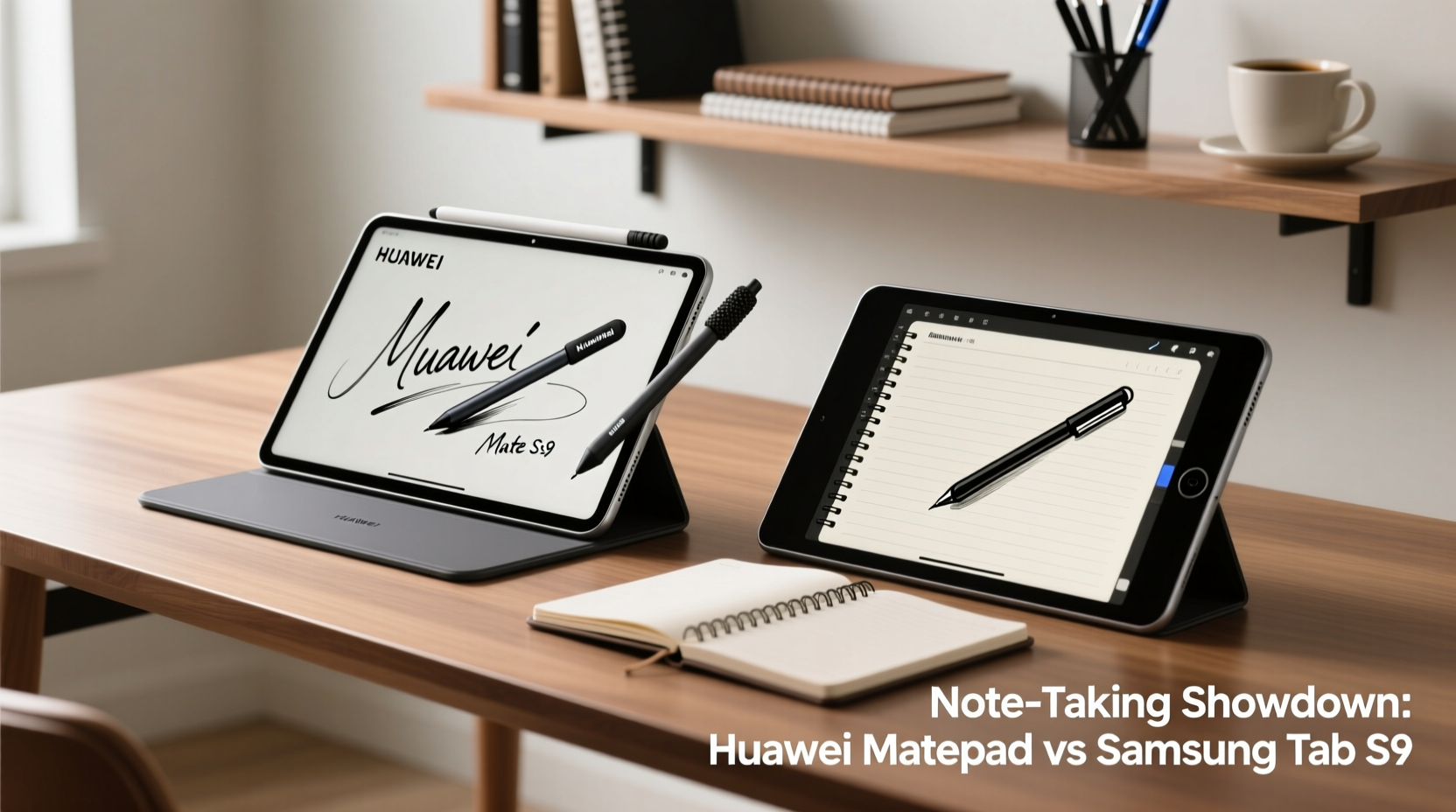
The physical experience of using a tablet for extended note-taking—whether during lectures, meetings, or brainstorming sessions—depends heavily on design and weight distribution. The Samsung Galaxy Tab S9 features an aluminum unibody construction, giving it a sleek, premium feel. It weighs approximately 580g (Wi-Fi model), which is manageable but can become fatiguing when held in landscape mode for over an hour without support.
In contrast, the Huawei MatePad Pro (particularly the 11-inch or 12.6-inch variants) uses a magnesium alloy frame, making it slightly lighter at around 507g for the 11-inch model. Its thinner bezels and balanced weight distribution make it more comfortable for handheld use. However, the absence of an integrated keyboard folio like Samsung’s Book Cover Keyboard means users often need third-party accessories to achieve a laptop-like setup.
Stylus Technology: Latency, Pressure Sensitivity, and Palm Rejection
The stylus is the heart of any digital note-taking experience. Here, the differences between Huawei’s M-Pencil (3rd gen) and Samsung’s S Pen (built-in with Tab S9) become critical.
Samsung’s S Pen boasts **ultra-low latency of 2.8ms**, one of the fastest in the industry. It supports **8,192 levels of pressure sensitivity** and advanced tilt detection, allowing artists and note-takers to vary line thickness naturally. The palm rejection is nearly flawless thanks to Wacom’s EMR technology and Samsung Notes’ tight integration. The S Pen stores magnetically on the back of the Tab S9 and charges wirelessly, eliminating the hassle of battery replacements.
Huawei’s M-Pencil (3rd generation) also delivers excellent performance with **2ms latency** and **8,192 pressure levels**, matching Samsung on paper. It attaches magnetically to compatible MatePads and charges via contact. In real-world use, testers report minimal lag, but some note a slightly “slicker” tip feel compared to the S Pen’s textured nib. Palm rejection on HarmonyOS is good but not as consistently reliable as Samsung’s implementation, especially when writing quickly or resting the hand near the screen edge.
“Low latency isn’t just about speed—it’s about psychological comfort. When your strokes appear instantly, your brain stops noticing the tool.” — Dr. Lin Zhou, Human-Computer Interaction Researcher, University of Seoul
Software Ecosystem: Note-Taking Apps and Integration
Hardware is only half the story. The software environment determines how efficiently you can capture, organize, and retrieve notes.
Samsung’s **Samsung Notes** is a powerhouse for productivity. It supports:
- Real-time handwriting-to-text conversion
- Voice-linked notes (recordings synced to handwritten timestamps)
- Shape recognition for diagrams
- Seamless sync across Galaxy devices via Samsung Cloud
- PDF annotation with precise pen control
Huawei relies on **Nebo by MyScript** as its flagship note-taking app on higher-end MatePads. Nebo excels in intelligent handwriting recognition, converting cursive and complex equations into typed text with impressive accuracy. It supports multi-column layouts, drag-and-drop organization, and gesture-based editing (e.g., scratch-out to delete). However, Nebo is not pre-installed on all Huawei tablets and may require manual download. Other apps like Huawei Notes exist but lack advanced features.
One major limitation for Huawei is the absence of Google Mobile Services (GMS). This restricts access to popular cross-platform tools like Google Keep, OneNote (without workarounds), and full Dropbox integration. Users must rely on Huawei’s Petal Cloud or sideload apps—a barrier for those already embedded in Google’s ecosystem.
Performance and Battery Life Under Real Workloads
Note-taking may seem lightweight, but modern workflows involve multitasking: referencing PDFs, watching lectures, annotating slides, and syncing cloud data—all while writing continuously.
The Tab S9 is powered by the **Snapdragon 8 Gen 2 for tablets**, ensuring smooth performance even with heavy multitasking. Its 8,400mAh battery typically lasts 10–12 hours of mixed use, including 4–5 hours of active stylus input. Fast charging brings it from 0 to 50% in under 30 minutes.
Huawei’s MatePad Pro models use the **Kirin 9000S** chip (availability varies by region), which performs well but doesn’t quite match the Snapdragon in sustained workloads. The 10,050mAh battery in the 12.6-inch model offers longer life—up to 14 hours of video playback—but real-world stylus-heavy usage averages around 7–8 hours due to aggressive background syncing in HarmonyOS.
Thermal management also plays a role. The Tab S9 rarely exceeds warm-to-the-touch levels, even after prolonged use. Some MatePad users report noticeable warmth around the upper bezel during long writing sessions, potentially affecting grip comfort.
Detailed Comparison Table: Key Features for Note-Takers
| Feature | Samsung Galaxy Tab S9 | Huawei MatePad Pro (12.6\") |
|---|---|---|
| Stylus Included | Yes (S Pen, magnetic attach & charge) | Yes (M-Pencil 3rd gen, sold separately in some regions) |
| Pen Latency | 2.8ms | 2ms |
| Pressure Levels | 8,192 | 8,192 |
| Palm Rejection | Excellent (Wacom + Samsung Notes) | Good (occasional interference) |
| Main Note App | Samsung Notes | Nebo by MyScript |
| Google Services | Full support | No GMS; limited app availability |
| Battery Life (active use) | 8–10 hours | 7–9 hours |
| Weight | 580g | 507g (11”) / 605g (12.6”) |
| Display Size & Type | 11” LTPS LCD / 12.4” OLED | 11” or 12.6” OLED |
| Price Range (USD) | $699–$1,099 | $599–$999 |
Mini Case Study: A Medical Student’s Workflow
Alex, a third-year medical student at Johns Hopkins, uses his tablet daily to annotate lecture slides, diagram anatomical systems, and review research papers. He tested both devices over a six-week rotation.
With the **Tab S9**, Alex appreciated the seamless integration of Samsung Notes with his Galaxy phone. Voice-linked notes allowed him to replay key moments during pathology lectures while reviewing his handwritten summaries. The low latency made drawing intricate nerve pathways feel natural. Syncing via Samsung Cloud meant he could start notes in class and continue refining them on his phone during commutes.
Switching to the **MatePad Pro**, Alex was impressed by Nebo’s equation recognition—handwriting complex biochemical formulas converted accurately into digital text. However, he struggled to access shared Google Docs in real time and had to export notes manually to share with study groups. The lack of Google Drive auto-sync became a recurring bottleneck.
Verdict: While the MatePad offered compelling AI-powered writing features, the Tab S9’s ecosystem integration gave Alex a smoother, more efficient workflow.
Actionable Checklist: Choosing the Right Tablet for Your Note-Taking Needs
Use this checklist to determine which device aligns best with your habits:
- Evaluate your ecosystem: Do you use Android phones, Windows PCs, or Apple devices? Samsung offers better cross-device continuity if you’re in the Galaxy universe.
- Test palm rejection: Try writing for 5 minutes with your hand on the screen. Does the device ignore touch accurately?
- Check app availability: Can your preferred note-taking app (OneNote, Notability, GoodNotes) run smoothly? Huawei users may face limitations.
- Assess stylus convenience: Is the pen stored securely? Does it charge automatically?
- Consider long-term costs: Is the stylus included? Are replacement nibs affordable and available?
- Simulate real use: Hold the tablet for 15 minutes in your usual position. Does it feel balanced?
Frequently Asked Questions
Can I use the Huawei M-Pencil on older MatePad models?
The 3rd-gen M-Pencil is backward compatible with select earlier models like the MatePad Pro 10.8 and 12.6 (2021), but features like ultra-low latency may not be fully supported. Always verify compatibility before upgrading.
Is the S Pen worth it for non-artists?
Absolutely. Even basic note-takers benefit from pressure sensitivity and low latency. Features like instant memo (taking notes with the pen even when the screen is off) and Air Commands enhance productivity beyond drawing.
Does Nebo work offline on Huawei tablets?
Yes, Nebo supports full offline functionality, including handwriting recognition and export. However, cloud sync requires internet and may be limited depending on your installed services.
Final Verdict: Which Tablet Wins for Note-Taking?
Both the Huawei MatePad and Samsung Galaxy Tab S9 deliver high-end stylus experiences, but they serve different user profiles.
The **Samsung Tab S9** is the superior choice for most serious note-takers. Its combination of best-in-class S Pen, mature Samsung Notes app, full Google integration, and robust ecosystem makes it ideal for students, professionals, and anyone who values reliability and cross-device harmony. The inclusion of the S Pen in the box adds further value.
The **Huawei MatePad** shines in niche areas—particularly for users who prioritize AI-driven handwriting conversion (via Nebo) and prefer a slightly lighter build. It’s also often priced lower, making it attractive for budget-conscious buyers. However, the lack of Google services remains a significant drawback for mainstream users, especially those relying on cloud collaboration.
Conclusion: Make the Write Choice
Selecting between the Huawei MatePad and Samsung Tab S9 isn’t just about specs—it’s about how seamlessly the device fits into your daily rhythm of thinking, capturing, and organizing ideas. For consistent performance, ecosystem cohesion, and professional-grade note-taking tools, the Samsung Tab S9 stands out as the more complete package. But if you're deeply invested in Huawei’s ecosystem or need advanced handwriting intelligence and are willing to navigate app limitations, the MatePad remains a strong contender.
Ultimately, the best tablet is the one you’ll use every day without friction. Test both if possible, focus on real-world writing comfort, and prioritize software that enhances—not hinders—your thought process. Your next great idea deserves a tool that keeps up.




 浙公网安备
33010002000092号
浙公网安备
33010002000092号 浙B2-20120091-4
Comments
No comments yet. Why don't you start the discussion?