
When you start a group conversation on your iPhone, you might not think twice about whether it’s using iMessage or SMS. But behind that simple blue or green bubble lies a major distinction in functionality, privacy, and user experience. Understanding the real difference between iMessage group chats and traditional text (SMS/MMS) group chats isn’t just technical trivia—it affects how securely you communicate, what features are available, and even how much data you use.
With over 1.5 billion active iPhones in use globally, group messaging is a daily ritual for families, coworkers, friends, and event planners. Yet many users still treat all messages the same, unaware of the trade-offs they’re making when their messages appear in green instead of blue. Let’s break down exactly how these two systems work, where they differ, and how to choose the right one for your needs.
How iMessage and SMS Group Chats Work Differently
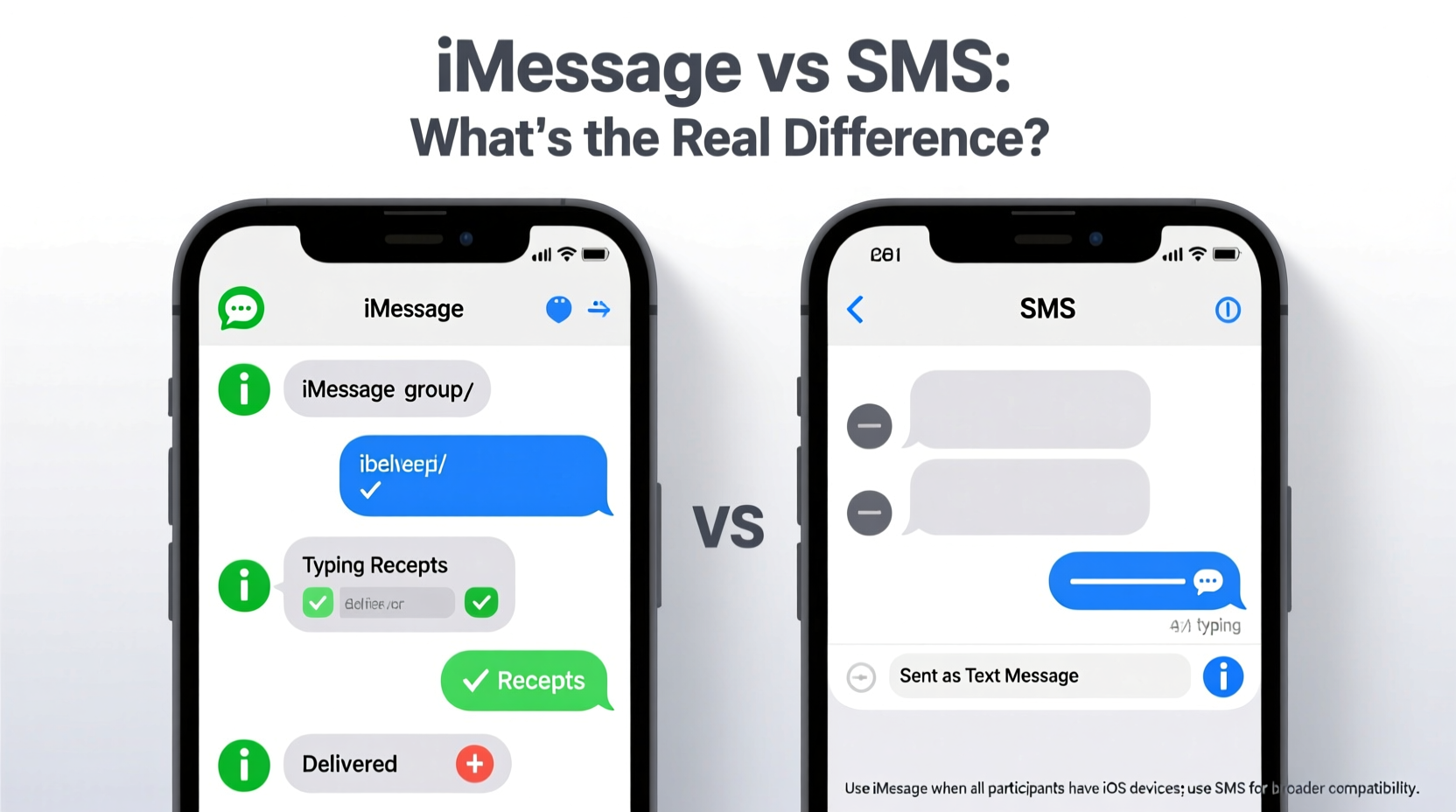
The most visible clue—color-coded bubbles—is also the key to understanding the underlying technology. Blue bubbles mean the message is sent via iMessage, Apple’s internet-based messaging platform. Green bubbles indicate SMS/MMS, the older cellular text standard.
iMessage uses your Wi-Fi or cellular data connection to send messages through Apple’s servers. It supports rich media, read receipts, typing indicators, and end-to-end encryption. Because it relies on data, iMessage works only between Apple devices. If one person in your group chat uses an Android phone, the entire thread reverts to SMS mode—even if the other nine participants are on iPhones.
SMS (Short Message Service) and MMS (Multimedia Messaging Service) operate through your carrier’s network. These protocols predate smartphones and have strict limits: 160 characters per SMS, low-resolution image sharing via MMS, no typing indicators, and minimal metadata. Crucially, SMS is not encrypted by default, meaning your carrier—and potentially third parties—can access message content.
Feature Comparison: iMessage vs SMS in Group Settings
The gap between iMessage and SMS becomes especially apparent in group conversations. Below is a detailed comparison of core features:
| Feature | iMessage Group Chat | SMS/MMS Group Chat |
|---|---|---|
| Bubble Color | Blue | Green |
| Encryption | End-to-end encrypted | No encryption (carrier-level only) |
| Typing Indicators | Yes (… appears when someone types) | No |
| Read Receipts | Yes (if enabled) | No |
| Media Quality | Full resolution photos, videos, audio | Compressed, often pixelated |
| Group Naming | Yes (custom names and icons) | No |
| @Mentions | Yes (tap a name to highlight) | No |
| Leave Group | Yes (option to exit) | No (you stay unless blocked) |
| Data Usage | Uses Wi-Fi or data plan | Uses SMS/MMS allowances |
| Cross-Platform Sync | Syncs across iPhone, iPad, Mac | Limited to phone only |
This table reveals more than just feature parity—it highlights how iMessage transforms group communication into a richer, more interactive experience. For example, being able to @mention someone ensures they see a critical update in a busy thread. Leaving a group prevents endless notifications from outdated planning threads. And high-quality photo sharing means vacation snaps don’t arrive as blurry thumbnails.
Privacy and Security: A Critical Difference
“Unlike SMS, iMessage provides true end-to-end encryption, meaning not even Apple can read your messages.” — Bruce Schneier, Cybersecurity Expert
Security is where iMessage significantly outperforms SMS. Every iMessage—including group chats—is protected with end-to-end encryption. Messages are encrypted on your device and decrypted only on recipients’ devices. Even Apple cannot access the content.
In contrast, SMS messages travel through carriers' networks in plain text. They can be intercepted via SS7 vulnerabilities, stored on carrier servers, or accessed through SIM-swapping attacks. Law enforcement agencies routinely obtain SMS records without a warrant in many jurisdictions.
For sensitive discussions—planning a surprise party, coordinating family logistics, or discussing health matters—this distinction matters. A green bubble in a group chat means every message lacks encryption and could be exposed.
Real-World Example: Planning a Family Reunion
Consider Sarah, who’s organizing a family reunion for 15 relatives. She creates a group chat titled “Camp Lakeview 2024” on her iPhone. Twelve relatives have iPhones; three use Android phones.
Because of the three Android users, the entire group defaults to SMS. Sarah notices immediately: no group name appears, photos come through grainy, and she can’t @mention her sister to confirm dietary restrictions. Worse, when her cousin texts his home address for carpool coordination, that information travels unencrypted through multiple carrier networks.
Frustrated, Sarah creates a separate iMessage-only group with just the iPhone users for logistical planning and keeps the larger SMS group for basic updates. While functional, this split approach leads to miscommunication—one aunt misses a schedule change because she wasn’t in the “inner loop” group.
This scenario illustrates a common pain point: mixed-device groups undermine the benefits of modern messaging. The solution? Encourage consistent platform use or adopt cross-platform apps like WhatsApp or Signal for full feature parity.
When to Use Each Type of Group Chat
Choosing between iMessage and SMS isn’t about superiority alone—it’s about context. Here’s a practical guide:
- Use iMessage group chat when: All participants use Apple devices, you need high-quality media sharing, want to name the group, value privacy, or rely on features like @mentions and read receipts.
- Use SMS group chat when: At least one member uses Android, data connectivity is unreliable, or you're sending time-sensitive alerts where delivery certainty matters more than features.
Keep in mind: SMS has one advantage—universal deliverability. Even without internet, SMS usually goes through. During emergencies or travel in remote areas, that reliability can outweigh the lack of features.
FAQ: Common Questions About iPhone Group Messaging
Why does my group chat turn green when everyone has an iPhone?
Possible reasons include: one participant has iMessage turned off, is out of data/Wi-Fi range, or the group was initially created with an external number. Check Settings > Messages > Send & Receive to verify iMessage status.
Can I encrypt SMS messages on iPhone?
No. Standard SMS cannot be encrypted on iOS. For encrypted messaging with Android users, use third-party apps like Signal or WhatsApp, which offer end-to-end encryption regardless of device type.
Does leaving an iMessage group remove me from SMS?
No. You can leave iMessage groups, but SMS/MMS group chats don’t support exit functions. You’ll continue receiving messages unless you block the number or ask others to exclude you.
Step-by-Step: Optimize Your Group Chat Experience
- Check device compatibility: Confirm which group members use iPhone vs. Android.
- Create separate threads if needed: Use iMessage for internal planning among iPhone users, SMS for broad announcements.
- Name your iMessage group: Tap the group icons > Info > Group Name to add clarity.
- Use @mentions: Type \"@\" followed by a name to highlight important messages.
- Leave inactive groups: Tap Info > Leave This Conversation to stop notifications.
- Switch platforms if necessary: For long-term mixed-device groups, consider moving to WhatsApp or Signal.
Conclusion: Make Informed Choices for Better Communication
The choice between iMessage and SMS group chats isn’t just cosmetic—it shapes how securely, efficiently, and clearly you communicate. iMessage offers modern features and strong privacy, but only within the Apple ecosystem. SMS ensures broad reach but at the cost of security and functionality.
By understanding these differences, you can make intentional choices: create smarter groups, protect sensitive information, and avoid frustration caused by missing features. Whether you’re coordinating a weekend trip or managing a project team, the right messaging tool makes all the difference.




 浙公网安备
33010002000092号
浙公网安备
33010002000092号 浙B2-20120091-4
Comments
No comments yet. Why don't you start the discussion?