
Choosing the right printer for home use isn't just about upfront cost or print speed—it's about understanding the real expense over time. While inkjet and laser printers both serve common household needs like school assignments, bills, and personal documents, their operating costs can vary dramatically. The key to making a smart decision lies in analyzing the cost per page, which includes ink or toner, paper, maintenance, and longevity. This article breaks down every component of that equation with real-world data, helping you determine which technology truly saves money in the long run.
Understanding Cost Per Page: What It Really Means
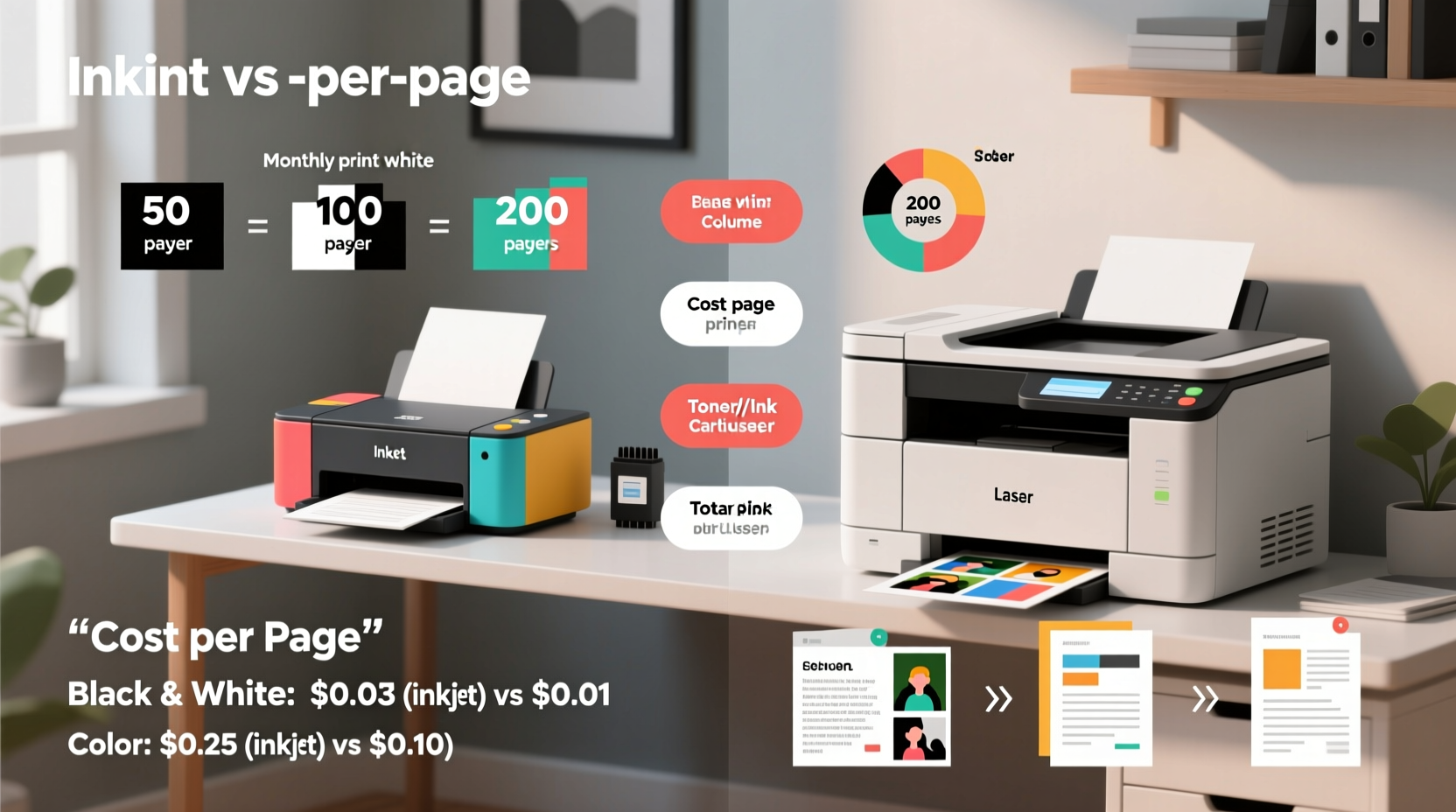
The cost per page (CPP) is the total expense of printing one sheet of paper, factoring in consumables like ink or toner, paper, and occasional maintenance. While manufacturers often advertise low-cost printers—sometimes under $50—the true financial impact emerges after months of regular use. A printer with a low initial price may end up costing significantly more if its cartridges are expensive or yield few pages.
For example, a budget inkjet might come with starter cartridges rated for only 150 pages, forcing early replacements at premium prices. In contrast, a slightly more expensive laser printer could include a toner cartridge rated for 1,500–2,000 pages, offering far better value over time. To calculate CPP:
- Determine the cost of a replacement cartridge (ink or toner).
- Check the manufacturer’s stated page yield (number of pages per cartridge).
- Divide the cartridge cost by the page yield.
This gives you the approximate cost per page for that specific consumable. However, real-world usage often yields fewer pages than advertised, so it’s wise to apply a 10–20% buffer when estimating actual costs.
Inkjet Printers: Strengths and Hidden Costs
Inkjet printers dominate the entry-level market due to their low purchase price and excellent photo printing capabilities. They work by spraying liquid ink onto paper through tiny nozzles, allowing for high-resolution color output ideal for family photos, school projects, and creative designs.
However, their operational efficiency raises concerns. Most consumer-grade inkjets use small, proprietary cartridges that deplete quickly. For instance, a standard black ink cartridge priced at $25 with a 200-page yield results in a cost per page of $0.125—more than 12 cents per sheet. Color printing increases this cost exponentially, especially when using all four CMYK cartridges.
Another issue is ink drying. If an inkjet sits idle for weeks, the nozzles can clog, requiring cleaning cycles that waste ink. Some models even prompt automatic cleanings during startup, further reducing cartridge life. Maintenance kits, printhead replacements, and frequent cartridge swaps add hidden costs not apparent at purchase.
Despite these drawbacks, modern inkjets have improved. Models with refillable tanks—such as Epson’s EcoTank series—offer dramatically lower CPP by eliminating disposable cartridges. These systems use bottled ink to fill internal reservoirs, with yields exceeding 4,000 black-and-white pages per bottle set. At around $30 for a full set, the black CPP drops below $0.01 per page—rivaling even laser printers.
Laser Printers: Efficiency and Long-Term Value
Laser printers use powdered toner fused to paper via static charge and heat. They excel in speed, reliability, and consistency—especially for text-heavy documents. Most home laser models handle 20+ pages per minute and produce crisp, smudge-resistant output ideal for reports, invoices, and official forms.
Toner cartridges typically last much longer than ink cartridges. A standard black toner cartridge priced at $60 with a 1,500-page yield results in a CPP of $0.04—less than half the cost of many traditional inkjets. High-capacity options push this even lower; some yield 3,000+ pages for under $90, bringing CPP down to ~$0.03.
Laser printers also suffer less from idle-related issues. Toner doesn’t dry out, so leaving the printer unused for months won’t compromise performance. Additionally, they require less frequent maintenance, with drum units lasting tens of thousands of pages before needing replacement.
The trade-offs? Laser printers are generally more expensive upfront—often starting at $150 for monochrome models and $200+ for color versions. Color laser toner is notably costly, making them less economical for photo or graphic-rich printing. Also, laser printers consume more energy during operation due to heating elements, though standby power usage is minimal.
“Laser printers offer superior cost efficiency for document-heavy households. If you're printing more than 100 pages a month, the break-even point versus inkjet is usually under six months.” — David Lin, Office Technology Analyst at ConsumerPrint Insights
Comparative Analysis: Inkjet vs Laser Cost Breakdown
To illustrate the differences, consider two realistic scenarios using mid-tier home printers over a three-year period, assuming average monthly usage:
| Factor | Inkjet (Standard Cartridge) | Inkjet (EcoTank Refillable) | Laser (Monochrome) | Laser (Color) |
|---|---|---|---|---|
| Avg. Upfront Cost | $60 | $200 | $170 | $250 |
| Black CPP (Est.) | $0.12 | $0.01 | $0.04 | $0.05 |
| Color CPP (Est.) | $0.20 | $0.02 | N/A | $0.15 |
| Monthly Pages (B&W) | 100 | 100 | 100 | 100 |
| Monthly Pages (Color) | 20 | 20 | 0 | 20 |
| Annual Consumable Cost | $168 | $14 | $48 | $126 |
| 3-Year Total Cost | $564 | $242 | $314 | $628 |
As shown, standard inkjets incur the highest long-term costs despite their low initial price. Refillable inkjet systems like EcoTank drastically reduce CPP, making them competitive with lasers for mixed-use homes. Monochrome lasers remain the most economical for text-only environments, while color lasers become viable only when high-volume color printing is essential.
Mini Case Study: The Thompson Family’s Printer Dilemma
The Thompsons, a family of four in suburban Ohio, replaced their aging inkjet after noticing rising cartridge costs. Their two children printed weekly homework, science fair posters, and occasional photos. Over 18 months, they spent $220 on replacement cartridges alone—nearly triple the printer’s original cost.
They switched to an Epson EcoTank ET-2800. Though it cost $210 upfront, the included ink bottles lasted over two years. With only one additional $35 bottle set needed for heavy holiday printing, their annual consumable cost dropped to $17.50. Meanwhile, their neighbor, who chose a $120 color laser, spends $110 annually on toner despite similar usage—proof that upfront savings don’t always translate to long-term value.
Choosing the Right Option: A Practical Checklist
Use this checklist to evaluate your needs and select the most cost-effective printer type:
- Do you print mostly text documents? → Lean toward a monochrome laser printer.
- Do you frequently print color photos or creative projects? → Consider a refillable inkjet (EcoTank, MegaTank) or high-yield color inkjet.
- Is your printing volume low (under 50 pages/month)? → A basic inkjet may suffice, but avoid models with expensive cartridges.
- Do you hate replacing cartridges? → Choose a tank-based inkjet or high-yield laser model.
- Are you sensitive to upfront cost? → Weigh long-term savings—spending more now can save hundreds later.
- Do you leave your printer unused for weeks? → Avoid standard inkjets; opt for laser or tank-style models resistant to clogging.
- Is space or noise a concern? → Inkjets are generally smaller and quieter than lasers.
Maximizing Printer Longevity and Reducing Costs
Regardless of technology, certain habits can extend your printer’s life and reduce per-page costs:
- Print in draft mode for internal documents. This reduces ink/toner usage by up to 50% without sacrificing readability.
- Use duplex (two-sided) printing. Cuts paper costs in half and reduces environmental impact.
- Run nozzle checks sparingly. Excessive cleaning cycles waste ink. Only perform diagnostics when print quality declines.
- Buy compatible or remanufactured cartridges carefully. Reputable third-party brands (e.g., LD Products, InkTec) offer savings of 30–60%, but avoid ultra-cheap unknowns that may damage printers.
- Keep firmware updated. Manufacturers often release efficiency improvements and bug fixes.
Frequently Asked Questions
Which printer has the lowest cost per page overall?
Refillable inkjet systems like Epson EcoTank and Canon MegaTank currently offer the lowest cost per page—often under $0.01 for black-and-white and $0.02 for color. Monochrome laser printers follow closely at ~$0.04 per page.
Can I save money by using third-party toner or ink?
Yes, but with caveats. High-quality compatible cartridges from reputable suppliers can cut costs by 30–60%. However, poorly made clones may leak, cause print defects, or void warranties. Always read user reviews and choose brands with guarantees.
Are laser printers safe for home use?
Yes. Modern home laser printers meet strict safety standards. While they emit fine particles during printing, levels are well below hazardous thresholds. Ensure adequate ventilation, especially in small rooms, and avoid placing the printer near breathing zones.
Conclusion: Make the Smart Long-Term Choice
The debate between inkjet and laser printers for home use ultimately hinges on how you print, not just what you print. If your needs center on occasional color photos and light document work, a refillable inkjet offers unbeatable value and convenience. But if you regularly churn out school papers, work documents, or multi-page reports, a monochrome laser will likely pay for itself within a year through lower consumable costs.
Ignore the sticker price. Focus instead on cost per page, expected usage, and long-term reliability. By doing so, you’ll avoid the trap of cheap printers that bleed money over time. Evaluate your household’s printing patterns honestly, invest wisely, and let data—not marketing—guide your decision.




 浙公网安备
33010002000092号
浙公网安备
33010002000092号 浙B2-20120091-4
Comments
No comments yet. Why don't you start the discussion?