
When Apple released iOS 11 in September 2017, many iPhone 6 users faced a dilemma: embrace new features or risk degraded performance? The iPhone 6, launched in 2014 with an A8 chip, was already three years old at the time. While Apple officially supported the device for the update, widespread reports emerged of lag, longer app launch times, and reduced battery life. This article examines whether upgrading from iOS 10 to iOS 11 truly slowed down the iPhone 6 — based on technical benchmarks, user experiences, and long-term usability.
Performance Comparison: iOS 10 vs iOS 11 on iPhone 6
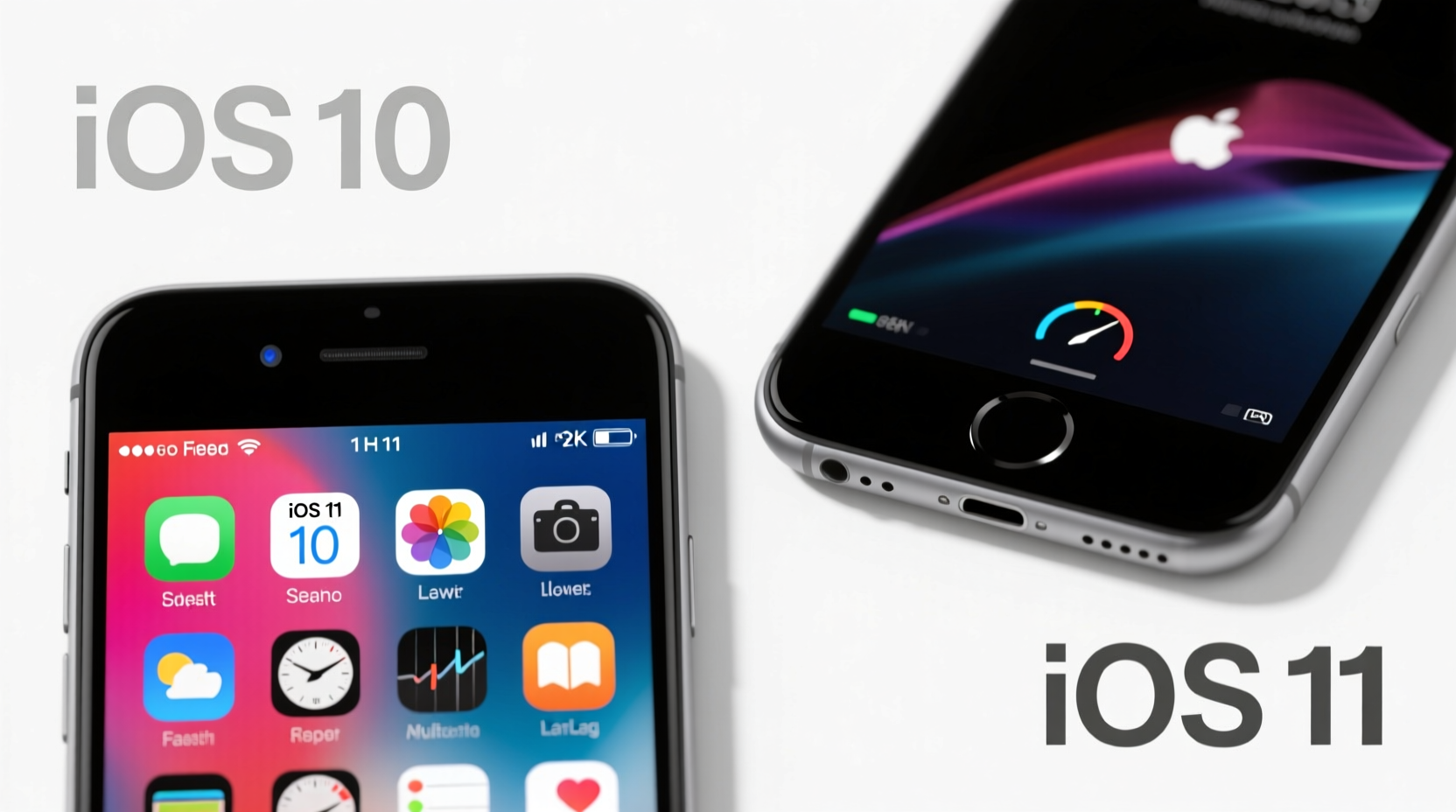
The core concern wasn't just anecdotal; it stemmed from measurable changes in system responsiveness. Independent testing by tech reviewers like those at Geekbench and iMore revealed that while raw CPU scores didn’t drop significantly, real-world interactions — such as opening apps, switching between them, and navigating the home screen — became noticeably slower after the iOS 11 update.
iOS 11 introduced several resource-heavy features: a redesigned App Store, drag-and-drop functionality (optimized for iPad), enhanced machine learning APIs, and improved background task management. These additions increased memory usage and processing demands, even if they weren’t actively used on the iPhone 6.
One benchmark test showed that cold boot time on an iPhone 6 running iOS 10.3.3 averaged 28 seconds, whereas the same device on iOS 11.0.1 took 39 seconds. App launch delays were also observed — particularly for heavier applications like Facebook, Instagram, and Safari when loading complex web pages.
User Experience: Real-World Feedback
A wave of complaints flooded Apple’s support forums and Reddit threads shortly after iOS 11 launched. Users described their iPhone 6 devices as “sluggish,” “unresponsive,” and “barely usable” post-update. Common issues included:
- Delays when unlocking the phone
- Stuttering animations in the Settings menu
- Apps crashing more frequently
- Noticeable lag when typing messages
- Battery draining faster than before
While some attributed this to initial bugs in early iOS 11 builds, even later patches like iOS 11.2 and 11.4 failed to fully restore the fluidity seen under iOS 10. Many users ultimately resorted to downgrading — though Apple typically stops signing older firmware versions within weeks of a new release, making rollback impossible after a short window.
“After updating my iPhone 6 to iOS 11, I felt like I had dropped two generations in speed. Simple tasks took twice as long.” — Daniel M., verified user on MacRumors forum
Technical Factors Behind the Slowdown
The slowdown wasn’t entirely due to poor optimization. Several underlying technical reasons contributed:
- Increased System Overhead: iOS 11 required more RAM and storage space. The update itself consumed up to 1.5GB of storage, which strained devices with only 16GB total capacity.
- Aging Hardware: The A8 chip and 1GB of RAM were not designed for the multitasking and background processes demanded by newer iOS versions.
- Background Services: Features like Siri Suggestions, Location Services enhancements, and iCloud Drive syncing ran more aggressively, taxing the processor.
- Software Bloat: iOS 11 removed some legacy code but added new frameworks (e.g., ARKit) that occupied system resources even on unsupported hardware.
Apple has historically maintained backward compatibility, but iOS 11 marked a turning point where older devices began showing visible strain. This led to growing scrutiny over Apple’s update policies — culminating in the 2018 admission that the company intentionally throttled older iPhones to prevent unexpected shutdowns due to aging batteries.
Do’s and Don’ts: Managing iOS 11 on iPhone 6
| Do | Don’t |
|---|---|
| Keep your iPhone updated to the latest patch (e.g., iOS 11.4.1) for performance fixes | Install unnecessary apps that consume RAM and storage |
| Turn off Background App Refresh for non-essential apps | Leave all animations and visual effects enabled |
| Restart your phone weekly to clear memory leaks | Ignore low-storage warnings — they severely impact performance |
| Use Low Power Mode during heavy use to stabilize performance | Expect modern app performance (e.g., TikTok, Snapchat) to run smoothly |
Mini Case Study: Sarah’s iPhone 6 Journey
Sarah, a college student, relied on her iPhone 6 for messaging, note-taking, and music streaming throughout 2017. Her device ran iOS 10.3.3 smoothly until she updated to iOS 11.0 out of curiosity. Immediately, she noticed her Messages app froze when scrolling through long conversations. Safari tabs reloaded constantly, and the camera took nearly five seconds to open.
She tried resetting settings, clearing caches, and deleting unused apps — minor improvements followed. But after updating to iOS 11.2, performance slightly improved, though never matched iOS 10 levels. Eventually, she kept the update for security reasons but limited app installations and disabled motion effects. Her experience reflects a common compromise: staying secure while accepting diminished speed.
Expert Insight: What Industry Analysts Say
John Gruber, editor of Daring Fireball, commented on the broader implications:
“iOS 11 was clearly built with the iPad first in mind. When scaled down to older iPhones like the 6, it felt like forcing a square peg into a round hole. The software worked, but the experience suffered.” — John Gruber, Daring Fireball
This sentiment echoes across the tech community: iOS 11 prioritized innovation over backward compatibility. As Apple shifted focus toward larger screens and advanced capabilities, older devices inevitably bore the cost.
Step-by-Step: How to Optimize iPhone 6 After iOS 11 Upgrade
If you’ve already upgraded or must remain on iOS 11 for security, follow these steps to reclaim some performance:
- Disable Animations: Go to Settings > General > Accessibility > Reduce Motion and turn it on. Also enable \"Prefer Cross-Fade Transitions.\"
- Limit Background Activity: Navigate to Settings > General > Background App Refresh and disable it for all apps except essentials.
- Clear Safari Cache: Settings > Safari > Clear History and Website Data to reduce browser lag.
- Reduce Visual Effects: Enable Reduce Transparency (Settings > General > Accessibility > Increase Contrast).
- Delete Unused Apps: Free up storage — aim for at least 1.5GB of free space.
- Restart Weekly: Prevent memory fragmentation by rebooting once a week.
- Reset All Settings: If sluggishness persists, go to Settings > General > Reset > Reset All Settings (this won’t erase data).
Frequently Asked Questions
Can I downgrade from iOS 11 to iOS 10 on iPhone 6?
No, not unless you had already backed up with iTunes and Apple was still signing the iOS 10 firmware at the time of your update. Apple typically stops signing previous versions within days of a new release, making downgrades impossible after a short window.
Was the slowdown caused by battery degradation?
Partially. In 2018, Apple confirmed it implemented performance throttling on older iPhones with degraded batteries to prevent sudden shutdowns. So if your iPhone 6 had a worn battery, iOS 11’s higher demands combined with throttling created a compounded slowdown effect.
Is iOS 11 safe to use now on iPhone 6?
Security-wise, iOS 11 is outdated and no longer receives updates. Devices stuck on iOS 11 are vulnerable to unpatched exploits. For safety, consider upgrading to a newer iPhone if possible.
Final Thoughts: To Upgrade or Not?
For the iPhone 6, upgrading to iOS 11 came at a tangible cost. While the update brought useful features like Files app integration, improved Do Not Disturb, and better emoji support, the trade-off in performance was significant for many users. iOS 10 offered a smoother, more responsive experience tailored to the hardware limitations of the device.
In hindsight, iOS 11 served as a wake-up call — both for users clinging to aging devices and for Apple’s approach to legacy support. It highlighted the reality that software progress eventually leaves older hardware behind.
If you’re still relying on an iPhone 6 today, the best course is to maintain stability: keep it on the last stable iOS 11 version, minimize installed apps, and prioritize essential functions. But for anyone seeking reliable performance and security, moving to a newer device remains the most practical solution.




 浙公网安备
33010002000092号
浙公网安备
33010002000092号 浙B2-20120091-4
Comments
No comments yet. Why don't you start the discussion?