
For students navigating digital learning, note-taking, creative projects, and multitasking, choosing the right iPad can significantly impact productivity and satisfaction. Two of Apple’s most popular tablets—the iPad Air 5 and the iPad Pro 11—often top the list. While both offer powerful performance and excellent displays, a key differentiator lies in the iPad Pro’s ProMotion technology. But is this high-refresh-rate display truly essential for student use? Or does the more affordable iPad Air 5 deliver enough value to make the Pro an unnecessary splurge?
This article breaks down the core differences between these devices, focusing specifically on how features like ProMotion affect real-world student workflows—from annotating PDFs to sketching diagrams or watching lectures. By examining performance, display quality, accessories, battery life, and long-term value, we aim to help students make a smarter, budget-conscious decision.
Understanding ProMotion: What It Is and Why It Matters
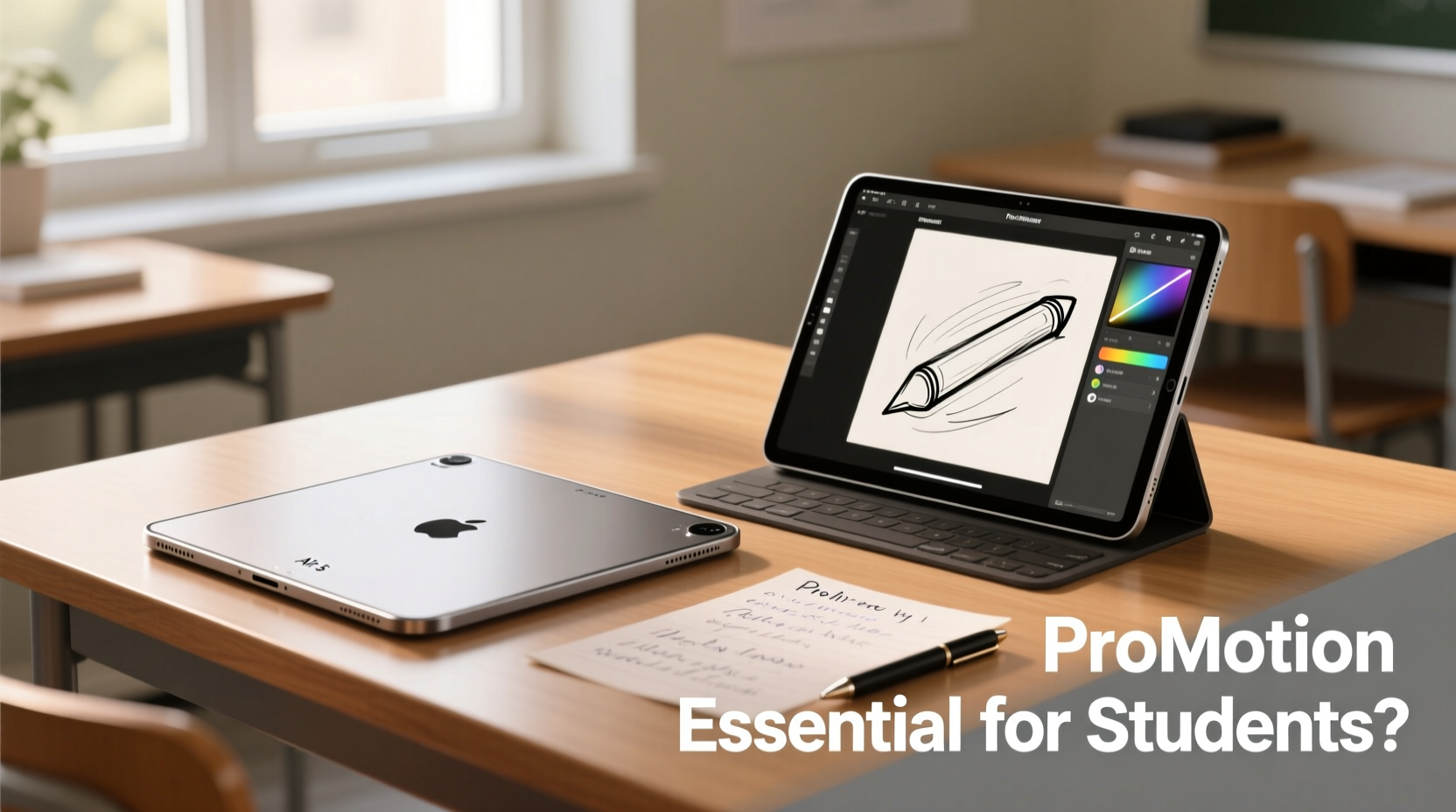
ProMotion is Apple’s branding for adaptive refresh rate technology that allows the iPad Pro’s display to dynamically adjust from 24Hz up to 120Hz based on content. In practice, this means smoother scrolling, faster app transitions, and notably more responsive stylus input when using the Apple Pencil. On standard 60Hz displays—like the one found on the iPad Air 5—these interactions are still functional but lack the fluidity that many users describe as “effortless.”
The benefit of ProMotion becomes especially apparent during tasks involving continuous input, such as handwriting or drawing. When taking lecture notes with the Apple Pencil, the reduced latency and enhanced tracking precision on a 120Hz screen mean your strokes appear almost instantaneously, mimicking the feel of pen-on-paper far more closely than a 60Hz panel.
“High refresh rates don’t just improve aesthetics—they reduce cognitive load by making interactions feel more natural. For students writing extensively or creating visual content, that difference adds up over time.” — Dr. Lin Chen, Human-Computer Interaction Researcher, MIT Media Lab
However, for students whose primary use includes reading e-books, browsing, watching videos, or light typing, the absence of ProMotion may go largely unnoticed. The human eye adapts quickly, and while the smoothness is objectively better on the Pro, it isn’t always functionally critical.
Performance and Hardware Comparison
Under the hood, both tablets are impressively capable. The iPad Air 5 runs on Apple’s M1 chip—the same processor used in early M1 MacBooks and the previous generation iPad Pro. This gives it exceptional speed for everyday academic tasks: running multiple apps simultaneously, editing documents, streaming video, and handling complex spreadsheets or coding environments.
The iPad Pro 11 (6th gen, 2024) also uses the M2 chip, which offers incremental improvements in CPU and GPU performance, along with better machine learning capabilities and enhanced memory bandwidth. In real-world usage, though, the difference between M1 and M2 is negligible for most student applications. Unless you're rendering 3D models, editing 4K video, or training AI models on-device, the extra power won’t be noticeable.
| Feature | iPad Air 5 | iPad Pro 11 |
|---|---|---|
| Chip | M1 | M2 |
| Display Refresh Rate | 60Hz | 120Hz (ProMotion) |
| Display Type | Liquid Retina (LED-backlit) | Mini-LED XDR (on some models), otherwise OLED |
| Apple Pencil Support | Hover & USB-C pairing (Pencil 2) | Hover, tilt sensitivity, low latency (Pencil 2) |
| Face ID | Yes | Yes |
| Port | USB-C (Gen 2) | USB-C (Thunderbolt) |
| Starting Price (Wi-Fi) | $599 | $799 |
One often-overlooked advantage of the iPad Pro is its Thunderbolt port, which enables faster data transfers—useful if you’re moving large project files or connecting external drives. However, most students won’t require this level of throughput regularly.
Real-World Student Use Cases: Does ProMotion Make a Difference?
To assess whether ProMotion is essential, consider how students actually use their iPads day-to-day. Let’s examine three common scenarios:
Note-Taking and Annotating PDFs
Students in law, medicine, or engineering often annotate dense textbooks and research papers. Using apps like GoodNotes or Notability, they highlight text, add margin notes, and draw diagrams directly on screen. With ProMotion, every stroke feels immediate and precise. There’s less perceived lag between pencil movement and ink appearance, reducing fatigue during extended sessions.
In contrast, the iPad Air 5 performs well here too, but users accustomed to ProMotion often report a slight “disconnect” when switching back—especially when writing quickly or sketching curves.
Drawing and Visual Learning
For design, architecture, or biology students who rely on freehand drawing, ProMotion provides a tangible edge. The higher refresh rate improves pressure and tilt responsiveness, crucial for shading or fine detail work. Animators or illustration students working frame-by-frame will notice smoother playback and more accurate brush behavior.
Reading and Video Consumption
When consuming content—watching recorded lectures, reading articles, or viewing slides—both devices perform similarly. Most video content is capped at 30 or 60fps, so the 120Hz display doesn’t provide a visible upgrade. Scrolling through web pages or e-books is smoother on the Pro, but not dramatically so for average users.
Case Study: Medical Student Using iPad for Anatomy Studies
Amy, a second-year medical student at Johns Hopkins, uses her iPad daily for reviewing anatomical diagrams, annotating dissection guides, and practicing muscle labeling. She started with an iPad Air 5 but upgraded to an iPad Pro 11 after six months.
“I didn’t think I needed ProMotion,” she said. “But once I tried the Pro, I realized how much mental effort I was spending compensating for the lag on my Air. Now, when I trace nerves or vessels from memory, the line follows my hand exactly. It’s like the tablet gets out of the way.”
Her experience highlights a subtle but important point: tools should minimize friction, not demand adaptation. For visually intensive disciplines, that reduction in cognitive strain can improve retention and efficiency.
Accessories, Ecosystem, and Longevity
Both iPads support the second-generation Apple Pencil and Magic Keyboard Folio. The newer Pencil with USB-C charging works seamlessly with both, offering hover detection and easy pairing. Students who type frequently—such as those writing essays or coding—will appreciate the near-laptop experience the Magic Keyboard delivers.
However, there’s a cost consideration. Adding an Apple Pencil ($129) and keyboard ($299) brings the total for either device close to $1,000–$1,200. At that point, the base price difference between the Air and Pro shrinks in relative terms, but the initial barrier remains lower with the Air.
In terms of longevity, both devices are built to last. They receive iPadOS updates for approximately five to seven years. Given that the M1 chip still outperforms most Android tablets and even some laptops, the iPad Air 5 is unlikely to feel outdated during a typical four-year degree program.
Decision Checklist: Choosing the Right iPad for You
Use this checklist to determine which iPad aligns best with your academic needs and budget:
- ✅ Do you take extensive handwritten notes or annotate many PDFs? → Favors ProMotion
- ✅ Are you in a visually intensive field (art, design, architecture, medicine)? → Favors iPad Pro
- ✅ Do you edit video, audio, or 3D models for class projects? → Favors iPad Pro
- ✅ Is your primary use reading, typing, and web browsing? → iPad Air 5 is sufficient
- ✅ Are you on a tight budget or funding your own device? → iPad Air 5 offers better value
- ✅ Do you already own an Apple Pencil or keyboard? → Factor in savings
- ✅ Will you keep the device beyond college? → Consider long-term resale value (Pro holds value slightly better)
Frequently Asked Questions
Can I tell the difference between 60Hz and 120Hz immediately?
Most users notice smoother scrolling and animations right away when switching to a 120Hz display. However, the full benefit—especially with Apple Pencil input—becomes clearer after prolonged use. Some adapt quickly; others never miss it.
Is the iPad Air 5 future-proof for a 4-year degree?
Absolutely. The M1 chip ensures compatibility with current and upcoming iPadOS features. Even demanding apps like Procreate, Adobe Fresco, and Microsoft Office run flawlessly. As long as Apple supports the device with updates, it will remain functional and fast.
Does ProMotion drain the battery faster?
Only slightly. The iPad Pro intelligently scales the refresh rate based on content, so it defaults to lower Hz when displaying static images or text. Real-world battery life between the two models is nearly identical—about 10 hours of mixed use.
Final Verdict: Is ProMotion Essential for Students?
The short answer: It depends on how you use your iPad. For students focused on traditional academics—writing papers, reading, attending virtual classes, and managing schedules—the iPad Air 5 delivers 90% of the experience at 75% of the cost. Its performance, display quality, and accessory compatibility make it an outstanding choice.
However, for students who rely heavily on visual creation, detailed annotation, or fast, precise handwriting, the iPad Pro 11’s ProMotion display removes friction in ways that compound over time. It’s not a flashy gimmick—it’s a usability enhancement that reduces fatigue and increases accuracy.
Ultimately, the decision comes down to workflow intensity and financial flexibility. If budget allows and your studies involve significant drawing or handwriting, the Pro is worth the investment. But if you're looking for a reliable, high-performance tablet without overspending, the iPad Air 5 stands as one of the best values in modern computing.




 浙公网安备
33010002000092号
浙公网安备
33010002000092号 浙B2-20120091-4
Comments
No comments yet. Why don't you start the discussion?