
Digital note taking has evolved from a niche productivity hack into a mainstream necessity—especially for students, professionals, and creatives. With the rise of remote learning, hybrid work, and mobile workflows, choosing the right tablet for handwriting, sketching, and organizing thoughts is more important than ever. Two devices frequently compared in this space are the Apple iPad Air (5th generation) and the Samsung Galaxy Tab S9 FE. Both promise premium experiences at mid-range prices, but when it comes to writing, annotating, and capturing ideas on screen, how do they truly stack up?
This article dives deep into their hardware, stylus integration, software ecosystems, and real-world usability to help you decide which tablet delivers the superior experience for digital note takers.
Design and Build: Portability Meets Durability
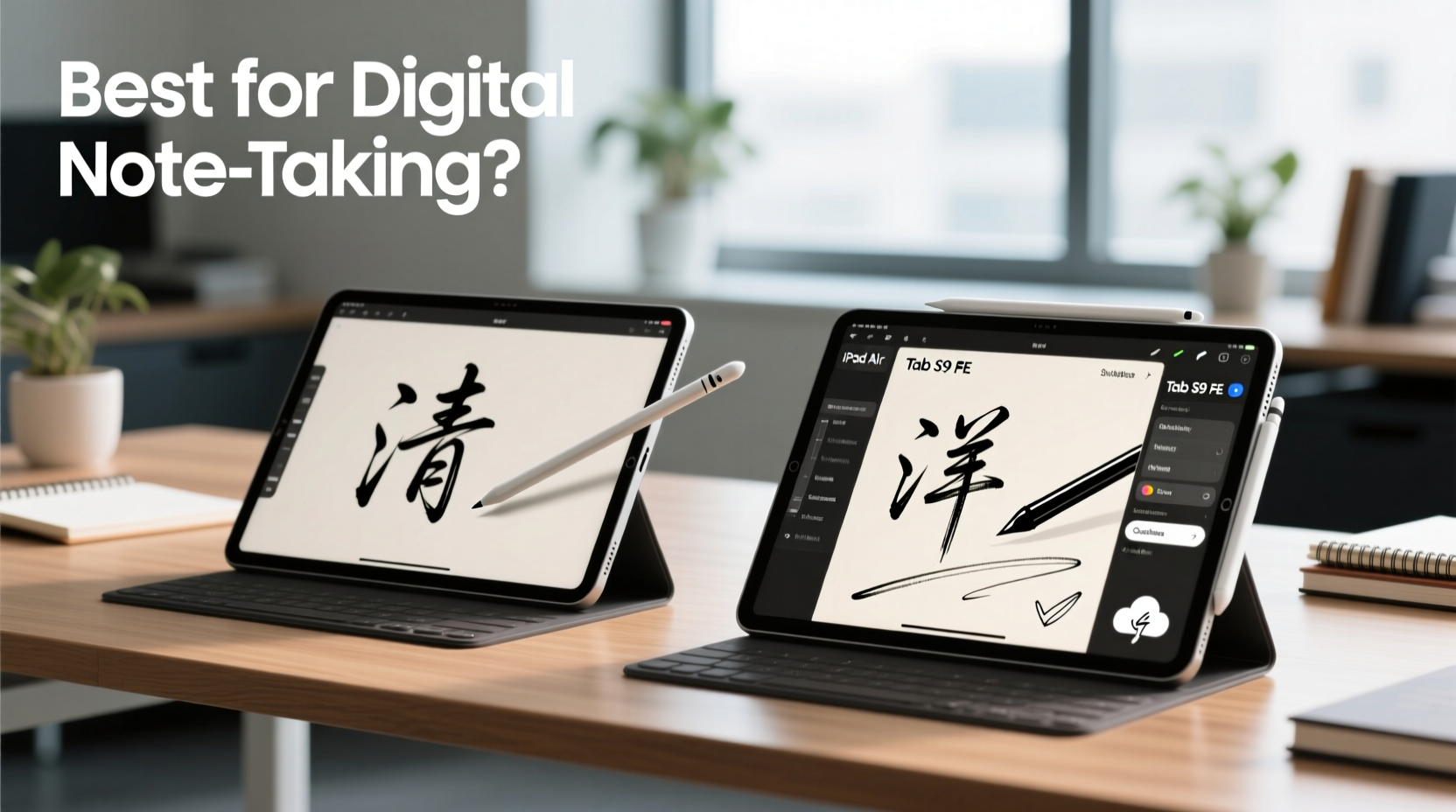
The physical design of a tablet plays a crucial role in long-term note-taking comfort. The iPad Air features an aluminum unibody construction with slim bezels and a lightweight profile—weighing just 461g (Wi-Fi model). Its flat edges and minimalist aesthetic make it easy to hold during lectures or meetings. The device supports landscape-oriented front-facing speakers and offers a 10.9-inch Liquid Retina display with P3 wide color and True Tone, enhancing readability under various lighting conditions.
The Samsung Tab S9 FE, meanwhile, adopts a slightly bulkier design at 532g (Wi-Fi), with a plastic back and metal frame. While not as sleek as the iPad Air, it includes IP68 water and dust resistance—a rare feature in tablets that can be valuable for users in unpredictable environments. Its 10.4-inch TFT LCD screen, while serviceable, lacks the vibrancy and brightness of the iPad’s Retina panel. However, it does offer a taller 7:5 aspect ratio, which provides more vertical space—ideal for viewing full pages of notes without constant scrolling.
Stylus Performance: Precision, Latency, and Comfort
No matter how good the screen is, digital note taking lives or dies by the stylus. The iPad Air works with the Apple Pencil (2nd generation), which magnetically attaches to the side for charging and pairing. It delivers industry-leading 9ms latency and pixel-level precision. The Pencil also supports pressure sensitivity, tilt detection, and palm rejection through hardware integration—meaning you can rest your hand on the screen naturally while writing.
Samsung bundles the S Pen with the Tab S9 FE, a significant advantage. The pen doesn’t require charging and slips neatly into a silo on the top edge. It offers 4,096 levels of pressure sensitivity and low latency (reportedly around 2.8ms), though real-world performance often feels slightly less refined than Apple’s solution. Palm rejection works well in Samsung Notes but can falter in third-party apps. The S Pen’s matte finish and replaceable tips enhance grip and longevity, making it comfortable for long writing sessions.
“Latency under 10ms is critical for natural handwriting feel. Both devices meet this threshold, but Apple’s end-to-end control over hardware and software gives it a slight edge in consistency.” — Dr. Lena Park, UX Researcher at Mobile Interaction Lab
Software Ecosystem: Note-Taking Apps and Workflow Integration
Hardware means little without capable software. Here, the divide between iOS and Android becomes most apparent.
iPadOS excels in app quality and optimization. Apple Notes is simple yet powerful, supporting handwriting conversion to text, live transcription, and seamless iCloud sync across devices. For advanced users, apps like GoodNotes 6, Notability, and Nebo offer robust features: shape recognition, audio syncing, LaTeX support, and customizable templates. These apps are consistently updated and optimized specifically for Apple Pencil input.
On the Samsung side, One UI and the included Samsung Notes app provide strong native functionality. You can write directly on the lock screen, convert handwriting to text, organize notebooks by subject, and even export notes as PDFs with embedded audio. Samsung Notes integrates well with other Samsung devices, allowing you to send handwritten memos to your Galaxy phone or watch. However, third-party note-taking apps on Android often lack the polish and responsiveness seen on iPad. Features like real-time collaboration or advanced search are either missing or less reliable.
Moreover, iPadOS allows split-screen multitasking, Slide Over, and drag-and-drop between apps—critical for referencing sources while taking notes. While Samsung supports multitasking, its implementation feels clunkier, especially on a 10.4-inch screen.
Detailed Comparison: Key Features Side-by-Side
| Feature | iPad Air (5th Gen) | Samsung Tab S9 FE |
|---|---|---|
| Display | 10.9\" Liquid Retina (LED-backlit IPS) | 10.4\" TFT LCD |
| Resolution | 2360 x 1640 | 2000 x 1200 |
| Stylus Included? | No (Apple Pencil 2 sold separately ~$129) | Yes (S Pen included) |
| Latency | ~9ms | ~2.8ms (advertised), ~10–15ms real-world |
| Battery Life | Up to 10 hours | Up to 14 hours |
| Water Resistance | No | IP68 rated |
| Processor | Apple M1 chip | Exynos 1380 (or Snapdragon 6 Gen 1 in some regions) |
| RAM | 8GB | 6GB or 8GB (depending on model) |
| Storage Options | 64GB / 256GB | 128GB (expandable via microSD) |
| Price (Starting) | $599 + $129 (Pencil) | $429 (S Pen included) |
Note: While the Tab S9 FE starts at a significantly lower price and includes the stylus, the iPad Air’s M1 chip ensures smoother performance over time, particularly when running multiple apps or handling large PDFs and scanned documents.
Real-World Use Case: A Student’s Daily Routine
Consider Maya, a university student majoring in architecture. Her day involves attending three lectures, sketching design concepts, annotating research papers, and collaborating on group projects. She uses her tablet from morning until evening, often in libraries, cafes, and outdoor spaces.
With the iPad Air, Maya appreciates the bright, anti-reflective display during sunlit lectures. She uses GoodNotes to take structured notes with custom templates and inserts photos of whiteboard sketches. During breaks, she quickly references textbooks in PDF Expert while jotting down insights using the Apple Pencil. The ability to pin a small calculator window via Split View helps her solve quick equations without switching apps.
If Maya used the Tab S9 FE instead, she’d benefit from longer battery life and the convenience of having the S Pen always ready. She could write directly on the lock screen when inspiration strikes. However, she notices that third-party apps like Autodesk SketchBook don’t respond as smoothly, and exporting annotated PDFs sometimes loses layer information. When presenting ideas in group meetings, the lack of consistent cloud sync across non-Samsung devices creates friction.
In this scenario, the iPad Air enhances workflow efficiency and cross-platform compatibility, while the Tab S9 FE offers durability and immediate stylus access at a lower upfront cost.
Tips for Maximizing Your Digital Note-Taking Experience
- Organize digitally like you would physically: Use color-coded notebooks, tags, and folders to categorize subjects or projects.
- Enable handwriting search: Both iPad and Samsung allow searching handwritten notes—make sure it’s turned on for faster retrieval.
- Leverage cloud backups: Sync your notes to iCloud or Samsung Cloud to prevent data loss.
- Use keyboard shortcuts: Pair a Bluetooth keyboard to type headings or insert symbols quickly without switching tools.
- Review and revise: Schedule weekly reviews to clean up messy notes and convert key points into typed summaries.
Frequently Asked Questions
Is the Apple Pencil worth the extra cost?
For serious note takers, yes. The Apple Pencil’s accuracy, low latency, and seamless integration justify its price—especially if you rely on apps like Notability or GoodNotes. However, if budget is tight and you only need basic annotation, the included S Pen on the Tab S9 FE offers excellent value.
Can I use the Samsung S Pen on the iPad or vice versa?
No. The technologies are incompatible. The Apple Pencil uses proprietary electromagnetic resonance (on supported iPads), while the S Pen relies on Wacom AES or Samsung’s own digitizer system. Neither stylus works across platforms.
Which tablet lasts longer for note taking?
The iPad Air typically receives 5–6 years of OS updates, ensuring long-term app compatibility. Samsung guarantees four generations of Android upgrades and five years of security patches for the Tab S9 FE—also strong, but historically, iOS devices maintain peak performance longer due to tighter software-hardware integration.
Final Verdict: Which Should You Choose?
The answer depends on your priorities.
If you value **ecosystem cohesion, app quality, and long-term performance**, the iPad Air is the superior choice. Its high-resolution display, M1 chip, and flawless Apple Pencil integration create a near-paper-like writing experience. The investment pays off for students, educators, and professionals who depend on reliability and advanced features. However, you must factor in the additional cost of the Apple Pencil.
If you prioritize **value, durability, and out-of-the-box readiness**, the Samsung Tab S9 FE stands out. With the S Pen included, IP68 rating, expandable storage, and solid battery life, it’s ideal for casual note takers, younger students, or those already invested in the Samsung ecosystem. Just be prepared for occasional software hiccups and fewer high-end note-taking apps.
In head-to-head testing for digital note taking, the iPad Air edges ahead in precision, responsiveness, and overall user experience. But the Tab S9 FE wins on affordability and practicality.
Take Action Today
Whether you choose the iPad Air or the Samsung Tab S9 FE, the most important step is starting. Digital note taking isn’t about having the perfect device—it’s about building a habit of capturing, organizing, and revisiting knowledge. Try both systems if possible. Many retailers offer return windows or demo units. Test handwriting, app navigation, and multitasking in real scenarios before deciding.




 浙公网安备
33010002000092号
浙公网安备
33010002000092号 浙B2-20120091-4
Comments
No comments yet. Why don't you start the discussion?