
The iPhone 13 remains a capable device nearly three years after its release. But with the iPhone 15 now available—featuring modern design cues, improved cameras, and faster chipsets—many users are asking: should I upgrade? For those still satisfied with their iPhone 13, the decision isn’t as straightforward as it once was. Apple’s recent releases have emphasized refinement over revolution, making incremental upgrades harder to justify for average users.
This comparison dives into key differences in performance, camera quality, battery life, design, and software support to help you determine whether moving from an iPhone 13 to an iPhone 15 delivers meaningful improvements—or just minor conveniences at a high cost.
Performance: Speed, Chipset, and Real-World Use
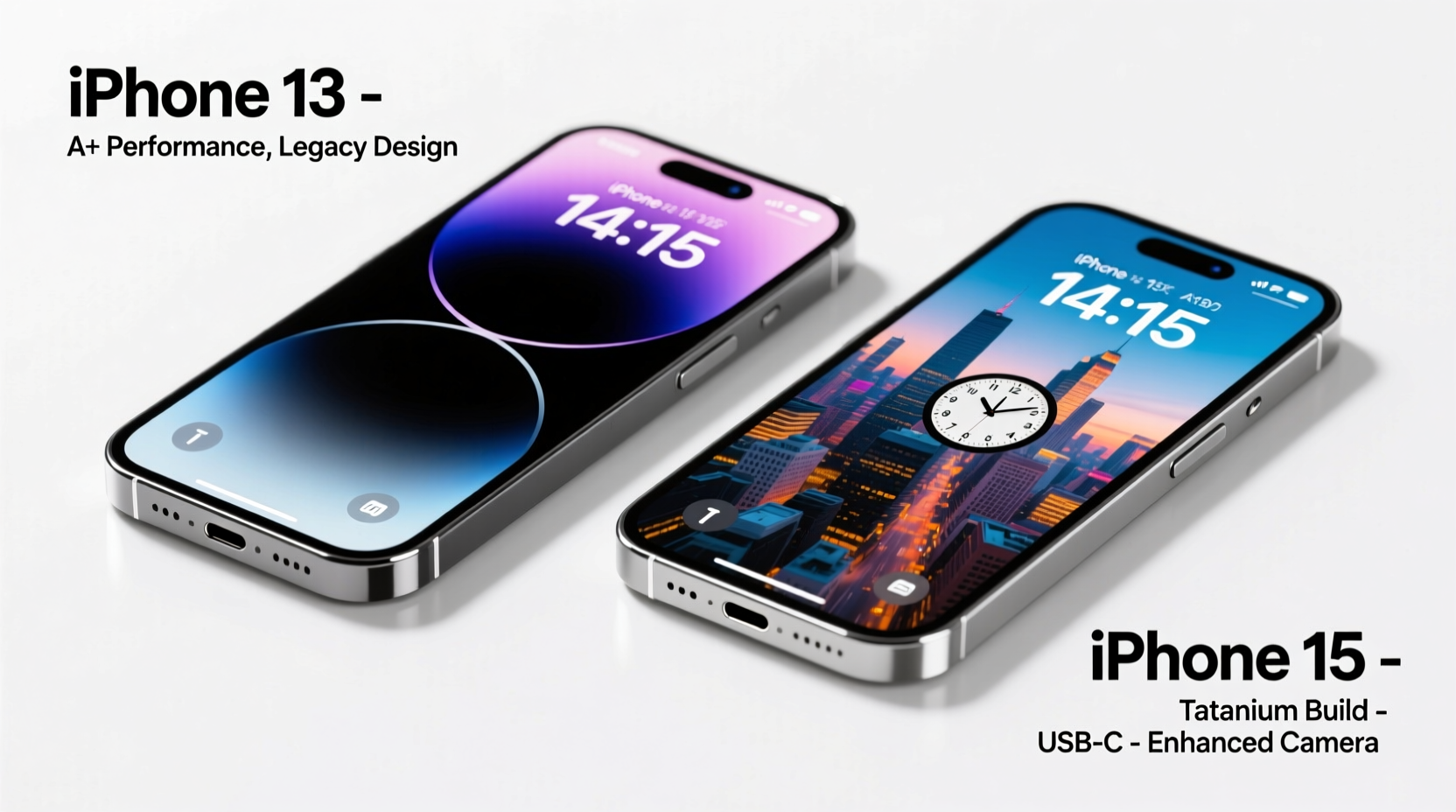
The iPhone 13 runs on Apple’s A15 Bionic chip, which even today handles everyday tasks with ease. Whether browsing, streaming, or multitasking between apps, the A15 remains highly responsive. However, the iPhone 15 uses the newer A16 Bionic chip, first introduced in the iPhone 14 Pro lineup. While both chips use a 5-nanometer process, the A16 brings architectural improvements that boost CPU performance by roughly 10–15% and GPU efficiency by up to 20%.
In practical terms, most users won’t notice a dramatic difference during routine use. Where the gap becomes apparent is in sustained workloads: editing 4K video, playing graphics-intensive games, or using augmented reality apps. The A16 also features a more advanced image signal processor, contributing to better photo processing speed and computational photography.
Camera Upgrades: More Than Just Megapixels?
The iPhone 13 launched with a dual-camera system: 12MP wide and ultra-wide lenses. Its computational photography, especially Night mode and Smart HDR, set a benchmark at the time. The iPhone 15 retains the same 12MP ultra-wide but introduces a new 48MP main sensor—a significant leap.
This higher resolution allows for superior detail capture and 2x optical-quality zoom through pixel binning. In daylight, photos from the iPhone 15 show noticeably finer textures and dynamic range. Low-light performance is also improved thanks to larger pixels and enhanced sensor-shift stabilization (now standard on all iPhone 15 models).
Video capabilities benefit too. The iPhone 15 supports Log encoding and external recording to drives via USB-C, appealing to mobile filmmakers. While the iPhone 13 still records excellent 4K footage, the 15 offers greater flexibility for professional workflows.
“Even casual photographers benefit from the 48MP sensor—the level of detail and cropping flexibility changes how people compose shots.” — David Lin, Mobile Photography Instructor
Design and Build: Subtle Shifts With Big Implications
Aesthetically, both phones share a similar form factor, but the iPhone 15 introduces notable refinements. It features a more rounded aluminum frame, making it more comfortable to hold. More importantly, it replaces Lightning with USB-C—a long-overdue change that aligns with European regulations and improves cross-device compatibility.
USB-C on the iPhone 15 supports faster data transfer (up to 10Gbps on higher-end models, though base 15 is limited to 480Mbps). Still, simply using a universal cable for your phone, laptop, and tablet reduces clutter and charging frustration.
Durability has also improved. The iPhone 15 uses stronger Ceramic Shield glass and a more resilient color-infused back glass that resists scratches better than previous generations.
Battery Life and Charging: Efficiency Gains Over Revolution
Battery life on the iPhone 13 is solid, offering around 17–18 hours of mixed usage. The iPhone 15 extends this slightly due to the more power-efficient A16 chip and optimized iOS 17 power management. Real-world testing shows about 1–2 extra hours under comparable conditions.
Charging remains a weak point. Neither phone supports fast charging out of the box without a separate purchase of a 20W+ adapter. Wireless charging is unchanged at 15W via MagSafe. However, the switch to USB-C opens doors for future accessories and potentially faster charging protocols in upcoming models.
Comparison Table: iPhone 13 vs iPhone 15
| Feature | iPhone 13 | iPhone 15 |
|---|---|---|
| Chipset | A15 Bionic | A16 Bionic |
| Rear Cameras | 12MP Wide + 12MP Ultra-Wide | 48MP Main + 12MP Ultra-Wide |
| Front Camera | 12MP TrueDepth | 12MP Dynamic Island (same sensor) |
| Display | 6.1\" Super Retina XDR (Flat) | 6.1\" Super Retina XDR with Dynamic Island |
| Port | Lightning | USB-C |
| Storage Options | 128GB, 256GB, 512GB | 128GB, 256GB, 512GB |
| Battery Life (Video Playback) | Up to 19 hours | Up to 20 hours |
| Starting Price (MSRP) | $599 (refurbished/new old stock) | $799 |
| Software Support (Estimated End) | ~2028 | ~2030+ |
Real-World Example: Should Sarah Upgrade?
Sarah has used her iPhone 13 since 2021. She takes occasional photos, uses messaging and social media daily, and occasionally edits videos for her small business Instagram page. Her phone still holds a full day of charge and feels fast enough. When she considered upgrading, she listed her needs:
- Longer battery life
- Better low-light photos
- Faster video exports
- Modern design
After testing an iPhone 15 at an Apple Store, she noticed clearer night shots and appreciated the Dynamic Island for managing timers and music. However, the $799 price tag—plus losing her Lightning car charger and headphones—made the switch feel less urgent. Ultimately, she decided to wait another year, opting instead to invest in a portable SSD for backups and a USB-C adapter kit.
Sarah’s story reflects a growing trend: many users find the iPhone 13 still meets core needs, and the upgrade path only makes sense when specific limitations arise.
Upgrade Checklist: Are You Ready for the iPhone 15?
Before making the jump, ask yourself the following:
- Is your iPhone 13 showing signs of wear? Battery health below 80%, frequent crashes, or storage issues justify an upgrade.
- Do you need better photos or video features? If you shoot regularly in low light or edit professionally, the 48MP sensor matters.
- Are you frustrated with Lightning? If juggling multiple cables is annoying, USB-C brings real convenience.
- Can you take advantage of Dynamic Island? It’s useful for live activities, notifications, and quick controls.
- Is future-proofing important? The iPhone 15 will likely receive updates until 2030, giving two extra years of support.
Frequently Asked Questions
Can the iPhone 15 last longer than the iPhone 13?
Yes, primarily due to extended software support. Both devices are built to last 5–6 years, but the iPhone 15 will receive OS updates until approximately 2030, compared to 2028 for the iPhone 13. Hardware durability is similar, though the 15’s improved glass and frame may resist damage slightly better.
Is the camera upgrade worth it for casual users?
For most casual users, the iPhone 13’s camera is still excellent. The iPhone 15’s 48MP sensor shines when you zoom, crop, or print large photos. If you mostly share images online or via text, the difference may not be noticeable.
Does the iPhone 15 charge faster than the iPhone 13?
No significant improvement. Both support 20W wired fast charging (with compatible adapters) and 15W MagSafe wireless charging. The USB-C port doesn’t increase speed on the base iPhone 15 model, though it enables broader accessory compatibility.
Final Verdict: To Upgrade or Not?
For users whose iPhone 13 is functioning well, the upgrade to the iPhone 15 is not essential. The improvements are thoughtful but incremental—ideal for enthusiasts, creatives, or those who value modern ports and longer software support.
If you're experiencing battery degradation, lack of storage, or want the best mobile photography experience Apple offers, the iPhone 15 is a worthy successor. But if your current device meets your needs, extending its life with a battery replacement or case could save hundreds while delivering similar satisfaction.
Apple’s ecosystem now rewards longevity. With robust repair options, trade-in incentives, and five-year software commitments, there’s less pressure to upgrade annually. The real question isn’t just “Can I upgrade?”—it’s “Do I need to?” For most iPhone 13 owners, the answer is still no.




 浙公网安备
33010002000092号
浙公网安备
33010002000092号 浙B2-20120091-4
Comments
No comments yet. Why don't you start the discussion?