
Apple’s annual iPhone release cycle often leaves users wondering whether the latest model justifies the upgrade. The jump from the iPhone 14 Pro to the iPhone 15 Pro is no exception. While both devices are powerful flagships, the differences go beyond incremental changes. For users already on the 14 Pro, the decision hinges on specific upgrades that impact daily use—performance, camera capabilities, build quality, and long-term value.
This analysis dives deep into what truly sets the iPhone 15 Pro apart, evaluates whether the improvements translate to meaningful user benefits, and helps you determine if spending extra is justified or if your current device still has plenty of life left.
Design and Build: Refined Elegance Meets Functionality
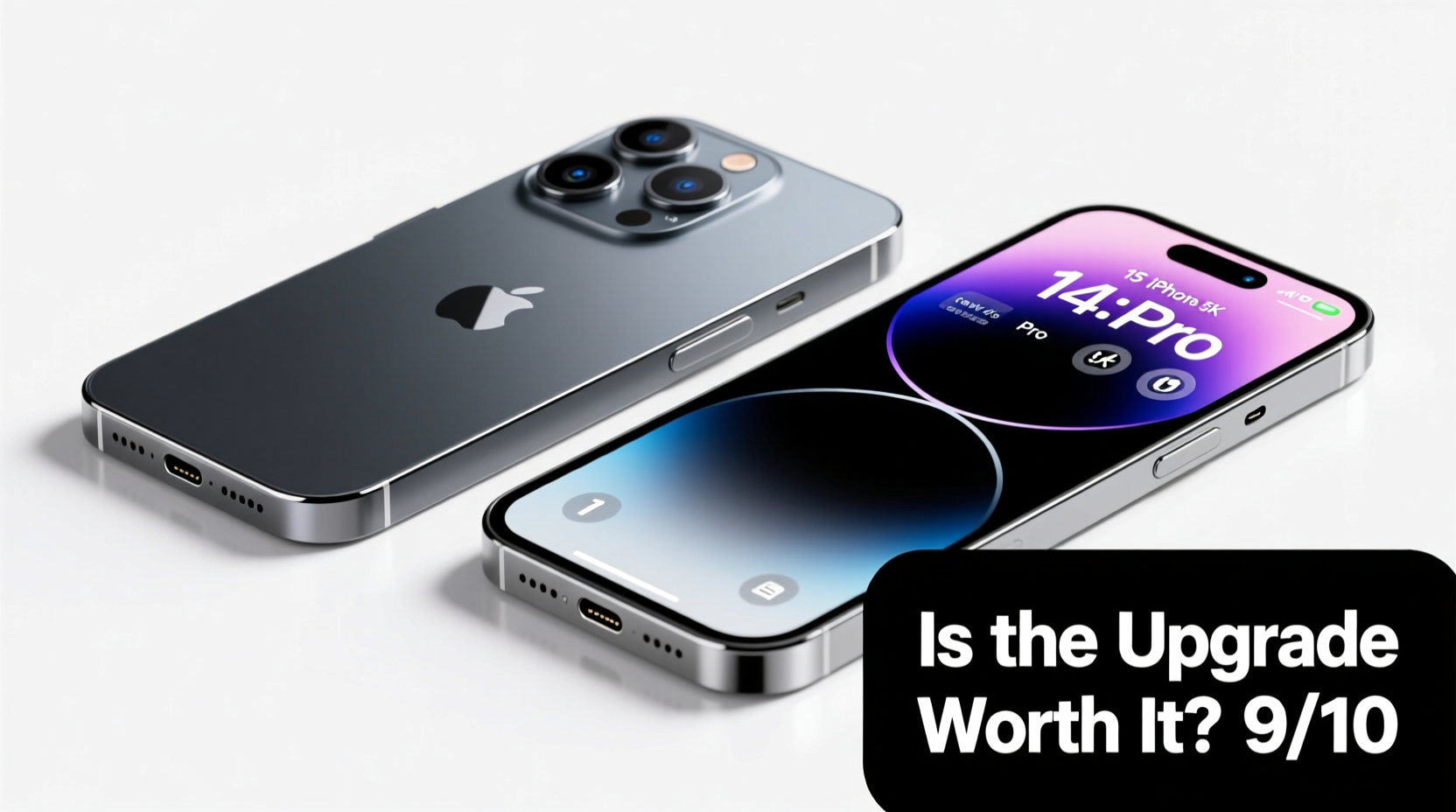
The most immediate difference between the two models lies in their construction. The iPhone 15 Pro introduces a titanium frame, replacing the stainless steel used in the 14 Pro. This change reduces weight by nearly 19 grams—a noticeable difference when holding the phone for extended periods. The 15 Pro weighs just 187g compared to the 14 Pro’s 206g, making it Apple’s lightest Pro model in years.
The edges have also been slightly rounded, improving grip and comfort. Combined with the thinner bezels, the overall feel is more refined. However, the screen size remains unchanged at 6.1 inches (with a larger 6.7-inch Max variant available for both), so display real estate isn’t a factor in this comparison.
Both phones retain IP68 water and dust resistance and feature Ceramic Shield front cover. The 15 Pro does not introduce new color options but refines existing finishes for a more premium look. From a durability standpoint, the titanium frame is more resistant to scratches and corrosion than stainless steel, offering better longevity.
Performance: A Leap Forward in Efficiency and Power
The iPhone 15 Pro is powered by Apple’s A17 Pro chip, the first smartphone SoC built on a 3nm process. This advancement delivers improved CPU and GPU performance—up to 20% faster processing and 25% better graphics efficiency over the A16 Bionic in the 14 Pro. More importantly, the A17 Pro enables console-level gaming through titles like *Resident Evil Village* and *Death Stranding*, thanks to hardware-accelerated ray tracing and MetalFX upscaling.
While most users won’t be gaming at this level, the efficiency gains matter. The A17 Pro manages thermal load better, reducing throttling during intensive tasks such as video editing or multitasking. Real-world benchmarks show sustained performance over longer durations, which benefits professionals using apps like Final Cut Pro or Adobe Premiere Rush directly on the device.
“Moving to 3nm wasn’t just about speed—it was about doing more with less power. The A17 Pro redefines what a mobile chip can do.” — Mark Gerstein, Senior Semiconductor Analyst at TechInsight Group
For everyday users, the difference may seem subtle. Apps open slightly faster, animations are smoother, and background processes handle more seamlessly. But unless you're pushing the device hard, the A16 in the 14 Pro still performs exceptionally well in 2024.
Camera System: Subtle Improvements with Big Implications
The camera setup appears similar at first glance: all models retain the 48MP main sensor, 12MP ultra-wide, and 12MP telephoto with 3x optical zoom. However, the 15 Pro introduces a tetraprism lens that enables a new 5x optical zoom (120mm equivalent), doubling the magnification without quality loss. This is a game-changer for photographers who rely on zoom without resorting to digital cropping.
The new 5x zoom uses a folded periscope-style design, marking Apple’s first adoption of this technology in the Pro lineup. Image quality at mid-range zoom levels shows significantly less noise and better detail retention compared to the 14 Pro’s digital zoom beyond 3x.
| Feature | iPhone 15 Pro | iPhone 14 Pro |
|---|---|---|
| Main Sensor | 48MP, f/1.78, sensor-shift OIS | 48MP, f/1.78, sensor-shift OIS |
| Telephoto Zoom | 5x optical (120mm) | 3x optical (77mm) |
| Low-Light Performance | Improved night mode processing | Strong, but slower capture |
| Video Recording | 4K HDR at 120fps, Log encoding, ProRes to external SSD | 4K HDR at 60fps, limited external recording |
Additionally, the 15 Pro supports USB 3.0 speeds via its USB-C port, enabling full-resolution ProRes video recording directly to external SSDs—a major win for videographers. The 14 Pro lacks this capability due to its Lightning port bottleneck.
Connectivity and Port: The End of Lightning
One of the most impactful changes is the switch from Lightning to USB-C. While long overdue, this shift brings tangible benefits. The 15 Pro features a USB 3-compatible port, supporting data transfer speeds up to 10Gbps—ideal for quickly offloading high-resolution photos and videos. In contrast, the 14 Pro’s Lightning port maxes out at around 480Mbps.
This upgrade simplifies travel and work setups. Users can now charge their iPhone, iPad, and MacBook with a single cable type. It also future-proofs the device as EU regulations push all smartphones toward standardized charging.
Battery life sees a modest improvement. Apple claims up to 23 hours of video playback on the 15 Pro versus 23 hours on the 14 Pro, but real-world usage suggests a slight edge due to the A17 Pro’s efficiency. Both support fast charging and MagSafe, though neither includes a charger in the box.
Real-World Example: A Photographer Weighs In
Sophia Lin, a freelance travel photographer based in Vancouver, upgraded from the iPhone 14 Pro to the 15 Pro for an upcoming assignment in Japan. Her primary goal was capturing wildlife and street scenes without carrying heavy gear.
“I needed tighter framing without moving closer to animals. The 5x zoom on the 15 Pro let me shoot detailed shots of birds from a distance—something I had to crop heavily on the 14 Pro. Plus, transferring 4K footage to my SSD in the field saved hours of post-work.”
She noted the lighter weight made handheld shooting easier during long days. While she appreciated the improved low-light autofocus, she admitted the base camera system on the 14 Pro was already excellent. “If I weren’t shooting professionally,” she added, “I’d probably still be happy with my 14 Pro.”
Is the Upgrade Worth It? A Practical Checklist
Before deciding, consider the following checklist to evaluate your needs:
- ✅ Do you need 5x optical zoom for photography or videography?
- ✅ Are you frustrated by slow file transfers from Lightning?
- ✅ Do you edit video on your phone or use external storage?
- ✅ Do you value a lighter, more comfortable phone for all-day use?
- ✅ Are you planning to keep your phone for 3+ years?
If three or more apply, the 15 Pro offers meaningful advantages. Otherwise, the 14 Pro remains a top-tier device with years of iOS support ahead.
Frequently Asked Questions
Can the iPhone 14 Pro still receive software updates?
Yes. Apple typically provides 5–6 years of iOS updates. The iPhone 14 Pro will likely be supported through 2028 or later, ensuring access to new features and security patches.
Does the titanium frame make the phone more durable?
Titanium is stronger and lighter than stainless steel, offering better resistance to dents and corrosion. However, the screen remains the most vulnerable part, so a case is still recommended.
Is USB-C on the 15 Pro faster than Lightning?
Significantly. With USB 3 speeds, the 15 Pro achieves data transfer rates up to 20x faster than the 14 Pro’s Lightning port, especially beneficial for media professionals.
Final Verdict: Who Should Upgrade?
The iPhone 15 Pro is not a revolutionary leap, but it’s a thoughtful evolution tailored to power users and creatives. The combination of titanium build, 5x zoom, USB-C with high-speed data, and A17 Pro performance makes it the most capable iPhone Apple has ever released.
However, for casual users, the iPhone 14 Pro still delivers exceptional performance, camera quality, and software support. Unless you specifically benefit from the new features, upgrading may not justify the $999 starting price.




 浙公网安备
33010002000092号
浙公网安备
33010002000092号 浙B2-20120091-4
Comments
No comments yet. Why don't you start the discussion?