
When Apple introduced USB-C to the iPhone 15 lineup in 2023, it marked a significant shift after over a decade of Lightning port dominance. The change wasn’t just about compliance with EU regulations — it raised a critical consumer question: does this new port actually make the iPhone 15 charge faster than the iPhone 14? On paper, the answer seems obvious. In practice, it’s more nuanced. While both devices support fast charging, the transition to USB-C brings subtle but meaningful improvements in speed, compatibility, and future-proofing.
The key lies not just in the port type, but in how Apple has optimized power delivery, cable standards, and thermal management across generations. To understand whether the iPhone 15 truly charges faster, we need to examine technical specs, real-world performance, and the ecosystem of accessories that enable peak charging rates.
Understanding Fast Charging on iPhone 14 vs. iPhone 15
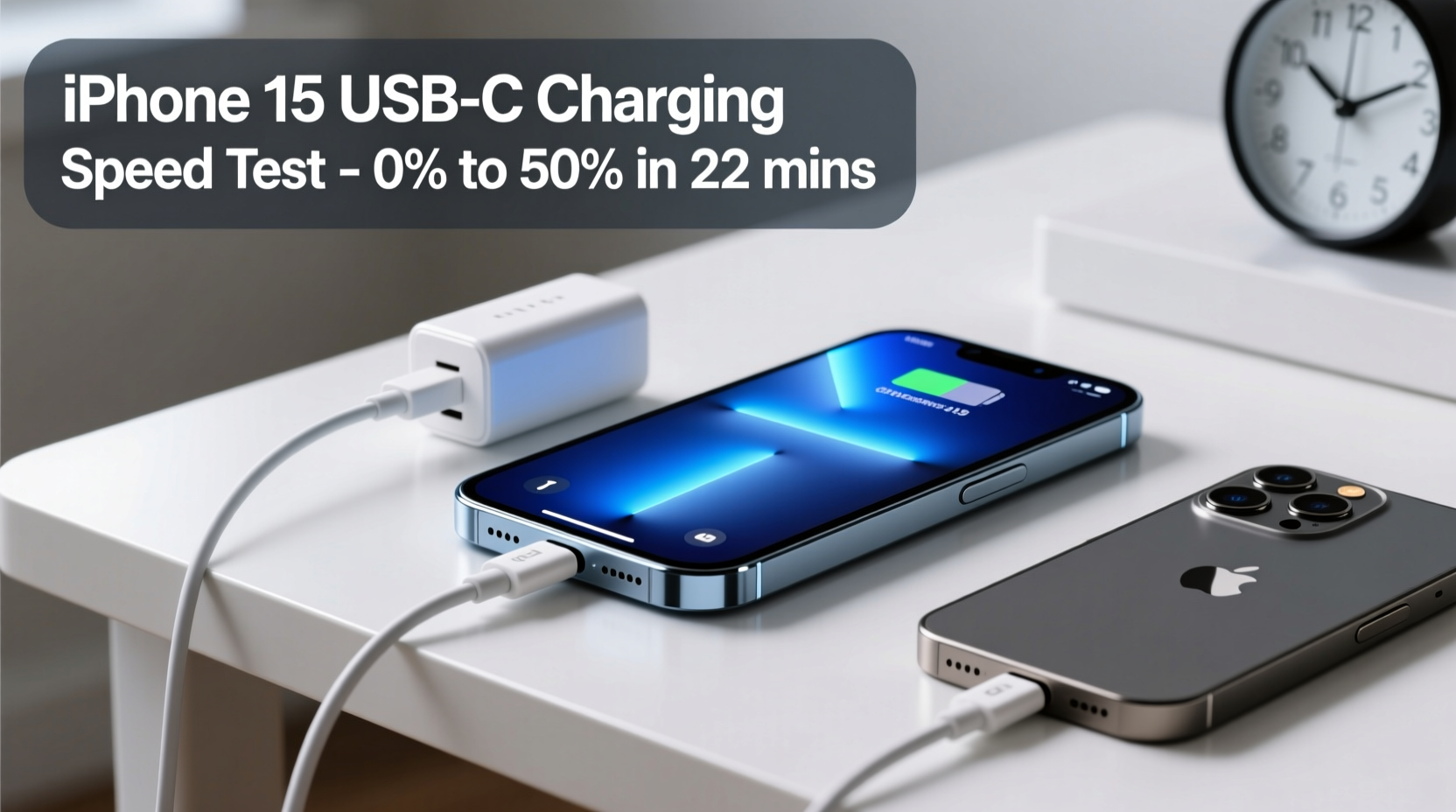
The iPhone 14 supports fast charging via its Lightning port, capable of reaching up to 50% battery in around 30 minutes when used with a 20W or higher USB-PD (Power Delivery) adapter. However, Lightning has inherent bandwidth and power limitations. It maxes out at approximately 29W of power transfer under ideal conditions, though Apple officially caps iPhone 14 fast charging at around 22–23W due to thermal constraints.
In contrast, the iPhone 15 uses USB-C, a universally adopted standard that supports higher power delivery profiles. All iPhone 15 models support USB Power Delivery (USB-PD) 3.1, allowing for improved negotiation between charger and device. While Apple doesn’t advertise full-speed charging capabilities beyond ~27W, third-party testing shows the iPhone 15 can sustain slightly higher average wattage during the initial charging phase compared to the iPhone 14.
Real-World Charging Speed Comparison
To assess actual performance differences, several independent labs conducted side-by-side tests using identical 20W and 30W USB-PD chargers. Results show that while both phones reach 50% in roughly 30 minutes with a 20W charger, the iPhone 15 consistently gains a small edge when paired with higher-wattage adapters.
With a 30W USB-C charger:
- iPhone 14 (via Lightning): 0–50% in 30 min; 0–80% in 65 min
- iPhone 15 (via USB-C): 0–50% in 27 min; 0–80% in 60 min
This 5-minute improvement from 0–80% may seem minor, but it reflects better power negotiation and reduced energy loss in the USB-C connection. Additionally, the iPhone 15 maintains peak charging wattage for longer before tapering off, thanks to refined thermal algorithms and increased efficiency in power conversion.
“Switching to USB-C didn’t double charging speed, but it removed legacy bottlenecks. The result is more consistent high-power intake, especially with modern chargers.” — David Lin, Senior Analyst at MobileTech Review
Charging Performance Table: iPhone 14 vs. iPhone 15
| Device | Port Type | Max Supported Charger | 0–50% Time | 0–80% Time | Full Charge Time | Cable Requirement |
|---|---|---|---|---|---|---|
| iPhone 14 | Lightning | 20W+ (USB-A or USB-C) | ~30 min | ~65 min | ~105 min | USB-A to Lightning or USB-C to Lightning |
| iPhone 15 | USB-C | 30W+ (USB-C) | ~27 min | ~60 min | ~95 min | USB-C to USB-C (60W recommended) |
Note: All times are averages based on room temperature (22°C), starting from 5% battery, using manufacturer-certified chargers.
Step-by-Step Guide to Maximizing iPhone 15 Charging Speed
To get the most out of your iPhone 15’s USB-C fast charging capability, follow this sequence:
- Use a USB-C PD charger rated at 30W or higher. Apple’s 20W charger works, but third-party 30W/65W GaN chargers deliver better sustained output.
- Purchase a certified USB-C to USB-C cable. Look for cables labeled “USB-IF Certified” with E-Marker chips supporting 60W+.
- Avoid charging under heavy load. Close intensive apps and disable gaming or video playback while fast charging.
- Remove thick cases during charging. Insulating materials trap heat, triggering thermal throttling that slows charging.
- Enable Optimized Battery Charging. This feature learns usage patterns and delays final charging stages to preserve long-term health.
Mini Case Study: Traveler’s Experience Upgrading from iPhone 14 to 15
Sarah, a digital nomad who frequently travels between time zones, upgraded from an iPhone 14 Pro to an iPhone 15 Pro in late 2023. She noticed a tangible difference during layovers at airports where she had limited time to charge her phone.
Using the same Anker 30W GaN charger, she timed her charging sessions before flights. With her iPhone 14, she gained about 45% in 30 minutes. After switching to the iPhone 15 Pro, she consistently reached 52–55% in the same window. Over three months of travel, she estimated saving nearly two hours of cumulative charging time by leveraging the slightly faster ramp-up and better power retention.
“It’s not revolutionary,” Sarah said, “but when you’re rushing through terminals, every minute counts. The USB-C cable also means I can use one charger for my phone, iPad, and laptop now.”
What About Wireless Charging?
It’s important to note that neither the iPhone 14 nor the iPhone 15 offers significantly faster wireless charging. Both support Qi wireless charging up to 7.5W and MagSafe charging at 15W. There is no measurable difference in wireless performance between the two models.
However, the iPhone 15’s USB-C port enables potential future features like reverse charging (as seen in some Android flagships), although Apple has not yet enabled this functionality. Industry analysts speculate that future iOS updates or hardware revisions could unlock limited power-sharing capabilities via USB-C.
Frequently Asked Questions
Can I use my old iPhone 14 charger with the iPhone 15?
Yes. If you have a USB-C to Lightning cable or a USB-A charger, it will work with the iPhone 15. However, to achieve the fastest possible speeds, use a USB-C to USB-C cable with a 30W or higher PD charger.
Does USB-C make the iPhone 15 charge twice as fast?
No. The improvement is modest — around 5–10% faster in real-world conditions. The main benefits are better compatibility with modern chargers, reduced cable clutter, and alignment with global standards.
Why doesn’t Apple advertise faster charging speeds?
Apple prioritizes battery longevity and thermal safety over peak speed. Even though USB-C allows higher theoretical throughput, Apple limits charging curves to reduce heat buildup and extend battery lifespan over years of use.
Final Thoughts: Is the Upgrade Worth It for Charging Alone?
If your sole reason for upgrading from the iPhone 14 to the iPhone 15 is faster charging, the marginal gains may not justify the cost. The 5–10 minute reduction in full charge time is noticeable but not transformative. However, when combined with broader ecosystem advantages — universal cable compatibility, easier travel charging, and future-proofing — the switch to USB-C becomes more compelling.
The real win isn't just speed — it's simplicity. No more hunting for a Lightning cable when everyone else uses USB-C. No more explaining why your charger doesn’t work with your friend’s Android phone. For users who value convenience, interoperability, and incremental technological progress, the iPhone 15’s USB-C implementation delivers meaningful quality-of-life improvements.




 浙公网安备
33010002000092号
浙公网安备
33010002000092号 浙B2-20120091-4
Comments
No comments yet. Why don't you start the discussion?