
It’s been over a decade since the iPhone 4s launched, and nearly as long for the 6s. Yet, some users still rely on these devices—especially those holding onto their 4s for sentimental value or basic functionality. But if you're one of them, the question isn’t just nostalgic: Is upgrading from an iPhone 4s to a 6s actually worthwhile today?
The answer isn't simply “yes” or “no.” It depends on your needs, expectations, and how deeply you’re embedded in the modern digital ecosystem. On paper, the leap between these two models is massive. In practice, that gap translates into real improvements in speed, security, app compatibility, and daily usability.
Performance and Hardware: A Quantum Leap
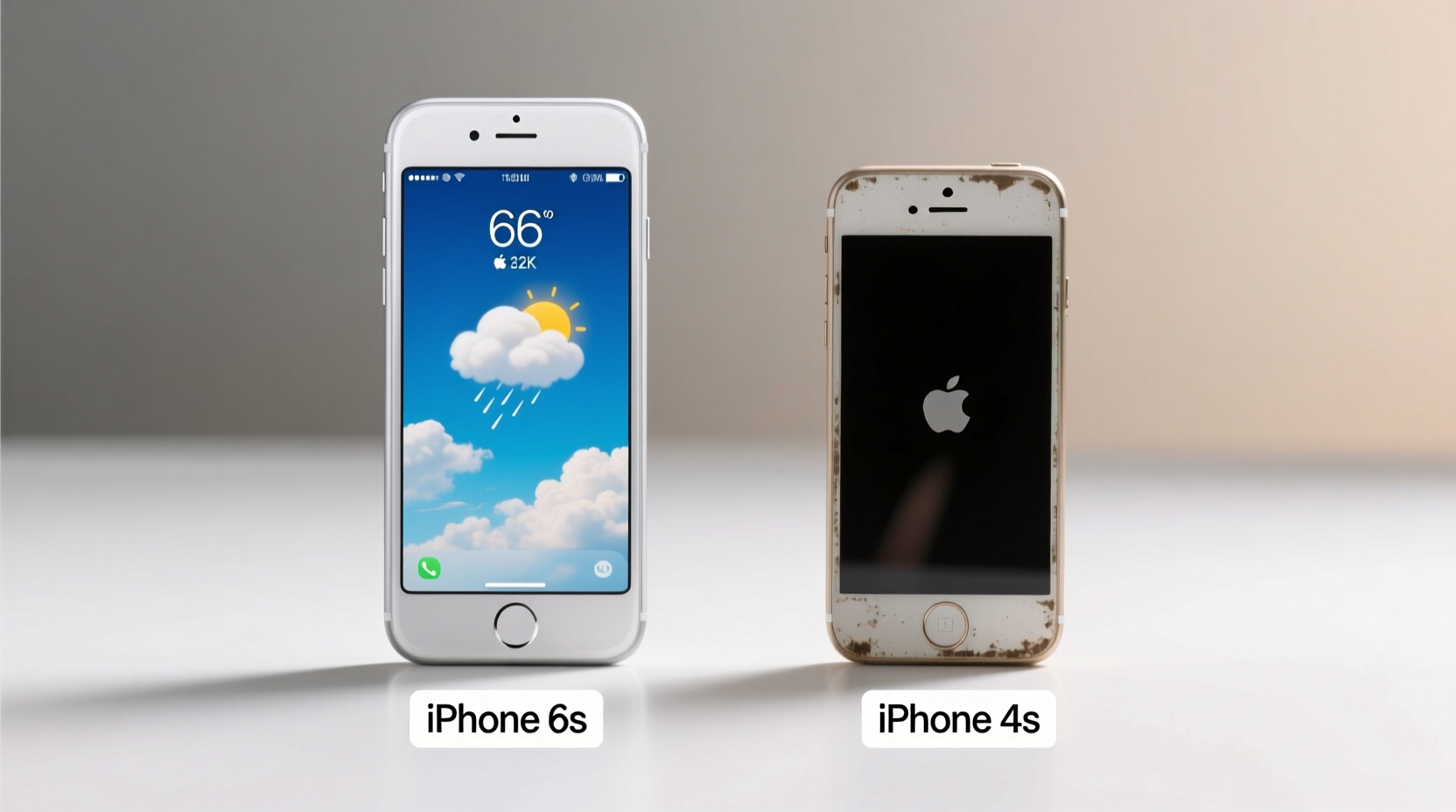
The iPhone 4s, released in 2011, was powered by Apple’s A5 chip—a dual-core processor with 512MB of RAM. At the time, it was groundbreaking. Today, it struggles to run even lightweight web apps. Safari freezes frequently, multitasking is nearly nonexistent, and most modern iOS apps either won’t install or crash immediately.
In contrast, the iPhone 6s (2015) features the A9 chip and 2GB of RAM—twice the memory of its predecessor and several generations more advanced in processing power. This allows smooth operation of iOS 15 (the last supported version), background app refresh, split-screen compatibility on iPad versions, and efficient handling of high-resolution media.
The difference in real-world responsiveness is stark. Opening the camera takes seconds on the 4s; on the 6s, it's nearly instantaneous. Scrolling through messages, loading maps, or switching between apps feels fluid on the 6s but sluggish and frustrating on the 4s.
Camera Capabilities: From Basic Snaps to Real Photography
The iPhone 4s introduced Siri and 1080p video recording, which were major advancements at the time. Its 8MP rear camera produced decent photos under ideal lighting but suffered in low light and lacked image stabilization.
The iPhone 6s improved dramatically: a 12MP sensor, 4K video recording, better dynamic range, and optical image stabilization simulation via software. Front-facing video jumped from 720p to 1080p, making FaceTime calls noticeably clearer.
| Feature | iPhone 4s | iPhone 6s |
|---|---|---|
| Rear Camera | 8MP, 1080p video | 12MP, 4K video |
| Front Camera | VGA, 720p video | 5MP, 1080p video |
| Flash | LED only | True Tone flash (dual LED) |
| Low-Light Performance | Poor, noisy images | Much improved with noise reduction |
If you care about capturing life moments clearly—whether it’s your child’s first steps or a scenic hike—the 6s delivers a meaningful upgrade. The 4s simply can’t compete with modern standards of photo quality.
Battery Life and Long-Term Usability
Battery degradation is inevitable, especially after ten years. Most iPhone 4s units still functioning today have batteries operating at less than 50% capacity. That means they may die within hours of charging, even with minimal use.
The iPhone 6s, while also aging, generally offers 6–8 hours of screen-on time when the battery is healthy. With a replacement battery (available inexpensively through Apple or third parties), it can easily last a full day with moderate usage.
“Even five-year-old iPhones can feel like new devices after a battery replacement,” — David Linder, Senior Technician at iFixit
Additionally, iOS updates play a critical role. The 4s maxes out at iOS 9.3.6, released in 2016. No security patches have been issued since. That leaves it vulnerable to known exploits, especially when browsing unsecured websites or downloading files.
The 6s supports up to iOS 15.7, which received its final update in 2023. While not eligible for newer iOS versions, it benefits from nearly seven additional years of security fixes, encryption improvements, and privacy controls.
Real-World Example: Maria’s Upgrade Journey
Maria, a retired teacher in Arizona, used her iPhone 4s for over nine years. She relied on it for calls, texts, and checking email. But in early 2023, she found herself unable to access her bank’s mobile site—the interface wouldn’t load properly, and two-factor authentication failed repeatedly.
After visiting her local Apple Store, she upgraded to a refurbished iPhone 6s for $79. The change was immediate: her banking app worked flawlessly, she could finally join her grandchildren’s FaceTime calls without freezing, and she started using Apple Maps for driving directions—something she’d avoided due to slow loading times on the 4s.
“I didn’t realize how much I was missing until I had a phone that kept up with me,” she said. “It’s not flashy, but everything just… works now.”
Step-by-Step: How to Decide If the Upgrade Makes Sense
If you're still on a 4s, here’s a practical timeline to evaluate whether moving to a 6s is right for you:
- Assess Your Current Pain Points: Do apps crash? Does the phone take minutes to boot? Is browsing painful?
- Check App Compatibility: Try installing essential apps like Google Maps, WhatsApp, or your bank’s app. If they don’t install or fail to run, you’re already behind.
- Evaluate Security Needs: Are you entering passwords or financial data on a device with no recent security updates? That’s a risk.
- Test a 6s (if possible): Visit a resale shop or borrow one briefly. Experience the speed, camera, and responsiveness firsthand.
- Consider Cost vs. Benefit: Refurbished 6s models start around $50–$80. Compare that to the time and frustration saved.
Frequently Asked Questions
Can the iPhone 6s still receive app updates in 2024?
Yes, but with limitations. Most major apps still support iOS 12–15, which the 6s can run. However, developers are gradually phasing out older devices. Some newer app versions may drop support soon, but for now, core services like Gmail, Uber, and banking apps remain functional.
Is the iPhone 6s secure enough for everyday use?
As of 2024, the 6s is no longer receiving active iOS updates from Apple. However, its final OS version (iOS 15.7) includes strong encryption, app sandboxing, and anti-phishing protections. As long as you avoid suspicious links and keep software updated where possible, it remains reasonably secure for daily tasks.
What should I do with my old iPhone 4s?
You can repurpose it as a dedicated music player, home security viewer (using free IP camera apps), or donate it for recycling. Many carriers and retailers offer trade-in or recycling programs—even non-functional units have recoverable materials.
Final Verdict: Yes, the Upgrade Still Matters
To anyone clinging to an iPhone 4s out of habit or hesitation, the truth is clear: the jump to an iPhone 6s isn’t just about newer hardware—it’s about rejoining the modern digital world.
The 6s restores reliability, security, and compatibility. It brings back confidence in your device. You’ll spend less time fighting the technology and more time using it meaningfully. For less than the cost of a dinner out, you gain years of smoother performance and access to tools that simplify life.
Technology evolves, and staying on obsolete platforms comes at a hidden cost: missed connections, reduced safety, and growing isolation from digital services we now take for granted.




 浙公网安备
33010002000092号
浙公网安备
33010002000092号 浙B2-20120091-4
Comments
No comments yet. Why don't you start the discussion?