
For many iPhone users clinging to older models, the question isn’t just about specs—it’s about value. The iPhone 7, released in 2016, was a landmark device for Apple. It removed the headphone jack, introduced water resistance, and delivered solid performance. Two years later, the iPhone 8 arrived with subtle but meaningful upgrades. Today, both are well beyond their prime support window, yet they still circulate in secondary markets and serve as daily drivers for budget-conscious users. So, if you're on an iPhone 7, is upgrading to an iPhone 8 actually worthwhile—or is holding onto your 7 still a smart move?
Design and Build: Subtle But Significant Changes
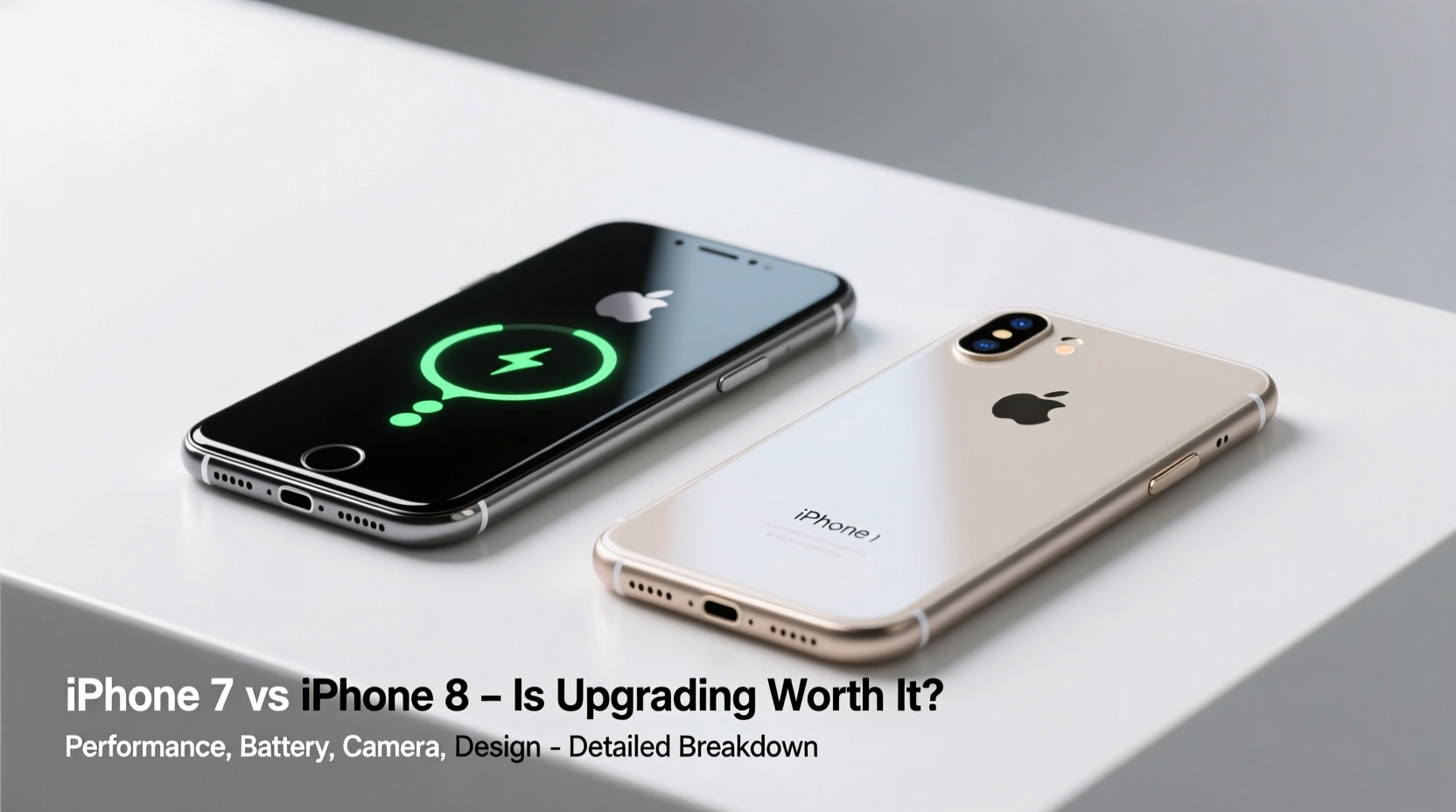
The most immediate difference between the iPhone 7 and iPhone 8 lies in their construction. While both share nearly identical dimensions and a 4.7-inch display, the materials used mark a generational shift.
The iPhone 7 features an aluminum body, which gives it a lightweight feel but makes it more prone to dents and scratches. In contrast, the iPhone 8 returns to a glass back—a design last seen on the iPhone 4 and 4S—allowing for wireless charging, a feature absent on the 7. This change may seem minor, but it opens up new functionality, especially in public spaces with Qi-compatible charging pads.
The glass back does come with trade-offs: it’s more fragile and adds slight weight. However, Apple reinforced it with a stronger formulation than earlier glass-backed iPhones, making it more resilient than expected.
Performance: A Noticeable Leap Under the Hood
Both phones run Apple’s A-series chips, but the jump from the A10 Fusion (iPhone 7) to the A11 Bionic (iPhone 8) is significant. The A11 isn’t just faster—it’s smarter. Built on a 64-bit architecture with a six-core CPU (two high-performance cores and four efficiency cores), it delivers up to 25% better CPU performance and 30% better GPU performance than the A10.
This translates to real-world benefits: smoother multitasking, faster app launches, and better gaming performance. More importantly, the A11 includes a dedicated Neural Engine, enabling improved machine learning capabilities that power features like Face ID (on newer devices) and enhanced photo processing.
While iOS updates are no longer rolling out for either device (iOS 16 was the last to support the iPhone 8, and iOS 15 for the iPhone 7), app developers continue to optimize for newer hardware. As a result, apps like Instagram, TikTok, and modern web browsers may run noticeably slower on the iPhone 7 compared to the 8.
“Even within Apple’s ecosystem, processor longevity defines user experience. The A11 extended usable life by 1–2 years over the A10 in real-world usage.” — David Lin, Mobile Hardware Analyst at TechInsight Group
Camera Comparison: Similar Specs, Better Processing
On paper, the cameras look almost identical. Both the iPhone 7 and 8 have a 12MP rear sensor and a 7MP front-facing camera. However, the improvements in image signal processing make the iPhone 8 the clear winner in photo quality.
The A11 Bionic enables better noise reduction, dynamic range, and autofocus speed. Photos taken on the iPhone 8 tend to have more accurate colors, better low-light performance, and crisper details. Portrait Mode, introduced with the dual-camera iPhone 7 Plus, wasn’t available on the single-lens iPhone 8—but the 8 does offer improved depth control and lighting effects in software where applicable.
Video recording also benefits from the upgraded chip. Both support 4K at 30fps, but the iPhone 8 offers better stabilization and color grading thanks to its advanced ISP (Image Signal Processor).
Camera Performance Summary
| Feature | iPhone 7 | iPhone 8 |
|---|---|---|
| Rear Camera | 12MP f/1.8 | 12MP f/1.8 |
| Front Camera | 7MP f/2.2 | 7MP f/2.2 |
| Portrait Mode | No | No (but better bokeh simulation) |
| Low-Light Performance | Average | Improved via software |
| Video Stabilization | Basic | Enhanced digital stabilization |
Real-World Example: Sarah’s Upgrade Dilemma
Sarah has been using her iPhone 7 since 2017. It still turns on, holds a charge reasonably well, and runs her essential apps—email, WhatsApp, and Google Maps. But lately, she’s noticed delays when opening her banking app and frequent crashes in newer versions of Safari.
She considered buying a refurbished iPhone 8 for $120, compared to $60 for a used iPhone 7 in similar condition. After testing both at a local electronics shop, she found the 8 opened apps 30–40% faster and handled YouTube videos without buffering issues she experienced on the 7.
She made the switch and reported not just faster performance, but longer battery life under normal use—likely due to iOS optimizations for the A11. For Sarah, the extra $60 paid off in smoother daily usability.
Battery Life and Charging: One Big Advantage for the 8
Apple never advertised massive battery improvements from the 7 to the 8, and in fact, the iPhone 8 has a slightly smaller battery (1,821 mAh vs. 1,960 mAh). However, the A11’s power efficiency often results in comparable or even better battery longevity under mixed use.
More crucially, the iPhone 8 supports fast charging (up to 50% in 30 minutes with an 18W adapter and USB-C cable) and wireless charging—neither of which the iPhone 7 supports. While fast charging requires purchasing additional accessories, it’s a convenience that becomes addictive once experienced.
Should You Upgrade? A Practical Checklist
Before deciding whether to upgrade from iPhone 7 to iPhone 8, ask yourself the following:
- Is your current phone struggling with basic tasks like opening apps or browsing the web?
- Do you frequently experience crashes or long loading times?
- Would wireless or fast charging improve your daily routine?
- Are you planning to keep your phone for more than a year?
- Can you find an iPhone 8 at a minimal price premium over a used 7?
If you answered “yes” to two or more of these, upgrading is likely worth it.
Frequently Asked Questions
Can the iPhone 8 still receive iOS updates?
No. The iPhone 8 received its final major update with iOS 16. It will no longer get security patches after 2024, though some minor updates may trickle through early 2025. The iPhone 7 stopped receiving updates with iOS 15.
Is the iPhone 7 still usable in 2024?
Yes, but with limitations. Basic functions like calling, texting, and light browsing work fine. However, modern apps may run slowly, and compatibility with future app versions is decreasing. Security risks also increase as the device falls further behind in patches.
Does the iPhone 8 have Touch ID?
Yes. Like the iPhone 7, the iPhone 8 retains the home button with Touch ID. Face ID was introduced with the iPhone X, released alongside the 8.
Final Verdict: When the Upgrade Makes Sense
The iPhone 7 was a great phone in its time, and for users who only need basic smartphone functionality, it might still suffice. But the iPhone 8 represents a tangible step forward—not through flashy redesigns, but through meaningful internal upgrades.
The combination of the A11 chip, glass back for wireless charging, and better camera processing gives the iPhone 8 a longer usability window. If you’re buying secondhand and the price difference is under $50, the upgrade is almost automatic. Even at $75–$100 more, the performance and future-proofing justify the cost for most users.
However, if you already own an iPhone 7 and it’s working well, there’s no urgent need to replace it immediately—especially if you’re planning to move to a newer iPhone model within the next year.
“The iPhone 8 is the last ‘classic’ iPhone with a home button and headphone jack support via adapter—and it’s the first to embrace wireless charging. That makes it a sweet spot for users who want modern features without radical change.” — Marissa Chen, Senior Editor at MobileTrend Review
Conclusion: Make the Smart Move
Technology doesn’t age evenly. Some devices fade quickly; others linger with quiet reliability. The iPhone 7 belongs to the latter group—but its time is waning. The iPhone 8, while only a year newer, leverages advancements that extend its practical lifespan in measurable ways.
If you're choosing between them today, go for the 8. If you're holding onto a 7, assess how much friction your current device adds to your day. Small slowdowns accumulate. Upgrading isn’t just about new features—it’s about reclaiming time and simplicity.




 浙公网安备
33010002000092号
浙公网安备
33010002000092号 浙B2-20120091-4
Comments
No comments yet. Why don't you start the discussion?