
There’s nothing more frustrating than capturing a perfect moment—only to realize later that the photo is blurry or hazy due to a smudge on your iPhone camera lens. While smartphones like the iPhone are engineered for high-quality photography, even the most advanced optics can be compromised by something as simple as a fingerprint or dust particle. Understanding why smudges occur and how to prevent them is essential for anyone who relies on their phone for daily photography, whether for social media, work, or personal memories.
Smudged lenses don’t just degrade image quality—they can also lead to misfocused shots, reduced color accuracy, and ghosting in low-light conditions. The good news is that most smudging issues are entirely preventable with consistent care and mindful habits. This guide breaks down the science behind lens contamination, identifies common causes, and provides actionable steps to keep your iPhone camera pristine.
The Science Behind Lens Smudging
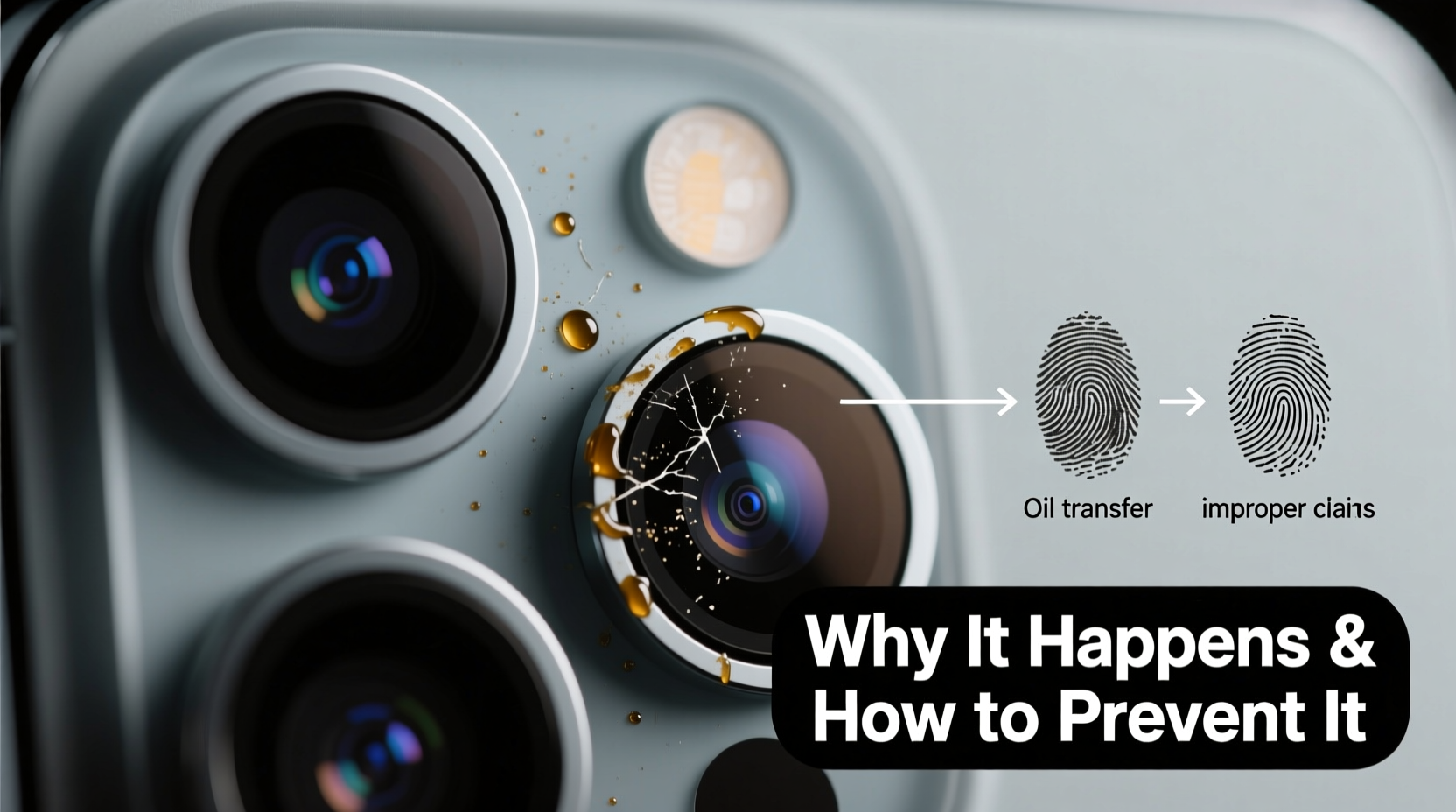
iPhone camera lenses are made of optical-grade sapphire crystal or glass, designed to be scratch-resistant and durable. However, these materials are still vulnerable to oils, moisture, and particulate matter. When contaminants accumulate on the surface, they interfere with light transmission, causing glare, blurriness, or soft focus.
The primary culprit? Human touch. Fingers naturally secrete sebum—a mixture of oils and dead skin cells—that easily transfers to surfaces upon contact. Even brief handling of the back of the phone, especially when adjusting grip for a photo, can leave invisible residues that scatter incoming light. Over time, these micro-smudges compound, particularly around the lens edges where fingerprints tend to gather.
Environmental factors also play a role. Dust, lint from pockets, cooking grease in the kitchen, or salt residue near beaches all contribute to lens degradation. Humidity accelerates the problem by allowing particles to adhere more strongly to the lens surface.
“Even microscopic oil layers can significantly reduce lens clarity. It only takes one greasy thumb swipe to compromise image sharpness.” — Dr. Lena Park, Optical Engineer at Mobile Imaging Labs
Common Causes of iPhone Camera Lens Smudges
While smudges may seem random, they typically stem from predictable behaviors and environmental exposures. Recognizing these patterns is the first step toward prevention.
- Frequent handling without cleaning hands: Touching the back of the phone with unwashed hands after eating, exercising, or commuting introduces oils and dirt directly onto the lens.
- Pocket or bag storage: Storing the phone loosely in pockets, purses, or backpacks exposes it to lint, fabric fibers, and debris that rub against the lens.
- Using improper cleaning tools: Wiping the lens with clothing, paper towels, or napkins can scratch the coating or push grime deeper into crevices.
- Moisture exposure: High humidity, sweat, or rain increases surface adhesion of particles, making smudges harder to remove.
- Screen protectors that don’t cover the camera bump: Some full-coverage screen protectors stop short of the raised camera module, leaving it exposed to direct contact.
How to Clean Your iPhone Camera Lens Properly
Cleaning the lens might seem straightforward, but doing it incorrectly can cause more harm than good. The goal is to remove contaminants without scratching the anti-reflective coating or pushing debris into the gap between the lens and housing.
Step-by-Step Guide to Safe Lens Cleaning
- Power off the device (optional but recommended): Prevents accidental touches and allows you to focus on cleaning without distractions.
- Breathe on the lens lightly: Use your breath to create a small amount of condensation—this loosens dried oils and particles.
- Use a microfiber cloth: Gently wipe in a circular motion using a clean, dry portion of a lens-safe microfiber cloth (like those used for eyeglasses).
- For stubborn smudges, dampen slightly: Moisten the cloth with distilled water or a 50/50 mix of water and isopropyl alcohol. Never apply liquid directly to the phone.
- Clean the entire camera module: Don’t forget the flash, LiDAR sensor (on Pro models), and surrounding metal ring, which can also affect photo quality.
- Dry thoroughly: Use the dry side of the cloth to ensure no moisture remains, especially in humid environments.
Avoid cotton swabs unless necessary—while they can reach tight spaces, they may leave fibers behind or apply uneven pressure. If you must use one, choose a foam-tipped swab and wrap it in microfiber for gentler contact.
Prevention Strategies: Building Smudge-Free Habits
Regular cleaning helps, but true protection comes from preventing smudges before they form. Integrating a few smart habits into your routine can dramatically reduce lens contamination.
Choose the Right Case
Not all cases offer equal protection. Opt for models with a raised lip around the camera cutout—ideally 0.5mm or higher—to keep the lens elevated above flat surfaces when placed down. Silicone, TPU, and rugged cases often include this feature, while ultra-slim leather or folio cases may not.
Wash Hands or Use Hand Sanitizer Before Photography
If you frequently take photos—especially portraits, food shots, or professional content—make it a habit to clean your hands beforehand. Alcohol-based sanitizers evaporate quickly and reduce oil transfer without leaving residue.
Avoid Pocket Storage Without Protection
Pockets are among the dirtiest places for a phone. Fabric lint, pocket debris, and hand lotions accumulate rapidly. Use a dedicated phone pouch or ensure your case fully shields the rear.
| Do’s | Don’ts |
|---|---|
| Use a microfiber cloth for cleaning | Wipe the lens with your shirt or paper towel |
| Store the phone in a protective case or pouch | Leave the phone face-down on tables or counters |
| Check the lens before taking important photos | Use household cleaners or window sprays |
| Invest in a case with a camera lip | Touch the lens area unnecessarily |
Real-World Example: A Photographer’s Wake-Up Call
Jamal, a freelance food photographer in Austin, once lost a paid gig because his portfolio images appeared consistently soft. Clients assumed poor technique, but after reviewing RAW files and testing multiple lighting setups, he discovered the issue wasn’t his skill—it was his lens. A persistent oily film, likely from handling the phone after cooking sessions, had degraded clarity across dozens of shots.
After switching to a case with a raised camera edge and adopting a pre-shoot cleaning ritual with a microfiber cloth, his image quality improved instantly. “I didn’t realize how much I was touching the back of my phone until I started paying attention,” he said. “Now I check the lens every time I pull out my iPhone. It takes two seconds and saves me hours of post-processing.”
Expert-Recommended Prevention Checklist
Follow this checklist daily or weekly to maintain optimal lens condition:
- ✅ Inspect the camera lens before taking critical photos
- ✅ Clean the lens with a microfiber cloth at least once a day
- ✅ Wash or sanitize hands before extended photo sessions
- ✅ Use a protective case with a raised camera bezel
- ✅ Avoid placing the phone directly on surfaces lens-side down
- ✅ Store the phone in a clean, enclosed space (not loose in a bag)
- ✅ Replace worn-out cases that no longer provide lens elevation
Frequently Asked Questions
Can a smudged lens damage my iPhone camera permanently?
No, smudges themselves won’t cause permanent damage, but if left uncleaned, they can trap moisture or abrasive particles that may scratch the lens coating over time. Regular maintenance prevents long-term wear.
Is it safe to use alcohol wipes on the iPhone camera lens?
Yes, but with caution. Apple recommends avoiding strong solvents. If needed, use a 70% isopropyl alcohol wipe lightly on a microfiber cloth—not directly on the lens—and never soak the area. Excessive alcohol can degrade anti-reflective coatings with repeated use.
Why does my lens get foggy even when I don’t touch it?
Fogginess can result from environmental condensation, especially when moving between temperature extremes (e.g., cold outdoors to warm indoors). It can also be caused by tiny scratches or coating wear that scatter light, mimicking a smudged appearance. If cleaning doesn’t help, consider professional inspection.
Final Thoughts: Clarity Starts with Care
Your iPhone’s camera is only as effective as the condition of its lens. No matter how advanced computational photography becomes, physical obstructions like smudges will always undermine image quality. The solution isn’t complicated—it’s consistency. By understanding how smudges form, adopting proper cleaning techniques, and choosing protective accessories wisely, you can ensure every shot you take is as sharp as the technology allows.
Great mobile photography begins not in software, but in hygiene. Make lens care part of your daily routine, just like charging your phone. A few seconds of attention can preserve the integrity of your photos for years to come.




 浙公网安备
33010002000092号
浙公网安备
33010002000092号 浙B2-20120091-4
Comments
No comments yet. Why don't you start the discussion?