
In the evolving world of podcasting, mobile devices have become essential tools—not just for recording interviews on the go, but for full-fledged editing workflows. With powerful audio apps now available on both iOS and Android, creators are faced with a critical question: which platform truly excels when it comes to handling podcast editing software? The answer isn’t always straightforward, as it depends on app availability, processing power, ecosystem integration, and long-term reliability. This guide breaks down the real-world differences between iPhone and Android for podcast editing, helping you choose the best device for your production needs.
App Ecosystem: Depth, Stability, and Feature Set
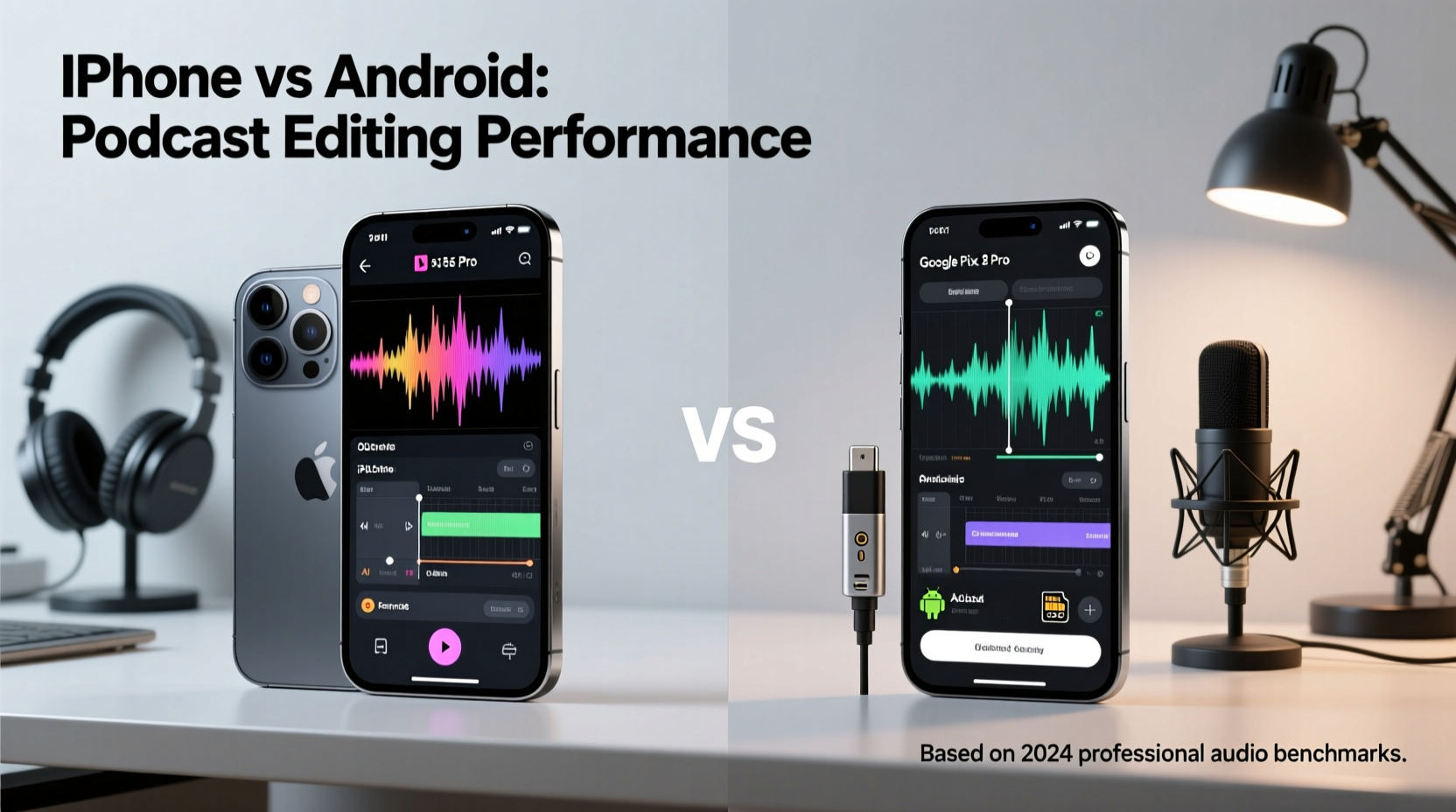
The foundation of any mobile editing experience lies in the quality and capabilities of available audio apps. On this front, iOS has historically held a strong lead. Apple’s tightly controlled App Store curation and developer incentives have attracted high-caliber audio applications that prioritize stability and advanced functionality.
Top-tier apps like Ferrite Recording Studio, GarageBand, and Anchor (now part of Spotify) offer multitrack timelines, noise reduction, voice leveling, chapter markers, and seamless publishing—features once exclusive to desktop DAWs (Digital Audio Workstations). Ferrite, in particular, is often cited as the most robust podcast editor on mobile, with timeline snapping, clip grouping, and export presets tailored for RSS feeds.
On Android, while capable apps exist—such as WaveEditor, Hindenburg Journalist Go, and AudioLab—they tend to be less feature-rich or lack consistent updates. Hindenburg offers a solid cross-platform experience, but its mobile version lags behind the desktop edition. Many Android audio apps also suffer from inconsistent UI design and occasional crashes during extended editing sessions.
Performance and Hardware Consistency
Podcast editing is CPU-intensive, especially when applying noise reduction, EQ, compression, or rendering long episodes. Here, iPhones benefit from Apple’s vertical integration: hardware, operating system, and apps are optimized together. The A-series and M-series chips deliver exceptional single-core performance, crucial for real-time audio processing and low-latency playback.
For example, an iPhone 15 Pro with its A17 Pro chip can handle 30-minute multitrack edits with effects applied across multiple clips without noticeable lag. Background processes are efficiently managed, and thermal throttling is minimal due to Apple’s strict control over cooling and power distribution.
Android, by contrast, spans a vast range of devices—from budget phones with outdated processors to flagship models like the Samsung Galaxy S24 Ultra or Google Pixel 8 Pro. While these high-end models use powerful Snapdragon or Tensor chips, performance varies significantly across brands and firmware layers. Some devices struggle with memory management during long editing sessions, leading to app reloads or dropped audio cues.
Moreover, background app suspension policies differ widely among Android OEMs. Samsung, Xiaomi, and others aggressively kill background processes to save battery, which can disrupt ongoing renders or auto-save functions in audio apps. This fragmentation makes Android less predictable for time-sensitive editing tasks.
“Mobile podcast editing requires consistent performance and low-latency audio routing. iOS sets the benchmark for reliability in this space.” — Marcus Lin, Mobile Audio Engineer and Podcast Producer
Workflow Integration and File Management
A smooth editing workflow depends not just on the app, but on how well the entire ecosystem supports file transfer, cloud sync, and peripheral connectivity.
iOS has made significant strides with the Files app, iCloud Drive, and Shortcuts automation. You can record an interview in Voice Memos, move the file to Ferrite via drag-and-drop, edit it, then export directly to Dropbox or publish through Anchor—all within a few taps. Shortcuts allow automation of repetitive tasks, such as renaming files, converting formats, or backing up projects.
Apple’s support for external USB microphones and audio interfaces via Lightning or USB-C is also excellent. Devices like the Shure MV88 or Rode NT-USB Mini work seamlessly with iOS, offering plug-and-play compatibility and high-quality input without additional drivers.
Android offers broader file system access, which can be an advantage for power users. You can directly browse folders, modify metadata, and manage WAV/MP3 files with greater flexibility. However, this openness comes at the cost of consistency. USB audio interface support varies by manufacturer and Android version. Some devices require OTG (On-The-Go) adapters and still fail to provide stable 24-bit/48kHz input.
Cloud integration is generally reliable across both platforms, but iOS edges ahead in app-to-app handoff. Using Handoff and Universal Clipboard, you can start editing on your iPhone and continue on a Mac—a critical feature for hybrid workflows.
Comparison Table: iPhone vs Android for Podcast Editing
| Feature | iOS (iPhone) | Android |
|---|---|---|
| Top Audio Apps | Ferrite, GarageBand, Anchor, Adobe Podcast Enhance | WaveEditor, AudioLab, Hindenburg Go, Lex |
| Multitrack Editing | Yes (Ferrite, GarageBand) | Limited (mostly single-track) |
| Background Processing | Reliable, optimized by OS | Varies by OEM; often aggressive killing |
| External Mic Support | Excellent (plug-and-play) | Inconsistent (driver/OEM dependent) |
| File Management | Controlled but integrated (iCloud, Shortcuts) | Open access, but fragmented |
| Cross-Device Sync | Seamless (iPhone ↔ Mac) | Limited (Google Drive, third-party tools) |
| Long-Term App Updates | Frequent, stable | Irregular, some apps abandoned |
Real-World Example: Editing a 45-Minute Interview Episode
Consider Sarah, a travel podcaster who records remote interviews using her smartphone. She recently switched from a Google Pixel 7 to an iPhone 14 and noticed immediate improvements in her editing process.
On Android, she used AudioLab to trim silences and apply basic compression. However, the app would occasionally crash when she tried to export after adding music beds. She also found it difficult to transfer large WAV files to her laptop for final mastering, as the file manager didn’t integrate smoothly with her cloud storage.
After moving to the iPhone, she downloaded Ferrite. Within minutes, she was trimming clips with precision snap points, adjusting volume envelopes, and applying noise gate effects. She used iCloud to automatically back up her project and later opened the same file on her MacBook using GarageBand. The transition was seamless, and her overall editing time dropped by nearly 40%.
This case illustrates how ecosystem cohesion and app maturity can significantly impact productivity—even when the core task remains the same.
Step-by-Step: Setting Up a Mobile Podcast Editing Workflow
Whether you’re using iPhone or Android, follow this sequence to build an efficient editing setup:
- Choose Your Primary Device: Evaluate your current phone’s processor, RAM, and OS update status. Flagship models are strongly recommended.
- Install a Dedicated Audio Editor: For iPhone, install Ferrite or GarageBand. For Android, try WaveEditor or Hindenburg Go.
- Connect External Gear: Use a compatible USB microphone or audio interface. Test input levels and monitor through headphones.
- Organize Your Files: Create a folder structure in iCloud Drive or Google Drive for raw recordings, edited clips, and music assets.
- Apply Basic Edits: Trim silence, remove filler words, adjust volume, and add intro/outro music.
- Enhance Audio Quality: Use AI-powered tools like Adobe Podcast Enhance (web-based) or built-in noise reduction.
- Export and Publish: Save in MP3 (96–128 kbps for voice) and upload to your hosting platform (e.g., Buzzsprout, Captivate).
Checklist: Choosing the Right Platform for Mobile Podcast Editing
- ✅ Does the device support professional-grade audio apps?
- ✅ Is the processor powerful enough for real-time effects?
- ✅ Can it reliably connect to external microphones?
- ✅ Is background processing stable during long renders?
- ✅ Does the OS integrate well with your existing tools (computer, cloud, storage)?
- ✅ Are apps regularly updated and supported?
- ✅ Can you maintain a consistent workflow across devices?
Frequently Asked Questions
Can I edit a full podcast episode entirely on my phone?
Yes, especially on iPhone with apps like Ferrite. You can record, edit, enhance, and export complete episodes without touching a computer. High-end Android devices can do this too, but with more limitations in app capabilities and stability.
Is Android catching up to iOS in audio app quality?
Slowly. While apps like Hindenburg and Lex are improving, the overall ecosystem lacks the depth and polish of iOS. Google’s focus on AI features (e.g., Recorder app transcription) shows promise, but dedicated editing tools remain behind.
Do I need an expensive phone for podcast editing?
Not necessarily, but performance matters. Budget phones often lack sufficient RAM and fast storage, leading to lag and crashes. Mid-range or flagship devices (iPhone SE 2022+, Pixel 6+, Galaxy S21+) are recommended for serious work.
Conclusion: Making the Right Choice for Your Podcast
When it comes to podcast editing, the choice between iPhone and Android ultimately hinges on reliability, app quality, and ecosystem synergy. While Android offers openness and hardware variety, iOS delivers a more polished, consistent, and professional-grade experience. From superior audio apps to seamless integration with desktop workflows, the iPhone currently stands as the preferred platform for mobile-first podcasters who value efficiency and stability.
That said, Android is not without merit—especially for users already embedded in the Google ecosystem or seeking lower-cost entry points. As audio apps evolve and hardware improves, the gap may narrow. But for now, if you're serious about producing high-quality podcasts on a mobile device, the iPhone remains the safer, more capable bet.




 浙公网安备
33010002000092号
浙公网安备
33010002000092号 浙B2-20120091-4
Comments
No comments yet. Why don't you start the discussion?