
In 2017, two flagship smartphones defined a turning point in mobile technology: Apple’s iPhone X and Google’s Pixel 2. While the Pixel 2 was widely praised for its clean Android experience and best-in-class camera, the iPhone X introduced a radical redesign—face recognition, edge-to-edge OLED display, and a new gesture-based interface. Surprisingly, many long-time Android users made the switch to iOS after years of brand loyalty. What changed? This article explores the tangible reasons behind this shift by comparing hardware, software, ecosystem integration, and real-world user experiences.
Design and Build Quality: A Shift in Perception
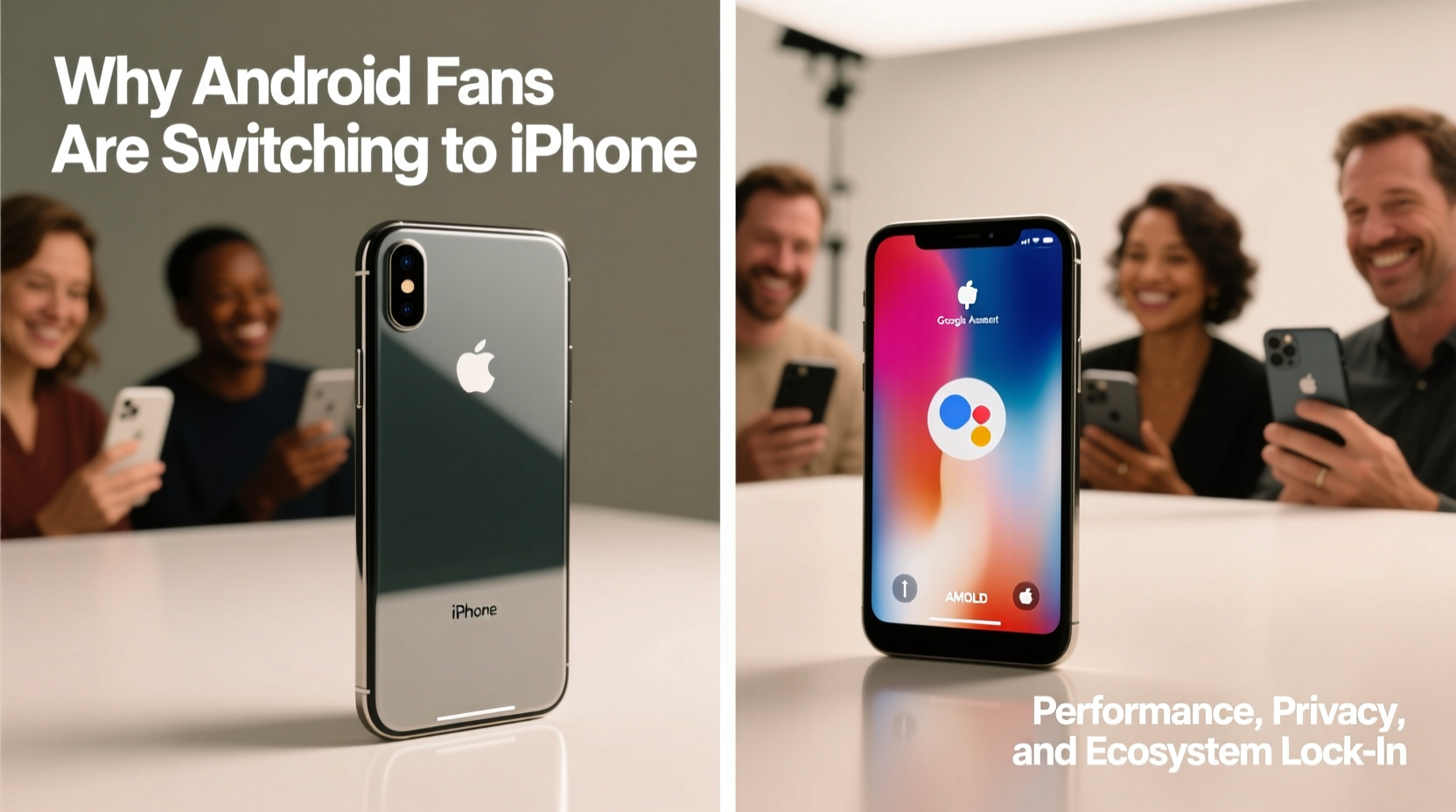
The iPhone X marked Apple’s first major departure from the traditional home-button design since 2007. Its stainless steel frame, glass back, and surgical-grade materials signaled a premium build that stood out in a market flooded with plastic and aluminum mid-tier devices. The Pixel 2, while well-built with an aluminum unibody, felt more utilitarian in comparison.
The iPhone X’s 5.8-inch Super Retina OLED display offered deeper blacks, higher contrast, and better color accuracy than the Pixel 2’s 5.0-inch Full HD P-OLED screen. Though smaller in physical size, the iPhone X’s screen-to-body ratio and bezel-less front created a more immersive visual experience. For users who valued aesthetics and craftsmanship, the iPhone X wasn’t just a phone—it was a statement.
Camera Performance: Software vs Hardware Philosophy
Google’s Pixel 2 had—and still has—a reputation for having one of the best smartphone cameras ever made at the time, particularly in low-light conditions. It achieved this through computational photography: advanced HDR+, Night Sight (later added), and single-lens optimization. Apple, meanwhile, focused on hardware improvements—dual 12MP rear cameras with optical image stabilization and True Tone flash.
While the Pixel 2 consistently scored higher in DxOMark reviews, real-world usage revealed nuances. iPhone X photos had warmer tones, better skin rendering, and superior video stabilization—key factors for social media creators and casual photographers alike. Additionally, the iPhone’s consistent photo processing across apps (especially Instagram and Snapchat) gave it an edge in sharing environments.
“Apple doesn’t always win on megapixels, but they win on consistency. Their color science is tuned for how people actually use phones.” — David Kim, Mobile Photographer & Tech Analyst
Ecosystem Integration: The Hidden Force Behind Loyalty
One of the most underappreciated reasons Android users switched to iPhone was ecosystem lock-in. By 2017, Apple had spent nearly a decade refining seamless integration between iPhone, iPad, Mac, Apple Watch, AirPods, and iCloud. Features like Handoff, Universal Clipboard, iMessage syncing, and automatic hotspot login created frictionless transitions between devices.
In contrast, even though Google offered cloud services (Drive, Photos, Gmail), their cross-device continuity lagged. Android-to-Chromebook handoff was limited, and third-party accessories rarely matched Apple’s plug-and-play reliability. For professionals using multiple Apple devices or families invested in iCloud storage and Family Sharing, switching *to* Android became harder than switching *from* it.
This ecosystem effect amplified over time. Once users bought AirPods or an Apple Watch, returning to Android meant losing functionality—like automatic ear detection or seamless setup.
Software Longevity and Update Support
Android fans often cite open-source flexibility as a strength, but fragmentation remained a critical weakness. In 2017, only Google’s Pixel line guaranteed three years of OS updates. Most other Android OEMs provided just two years, if that. Security patches were inconsistent across brands.
Apple, by contrast, committed to five or more years of iOS updates. An iPhone X released in 2017 received support all the way through iOS 16—nearly six years later. This longevity meant users didn’t have to replace their phone simply because it stopped receiving updates.
For tech-savvy users tired of rooting, flashing custom ROMs, or dealing with delayed security fixes, the iPhone X represented stability and long-term usability. One former Android developer put it bluntly: “I used to love tweaking my phone. Now I just want it to work.”
Comparison Table: iPhone X vs Pixel 2 Key Features
| Feature | iPhone X | Pixel 2 |
|---|---|---|
| Display | 5.8\" OLED, 458 PPI | 5.0\" P-OLED, 445 PPI |
| Processor | A11 Bionic (64-bit) | Qualcomm Snapdragon 835 |
| Rear Camera | Dual 12MP (wide + telephoto) | Single 12.2MP (excellent low light) |
| Front Camera | 7MP with Face ID | 8MP with portrait mode |
| OS Update Support | ~6 years (iOS 11 to iOS 16) | ~3 years (Android 8 to Android 11) |
| Ecosystem Integration | iCloud, AirPods, Apple Watch, Handoff | Google Photos, Assistant, Chrome Sync |
| Battery Life (Video Playback) | Up to 13 hours | Up to 10 hours |
Real User Shift: A Mini Case Study
Jamal Rivera, a software engineer and longtime Android advocate, used Nexus and Pixel devices exclusively from 2012 to 2017. He appreciated stock Android, fast updates, and Google Assistant integration. But when his Pixel 2 began slowing down in late 2019 and lost official support in 2020, he considered upgrading to the Pixel 3—only to find mixed reviews about build quality and battery life.
After borrowing a friend’s iPhone X, he was struck by how smoothly apps launched, how quickly Face ID worked, and how seamlessly his new MacBook synced notes and messages. Within weeks, he traded in his Pixel and bought an iPhone XR. “It wasn’t one feature,” he said. “It was everything working together without me having to fix or configure anything.”
His story mirrors a broader trend: pragmatic adoption driven not by marketing, but by daily convenience.
Actionable Checklist: Should You Switch from Android to iPhone?
- ✅ Evaluate your current device’s performance and update status
- ✅ List the apps and services you rely on (e.g., Google Workspace, iCloud, Dropbox)
- ✅ Test iPhone features like iMessage, FaceTime, and AirDrop with friends or colleagues
- ✅ Check compatibility of your accessories (headphones, smartwatches, car systems)
- ✅ Use Apple’s Move to iOS app to transfer data and assess migration ease
- ✅ Consider long-term ownership cost—how often do you upgrade?
Frequently Asked Questions
Can I transfer my data from Pixel 2 to iPhone X easily?
Yes. Apple provides the “Move to iOS” app on the Google Play Store, which securely transfers contacts, messages, photos, calendar events, and Google account data during initial iPhone setup. Some app data may not carry over, but media and core information transfer smoothly.
Is the iPhone X still worth buying in 2024?
Not as a primary device. While it was groundbreaking in 2017, it no longer receives iOS updates beyond iOS 16, lacks modern security features, and has limited battery health. However, it remains a popular choice for secondary devices or international travelers due to its compact size and iOS compatibility.
Why do some Android users regret switching to iPhone?
Common regrets include losing customization options (launchers, widgets, default apps), frustration with iMessage spam, and dependency on iTunes for backups. Users who heavily used Google services (like Google Fi or advanced Drive workflows) sometimes find equivalents lacking on iOS.
Conclusion: The Quiet Revolution of User Experience
The shift from Pixel 2 to iPhone X wasn’t driven by fanboyism or hype. It reflected a quiet revolution in what users value: longevity, consistency, and ecosystem harmony. While Android continues to innovate—especially in hardware diversity and AI features—Apple mastered the art of making technology feel invisible. For many, the decision to switch wasn’t about abandoning Android, but embracing a device that required less maintenance and delivered more peace of mind.




 浙公网安备
33010002000092号
浙公网安备
33010002000092号 浙B2-20120091-4
Comments
No comments yet. Why don't you start the discussion?