
The decision to switch between smartphone ecosystems—Apple’s iOS and Samsung’s Android—is rarely just about hardware. It's a blend of user experience, ecosystem loyalty, long-term value, and practical features like screen size. When comparing the iPhone XR and the Galaxy S7, you're looking at two devices from different generations with vastly different upgrade paths. The iPhone XR launched in 2018; the Galaxy S7 arrived in 2016. Despite this gap, many users still hold onto their S7s or consider them when budgeting for a phone. So, is upgrading to the iPhone XR—and its larger screen—worth abandoning Samsung? Let’s break it down.
Display and Design: Bigger Isn’t Always Better
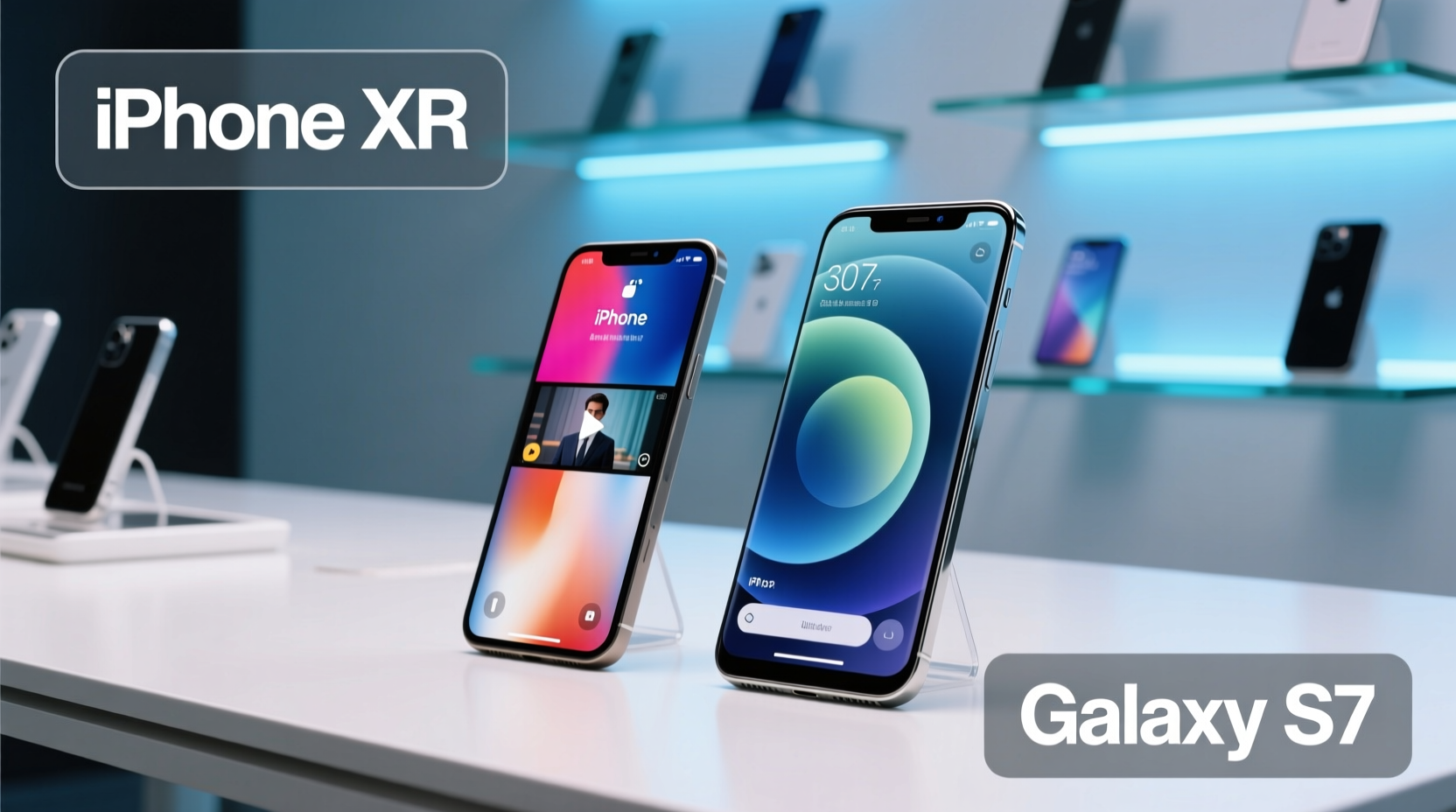
The iPhone XR features a 6.1-inch Liquid Retina LCD display, while the Galaxy S7 has a smaller but sharper 5.1-inch Quad HD Super AMOLED panel. On paper, the XR wins on size, offering more real estate for videos, web browsing, and multitasking. However, screen quality isn’t solely determined by dimensions.
The S7’s AMOLED display delivers deeper blacks, richer colors, and superior contrast ratios compared to the XR’s LCD. Even though the XR’s screen is larger, it lacks the pixel density and vibrancy that made the S7 stand out in its era. Additionally, the S7 includes an IP68 water resistance rating and expandable storage via microSD—features absent in the XR.
Design-wise, the S7 feels more compact and comfortable in one hand. The XR, while modern with its edge-to-edge display, is bulkier and heavier. For users who prioritize pocketability and premium materials, the glass-and-metal S7 may still feel more luxurious than the XR’s aerospace-grade aluminum and glass body.
Performance and Software Longevity
This is where the comparison shifts dramatically. The Galaxy S7 ran on either the Exynos 8890 or Snapdragon 820, both powerful chips in 2016. By 2023, however, the S7 no longer receives official software updates. It maxed out at Android 8.0 Oreo, missing out on critical security patches, modern app optimizations, and new features.
In contrast, the iPhone XR launched with Apple’s A12 Bionic chip—a 7-nanometer processor that was not only faster at launch but also designed for long-term relevance. As of 2024, the XR supports up to iOS 17, meaning it receives annual feature upgrades, privacy enhancements, and app compatibility improvements years after release.
Apple’s commitment to software support—typically five to six years—gives the XR a significant advantage. Real-world usage shows that even older iPhones maintain smooth performance over time, whereas aging Android devices often suffer from slowdowns due to fragmented update policies.
“iOS devices consistently deliver longer usable lifespans because Apple controls both hardware and software.” — David Chen, Mobile Systems Analyst at TechInsight Group
Camera Comparison: Quality Over Quantity
The iPhone XR has a single 12MP rear camera with optical image stabilization and advanced computational photography powered by the A12 chip. It excels in Smart HDR, portrait mode (via software depth mapping), and low-light processing. Videos are captured in 4K up to 60fps, making it strong for content creators.
The Galaxy S7 also has a 12MP rear sensor but uses a dual-pixel autofocus system that was groundbreaking at the time. Its photos have a natural warmth and excellent dynamic range under good lighting. However, without ongoing software tuning, its night mode and AI enhancements fall behind modern standards.
In side-by-side tests, the XR produces more consistent results across varying conditions. While the S7 can still take beautiful photos in daylight, its lack of Night Mode and slower processing make it less reliable today.
| Feature | iPhone XR | Galaxy S7 |
|---|---|---|
| Screen Size | 6.1 inches | 5.1 inches |
| Display Type | Liquid Retina LCD | Super AMOLED |
| Rear Camera | 12MP f/1.8 (OIS) | 12MP f/1.7 (Dual Pixel AF) |
| Front Camera | 7MP TrueDepth | 5MP |
| Battery Capacity | 2942 mAh | 3000 mAh |
| Software Support | iOS 17 compatible | Last updated: Android 8.0 |
| Water Resistance | IP67 | IP68 |
| Expandable Storage | No | Yes (up to 256GB) |
Real-World Example: Sarah’s Switch from S7 to iPhone XR
Sarah had used her Galaxy S7 since 2016. She loved its compact size and vibrant screen, but by 2021, she noticed apps crashing, slow boot times, and missed security updates. After researching options, she upgraded to an iPhone XR primarily for longevity.
At first, she found the iOS interface unfamiliar and missed having a headphone jack (removed in the XR). But within weeks, she appreciated Face ID, smoother animations, and the ability to seamlessly sync with her iPad and Mac. Most importantly, her phone didn’t slow down after a year of use.
Was the larger screen worth it? For Sarah, yes—but not for media consumption alone. The extra space improved multitasking in Safari and made typing easier. Yet, she admitted the trade-off in portability took adjustment.
Step-by-Step: How to Decide Whether to Switch
If you’re still using a Galaxy S7 and considering a move to iPhone XR, follow this decision timeline:
- Evaluate Your Current Device (Week 1): Track how often your S7 lags, crashes, or fails to install app updates.
- Test iOS Devices (Week 2): Visit an Apple Store or borrow an iPhone to test navigation, Face ID, and app layout.
- Assess Ecosystem Needs (Week 3): Do you use other Apple products? iCloud integration adds value if you do.
- Compare Total Cost (Week 4): Factor in potential accessories (e.g., dongles, new cases) and data transfer tools.
- Make the Leap (Week 5): Use Apple’s Move to iOS app to transfer contacts, messages, and photos securely.
Checklist: Before You Ditch Samsung for iPhone XR
- ✅ Back up all data on your S7 (Google Drive or local backup)
- ✅ Unlock your Galaxy S7 if carrier-locked
- ✅ Download “Move to iOS” app before resetting Android device
- ✅ Confirm Wi-Fi availability during transfer process
- ✅ Purchase necessary adapters (Lightning to USB, headphones)
- ✅ Check app subscriptions—are they cross-platform?
- ✅ Evaluate cloud storage preferences (iCloud vs Google One)
Frequently Asked Questions
Can I transfer everything from my Galaxy S7 to iPhone XR?
Yes, using Apple’s “Move to iOS” app during initial setup. It transfers contacts, messages, photos, calendars, and free apps. Paid apps and some third-party data may require manual migration.
Is the iPhone XR’s battery life better than the S7’s?
Generally, yes. Though the S7 has a slightly larger battery, the A12 chip’s efficiency and iOS optimization allow the XR to last longer in real-world mixed usage—especially with background task management.
Will my Samsung accessories work with the iPhone XR?
Most won’t. Samsung’s DeX, Gear VR, and proprietary chargers are incompatible. Bluetooth headphones and generic cables will work, but expect to replace specialized gear.
Final Verdict: Is the Bigger Screen Worth It?
The iPhone XR’s larger screen offers tangible benefits for media, productivity, and accessibility. But screen size alone shouldn’t drive your decision. What matters more is long-term usability, software support, and ecosystem alignment.
The Galaxy S7 was a flagship marvel in 2016, but technology moves fast. Without current security updates or app compatibility, continuing to rely on it poses risks. The iPhone XR, despite launching two years later, remains functional and supported in 2024—a testament to Apple’s update philosophy.
Switching brands means adapting to new workflows, losing certain Android conveniences (like expandable storage), and investing in new accessories. But if you value stability, consistent performance, and future-proofing, the transition makes sense—even if it means carrying a slightly larger phone.




 浙公网安备
33010002000092号
浙公网安备
33010002000092号 浙B2-20120091-4
Comments
No comments yet. Why don't you start the discussion?