
In an age where tablets are powerful, portable, and capable of doing nearly everything, the idea of owning a separate device just for reading books might seem outdated. After all, most people already carry a tablet or smartphone that can download Kindle, Kobo, or Apple Books apps in seconds. But despite this convenience, millions still choose e-ink devices like the Amazon Kindle, Kobo Libra, or PocketBook. Why?
The answer lies not in raw computing power, but in purpose-built design. A tablet is a multitasking tool—great for videos, games, web browsing, and productivity. An e-reader, on the other hand, is engineered specifically for one thing: long, comfortable reading sessions without distractions. So, while a tablet can technically replace an e-reader, whether it *should* depends on your habits, health, and reading goals.
Screen Technology: E-Ink vs. LCD
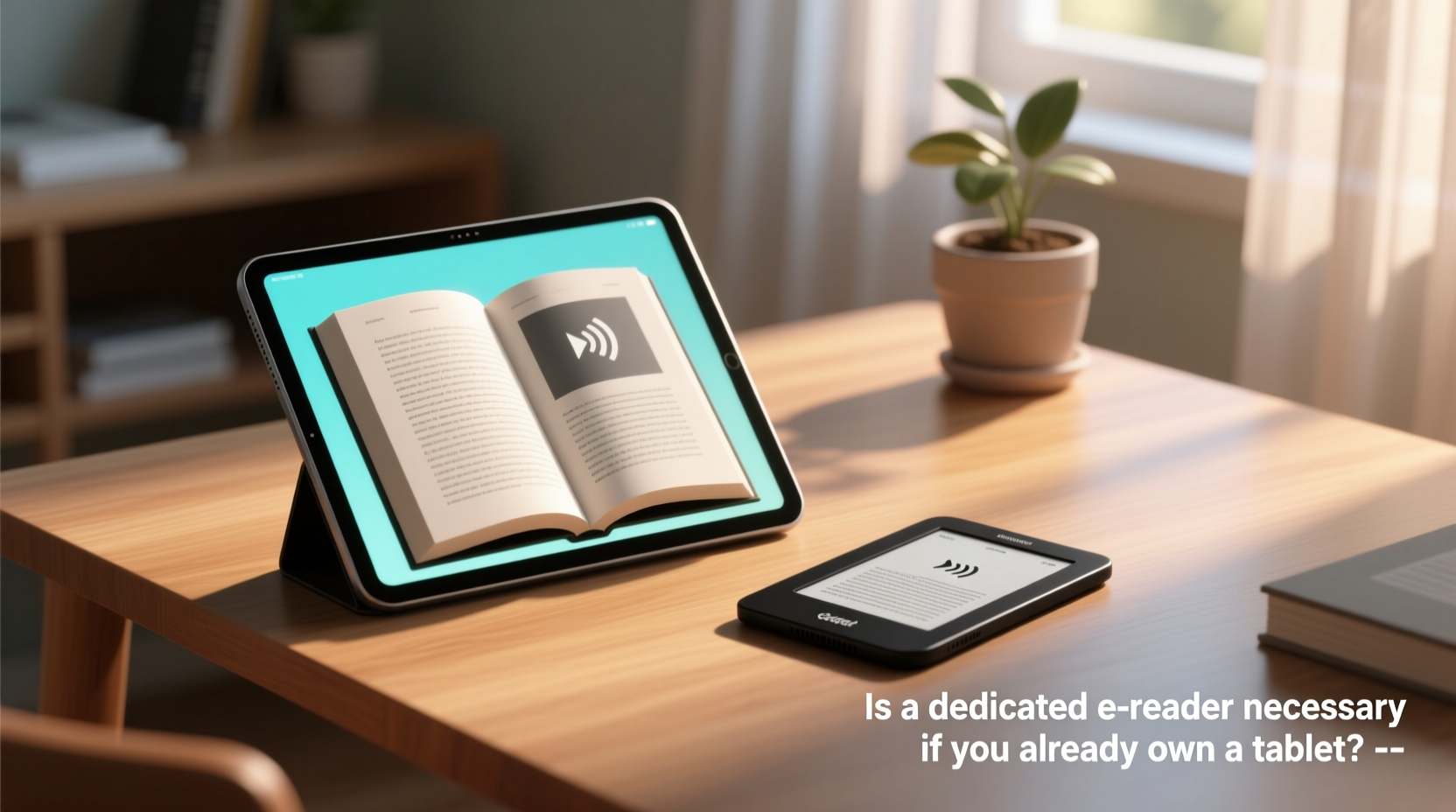
The most fundamental difference between a tablet and a dedicated e-reader is the display technology. Tablets use backlit LCD or OLED screens, which emit light directly into your eyes. These screens are vibrant and responsive, ideal for media consumption. However, they’re also more taxing during extended reading.
E-readers use e-ink displays—a reflective technology that mimics printed paper. Instead of emitting light, e-ink reflects ambient light, much like a physical book. This drastically reduces glare and eliminates the \"screen glow\" associated with digital fatigue. You can read under bright sunlight without squinting, something no tablet handles well.
“E-ink screens reduce visual strain by up to 40% compared to traditional backlit displays during prolonged reading.” — Dr. Lena Torres, Vision Health Researcher at MIT Media Lab
Moreover, e-ink doesn’t flicker or pulse like LED-backlit screens, which can contribute to headaches and disrupted sleep patterns. Many users report being able to read for hours on an e-reader without discomfort, whereas even 30–45 minutes on a tablet can cause dry eyes or mental fatigue.
Battery Life: Weeks vs. Days
Another major advantage of e-readers is battery efficiency. Because e-ink only consumes power when the page refreshes—not continuously like an LCD screen—an e-reader can last weeks on a single charge, even with daily use.
In contrast, tablets typically require daily or every-other-day charging, especially if used for reading alongside other tasks. The constant backlight, processor load, and background apps drain the battery quickly. Even reading for an hour a day adds up over time.
| Device Type | Avg. Battery Life (Reading Use) | Charging Frequency |
|---|---|---|
| Dedicated E-Reader (e.g., Kindle Paperwhite) | 4–6 weeks | Monthly |
| Tablet (e.g., iPad, Samsung Galaxy Tab) | 8–12 hours | Daily or every 2 days |
| Tablet in Airplane Mode + Low Brightness | 18–24 hours | Every few days |
This makes e-readers ideal for travelers, students, or anyone who wants to avoid constantly hunting for outlets. Imagine going on a two-week vacation with a fully charged Kindle and never needing to plug it in. Try that with a tablet.
Distraction-Free Reading Experience
One of the most underrated benefits of a dedicated e-reader is its lack of distractions. When you open a book on your tablet, you're just one tap away from email, social media, games, or news alerts. Notifications pop up, messages buzz, and soon you’ve spent 20 minutes scrolling instead of reading.
E-readers are intentionally minimalist. Most don’t support apps beyond basic dictionaries or note-taking tools. There’s no web browser (or a very limited one), no video playback, and certainly no TikTok. This creates a focused environment that encourages deeper engagement with text.
- No push notifications
- No app switching
- No temptation to check messages mid-chapter
- Automatic dark mode in low light (without blue light spikes)
For readers struggling with concentration—especially those with ADHD or information overload—this simplicity can be transformative. It’s not just about convenience; it’s about cultivating a mindful reading habit.
Mini Case Study: Sarah, the Busy Professional
Sarah, a 34-year-old project manager, used her iPad for reading during her commute and before bed. Despite downloading bestsellers, she rarely finished books. “I’d start a chapter, then see a Slack notification, reply, open Twitter, and suddenly it’s midnight,” she says.
After receiving a Kindle as a gift, she noticed an immediate change. “No notifications, no colorful icons pulling my attention. I actually finished three books in a month—the same number I used to read in a year.”
Her experience isn’t unique. Studies show that reducing cognitive load through single-purpose devices improves comprehension and retention. A 2022 University of Oslo study found that participants retained 27% more information when reading on e-ink versus tablets.
Portability and Physical Comfort
E-readers are designed to be held for long periods. They’re lightweight—typically between 150–200 grams—and balanced for one-handed use. Their matte finish resists fingerprints and provides a secure grip, even in humid conditions.
Compare that to most tablets, which weigh 400–600 grams and are often slippery due to glass surfaces. Holding a tablet upright for more than 20 minutes can lead to wrist strain or shoulder fatigue. Over time, this discourages consistent reading.
Additionally, e-readers are highly portable. You can slip a Kindle into a jacket pocket or small purse. A tablet requires a dedicated bag and careful handling. For commuters, hikers, or parents juggling multiple items, this difference matters.
Cost and Value Over Time
At first glance, buying an e-reader may seem redundant if you already own a tablet. Prices range from $100 for entry-level Kindles to $300 for high-end models with waterproofing and audiobook support. But consider long-term value.
An e-reader pays for itself in reduced eye strain, longer battery life, and increased reading consistency. If it helps you read 10 more books a year—or finally finish that novel you’ve been meaning to read—it delivers intangible but meaningful returns.
Plus, many e-readers offer free access to library services via Wi-Fi and support formats like EPUB, PDF, and MOBI. Some integrate with OverDrive or Libby, letting you borrow ebooks from public libraries at no cost. That’s a feature often overlooked but deeply valuable.
Checklist: Do You Need a Dedicated E-Reader?
Ask yourself these questions to determine if an e-reader is right for you:
- Do you read for more than 30 minutes a day regularly?
- Have you experienced eye strain or headaches after reading on your tablet?
- Do you struggle to focus while reading due to notifications or app distractions?
- Do you travel frequently and want a device that lasts weeks without charging?
- Are you trying to build a consistent reading habit but find yourself distracted?
- Do you read in bright environments (beaches, parks, patios) where screen glare is an issue?
- Would you benefit from a lighter, more ergonomic device for bedtime reading?
If you answered “yes” to three or more, a dedicated e-reader could significantly improve your reading experience—even if you already own a tablet.
When a Tablet Is Enough
That said, there are valid scenarios where a tablet suffices—and even outperforms—an e-reader.
- You read infrequently: If you only pick up a book once a month, investing in another device may not make sense.
- You prefer multimedia: If you enjoy illustrated cookbooks, graphic novels, or children’s books with animations, a tablet’s color screen and audio capabilities are essential.
- You already use reading apps effectively: Some users disable notifications, use grayscale mode, and stick to airplane mode while reading—effectively turning their tablet into a distraction-free zone.
- You need accessibility features: Tablets offer advanced text-to-speech, zoom, font customization, and integration with assistive technologies that some e-readers still lag behind in.
In these cases, optimizing your tablet setup might be the smarter move. Consider using grayscale mode (available in iOS and Android Digital Wellbeing settings) to reduce visual stimulation and mimic e-ink’s monochrome appearance.
Frequently Asked Questions
Can I use my tablet like an e-reader?
Yes, with limitations. Install reading apps like Kindle, Kobo, or Google Play Books, disable notifications, enable grayscale, and lower brightness. While this reduces distractions, it won’t eliminate eye strain caused by backlighting or screen flicker. It’s a compromise—not a full replacement.
Are e-readers better for bedtime reading?
Absolutely. E-readers with front lights direct illumination onto the screen rather than into your eyes. Combined with zero blue light emission (unless manually enabled), they’re far less likely to interfere with sleep. Tablets, even with Night Shift or Blue Light filters, still emit more disruptive light than e-ink devices.
Do e-readers support all book formats?
Most support common formats like MOBI, AZW3, PDF, and EPUB (via sideloading or cloud services). However, DRM-protected books from certain publishers may only work within specific ecosystems (e.g., Apple Books on iOS). Always check compatibility before purchasing.
Final Verdict: Necessity Depends on Your Goals
Is a dedicated e-reader *necessary* if you already own a tablet? Technically, no. You can read any ebook on a tablet. But necessity isn’t just about capability—it’s about sustainability, comfort, and behavior.
If reading is a priority—if you want to read more, retain more, and enjoy the process without physical or mental fatigue—then a dedicated e-reader isn’t just useful. It’s a strategic upgrade. It removes friction, minimizes harm to your eyes, and fosters a healthier relationship with books.
Think of it like running shoes. You *can* jog in dress shoes, but you won’t go far, and you’ll probably quit. A proper pair supports your feet, prevents injury, and makes the experience enjoyable. An e-reader does the same for reading.
“The best technology for reading isn’t the fastest or flashiest—it’s the one that disappears so the story can shine.” — Carlos Mendez, Digital Literacy Advocate




 浙公网安备
33010002000092号
浙公网安备
33010002000092号 浙B2-20120091-4
Comments
No comments yet. Why don't you start the discussion?