
When it comes to capturing inspiration, organizing thoughts, or launching a creative project, few tools are as foundational as the humble notebook. But in an age where tablets, styluses, and note-taking apps have become powerful and intuitive, many professionals, students, and creatives are asking: Is a digital notebook better than paper for brainstorming ideas?
The answer isn’t straightforward. While digital tools offer searchability, synchronization, and multimedia integration, paper remains unmatched in tactile freedom and cognitive flow. The choice depends on your thinking style, workflow, and goals. This article explores both sides in depth, compares key features, and provides actionable guidance to help you decide which method—or combination—works best for your ideation process.
The Cognitive Edge of Paper
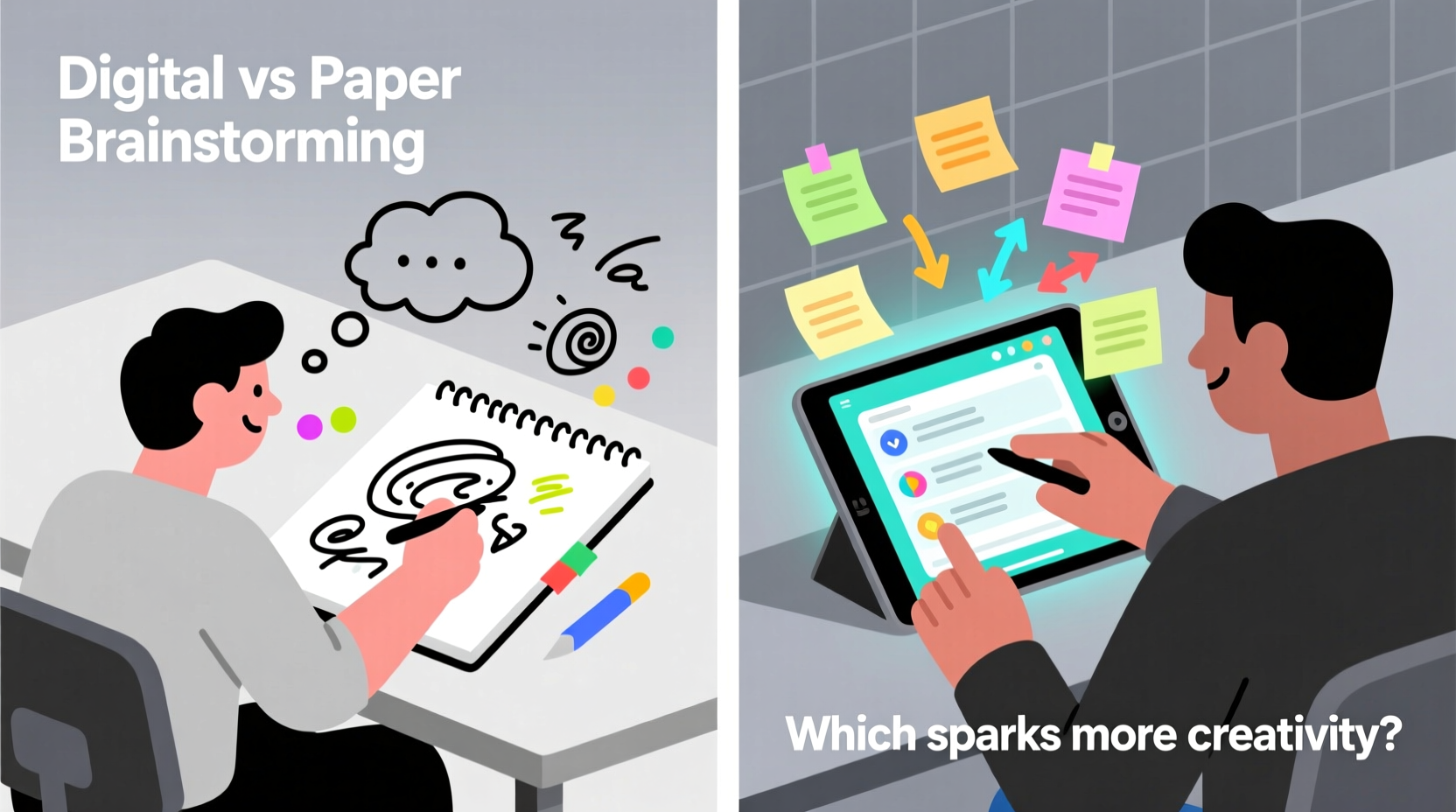
Research consistently shows that writing by hand engages the brain differently than typing. A 2014 study from Princeton University found that students who took notes on paper demonstrated better conceptual understanding and memory retention than those who typed their notes. The act of handwriting forces the brain to process information more deeply, filtering and summarizing rather than transcribing verbatim.
This principle applies directly to brainstorming. When sketching mind maps, doodling connections, or scribbling rapid-fire ideas, paper allows for non-linear, freeform expression. There’s no menu bar, no formatting constraints, and no cursor blinking impatiently. You’re limited only by the page size—not by software design.
“Handwriting activates neural pathways associated with idea generation and spatial reasoning. It’s not just about recording thoughts—it’s about discovering them.” — Dr. Sarah Lin, Cognitive Psychologist at Stanford University
Additionally, paper eliminates digital distractions. No notifications, no multitasking temptations. For deep, uninterrupted ideation sessions, a blank sheet can be more conducive to flow states than even the most minimalist app.
Digital Advantages: Speed, Search, and Structure
Digital notebooks shine in areas where paper falls short: organization, retrieval, and collaboration. Apps like Notion, Obsidian, Apple Notes, or Microsoft OneNote allow users to tag, search, link, and restructure ideas effortlessly. Need to find that one concept you jotted down three weeks ago? On paper, it might take minutes of flipping pages. Digitally, a keyword search retrieves it instantly.
Moreover, digital tools support multimedia brainstorming. You can embed voice memos, sketches, photos, links, and even code snippets within a single note. This multimodal approach mirrors how modern thinking often happens—across formats and devices.
Cloud sync ensures your ideas are accessible anywhere. Start brainstorming on your tablet during a commute, refine them on your laptop at work, and share them with a teammate—all without losing momentum. Version history and backup features also protect against data loss, something paper cannot guarantee.
Real Example: A Product Designer’s Workflow
Jessica, a UX designer at a tech startup, begins her brainstorming sessions with pen and paper. “I need that first 15 minutes of pure chaos,” she explains. “No rules, no structure—just me, a Moleskine, and a problem to solve.” She fills pages with rough wireframes, user journey maps, and fragmented thoughts.
Once she identifies promising directions, she transitions to Figma and Notion. She photographs her sketches, uploads them into a digital workspace, and starts refining. Tags categorize ideas by theme; linked notes connect related concepts. Her team accesses the board remotely, adds comments, and builds upon her initial sketches.
For Jessica, neither tool alone suffices. Paper fuels discovery; digital enables development. Her hybrid system leverages the strengths of both.
Comparison: Digital vs. Paper Brainstorming
| Feature | Paper Notebook | Digital Notebook |
|---|---|---|
| Cognitive Engagement | High – promotes deeper processing and creativity | Moderate – typing can encourage surface-level thinking |
| Speed of Capture | Fast for freeform ideas, slow for editing | Very fast, especially with keyboard shortcuts |
| Organization & Retrieval | Poor – relies on memory and indexing | Excellent – searchable, taggable, filterable |
| Distraction Level | Low – no alerts or interruptions | High – potential for multitasking and notifications |
| Collaboration | Limited – requires scanning or transcription | Strong – real-time sharing and commenting |
| Multimedia Support | None – text and hand-drawn only | Full – audio, images, links, files |
| Durability & Backup | Fragile – vulnerable to loss or damage | Secure – cloud backups and version control |
Building a Hybrid Brainstorming System
Rather than choosing one over the other, many innovators use a hybrid model. This approach respects the brain’s natural tendency to think freely while harnessing technology to scale and refine ideas.
Here’s a step-by-step guide to creating an effective hybrid system:
- Phase 1: Ideation on Paper – Use a physical notebook to generate raw ideas. Allow yourself to write, draw, and cross out freely. Focus on quantity, not quality.
- Phase 2: Digitize Key Concepts – After 15–30 minutes, select the most promising ideas. Photograph the pages or transcribe them into a digital note-taking app.
- Phase 3: Organize and Expand – In your digital workspace, tag ideas, create connections, add references, and structure them into outlines or mind maps.
- Phase 4: Share and Iterate – Share the digital file with collaborators. Gather feedback, make revisions, and track progress over time.
- Phase 5: Archive and Reflect – Store completed brainstorming sessions in a searchable knowledge base for future reference.
Checklist: Optimizing Your Brainstorming Setup
- ✅ Choose a high-quality notebook with minimal lines or grid layout for flexibility
- ✅ Keep a dedicated stylus or fine-tip pen for quick capture
- ✅ Install a note-scanning app (like Adobe Scan or Microsoft Lens) on your phone
- ✅ Select a digital note-taking platform that supports tagging and linking
- ✅ Schedule regular review sessions to revisit old ideas
- ✅ Test both all-paper and all-digital sessions to compare output quality
- ✅ Limit digital brainstorming to times when focus is strong and distractions are blocked
When Paper Wins (and When It Doesn’t)
Paper excels in early-stage ideation, emotional exploration, and solo creativity. If you’re stuck on a problem, feeling mentally fatigued, or seeking breakthrough thinking, going analog can reset your cognitive rhythm. The physicality of writing—pressure, motion, rhythm—can unlock subconscious associations that typing suppresses.
However, paper falters when ideas need refinement, collaboration, or long-term management. If you're working on a complex project with multiple stakeholders, relying solely on paper risks miscommunication and inefficiency. Transcription delays can cause momentum loss, and disorganized notebooks become useless over time.
Digital tools, conversely, struggle to replicate the spontaneity of freehand drawing or the psychological safety of a private journal. Some users report feeling “on the record” when typing, which inhibits risky or unconventional thinking. Additionally, interface complexity in some apps can interrupt the creative flow.
“The best tool is the one that gets out of your way. If your notebook—digital or paper—makes you hesitate, it’s not serving you.” — David Chen, Creative Director at IDEO
FAQ: Common Questions About Digital vs. Paper Brainstorming
Can digital notebooks mimic the feel of paper?
Yes, to an extent. Devices like the iPad with Apple Pencil or reMarkable tablet simulate handwriting with low latency and palm rejection. Some apps offer textured backgrounds and ink effects to enhance realism. However, the tactile feedback of real paper—texture, resistance, sound—remains irreplaceable.
Is handwriting still relevant in a digital world?
Absolutely. Handwriting supports cognitive development, memory retention, and creative fluency. It’s particularly valuable in brainstorming, where speed of thought matters more than precision. Even in tech-heavy environments, many engineers and designers start with pen and paper before moving to digital tools.
How do I prevent digital overload when using apps for brainstorming?
Use distraction-free modes (like Focus Mode in Notion or Full Screen in Obsidian). Disable notifications, close unrelated tabs, and set a timer for uninterrupted sessions. Treat your digital workspace like a physical desk—clean, organized, and purpose-built.
Conclusion: Match the Tool to the Stage of Thinking
The question isn’t whether digital notebooks are better than paper for brainstorming—it’s about recognizing that each serves different stages of the creative process. Paper nurtures emergence, intuition, and exploration. Digital tools enable organization, expansion, and execution.
The most effective thinkers don’t cling to one medium. They move fluidly between analog and digital, using each at its peak moment. They let paper host the messiness of creation and entrust digital systems with the clarity of refinement.
Start by experimenting. Try a full session on paper. Then repeat it digitally. Compare the richness, volume, and usability of your output. Over time, you’ll develop a personal rhythm—one that honors your mind’s natural tendencies while leveraging technology’s power.




 浙公网安备
33010002000092号
浙公网安备
33010002000092号 浙B2-20120091-4
Comments
No comments yet. Why don't you start the discussion?