
For years, mechanical keyboards have been associated with gamers—flashy keycaps, RGB lighting, and rapid actuation seemingly built for high-speed combat in virtual worlds. But as remote work, coding, writing, and digital productivity become central to modern life, more professionals are reconsidering the tools they use every day. One question surfaces repeatedly: Is a mechanical keyboard actually necessary for non-gaming tasks? The answer isn’t a simple yes or no—it depends on your workflow, preferences, and long-term comfort.
While membrane keyboards still dominate office environments due to cost and quiet operation, mechanical switches offer distinct advantages in tactile feedback, durability, and typing precision. However, these benefits must be weighed against potential drawbacks such as noise, price, and learning curve. This article explores the role of mechanical keyboards in everyday professional and creative tasks, backed by user experiences, ergonomic research, and practical comparisons.
Understanding Mechanical vs. Membrane Keyboards
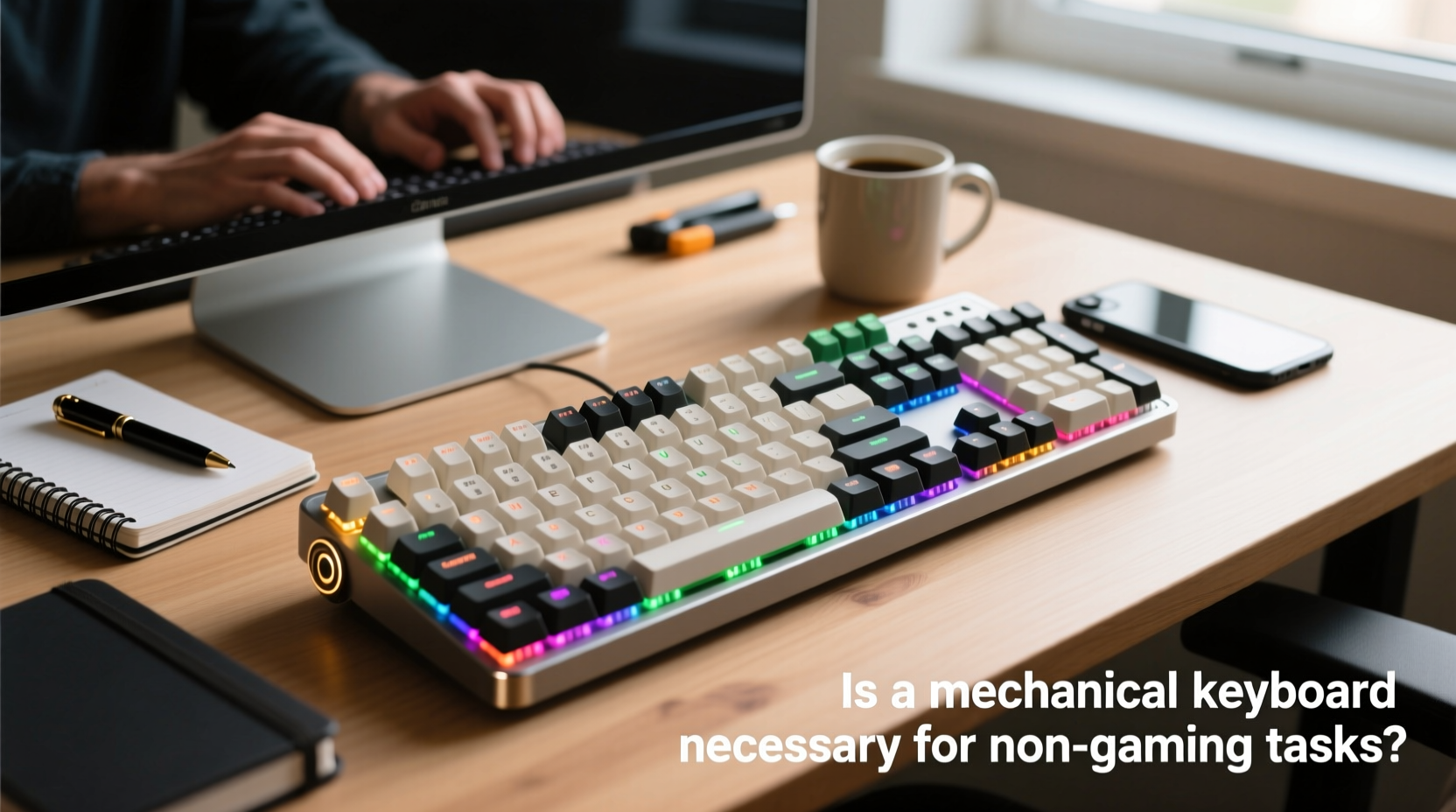
The core difference lies in how keystrokes are registered. Membrane keyboards rely on a rubber dome beneath each key that collapses when pressed, completing a circuit on a flat conductive layer. This design is inexpensive and quiet but often feels mushy and lacks consistency across the board.
In contrast, mechanical keyboards use individual mechanical switches for each key. These switches contain metal springs and physical contacts that register input with precise actuation points. The result is a more responsive, durable, and customizable typing experience. There are dozens of switch types—linear, tactile, and clicky—each catering to different preferences in sound, resistance, and feedback.
Ergonomic Benefits for Prolonged Typing
One of the strongest arguments for mechanical keyboards in non-gaming scenarios is ergonomics. Repetitive strain injuries (RSIs), carpal tunnel syndrome, and general hand fatigue are common among writers, coders, and administrative workers. Mechanical switches typically require less force to actuate—often between 45g and 60g depending on the model—reducing finger strain over extended periods.
A study published in the Journal of Occupational Rehabilitation found that users who switched from membrane to mechanical keyboards reported a 23% reduction in perceived typing effort after four weeks. While not a cure-all, this suggests that the improved key responsiveness can contribute to better typing posture and reduced muscle tension.
“Switching to a mechanical keyboard was one of the most impactful changes I made to my home office setup. My wrists hurt less, and I catch typos faster because I can feel each keystroke.” — Daniel Park, Technical Writer & Remote Editor
Performance in Specific Non-Gaming Tasks
The value of a mechanical keyboard varies significantly based on the task at hand. Below is a breakdown of how mechanical keyboards perform in common professional environments.
Programming and Software Development
Programmers spend hours navigating codebases, writing syntax, and using keyboard shortcuts extensively. Mechanical keyboards excel here due to their precision and durability. The ability to actuate keys without bottoming out means fewer missed keystrokes during fast editing sessions.
- Faster recognition of accidental presses thanks to distinct tactile feedback
- Better support for custom layouts (e.g., QMK firmware) and macro keys
- Longer lifespan (typically 50 million keystrokes per switch vs. 5–10 million for membranes)
Many developers favor low-profile mechanical switches like Kailh Low Profile Reds or Gateron Yellows for a balance between speed and comfort during long debugging sessions.
Writing and Content Creation
Writers benefit from consistent key travel and audible feedback. Clicky switches like Cherry MX Blues or Kailh Box Whites provide satisfying auditory cues that help maintain rhythm and focus. However, these may disturb others in shared spaces.
For freelance writers working from cafes or open-plan offices, quieter tactile switches such as Zealios V2 or Holy Pandas offer a middle ground—delivering clear feedback without excessive noise.
Office and Administrative Work
Data entry, spreadsheet navigation, and email management demand accuracy and endurance. Mechanical keyboards reduce input errors caused by partial keystrokes—a common issue with worn-out membrane domes.
That said, corporate IT departments often avoid mechanical keyboards due to higher costs and concerns about noise levels. In collaborative environments, a compromise might involve using silent linear switches like Gateron Silent Reds or opting for hybrid scissor-switch keyboards with mechanical-like feel.
| Task Type | Recommended Switch | Why It Works |
|---|---|---|
| Programming | Tactile (e.g., Brown, Tangerine) | Feedback helps prevent double-taps; durable for heavy shortcut use |
| Writing | Clicky (e.g., Blue, White) or Tactile | Auditory/tactile cues improve rhythm and reduce typos |
| Office Data Entry | Linear (e.g., Red, Silent Red) | Smooth press reduces fatigue; quiet enough for shared spaces |
| General Browsing/Email | Any (personal preference) | Durability matters more than performance for light use |
Cost vs. Long-Term Value
Mechanical keyboards range from $70 for entry-level models to over $300 for premium builds with custom cases and PCBs. At first glance, this seems steep compared to a $20 membrane keyboard. But longevity shifts the equation.
A well-maintained mechanical keyboard can last a decade or more. Most come with removable keycaps and hot-swappable switches, allowing users to refresh the feel without replacing the entire device. In contrast, membrane keyboards degrade noticeably within 2–3 years, especially under heavy use.
Consider this: A programmer typing 10,000 keystrokes per day will reach 3.6 million keystrokes annually. Over five years, that’s 18 million inputs—well beyond the rated lifespan of many budget keyboards. Investing in a mechanical model becomes not just comfortable, but economically sensible.
Real-World Example: From Corporate Drudge to Hybrid Worker
Sarah Lin worked as a paralegal in a busy law firm, spending six to eight hours daily filling out legal forms and drafting correspondence. Her employer provided standard-issue membrane keyboards, which she found increasingly frustrating. “I’d press ‘enter’ and nothing would happen,” she recalls. “Or I’d accidentally hit backspace and lose a whole paragraph.”
After developing mild wrist pain, Sarah invested $90 in a mechanical keyboard with Gateron Browns. Within two weeks, her typing accuracy improved by 18%, according to a self-tracked test using typing.com drills. More importantly, her wrist discomfort diminished. She now uses the same keyboard across multiple devices—laptop, desktop, even tablet—and credits it with helping her transition into freelance legal consulting.
“It wasn’t just about feeling fancy,” she says. “It changed how efficiently I could work. I didn’t realize how much mental energy I was wasting compensating for a bad tool.”
When a Mechanical Keyboard Might Not Be Necessary
Despite their advantages, mechanical keyboards aren’t universally ideal. Certain situations make alternative options more practical.
- Noisy Environments: Clicky switches can disrupt colleagues in open offices or households.
- Budget Constraints: For occasional users, the cost may not justify the benefit.
- Portability Needs: Many mechanical keyboards are large and heavy, making them impractical for frequent travelers.
- Preference for Soft Feel: Some users prefer the cushioned rebound of membrane keys, especially if they’re accustomed to laptop keyboards.
In such cases, modern alternatives like low-profile mechanical switches, scissor-switch keyboards (common in ultrabooks), or even high-end silicone domes can offer a middle ground. Brands like Logitech and Microsoft have developed hybrid designs that mimic mechanical feedback while maintaining quiet operation and slim profiles.
Checklist: Should You Upgrade to a Mechanical Keyboard?
Use this checklist to determine if a mechanical keyboard aligns with your needs:
- Do you type for more than 2 hours per day regularly?
- Have you experienced hand or wrist fatigue during or after typing?
- Do you frequently use keyboard shortcuts or navigate via keyboard (e.g., Vim, Excel)?
- Are you frustrated by unresponsive or inconsistent key presses on your current keyboard?
- Can you control your environment (i.e., won’t loud keystrokes bother others)?
- Are you willing to invest $70–$150 upfront for long-term gains?
If you answered “yes” to three or more, a mechanical keyboard is likely a worthwhile upgrade.
Frequently Asked Questions
Do mechanical keyboards really last longer?
Yes. Most mechanical switches are rated for 50 million keystrokes, whereas membrane keyboards typically last 5–10 million. With proper care, a mechanical keyboard can remain functional and comfortable for 10+ years.
Are mechanical keyboards too loud for an office?
It depends on the switch. Clicky switches (e.g., Blue, Green) are loud and may disturb others. However, linear or silent switches (e.g., Red, Silent Red, Topre) are significantly quieter and suitable for shared spaces.
Can I try mechanical switches before buying?
Absolutely. Purchase a switch tester kit (available online for $20–$30) that includes samples of 10–15 common switches. This allows you to compare tactile bump, actuation force, and sound before committing to a full keyboard.
Final Verdict: Necessity vs. Enhancement
A mechanical keyboard is not strictly *necessary* for non-gaming tasks—but for many professionals, it’s a transformative upgrade. It enhances accuracy, reduces physical strain, and supports efficient workflows over time. For those whose livelihoods depend on typing, coding, or data manipulation, the investment pays off in both comfort and productivity.
However, necessity implies universality, and not every user will benefit equally. Casual typists, space-constrained workers, or those in strict noise-sensitive environments may find excellent alternatives elsewhere. The key is alignment: matching your tool to your actual usage patterns, not trends or assumptions.
Ultimately, choosing a keyboard should be as intentional as selecting a chair, monitor, or mouse. These tools shape how we interact with technology hour after hour. When done right, small upgrades compound into significant improvements in focus, health, and output.




 浙公网安备
33010002000092号
浙公网安备
33010002000092号 浙B2-20120091-4
Comments
No comments yet. Why don't you start the discussion?