
Mechanical keyboards have gained widespread popularity among professionals, writers, coders, and gamers alike. Their tactile feedback, durability, and customization options make them a favorite tool for those who spend hours typing. However, one persistent concern echoes through open-plan offices and coworking environments: the noise. The distinctive click-clack of mechanical switches can be satisfying to the user but disruptive to nearby colleagues. So, is a mechanical keyboard too loud for shared office spaces? The answer isn’t a simple yes or no—it depends on context, switch type, office culture, and individual tolerance.
Understanding Mechanical Keyboard Noise
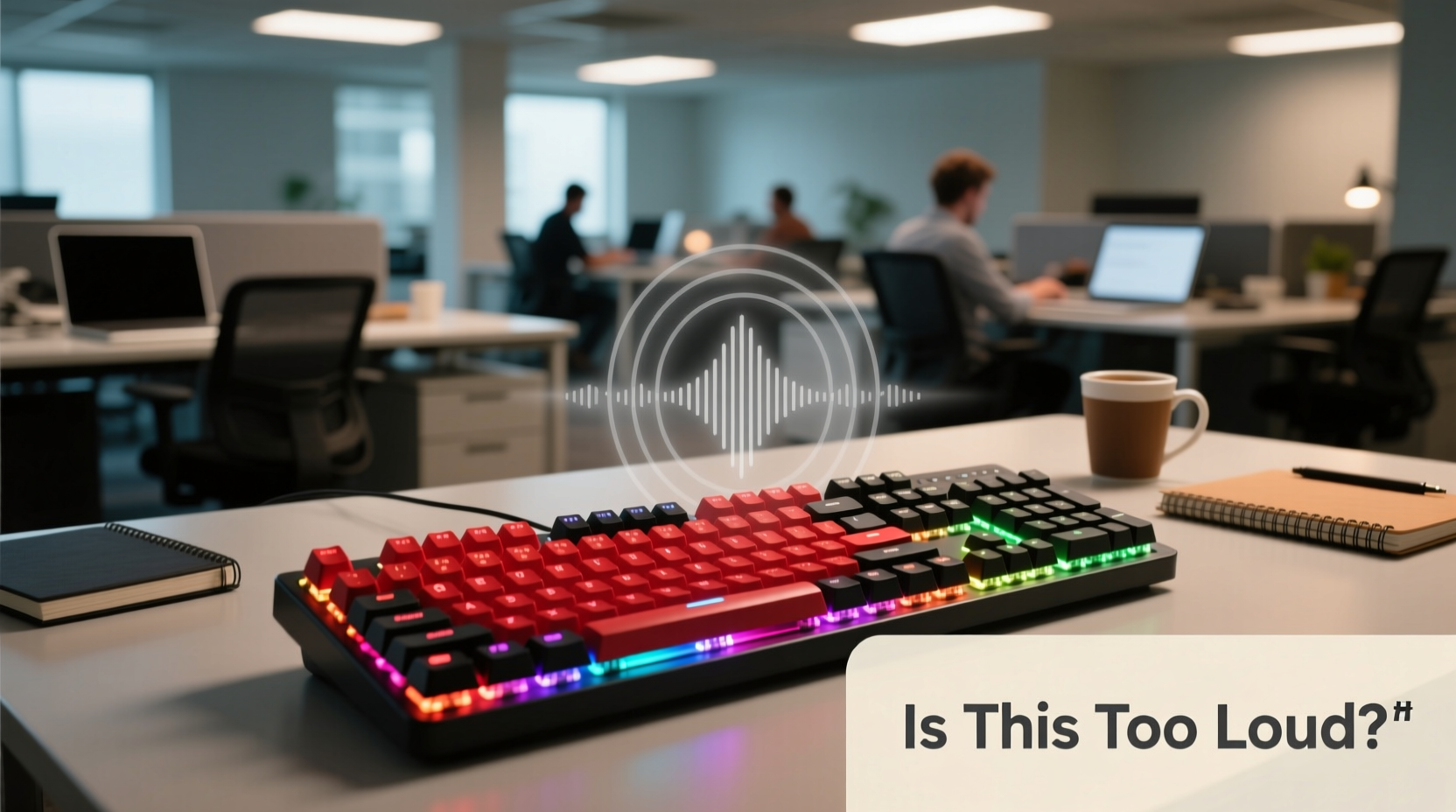
Mechanical keyboards differ from membrane or scissor-switch keyboards in their internal mechanism. Each key has an individual mechanical switch that registers keystrokes through physical contact. These switches vary in design and material, which directly affects the sound they produce. Some switches are designed to be quiet, while others emphasize audible feedback—often described as “clicky.”
The primary sources of noise include:
- Actuation sound: The noise made when a key is pressed down and registered.
- Bottoming out: The impact when a key hits the base of the keyboard.
- Release sound: The noise when the key springs back up.
Among these, the actuation sound—especially with clicky switches like Cherry MX Blues—is often the most disruptive in quiet environments. Linear or tactile switches may be quieter but still produce more sound than low-profile membrane keyboards commonly found in corporate settings.
Switch Types and Their Sound Profiles
Not all mechanical keyboards are equally loud. The choice of switch plays a crucial role in determining noise output. Below is a comparison of common switch types based on their auditory characteristics.
| Switch Type | Noise Level | Feel | Suitable for Offices? |
|---|---|---|---|
| Cherry MX Blue | High (clicky) | Tactile, loud feedback | Rarely recommended |
| Cherry MX Brown | Medium (tactile bump) | Light tactile feedback, no click | Potentially acceptable |
| Cherry MX Red | Low-Medium (linear) | Smooth, consistent press | Generally acceptable |
| Gateron Yellow | Low (linear) | Similar to Red, slightly smoother | Recommended |
| Zilent V2 (Kailh) | Very Low | Quiet linear with dampening | Ideal for shared spaces |
| Filco Majestouch Silent | Low | Modified switches with noise reduction | Excellent choice |
As shown, not all mechanical switches are created equal. While Cherry MX Blues are notorious for their sharp, high-pitched clicks, silent variants like Kailh Box Silent Reds or specially damped models significantly reduce sound without sacrificing the mechanical feel.
Workplace Culture and Environmental Factors
The acceptability of a mechanical keyboard often hinges less on decibel levels and more on office norms. In a tech startup where developers use custom-built rigs, a mechanical keyboard may go unnoticed. In contrast, a traditional law firm or accounting office may view any non-standard equipment as a distraction.
Consider these environmental factors:
- Open-plan vs. private offices: In open layouts, sound travels easily. Even moderate typing noise can become a background irritant over time.
- Presence of phone calls or meetings: If colleagues frequently take client calls, excessive keyboard noise can interfere with audio quality and concentration.
- Existing ambient noise: A bustling newsroom may absorb keyboard sounds, whereas a quiet library-style workspace amplifies them.
“Sound perception in offices is highly subjective. One person’s productive rhythm is another’s sensory overload.” — Dr. Lena Torres, Workplace Ergonomics Researcher at MIT Human Systems Lab
A 2022 study published in the *Journal of Environmental Psychology* found that repetitive, unpredictable sounds—like irregular typing—were rated as more distracting than steady background noise such as HVAC systems. This suggests that even moderately loud mechanical keyboards can disrupt cognitive flow in sensitive individuals.
Real-World Scenario: The Remote Worker in a Shared Co-Working Space
Take the case of Jordan, a freelance software developer renting a desk at a city-based co-working space. Jordan loves the precision of a mechanical keyboard with Cherry MX Browns and uses it daily. After two weeks, the manager approached him with feedback from neighboring members: several had complained about the constant tapping during morning focus sessions.
Jordan hadn’t realized how far the sound carried. He experimented with solutions: first adding O-ring dampeners, then switching to a Topre keyboard (a hybrid electro-capacitive model known for softer acoustics), and finally adopting a typing technique with lighter keystrokes. Within a week, complaints ceased, and Jordan maintained his typing comfort without disturbing others.
This scenario illustrates that awareness and adaptability matter more than equipment alone. Being responsive to feedback and willing to adjust ensures long-term harmony in shared workspaces.
Practical Tips for Using Mechanical Keyboards Respectfully
If you’re committed to using a mechanical keyboard in a shared environment, consider these actionable strategies to minimize disruption:
- Choose quiet switches: Opt for linear or silent variants like Gateron Silent Reds, Zilents, or Kailh Low Profile Browns.
- Use keycap dampeners: O-rings or silicone pads installed under keycaps can soften keystroke impact.
- Modify typing force: Lighten your touch. Bottoming out on every key increases noise exponentially.
- Add desk padding: Use a desk mat or rubberized surface to prevent sound reflection off hard tables.
- Position strategically: Sit away from quiet zones or meeting areas. Face away from colleagues if possible.
- Communicate proactively: Let coworkers know you’re mindful of noise and open to feedback.
Step-by-Step Guide: Transitioning to a Quieter Setup
If you suspect your keyboard is too loud—or want to avoid issues before they arise—follow this step-by-step process to optimize your setup for shared spaces:
- Assess current noise level: Record yourself typing in your actual workspace. Play it back at normal volume to gauge audibility.
- Survey colleagues (if appropriate): Ask for honest feedback in a non-defensive way. Example: “I’ve been wondering if my keyboard is too loud. Does it bother you?”
- Research quieter alternatives: Look into silent switches or low-profile mechanical models.
- Test modifications: Try O-rings, foam mods inside the case, or different keycaps (PBT is often quieter than ABS).
- Upgrade if necessary: Consider investing in a keyboard specifically designed for office use, such as the Logitech MX Mechanical Mini or Microsoft Sculpt Ergonomic with mechanical-feel keys.
- Monitor long-term impact: After changes, check in periodically to ensure the issue is resolved.
Checklist: Is Your Mechanical Keyboard Office-Friendly?
Before bringing a mechanical keyboard into a shared workspace, run through this checklist:
- ✅ Uses linear or silent switches (e.g., Red, Black, Silent Red)
- ✅ No audible “click” with each keystroke
- ✅ Typing force is light (not bottoming out)
- ✅ Keyboard has internal foam padding or case dampening
- ✅ Positioned away from quiet zones or call areas
- ✅ You’ve informed nearby colleagues and welcomed feedback
- ✅ You have a backup plan (e.g., a quiet membrane keyboard) if needed
Alternatives to Traditional Mechanical Keyboards
If compromise isn’t enough, consider alternatives that offer a similar typing experience with reduced noise:
- Topre Electro-Capacitive Keyboards: Combine rubber domes with capacitive sensing. Models like the HHKB Professional Hybrid offer a premium feel with minimal sound.
- Low-Profile Mechanical Switches: Brands like Keychron and Logitech offer slim mechanical keyboards with quieter operation.
- Scissor-Switch Keyboards with Tactile Feedback: Modern versions, such as Apple’s Magic Keyboard or Lenovo’s ThinkPad Compact Bluetooth Keyboard, provide a crisp response without loud mechanics.
- Foam-Modded Mechanical Boards: DIY enthusiasts can install sound-dampening foam inside the keyboard case to reduce echo and resonance.
These options bridge the gap between performance and professionalism, making them ideal for environments where discretion matters.
FAQ
Can I make my existing mechanical keyboard quieter?
Yes. Simple modifications like adding O-rings, using a padded wrist rest, or installing internal foam can significantly reduce noise. Switching to a lighter typing style also helps. For advanced users, lubing the switches can smooth and quiet the action.
Are there completely silent mechanical keyboards?
While no mechanical keyboard is truly silent, some come close. Models with silent switches (e.g., Kailh Box Silent, Zilent V2) and built-in dampening features are designed for quiet operation. When combined with soft typing, they can be nearly as quiet as membrane keyboards.
Do employers typically ban mechanical keyboards?
Most companies don’t have formal policies, but HR departments may intervene if noise becomes a repeated complaint. It’s best to follow unwritten rules of courtesy. If in doubt, opt for a quieter model or seek permission before introducing a loud keyboard.
Conclusion
A mechanical keyboard isn’t inherently too loud for shared office spaces—but its suitability depends on thoughtful choices and situational awareness. By selecting quieter switches, modifying your setup, and respecting the acoustic comfort of others, you can enjoy the benefits of mechanical typing without becoming a workplace nuisance. Technology should enhance productivity, not hinder collaboration. With a little consideration and adjustment, it’s entirely possible to strike the right balance.




 浙公网安备
33010002000092号
浙公网安备
33010002000092号 浙B2-20120091-4
Comments
No comments yet. Why don't you start the discussion?