
In an era where technology evolves at breakneck speed and sustainability is increasingly valued, refurbished electronics have surged in popularity. From smartphones to laptops and even high-end cameras, consumers are turning to certified refurbished models as a cost-effective alternative to brand-new devices. But beneath the attractive price tags lies a lingering question: Is buying refurbished truly safe, or are you rolling the dice on hidden damage and premature failure?
The answer isn’t a simple yes or no. The safety and reliability of a refurbished device depend heavily on who handled it, how it was restored, and what protections are offered post-purchase. With the right knowledge, buying refurbished can be a savvy, responsible decision. Without it, you risk ending up with a short-lived gadget that costs more in repairs than it saved upfront.
What Does \"Refurbished\" Really Mean?
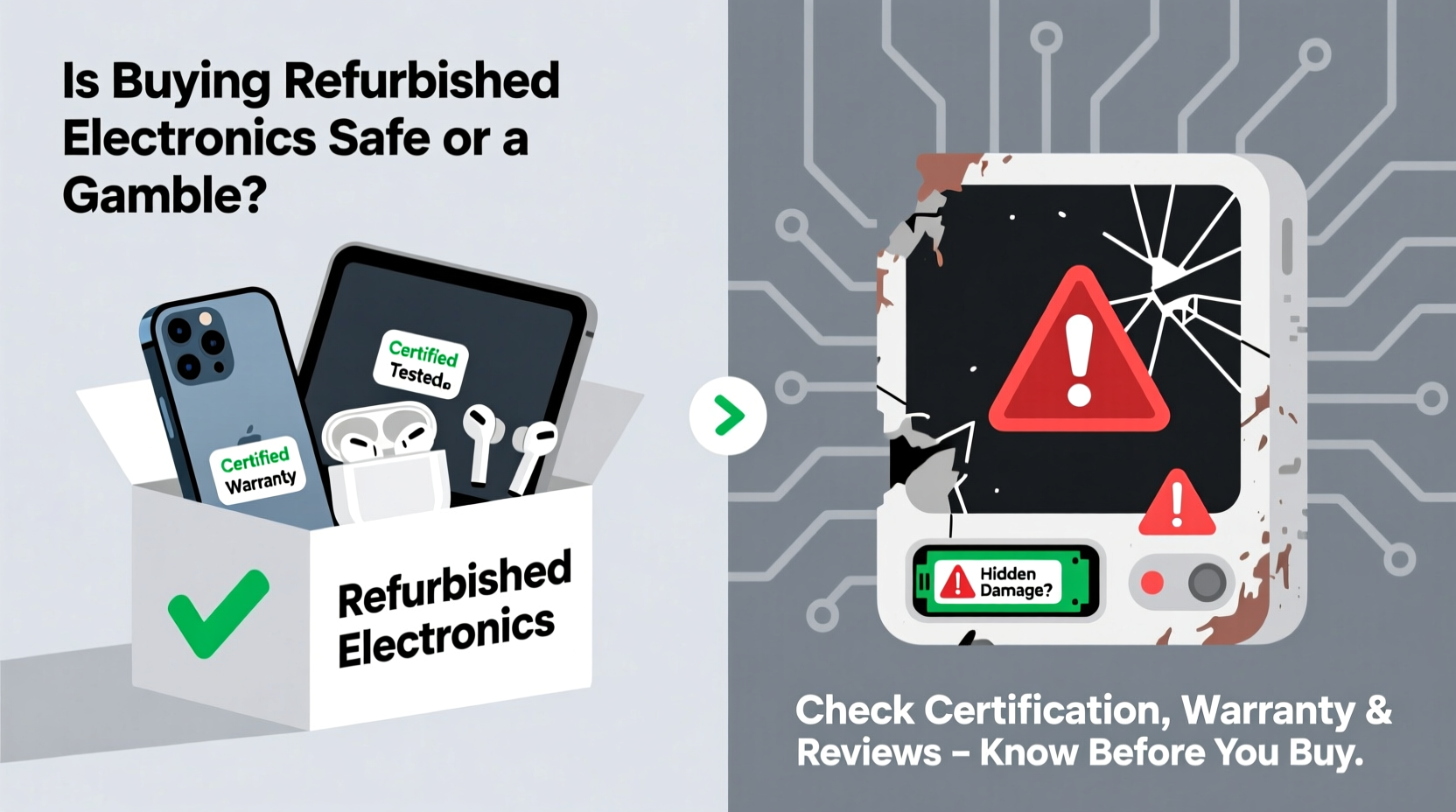
The term “refurbished” lacks a universal standard, which contributes to consumer confusion. Generally, a refurbished electronic has been returned to the manufacturer or retailer due to a defect, buyer’s remorse, or minor damage. It’s then inspected, repaired if necessary, cleaned, and tested before being resold—often at a discount.
However, not all refurbishment processes are equal. There are several categories:
- Manufacturer-refurbished: Devices restored by the original company (e.g., Apple, Dell). These typically undergo rigorous testing and come with warranties.
- Third-party refurbished: Restored by independent companies. Quality varies widely depending on the vendor’s standards.
- Open-box: Items returned unopened or used briefly. Often resold as refurbished but may not require repairs.
- Used vs. Refurbished: Be cautious—some sellers misuse “refurbished” to describe simply cleaned used devices with no functional testing.
The key distinction lies in the depth of inspection and restoration. A well-refurbished device should function like new, both cosmetically and technically.
Benefits of Buying Refurbished Electronics
When done wisely, purchasing refurbished electronics offers compelling advantages:
Cost Savings
Refurbished devices typically cost 20% to 50% less than their brand-new counterparts. For example, a refurbished iPhone from Apple’s official store can save buyers $100–$300, while maintaining nearly identical performance.
Environmental Impact
Extending the life of electronics reduces e-waste—a critical issue as millions of tons of devices end up in landfills annually. By choosing refurbished, you contribute to a circular economy and reduce demand for resource-intensive manufacturing.
“Every smartphone reused delays the environmental cost of producing a new one—saving energy, water, and rare minerals.” — Dr. Lena Torres, Sustainable Technology Researcher at GreenTech Institute
Access to Premium Tech
Lower prices mean higher-tier models become accessible. A professional needing a powerful laptop might afford a refurbished MacBook Pro instead of settling for a lower-spec new model.
Warranty and Return Options
Reputable refurbishers offer warranties (often 90 days to one year) and return policies similar to new products. This bridges the reliability gap between new and used.
Risks and Hidden Pitfalls
Despite the benefits, refurbished electronics aren’t without risks. The most common concerns include:
Battery Degradation
One of the hardest-to-spot issues is reduced battery health. Even if a phone looks pristine, its battery may only hold 70% of its original capacity. Some vendors replace batteries; others don’t. Always ask for battery health reports.
Hidden Cosmetic or Internal Damage
Devices damaged in drops or water exposure may appear fixed after screen replacement or drying, but internal components like sensors or charging ports can remain compromised. Poorly repaired water damage often leads to long-term corrosion.
Inconsistent Testing Standards
While Apple tests over 100 functions on each refurbished iPhone, lesser-known sellers may only perform basic power-on checks. Without standardized diagnostics, flaws can go undetected.
Limited or No Warranty
Some third-party sellers offer minimal or no warranty. If the device fails weeks after purchase, you may be left with no recourse.
Software and Security Concerns
If a device wasn’t properly reset or came from an untrusted source, it could carry malware or activation locks (like Apple’s iCloud lock), rendering it unusable.
How to Buy Refurbished Safely: A Step-by-Step Guide
Minimizing risk requires diligence. Follow this process to ensure your refurbished purchase pays off:
- Choose Reputable Sellers
Select official manufacturer programs (e.g., Apple Certified Refurbished, Dell Outlet, Microsoft Refurbished) or trusted retailers like Best Buy, Amazon Renewed, or B&H Photo. Avoid unknown eBay sellers unless they have stellar reviews and detailed return policies. - Check Certification Level
Look for terms like “Certified Refurbished” or “Manufacturer Refurbished.” These imply stricter quality control than generic “refurbished” labels. - Review Warranty Terms
Ensure the product includes at least a 90-day warranty. One-year coverage is ideal. Confirm whether parts and labor are covered. - Inspect Product Descriptions
Read closely: Does it mention battery replacement? Screen condition? What accessories are included? Vague descriptions are red flags. - Verify Return Policy
Even with a warranty, returns within 14–30 days allow you to test the device thoroughly. Make sure restocking fees aren’t excessive. - Test Immediately Upon Arrival
Power on the device, check for dead pixels, test speakers, camera, Wi-Fi, Bluetooth, and GPS. Run a battery diagnostic if possible.
Mini Case Study: Sarah’s Smart Refurbished Laptop Purchase
Sarah, a freelance graphic designer, needed a powerful laptop but couldn’t justify the $2,000 price tag of a new MacBook Pro. She researched Apple’s Certified Refurbished program and found a near-mint 13-inch model with M1 chip for $1,200—$600 less than retail.
She confirmed it included a one-year warranty, new battery, and outer shell. After receiving it, she ran benchmarks and stress-tested the GPU using design software. Everything performed flawlessly. Two years later, the laptop still runs smoothly, proving that a well-vetted refurbished device can deliver long-term value.
Do’s and Don’ts When Buying Refurbished
| Do’s | Don’ts |
|---|---|
| Buy from manufacturer-certified programs | Assume “refurbished” means “like new” without verification |
| Check for included warranty and return window | Purchase devices with unclear repair history |
| Ask for battery health or component replacement details | Ignore customer reviews and seller ratings |
| Test all functions immediately after delivery | Buy water-damaged or iCloud-locked devices |
| Compare prices across multiple reputable sources | Skimp on research to save time |
FAQ: Common Questions About Refurbished Electronics
Are refurbished electronics as reliable as new ones?
High-quality refurbished devices from reputable sources can be just as reliable as new ones. Manufacturer-refurbished units often go through more rigorous testing than some new units on assembly lines. However, reliability drops significantly with uncertified third-party sellers.
Does “refurbished” mean the device was broken?
Not necessarily. Many refurbished devices were returned for non-technical reasons—such as buyer’s remorse, wrong color, or minor cosmetic blemishes. Others had small issues (e.g., faulty button) that were professionally repaired.
Can I upgrade a refurbished device later?
Yes, especially with laptops and desktops. However, some manufacturer-refurbished devices have soldered components (like RAM or SSD), limiting future upgrades. Always check specs before assuming expandability.
Final Checklist Before You Buy
Before clicking “Purchase,” run through this essential checklist:
- ✅ Sold by the manufacturer or a certified refurbisher?
- ✅ Full diagnostic and repair report available?
- ✅ Battery replaced or verified at >80% health?
- ✅ Includes minimum 90-day warranty?
- ✅ Clear return policy within 14–30 days?
- ✅ Device is free of activation locks (iCloud, FRP)?
- ✅ Positive customer reviews and low return rate?
- ✅ Price competitive with other trusted sources?
Conclusion: A Calculated Risk Worth Taking
Buying refurbished electronics isn’t inherently risky—it’s a calculated decision that balances savings, sustainability, and smart shopping habits. The gamble doesn’t lie in the “refurbished” label itself, but in the lack of due diligence.
With rising tech costs and growing environmental awareness, opting for a professionally restored device is not just economical—it’s responsible. By sticking to certified sellers, demanding transparency, and testing thoroughly, you transform a potential gamble into a confident investment.




 浙公网安备
33010002000092号
浙公网安备
33010002000092号 浙B2-20120091-4
Comments
No comments yet. Why don't you start the discussion?