
For many people, typing is a daily ritual—whether drafting emails, writing reports, coding software, or journaling thoughts. As screen time increases, the tools we use become more than just accessories; they shape our comfort, efficiency, and even long-term well-being. Among these tools, the keyboard often goes unnoticed until discomfort sets in. That’s when many begin to ask: Is upgrading to a mechanical keyboard actually worth it? The answer isn’t just about preference—it’s about ergonomics, durability, performance, and long-term value.
The Typing Experience: More Than Just Clicks
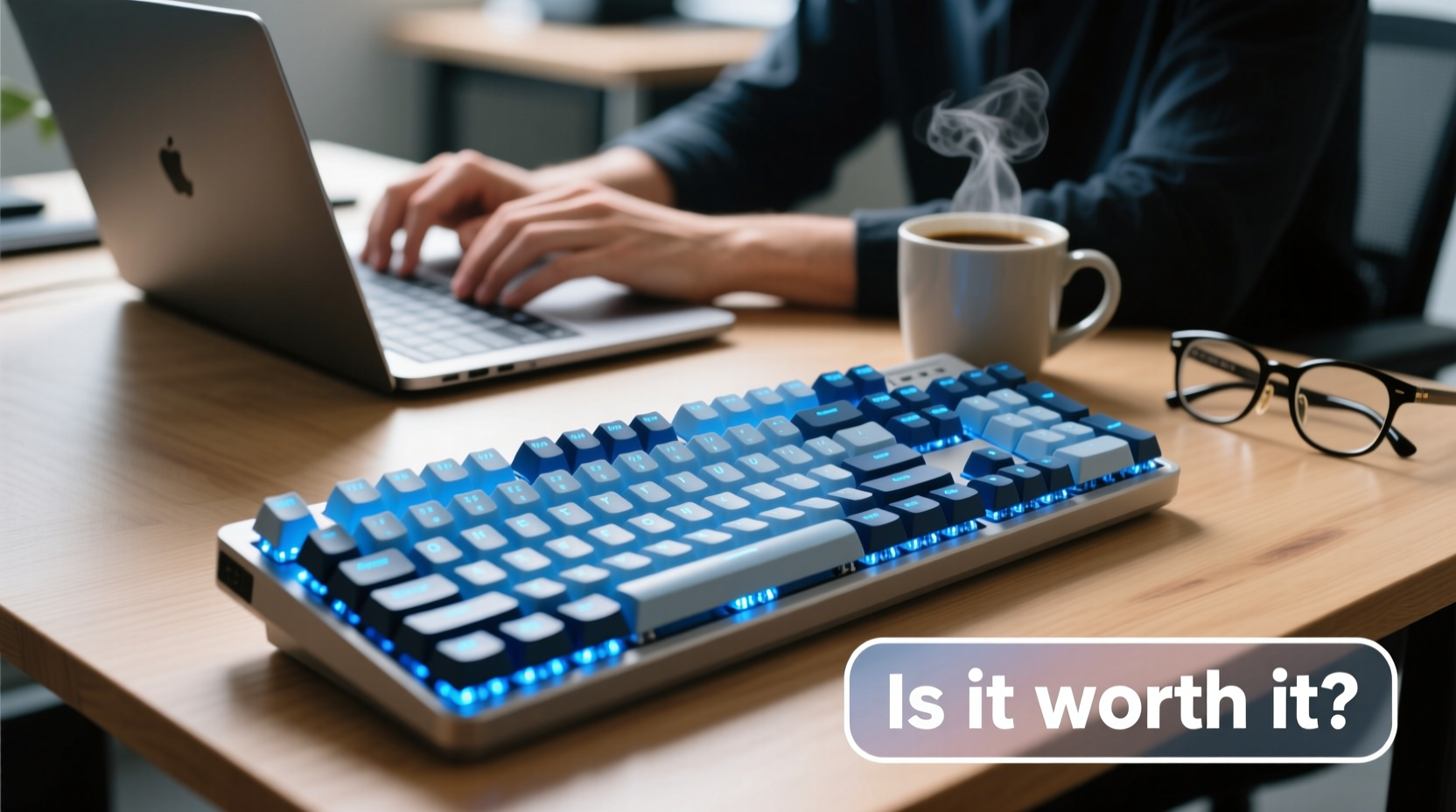
Mechanical keyboards differ from standard membrane or scissor-switch keyboards in their internal mechanism. Each key has its own individual switch, typically built with metal springs and plastic housings that provide tactile feedback and audible response. This design creates a more deliberate and responsive typing experience.
Unlike flat, mushy keys on most laptop keyboards or budget peripherals, mechanical switches offer distinct actuation points—the moment a keystroke is registered. This means less finger fatigue over extended sessions because you don’t need to press all the way down to register input. Over hours of writing or data entry, this subtle difference can significantly reduce strain.
Many users report increased typing speed and fewer errors after switching. The tactile bump or audible click (depending on the switch type) provides sensory confirmation that a keypress was successful, reducing second-guessing and backspacing.
Types of Mechanical Switches: Finding Your Fit
Not all mechanical keyboards are the same. The feel and sound depend largely on the switch type. Understanding the major categories helps tailor your investment to your lifestyle.
| Switch Type | Feel | Noise Level | Best For |
|---|---|---|---|
| Linear (e.g., Cherry MX Red) | Smooth, consistent press with no bump | Low to moderate | Gaming, fast typists who prefer light touch |
| Tactile (e.g., Cherry MX Brown) | Noticeable bump mid-press, no click | Moderate | Office environments, balanced typing and gaming |
| Clicky (e.g., Cherry MX Blue) | Bump with an audible “click” | Loud | Typists who enjoy feedback and rhythm |
Choosing the right switch matters. A loud clicky model might energize a solo writer but distract coworkers in shared spaces. Conversely, a silent linear switch may lack the feedback some typists rely on to maintain rhythm and accuracy.
“Switch selection is deeply personal. I’ve seen professionals double their typing endurance simply by switching from a membrane keyboard to a tactile mechanical one.” — David Lin, Ergonomic Consultant & Keyboard Specialist
Durability and Long-Term Value
One of the strongest arguments for mechanical keyboards is longevity. Most models are rated for 50 million keystrokes per switch—some brands like Logitech and Ducky exceed 100 million. In contrast, membrane keyboards often fail after 5–10 million presses, with keys becoming unresponsive or sticky over time.
This durability translates into cost-per-year savings. A quality mechanical keyboard priced between $80 and $150 can last a decade or more with proper care. Compare that to replacing a $30 membrane keyboard every 1–2 years due to wear, and the math begins to favor the upfront investment.
Additionally, many mechanical keyboards support keycap customization and switch swapping. If your typing preferences evolve—or if a few keys wear out—you can replace individual components instead of discarding the entire device. This modularity extends usability and reduces electronic waste.
Real Example: From Wrist Pain to Productivity Boost
Sarah, a freelance copywriter based in Portland, spent six years using her laptop’s built-in keyboard paired with a slim Bluetooth alternative. After developing mild wrist discomfort and noticing declining typing accuracy, she invested $110 in a tenkeyless mechanical board with Brown switches.
Within three weeks, she reported typing 18% faster on average and experiencing less forearm tension. “I didn’t realize how much effort I was wasting pressing too hard,” she said. “Now I type more lightly, more accurately, and I actually enjoy writing again.” Her productivity increased, and she reduced editing time by nearly 25%. For Sarah, the keyboard paid for itself in improved output within four months.
Ergonomic Benefits Beyond Comfort
While aesthetics and sound matter, the ergonomic advantages of mechanical keyboards are often understated. Many models come with features designed to promote neutral wrist posture:
- Adjustable feet allow tilting the keyboard to a comfortable angle.
- Split or angled designs (like the Kinesis Advantage360) encourage hands to rest in a natural position, reducing ulnar deviation.
- N-key rollover and anti-ghosting ensure multiple simultaneous keystrokes register correctly—useful for complex shortcuts or accidental overlaps.
These features contribute to reduced risk of repetitive strain injuries (RSIs), especially for those working long hours at a desk. While not a substitute for proper posture or regular breaks, a well-chosen mechanical keyboard supports healthier typing mechanics.
Step-by-Step Guide to Choosing Your First Mechanical Keyboard
If you're considering making the switch, follow this practical timeline to make a smart purchase:
- Assess your usage (Week 1): Track how many hours per day you spend typing. Note any discomfort or inefficiencies.
- Identify your environment (Week 1): Will you be typing in quiet offices, shared spaces, or at home? This determines acceptable noise levels.
- Test switches (Week 2): Visit electronics stores or order sample switch testers online ($10–$20) to compare linear, tactile, and clicky options.
- Decide on form factor (Week 2): Full-size (100%), TKL (80%), 75%, or 60% layouts each offer different space and functionality trade-offs.
- Set a budget and research brands (Week 3): Look at reputable manufacturers like Keychron, Drop, GMMK, Ducky, or Logitech. Read user reviews focusing on long-term reliability.
- Purchase and adapt (Week 4+): Allow 1–2 weeks to adjust. Initial sensations like increased resistance or noise will normalize.
Patience during adaptation is key. Some users abandon mechanical keyboards too soon, mistaking unfamiliarity for discomfort. Give yourself at least 10–15 hours of consistent use before evaluating suitability.
Common Misconceptions About Mechanical Keyboards
Despite growing popularity, several myths persist:
- Myth: Mechanical keyboards are only for gamers.
Reality: Gamers popularized them, but professionals—from writers to programmers—now represent a large portion of users. - Myth: All mechanical keyboards are loud.
Reality: Linear and tactile switches (like Reds or Browns) are relatively quiet. Sound depends on switch type, keycap material, and typing force. - Myth: They’re too expensive to justify.
Reality: When amortized over years of use, they often cost less than repeatedly replacing cheaper alternatives.
Frequently Asked Questions
Can a mechanical keyboard help with carpal tunnel or wrist pain?
While no keyboard cures medical conditions, mechanical models with ergonomic designs can reduce strain by promoting lighter keystrokes and better hand positioning. However, consult a healthcare provider for persistent pain—ergonomic tools should complement, not replace, medical advice.
Are wireless mechanical keyboards reliable for daily typing?
Yes. Modern wireless models from brands like Keychron (Q series), Logitech (G915), and Fnatic use stable Bluetooth or 2.4 GHz RF connections with minimal latency. Battery life often exceeds two weeks on a single charge, making them excellent for clutter-free desks.
Do I need to lubricate or maintain my mechanical keyboard?
Basic maintenance—like dusting and cleaning keycaps—is sufficient for most users. Enthusiasts sometimes lube switches for smoother feel, but this is optional. High-quality boards require little upkeep beyond occasional wiping and keycap removal.
Checklist: Is a Mechanical Keyboard Right for You?
Answer “yes” to three or more of the following to determine if an upgrade makes sense:
- Do you type for more than 2 hours daily?
- Have you experienced finger fatigue or wrist discomfort?
- Are you frustrated by unresponsive or inconsistent keys?
- Do you value precision and tactile feedback while typing?
- Are you looking for a long-lasting peripheral that won’t need frequent replacement?
- Would you enjoy customizing your setup (e.g., keycaps, backlighting)?
If so, a mechanical keyboard isn't just a luxury—it's a productivity and wellness upgrade.
Final Verdict: Worth It for Everyday Use?
The evidence strongly supports a “yes” for most regular typists. A mechanical keyboard offers tangible benefits: improved typing accuracy, reduced physical strain, longer lifespan, and greater satisfaction from daily computer interaction. While the initial cost may seem high compared to a $20 membrane model, the long-term return—measured in comfort, performance, and durability—makes it a wise investment.
It’s not about chasing trends or building a flashy setup. It’s about respecting the tool you use thousands of times each day. Just as a chef values a sharp knife or a designer relies on a calibrated monitor, anyone who types regularly deserves a keyboard that responds reliably and comfortably.




 浙公网安备
33010002000092号
浙公网安备
33010002000092号 浙B2-20120091-4
Comments
No comments yet. Why don't you start the discussion?