
Robot vacuums have transformed household cleaning into a hands-free routine. With smart scheduling and app-based controls, many users set their devices to clean while they're at work or asleep. But a growing concern persists: Is it truly safe to leave a robot vacuum running when no one is home? While convenience drives widespread adoption, understanding the risks—and how to mitigate them—is essential for responsible use.
Modern robot vacuums are engineered with multiple safety features, but no technology is entirely risk-free. From overheating and fire hazards to entanglement risks with pets or cords, unattended operation introduces variables that demand careful consideration. This article breaks down the real dangers, evaluates manufacturer guidelines, and provides actionable steps to ensure your automated cleaning doesn’t compromise safety.
Understanding the Risks of Unattended Operation
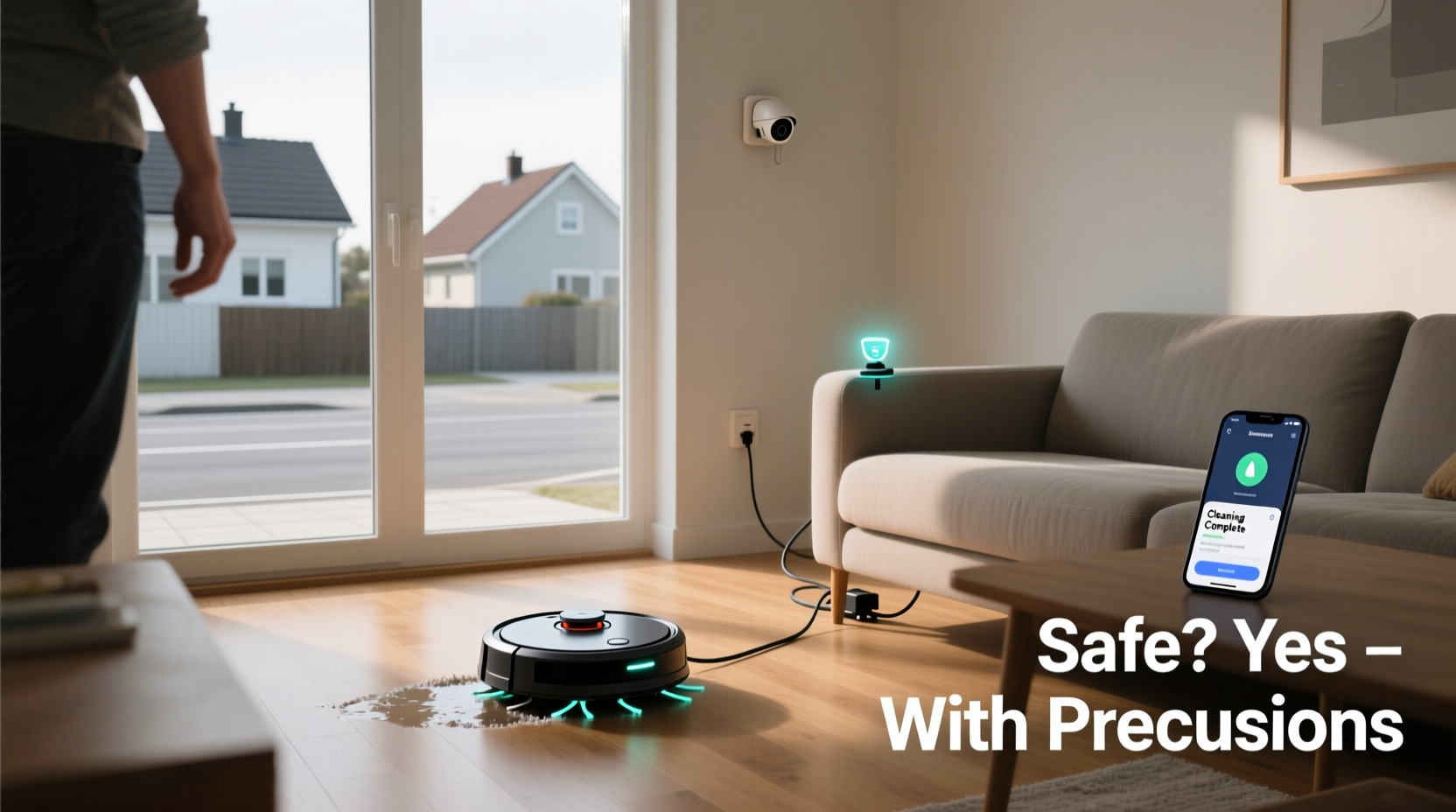
Leaving any electrical device running without supervision carries inherent risks, and robot vacuums are no exception. While rare, incidents involving overheating, battery malfunctions, and obstruction-related failures have been documented. The primary concerns include:
- Fire hazard from lithium-ion batteries: Most robot vacuums use lithium-ion batteries, which can overheat or, in extreme cases, catch fire if damaged, improperly charged, or exposed to high temperatures.
- Pet and child entanglement: Pets may investigate the moving device, risking injury from spinning brushes or getting tangled in cords. Small children left unattended could also interact unsafely.
- Obstruction and overheating: If the robot becomes stuck under furniture, jams on cords, or sucks up foreign objects like paper clips or pet waste, it may overwork its motor or block airflow, increasing heat buildup.
- Water damage (for mopping models): Robot vacuums with mopping functions can leak or spill water if tipped over or malfunctioning, potentially damaging hardwood floors or carpets.
- Security vulnerabilities: Connected models using Wi-Fi could be hacked if not properly secured, allowing remote access or data breaches.
While these scenarios are uncommon, they underscore the importance of proactive risk management—especially when no one is present to intervene.
Manufacturer Guidelines and Real-World Safety Records
Manufacturers design robot vacuums with safety in mind. Most models include automatic shut-off when overheated, cliff sensors to prevent falls, and tangle detection systems. However, official stances vary:
- iRobot (Roomba): States that their devices are safe for unattended use when maintained properly and placed on appropriate flooring.
- Roborock: Recommends supervision during initial runs but considers scheduled cleaning acceptable once the environment is mapped and obstacles are minimized.
- Eufy, Shark, and Neato: Generally support autonomous operation but caution against leaving the device running near flammable materials or in homes with unsupervised pets.
“Modern robot vacuums undergo rigorous thermal and electrical testing. When used as directed, the risk of fire is extremely low—but not zero.” — Dr. Alan Kim, Electrical Safety Engineer at UL Solutions
Despite these assurances, isolated incidents have made headlines. In 2022, a Roomba reportedly sparked a small fire after sucking up a lithium coin battery that punctured the dustbin. In another case, a Roborock overheated after being trapped between a treadmill and wall for hours. These edge cases highlight that even advanced robotics can fail under unexpected conditions.
Essential Precautions Before Leaving Your Robot Vacuum Alone
You don’t need to abandon scheduled cleaning to stay safe. Instead, adopt a precautionary checklist to minimize risk. The goal is to create a controlled environment where the robot can operate autonomously with minimal chance of incident.
Pre-Cleaning Room Preparation
Before scheduling an unattended run, take time to prepare your space:
- Clear loose cords, rugs, and clutter that could entangle the robot.
- Close bedroom and bathroom doors to limit access to high-risk zones (e.g., toilets, laundry piles).
- Secure pet food bowls, litter boxes, and toys that might be ingested or scattered.
- Remove small metallic objects (pins, screws) that could damage brushes or motors.
Battery and Charging Safety
The charging dock is often the most vulnerable component. Follow these best practices:
- Place the dock on a hard, non-flammable surface—never on carpet or near curtains.
- Ensure at least 3 feet of clearance around the dock for ventilation.
- Avoid using third-party chargers or replacement batteries not approved by the manufacturer.
- Replace swollen or damaged batteries immediately.
Step-by-Step Guide to Safe Unattended Cleaning
If you decide to run your robot vacuum while away, follow this timeline to reduce risk:
- Day 1–3: Supervised Test Runs – Operate the robot manually while home to map your space, identify problem areas, and observe behavior.
- Day 4: Optimize Zones – Use the app to set virtual walls or no-go zones around stairs, pet areas, or delicate furniture.
- Day 5: Full Charge & Inspection – Ensure the battery is healthy, brushes are clean, and wheels move freely.
- Day 6: Short Unattended Trial – Run a 20-minute session while you’re in another room. Check for unusual noises or smells.
- Day 7+: Scheduled Cleaning – Begin full runs only after confirming reliable performance. Start with weekday midday sessions when neighbors are likely nearby.
This phased approach builds confidence and reduces the likelihood of surprises during longer absences.
Do’s and Don’ts: A Quick Reference Table
| Do’s | Don’ts |
|---|---|
| ✅ Schedule cleaning during daylight hours | ❌ Leave it running overnight or for extended periods |
| ✅ Keep software and firmware updated | ❌ Ignore error messages or warning lights |
| ✅ Use surge protectors for the charging station | ❌ Place the dock near water sources or sinks |
| ✅ Regularly clean brushes, filters, and sensors | ❌ Allow pets to play with the robot unsupervised |
| ✅ Install smoke detectors near cleaning zones | ❌ Use in homes with unreliable power or voltage spikes |
Real-Life Scenario: A Cautionary Example
In suburban Chicago, a homeowner programmed her robot vacuum to run every weekday at noon while she worked remotely from a nearby office. One Thursday, her dog escaped the crate and knocked over a potted plant. Soil spilled across the living room floor. The robot began its cycle, ingesting dirt and small pebbles. Over the next hour, debris clogged the main brush and air filter. Without airflow, the motor overheated. Though the unit had thermal protection, repeated strain caused internal wiring to degrade. By the third week, the robot failed to return to its dock and emitted a burning smell. Fortunately, the owner returned early and noticed the issue before ignition occurred.
This scenario illustrates how a chain of minor oversights—a loose pet, unsecured plants, and delayed maintenance—can escalate into a serious hazard. It wasn’t a single failure, but a cascade of avoidable conditions.
Expert Recommendations for High-Risk Households
Certain environments require extra caution. Consider these tailored recommendations:
- Homes with pets: Restrict robot operation to rooms where pets cannot access it. Alternatively, use pet-safe schedules when animals are confined or outdoors.
- Older homes with outdated wiring: Avoid prolonged use. Voltage fluctuations can stress batteries and charging circuits.
- Apartments or condos: Be mindful of noise complaints and fire risks affecting neighbors. Confirm building policies allow unattended appliances.
- Frequent travelers: Disable automatic cleaning during long trips. Dust accumulation over days isn’t worth the risk of undetected malfunctions.
“The safest robot vacuum is one that’s well-maintained, properly placed, and monitored—even if remotely.” — Sarah Lin, Smart Home Safety Consultant at ConsumerTech Watch
FAQ: Common Questions About Unattended Robot Vacuums
Can a robot vacuum cause a fire?
Yes, though extremely rare. Fires typically result from defective or damaged lithium-ion batteries, poor ventilation, or foreign objects causing motor strain. Proper maintenance and placement significantly reduce this risk.
Should I unplug my robot vacuum when not in use?
It’s not necessary for daily use, but recommended during extended absences (e.g., vacations). Keeping it plugged in is safe if the charger and battery are in good condition and the area is clear of flammable materials.
Are newer models safer than older ones?
Generally, yes. Newer robots include better thermal sensors, improved battery management systems, and more accurate obstacle detection. Models released after 2020 tend to have enhanced safety protocols compared to earlier versions.
Final Checklist for Safe, Unattended Operation
Before enabling automatic cleaning while away, verify the following:
- ✅ The robot has completed at least three successful supervised runs.
- ✅ All software updates are installed.
- ✅ The charging dock is on a hard, open surface with no obstructions.
- ✅ No loose cords, rugs, or small objects are within cleaning zones.
- ✅ Pet and child access is restricted during operation.
- ✅ Smoke detectors are functional and nearby.
- ✅ You’ve tested a short unattended cycle successfully.
Conclusion: Balancing Convenience and Safety
Leaving a robot vacuum running when not home is generally safe—if done responsibly. The technology has matured, and built-in safeguards make modern units far more reliable than early models. However, complacency can lead to preventable incidents. Safety doesn’t come from the device alone; it comes from how you use, maintain, and supervise it—even remotely.
By preparing your space, understanding the risks, and following a structured approach, you can enjoy the benefits of automation without compromising peace of mind. Smart home convenience should enhance your life, not endanger it. Take the time to assess your environment, listen to expert guidance, and prioritize prevention over reaction.




 浙公网安备
33010002000092号
浙公网安备
33010002000092号 浙B2-20120091-4
Comments
No comments yet. Why don't you start the discussion?