
Smart home technology has transformed how we live—offering convenience, automation, and enhanced control over lighting, climate, security, and entertainment. From voice-controlled assistants to Wi-Fi-enabled cameras and smart locks, these devices often remain powered 24/7. But as reliance grows, so do concerns: Is it truly safe to leave smart home devices on overnight? While most are engineered for continuous operation, the real risks lie not in power consumption or overheating, but in cybersecurity, data privacy, and potential vulnerabilities that can be exploited when systems are left unmonitored during vulnerable hours.
This article explores the layered reality behind leaving smart devices active at night, examining technical durability, network exposure, manufacturer practices, and real-world attack vectors. More importantly, it provides actionable strategies to ensure your connected home remains both functional and secure—without sacrificing peace of mind while you sleep.
Understanding the Risks: Beyond Power and Heat
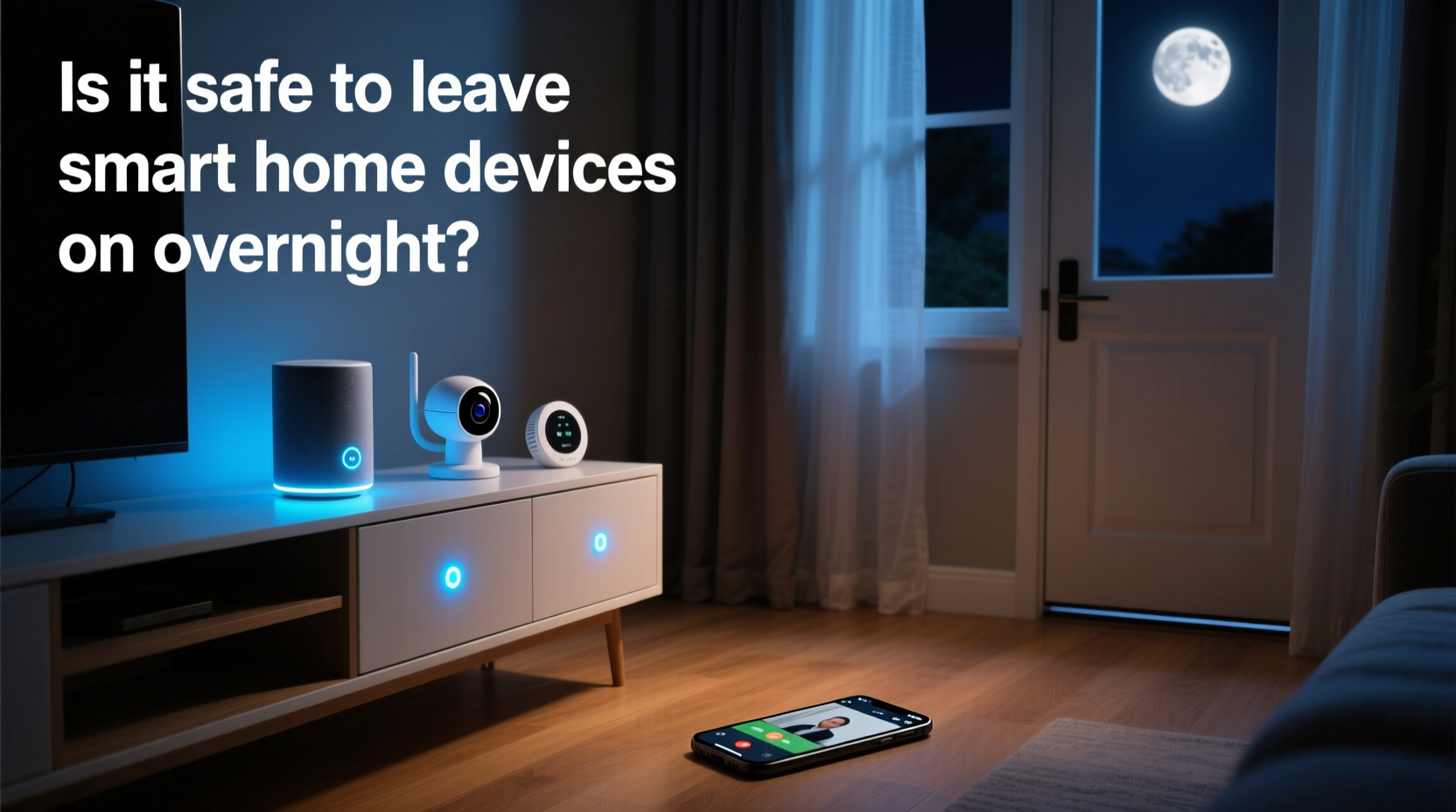
At first glance, the question seems rooted in physical safety: Can a smart plug overheat? Could a camera catch fire? For reputable brands complying with international safety standards (such as UL, CE, or FCC), the risk of hardware failure due to prolonged use is extremely low. These devices undergo rigorous thermal and electrical stress testing before reaching consumers. However, the greater threat lies in digital exposure.
When devices stay online overnight, they maintain open connections to your home network and cloud services. Each connected device expands your “attack surface”—the number of entry points hackers could potentially exploit. A compromised smart bulb might seem trivial, but if it shares a network with your laptop or banking apps, it becomes a stepping stone into more sensitive areas.
“Many users assume their router protects them, but once a device is inside the network, lateral movement by attackers is common.” — Dr. Lena Torres, Cybersecurity Researcher at MIT Lincoln Laboratory
The danger isn’t always dramatic breaches. Subtle threats include data siphoning (e.g., voice recordings from an always-listening assistant), unauthorized access via weak passwords, or participation in botnet attacks where hijacked devices send spam or launch DDoS assaults.
Device-Specific Nighttime Security Profiles
Not all smart devices pose equal risks. Their function, connectivity method, and data sensitivity determine how safely they can operate overnight. Below is a breakdown of common categories and their associated concerns:
| Device Type | Overnight Risk Level | Primary Concerns | Recommended Action |
|---|---|---|---|
| Smart Speakers (Alexa, Google Home) | Medium | Voice data collection, wake-word eavesdropping | Disable mic when not needed; review voice history monthly |
| Security Cameras & Doorbells | High | Video feed interception, stalker access | Use end-to-end encryption; disable remote viewing if unused |
| Smart Thermostats | Low | Limited data exposure, rare exploitation | Ensure firmware updates enabled |
| Smart Plugs & Light Bulbs | Medium | Network pivoting, botnet recruitment | Segment onto guest network |
| Smart Locks | High | Unauthorized entry, lock tampering | Enable two-factor authentication; test manual override regularly |
Cameras and locks demand the highest scrutiny because they directly impact physical safety. Meanwhile, seemingly benign devices like plugs or bulbs can still serve as entry points if poorly secured. The key is assessing each device based on its role, not just its appearance.
Real-World Example: The Compromised Baby Monitor
In 2023, a family in Ohio reported hearing a stranger’s voice coming from their baby monitor at 2:17 a.m. The device, a budget Wi-Fi camera marketed for infant monitoring, had been accessed remotely through a brute-force password attack. Investigators later confirmed the parents had used “admin” as the username and “password123” as the login—a combination found in automated hacking scripts within seconds.
The intruder did not alter settings or move the camera but played a short audio clip, terrifying the parents. Though no further harm occurred, the psychological toll was significant. This case underscores two critical failures: weak authentication and lack of network segmentation.
Had the camera been placed on a separate guest network isolated from primary devices, the breach would have been contained. Additionally, enabling two-factor authentication (2FA) could have prevented unauthorized logins even with a weak password.
Best Practices for Overnight Smart Device Safety
Maintaining smart devices overnight doesn't require turning everything off—but it does require proactive configuration. Follow this step-by-step guide to harden your home network and minimize risk:
- Update Firmware Regularly: Manufacturers release patches for known vulnerabilities. Enable automatic updates where possible, especially for cameras, routers, and hubs.
- Change Default Credentials: Every device should have a unique, strong password. Avoid reusing passwords across devices or accounts.
- Enable Two-Factor Authentication (2FA): Use 2FA on all accounts linked to smart devices, particularly those with remote access features.
- Segment Your Network: Create a dedicated guest network for IoT devices. This isolates them from computers, phones, and other high-value endpoints.
- Review Connected Devices Monthly: Log into your router admin panel and audit active devices. Remove unknown or inactive ones.
- Disable Remote Access When Unneeded: Some devices allow disabling cloud connectivity. If local-only control suffices, turn off internet access entirely.
- Monitor Data Usage: Sudden spikes in upload traffic may indicate a compromised device transmitting stolen data.
Expert Insight: What Industry Leaders Recommend
Cybersecurity professionals emphasize prevention through awareness and routine maintenance. According to the National Institute of Standards and Technology (NIST), consumer IoT devices should follow basic cyber hygiene principles—even if they lack advanced enterprise-grade protections.
“Consumers treat smart devices like appliances, but they’re actually small computers. Treat them with the same caution you’d apply to a smartphone or laptop.” — NIST Special Publication 800-183, IoT Device Cybersecurity Guidance
NIST recommends implementing device inventory tracking, enforcing strong authentication, and retiring outdated models that no longer receive updates. Many smart devices are abandoned by manufacturers after three to five years, leaving them exposed to newly discovered exploits with no patch available.
Additionally, organizations like the FBI have issued public advisories urging homeowners to secure their smart ecosystems. In a 2022 alert, the FBI noted a 68% increase in reports involving compromised home surveillance systems, many occurring between midnight and 5 a.m.—a window when owners were least likely to notice anomalies.
Practical Checklist for Secure Overnight Operation
Use this checklist monthly—or after adding any new smart device—to ensure your system remains protected:
- ✅ All devices have updated firmware installed
- ✅ Default usernames and passwords changed
- ✅ Two-factor authentication enabled on cloud accounts
- ✅ Smart devices isolated on a guest or IoT-specific network
- ✅ Camera microphones and recording functions reviewed for necessity
- ✅ Unused remote access features disabled
- ✅ Router firewall is active and configured properly
- ✅ Backup of critical settings (e.g., smart lock codes) stored offline
- ✅ List of all connected devices documented and verified
- ✅ Emergency manual override procedures tested (e.g., unlocking door without app)
Performing these checks takes less than 15 minutes but significantly reduces the likelihood of a successful intrusion. Think of it as digital housekeeping—essential maintenance for modern living.
Frequently Asked Questions
Can hackers really access my smart home at night?
Yes. Automated scanning tools run continuously, probing millions of IP addresses for vulnerable devices. Nighttime offers no special advantage to hackers, but it does mean slower human detection. A breach that occurs at 3 a.m. may go unnoticed for hours, giving attackers time to explore your network.
Should I turn off smart devices when I sleep?
It’s unnecessary—and often impractical—to power down every device. Instead, focus on securing them. Critical systems like security cameras should remain active. For non-essential gadgets (e.g., smart lamps, speakers), consider scheduling them to deactivate during sleeping hours using built-in automations.
Are Apple HomeKit or Google Nest safer than generic brands?
Generally, yes. Major platforms enforce stricter security protocols, including mandatory encryption, regular software updates, and app-level permissions. Devices certified under Apple’s HomeKit Secure Remote Access or Google’s Fast Pair ecosystem undergo additional vetting. Still, user behavior—like weak passwords—can undermine even the strongest platform protections.
Conclusion: Balance Convenience with Vigilance
Leaving smart home devices on overnight is generally safe—if done intelligently. The technology itself is reliable, but security depends on how well you manage access, updates, and network architecture. Automation should never come at the cost of vulnerability.
By treating each connected device as a potential gateway—not just a gadget—you take meaningful steps toward a resilient smart home. Implement firmware updates, isolate IoT traffic, enforce strong authentication, and stay informed about emerging threats. These habits don’t eliminate risk entirely, but they reduce it to manageable levels.




 浙公网安备
33010002000092号
浙公网安备
33010002000092号 浙B2-20120091-4
Comments
No comments yet. Why don't you start the discussion?