
For console gamers, the leap from a standard 60Hz or even 120Hz display to a 240Hz gaming monitor is tempting—especially when high-refresh-rate panels dominate PC gaming conversations. Marketing often touts \"smoother gameplay,\" \"lightning-fast response,\" and \"competitive edge\" as reasons to upgrade. But do these benefits translate meaningfully to console use? The answer isn't straightforward and depends on your setup, games, and expectations.
Unlike PCs, which can push hundreds of frames per second (FPS) in optimized environments, consoles are hardware-constrained systems. The PlayStation 5 and Xbox Series X/S are powerful, but they rarely deliver consistent frame rates above 120 FPS—even in well-optimized titles. So, does that make a 240Hz monitor overkill? Or is there more to the story?
Understanding Refresh Rates and Console Capabilities
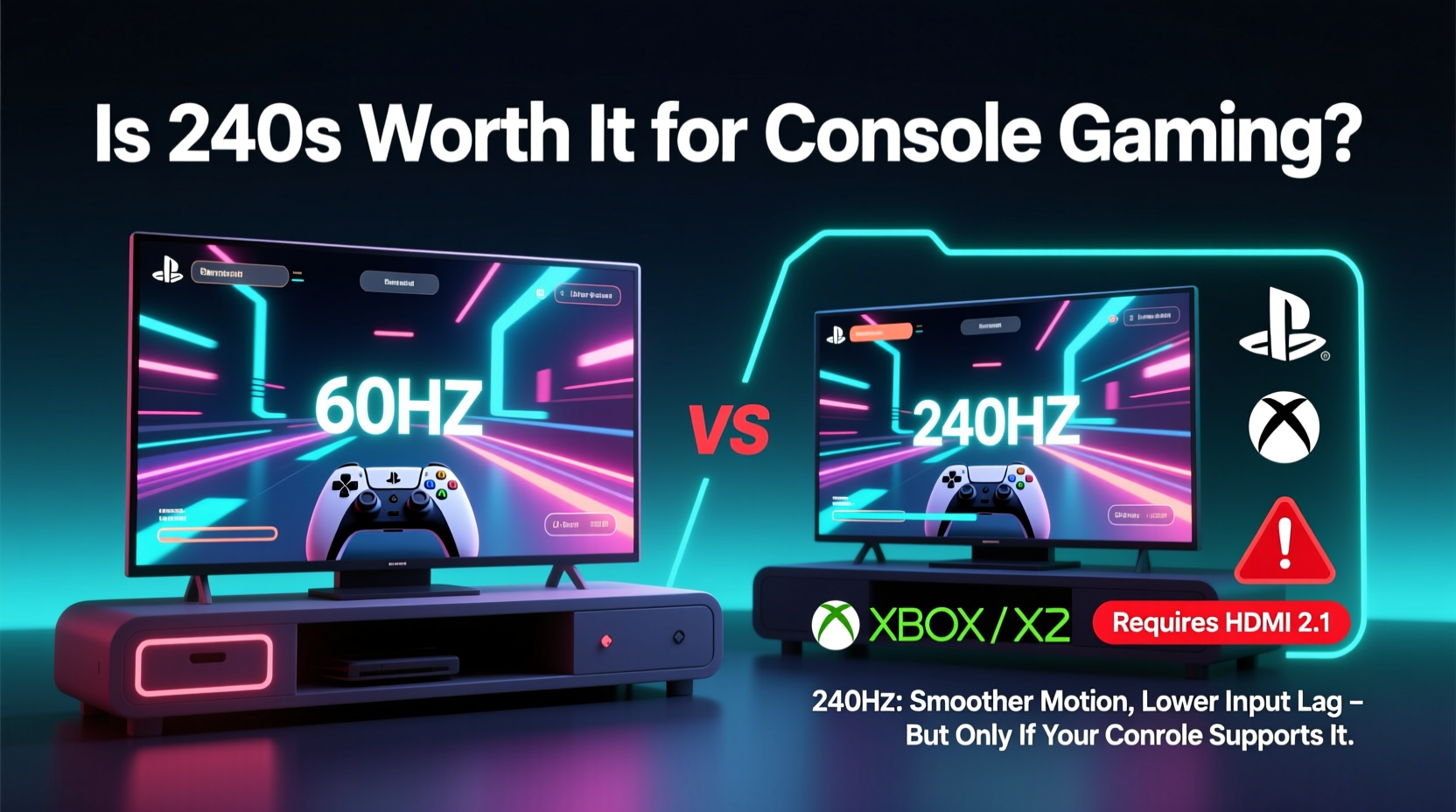
Refresh rate, measured in hertz (Hz), refers to how many times per second a display updates its image. A 60Hz monitor refreshes 60 times per second; a 240Hz monitor does so 240 times. Higher refresh rates result in smoother motion, reduced motion blur, and lower input lag—all desirable traits for fast-paced gaming.
However, the benefit of a high refresh rate is only as good as the frame rate output from the source. If your console outputs 60 FPS, a 240Hz monitor won’t magically create additional frames—it will simply repeat or interpolate existing ones. This means the true advantage of 240Hz only materializes when the console can actually deliver near 240 FPS, which currently isn’t feasible.
The current generation of consoles supports up to 120Hz output via HDMI 2.1, a significant upgrade from previous generations. Titles like Call of Duty: Modern Warfare II, Fortnite, and Ratchet & Clank: Rift Apart offer 120 FPS modes, albeit often at reduced resolutions or graphical fidelity. Even then, hitting a locked 120 FPS consistently is rare.
When 240Hz Makes Sense—And When It Doesn’t
For most console players, a 240Hz monitor offers diminishing returns. Here’s why:
- Frame rate ceiling: No current console natively supports 240 FPS gameplay. The highest officially supported frame rate is 120 FPS.
- Diminished perceptual gains: While the jump from 60Hz to 120Hz is immediately noticeable, the difference between 120Hz and 240Hz is subtle, especially in non-competitive, single-player experiences.
- Cost inefficiency: 240Hz monitors are significantly more expensive than 144Hz or 120Hz models, often with minimal real-world benefit for console use.
That said, there are niche scenarios where a 240Hz monitor could be justifiable:
- Hybrid setups: If you also use a high-end PC alongside your console, a 240Hz monitor becomes more valuable. Competitive PC gamers in titles like CS2, Valorant, or Apex Legends can fully utilize the higher refresh rate.
- Future-proofing: If you anticipate future console updates or next-gen hardware pushing beyond 120 FPS, investing early might save money long-term.
- Competitive edge in 120 FPS games: Some 240Hz monitors have faster pixel response times (e.g., 0.5ms GTG) and lower input lag, which can improve perceived smoothness even at lower frame rates.
Performance Comparison: Monitor Options for Console Gamers
| Monitor Type | Max Refresh Rate | Console Compatibility | Best Use Case | Price Range (USD) |
|---|---|---|---|---|
| Standard 60Hz TV | 60Hz | Full (backward compatible) | Casual gaming, media consumption | $300–$600 |
| 120Hz Gaming Monitor | 120Hz | Full (HDMI 2.1 required) | Balanced performance for 120 FPS games | $400–$700 |
| 144Hz+ Gaming Monitor (PC-focused) | 144–240Hz | Limited to 120Hz max on console | Hybrid PC/console users | $500–$1,000 |
| 240Hz Monitor (OLED/IPS) | 240Hz | Max 120Hz output on console | FPS enthusiasts with PC hybrid setup | $800–$1,500+ |
As shown, while 240Hz monitors technically support console connections, their full potential remains untapped without matching frame rate output. For pure console use, a 120Hz monitor with HDMI 2.1, VRR, and low input lag delivers optimal value.
Real-World Example: A Console Gamer’s Upgrade Journey
Consider Mark, a dedicated PS5 owner who plays primarily first-person shooters. Frustrated by motion blur in Warzone, he researched upgrades and purchased a 240Hz OLED monitor, expecting transformative results. After setup, he noticed slightly crisper motion and faster menu navigation, but in-game improvements were marginal. The game still ran at 60–90 FPS, fluctuating due to scene complexity.
He later connected his gaming PC to the same monitor and played Counter-Strike 2 at a steady 220 FPS. Suddenly, the difference was undeniable—targets felt more responsive, flick shots were easier, and tracking enemies felt fluid. Mark realized the monitor wasn’t underperforming; his console just couldn’t feed it enough data.
This case illustrates a common misconception: monitor performance is only half the equation. Without sufficient frame rate from the source, even the fastest panel can’t deliver its full promise.
“High refresh rate monitors are tools of precision, but they’re only as effective as the system driving them.” — Lena Park, Display Technology Analyst at TechVision Labs
What to Look for Instead: Smart Upgrades for Console Gamers
If you're considering a monitor upgrade for console play, focus on features that directly impact your experience, rather than chasing Hz numbers. Here’s what matters more than 240Hz:
1. HDMI 2.1 Support
Ensure the monitor has at least one full-bandwidth HDMI 2.1 port. This enables 4K at 120Hz, VRR, and ALLM—critical for unlocking the PS5 and Xbox Series X/S’s best performance.
2. Variable Refresh Rate (VRR)
VRR synchronizes the monitor’s refresh rate with the console’s frame rate, eliminating screen tearing and reducing stutter during frame rate drops. Both Sony and Microsoft support VRR, making it a must-have for smooth gameplay.
3. Low Input Lag
Measured in milliseconds, input lag affects how quickly your controller actions appear on screen. Look for monitors advertising “Game Mode” with input lag under 10ms at 1080p or 1440p.
4. Panel Type and Size
OLED panels offer superior contrast and near-instant response times, ideal for dark room gaming. IPS provides better viewing angles and color accuracy. TN panels are fast but suffer from poor colors and viewing angles. For most living room setups, 27–32 inches is ideal.
5. Resolution vs. Refresh Rate Trade-offs
Some 240Hz monitors sacrifice resolution (e.g., 1080p) for speed. For console gaming, 1440p at 120Hz often provides a better balance of clarity and performance than 1080p at 240Hz.
Checklist: Is a 240Hz Monitor Right for You?
Before purchasing, ask yourself the following:
- ✅ Do I primarily play competitive, fast-paced games where every millisecond counts?
- ✅ Am I using a high-end PC alongside my console?
- ✅ Does my current setup already support 120Hz and VRR?
- ✅ Am I willing to pay a premium for marginal gains in console performance?
- ✅ Am I planning to keep this monitor for 5+ years and expect future consoles to support higher frame rates?
If you answered “no” to most of these, a 120Hz or 144Hz monitor is likely a smarter investment.
FAQ: Common Questions About 240Hz Monitors and Consoles
Can a PS5 or Xbox run 240Hz?
No. The maximum supported refresh rate for both the PS5 and Xbox Series X/S is 120Hz at 1080p, 1440p, or 4K. There is no native 240Hz output capability.
Will a 240Hz monitor improve my reaction time on console?
Not significantly. While some 240Hz monitors have marginally lower input lag, the difference between a good 120Hz and 240Hz panel is often less than 5ms—below human perception in most cases. True gains come from higher frame rates, which consoles don’t provide.
Are there any games that support 240 FPS on console?
As of now, no. The highest frame rate available on console is 120 FPS, and even that is limited to select titles with performance modes. Future updates or next-gen consoles may change this, but 240 FPS remains speculative.
Step-by-Step: How to Optimize Your Console Setup for Smooth Gameplay
If you want the best possible experience without overspending on unnecessary specs, follow this sequence:
- Assess your current display: Check if it supports HDMI 2.1 and 120Hz. Many modern 4K TVs do.
- Enable 120Hz mode: On PS5: Settings > Screen and Video > Video Output > 120Hz Output. On Xbox: Settings > General > TV & Display Options > Refresh Rate.
- Turn on VRR: Enable Variable Refresh Rate in system settings to reduce stutter.
- Choose performance mode in games: Prioritize frame rate over resolution in supported titles.
- Select a monitor with balanced specs: Aim for 1440p, 120Hz+, IPS or OLED panel, HDMI 2.1, and low input lag.
- Test before buying: Read console-specific reviews or watch side-by-side comparisons of gameplay on different monitors.
Conclusion: Making a Smart, Future-Ready Decision
Upgrading to a 240Hz gaming monitor for console play alone is generally not worth it. The technology outpaces the capabilities of current hardware, resulting in an expensive upgrade with minimal perceptible benefit. The sweet spot for console gamers lies in 120Hz monitors with HDMI 2.1, VRR, and strong input performance—offering tangible improvements without overspending.
However, if you're a hybrid gamer who values peak performance across devices, or you're building a long-term setup anticipating future console advancements, a 240Hz monitor can be a strategic investment. Just understand that today’s gains on console are subtle, and the real payoff comes from PC integration.
Technology evolves quickly. What seems excessive today—like 240Hz on console—might become standard in five years. But for now, prioritize compatibility, responsiveness, and balanced performance over raw specs. Make your upgrade work for how you play today, not just how you hope to play tomorrow.




 浙公网安备
33010002000092号
浙公网安备
33010002000092号 浙B2-20120091-4
Comments
No comments yet. Why don't you start the discussion?