
For many renters, the dream of a fully automated, modern home hits a wall when it comes to permanent installations. Leases often prohibit drilling, rewiring, or making structural changes—putting traditional smart home upgrades out of reach. But smart lighting? That’s a different story. With wireless technology evolving rapidly, today’s smart lighting solutions offer renters an accessible, reversible way to enhance convenience, ambiance, and energy efficiency—without violating lease agreements.
Whether you're in a studio apartment or sharing a house, smart lighting can transform your space with minimal effort and zero damage. The real question isn’t whether you *can* install it as a renter—it’s whether it’s actually worth the investment. Let’s break down the benefits, limitations, and best plug-and-play options available.
Why Smart Lighting Makes Sense for Renters
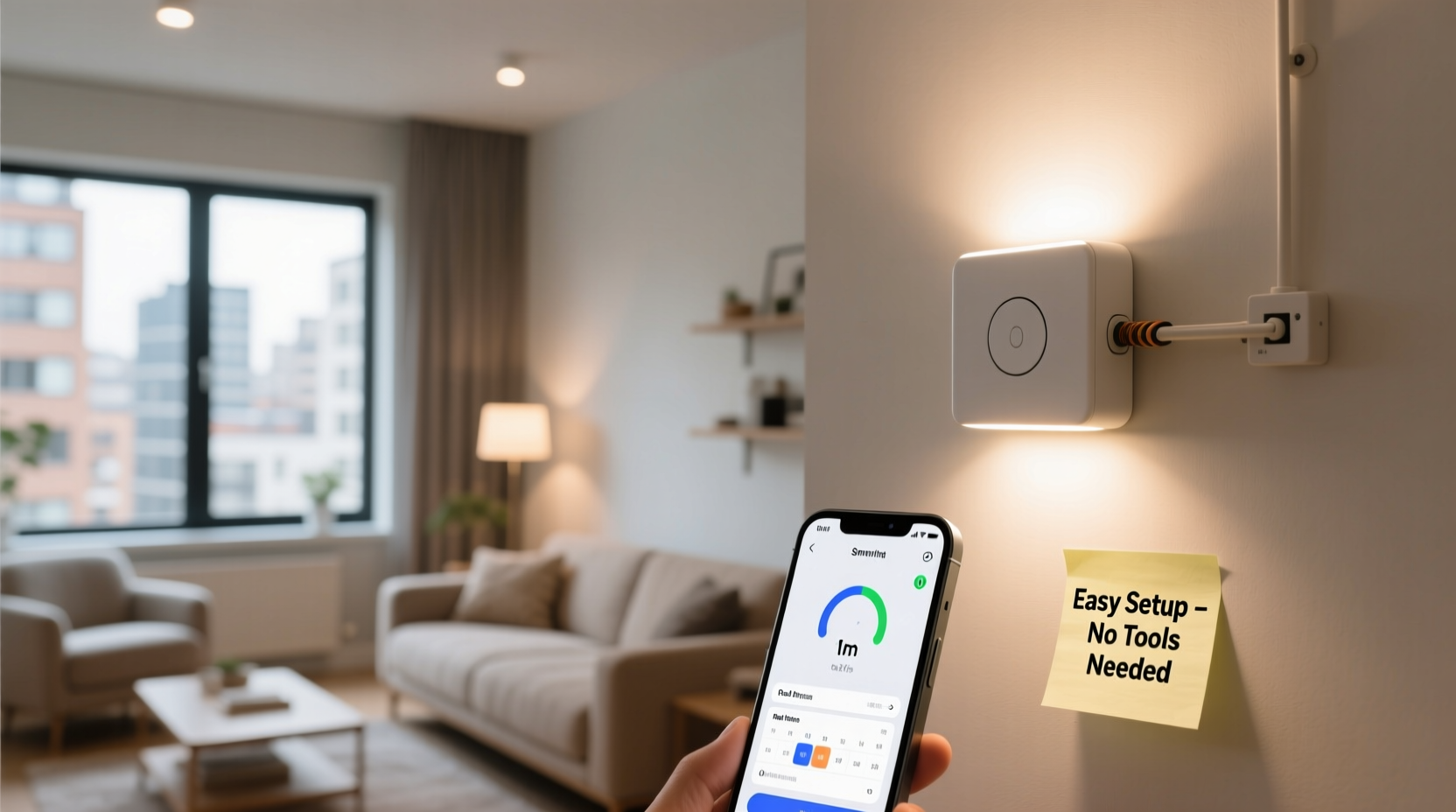
Renters face unique challenges when upgrading their living spaces. Permanent fixtures are off-limits, security deposits are on the line, and moving day means packing up everything you’ve added. Yet, lighting plays a critical role in comfort, productivity, and mood. Poor lighting can make even the nicest apartment feel dull or unwelcoming.
Smart lighting solves this by offering dynamic control over brightness, color temperature, and scheduling—all without touching a single wire. You can wake up to a sunrise simulation, dim lights for movie night, or turn them off remotely if you forget before leaving work. These features aren’t just convenient; they contribute to better sleep, reduced energy use, and a more personalized environment.
Unlike hardwired systems, many smart lighting products designed for renters are modular, portable, and leave no trace when removed. This flexibility makes them ideal for temporary living situations where customization is limited.
Key Benefits of Smart Lighting for Renters
- Energy Efficiency: LED-based smart bulbs consume significantly less power than incandescent bulbs and last years longer.
- Remote Control: Turn lights on or off from anywhere using a smartphone app, which enhances security and peace of mind.
- Voice Integration: Works seamlessly with Alexa, Google Assistant, and Siri for hands-free operation.
- Custom Schedules: Automate lighting based on time of day, sunrise/sunset, or routines like “Good Morning” or “Movie Time.”
- Mood & Ambiance: Adjust color temperatures (warm to cool white) or switch to vibrant hues for parties or relaxation.
- No Renovation Needed: Most systems require only screwing in a bulb or plugging in a strip—no electrician required.
These advantages go beyond novelty. A 2023 study by the American Council for an Energy-Efficient Economy found that households using smart lighting reduced their lighting-related energy consumption by up to 50%. For renters paying their own utilities, that translates into real savings.
“Smart lighting used to be a luxury reserved for homeowners. Now, renters can enjoy the same level of control and efficiency—with none of the commitment.” — David Lin, Smart Home Technology Analyst at GreenTech Insights
Easy Setup Options That Don’t Violate Your Lease
The beauty of modern smart lighting lies in its non-invasive design. Below are the most practical, renter-friendly installation methods—each requiring little to no tools and leaving no permanent marks.
1. Smart Light Bulbs
These are the simplest entry point. Replace existing bulbs in lamps or ceiling fixtures with Wi-Fi or Bluetooth-enabled smart bulbs. Brands like Philips Hue, LIFX, and TP-Link Kasa offer models that screw in just like regular bulbs.
No switches need to be replaced. Just keep the wall switch on, and control brightness and color via app or voice. When you move, unscrew and take them with you.
2. Plug-In Smart Light Strips
Adhesive-backed LED strips can be attached under cabinets, behind TVs, or along bookshelves. They plug into standard outlets and are controlled via apps. Some even feature music-reactive modes or zone-specific lighting.
They’re especially useful in kitchens, bedrooms, or entertainment areas where ambient lighting adds value without altering fixtures.
3. Smart Plugs with Lighting Modes
If your lamp isn’t compatible with smart bulbs, use a smart plug. Plug your floor or table lamp into a Wi-Fi-enabled outlet adapter, then control the lamp remotely. Many smart plugs support scheduling and energy monitoring.
This method works well for renters who want automation without replacing any hardware.
4. Battery-Powered Smart Lights
Some newer options, like Nanoleaf Shapes or Govee battery-powered panels, run on rechargeable batteries and stick to walls with adhesive pads. These are perfect for accent lighting and completely removable.
While not suitable for primary illumination, they add flair and personalization to rental units.
5. Clip-On Smart Lamps
Portable clip lights with smart features (like the BenQ e-Reading Lamp or certain Minger models) attach to desks, shelves, or headboards. They offer adjustable brightness and color temperature, often with app control and automation.
Since they’re self-contained and powered via USB, they’re ideal for renters who change rooms frequently.
Comparison Table: Renter-Friendly Smart Lighting Options
| Solution | Installation Effort | Portability | Best For | Average Cost (per unit) |
|---|---|---|---|---|
| Smart Bulbs | Low (screw-in) | High | Ceilings, floor lamps | $15–$25 |
| Smart Light Strips | Low (peel & stick) | Medium | Under-cabinet, TV backlighting | $20–$50 |
| Smart Plugs | Very Low (plug-in) | High | Table/floor lamps | $10–$20 |
| Battery-Powered Panels | Low (adhesive) | High | Accent lighting, decor | $60–$100 |
| Clip-On Smart Lamps | Very Low | High | Desks, reading nooks | $50–$120 |
Step-by-Step Guide: Setting Up Smart Lighting in 1 Hour or Less
Follow this timeline to get your first smart light up and running—start to finish—in under an hour.
- Choose Your First Fixture (10 min): Pick a lamp or overhead light you use daily. A bedside lamp or living room floor lamp is ideal.
- Purchase a Compatible Smart Bulb or Plug (Online, 5 min): Buy a Wi-Fi smart bulb (like Kasa LB100) or a smart plug (Kasa KP100). Ensure it works with your preferred voice assistant.
- Install the Hardware (10 min): Screw in the bulb or plug in the smart plug. Connect your lamp and ensure it turns on.
- Download the App (5 min): Install the manufacturer’s app (e.g., Kasa, Hue, or Govee) on your phone.
- Connect to Wi-Fi (10 min): Follow in-app instructions to pair the device. Make sure your phone is on the same 2.4 GHz network (most smart devices don’t support 5 GHz).
- Test & Customize (10 min): Turn the light on/off via the app. Set a simple schedule (e.g., turn off at midnight).
- Add Voice Control (5 min): Link the app to Alexa or Google Home and say, “Alexa, turn on the living room lamp.”
- Plan Your Next Upgrade (5 min): Decide whether to expand to other rooms or try light strips.
Total time: ~60 minutes. Total cost: under $25 for basic setups.
Real Example: How Sarah Enhanced Her Apartment Without Breaking Lease Rules
Sarah, a graphic designer renting a one-bedroom apartment in Austin, wanted to create a calming workspace and cozy evenings without making permanent changes. Her lease prohibited any electrical modifications.
She started with two Kasa smart bulbs in her desk lamp and floor lamp. Using the app, she programmed a warm, dimmed setting for evenings and a bright, cool tone for work hours. She added a Govee light strip behind her monitor for bias lighting, reducing eye strain during long design sessions.
Within a week, she noticed improved focus during the day and easier wind-down at night. When she moved six months later, she simply unscrewed the bulbs, peeled off the strip, and packed everything in her moving box. Her landlord didn’t notice any changes—and she got her full deposit back.
“It felt like I customized my space without risking anything,” Sarah said. “Now I won’t live in a place without smart lighting.”
Common Pitfalls to Avoid
- Assuming all smart devices work with your network: Many require 2.4 GHz Wi-Fi. If your router defaults to 5 GHz, you may need to enable both bands.
- Overloading smart plugs: Check wattage limits. High-wattage appliances like space heaters can trip circuits or void warranties.
- Forgetting to label devices: Naming all your lights clearly prevents confusion, especially when using voice commands.
- Skipping firmware updates: Manufacturers release updates for performance and security. Enable auto-updates in your app.
- Buying incompatible bulbs: Not all fixtures support smart bulbs. Enclosed fixtures may overheat them. Check compatibility before purchasing.
Frequently Asked Questions
Can I take my smart lighting with me when I move?
Yes—this is one of the biggest advantages for renters. Smart bulbs, plugs, and strips are designed to be portable. Simply remove them before handing over the keys and reinstall in your next place.
Do smart lights increase renter’s insurance premiums?
No. Smart lighting is considered low-risk and may even reduce fire risk by allowing remote shutoff. Some insurers offer discounts for smart home devices, though lighting alone rarely qualifies.
Are there any hidden costs after purchase?
Most smart lighting systems have no subscription fees. Apps and core features (scheduling, voice control) are free. However, some brands offer optional premium scenes or advanced automations for a fee—but these are not required for basic use.
Final Checklist Before You Buy
- ✅ Confirm your Wi-Fi supports 2.4 GHz
- ✅ Check bulb base type (E26 is standard in U.S.)
- ✅ Verify compatibility with Alexa, Google, or Apple Home
- ✅ Read lease terms for electrical restrictions
- ✅ Start with one room to test performance
- ✅ Choose reputable brands with good app support
Conclusion: Yes, It’s Worth It—Here’s Why
Smart lighting isn’t just a gadget trend—it’s a practical upgrade that delivers real benefits in convenience, energy savings, and quality of life. For renters, it offers a rare opportunity to personalize a temporary space without compromise.
The initial investment pays off quickly through lower electricity bills and enhanced daily routines. And because these systems are portable, you’re not just improving your current apartment—you’re building a smart home toolkit you can reuse for years, across multiple moves.
Technology has leveled the playing field. You don’t need to own your home to live intelligently. Whether you start with a $15 smart plug or a full ambient setup, the control, comfort, and customization are within reach.




 浙公网安备
33010002000092号
浙公网安备
33010002000092号 浙B2-20120091-4
Comments
No comments yet. Why don't you start the discussion?