
For decades, handwriting has been the default method for capturing thoughts, ideas, and information—whether in lectures, meetings, or personal journals. But with the rise of digital devices, tools like the Apple Pencil have emerged as serious contenders. When paired with an iPad, the Apple Pencil promises precision, flexibility, and a paper-like experience. But is it truly worth it for note-taking when compared to traditional pen and paper?
The answer isn’t black and white. It depends on your workflow, priorities, and how you interact with information. While some users swear by the tactile feel of ink on paper, others find digital note-taking faster, more organized, and easier to search. This article breaks down the key differences, evaluates real-world usability, and helps you determine whether investing in an Apple Pencil makes sense for your note-taking needs.
Performance and Experience: Digital vs. Analog
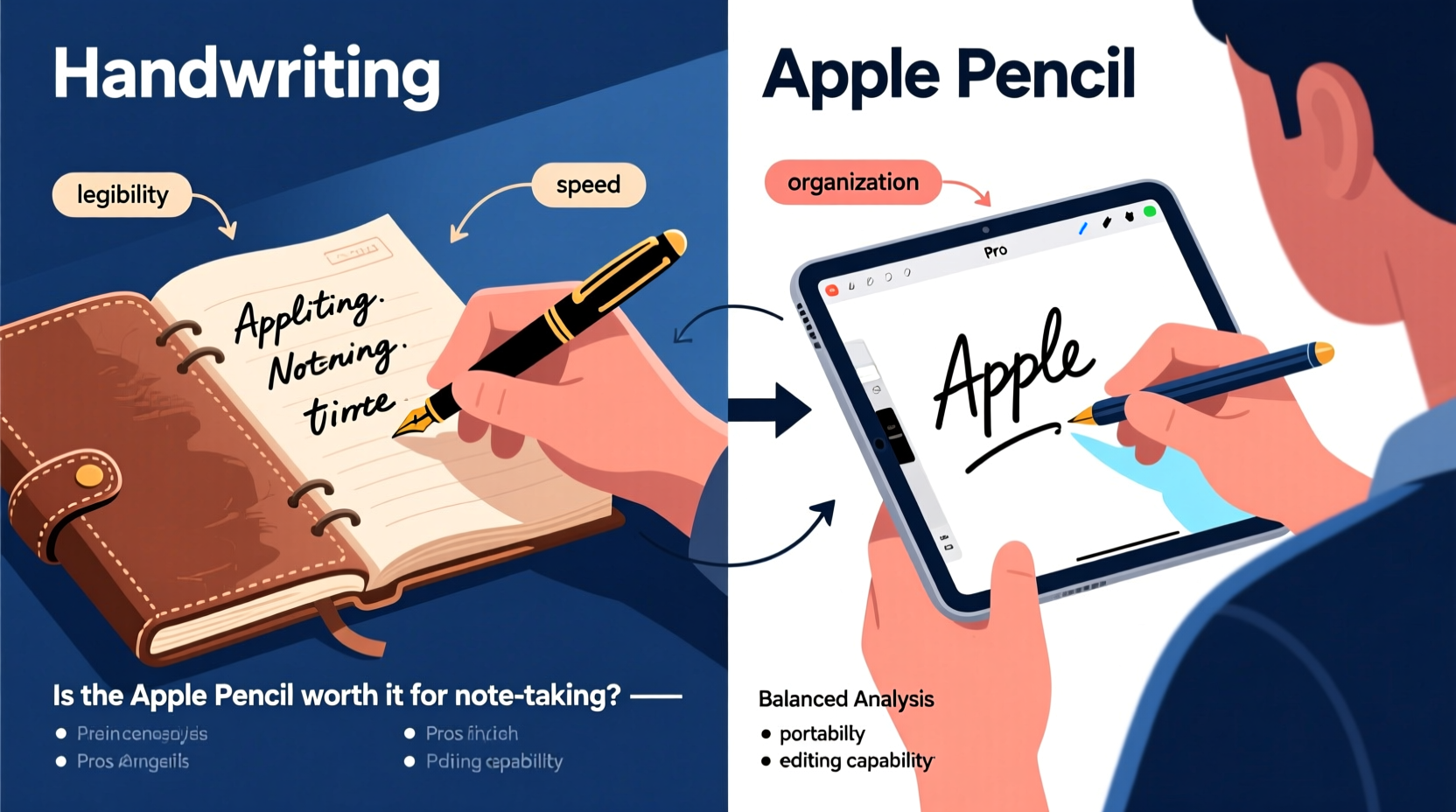
One of the most significant factors in choosing between handwriting and using an Apple Pencil is the actual writing experience. Traditional pen and paper offer a sensory feedback loop—pressure, texture, and even sound—that many people associate with focus and retention. The physical act of forming letters can improve memory, according to studies from Princeton and UCLA, which found that students who took handwritten notes remembered concepts better than those who typed them.
However, the Apple Pencil has made remarkable strides in mimicking this analog feel. With near-zero latency, pressure sensitivity, and tilt recognition, it delivers a remarkably natural writing sensation. Apps like GoodNotes, Notability, and Apple Notes support realistic ink textures and palm rejection, allowing you to rest your hand on the screen without leaving smudges. For users transitioning from paper, this level of responsiveness reduces friction and enhances comfort during extended sessions.
Speed and Efficiency
Handwriting is inherently slower than typing—and even slower than optimized digital inking. On average, people write about 38 words per minute by hand, while touch-typing averages around 40–50 wpm. With predictive text and voice input, digital methods can go even faster.
The Apple Pencil doesn’t aim to replace typing speed but instead bridges the gap between freeform thinking and structured organization. You can sketch diagrams, underline key points, and draw mind maps just as easily as jotting bullet lists—all within the same document. More importantly, you can edit later: erase messy sections, resize text boxes, or reorganize entire pages without rewriting everything.
In contrast, handwritten notes are static. Once written, changes require strikethroughs or marginalia. There’s no “undo” button, no search function, and no easy way to back up your work unless you manually scan each page.
Organization and Accessibility
This is where digital note-taking pulls significantly ahead. Handwritten notes, while personal and expressive, suffer from long-term accessibility issues. Searching for a specific idea in a stack of notebooks can take minutes—or longer, if your handwriting isn’t consistent.
With the Apple Pencil and compatible apps, every word you write is searchable. Optical character recognition (OCR) technology converts your handwritten notes into machine-readable text, so you can type a keyword and instantly locate relevant entries. You can tag notes by subject, color-code them, or sync across devices via iCloud. Need to share meeting notes with a colleague? Tap once to export as PDF or send via email.
Moreover, digital notes eliminate physical clutter. No more overflowing binders or lost notebooks. Everything lives securely in the cloud, backed up automatically. Students, professionals, and creatives alike benefit from this streamlined access, especially when juggling multiple projects.
“Digital handwriting tools like the Apple Pencil don’t just replicate paper—they enhance it with searchability, structure, and scalability.” — Dr. Linda Chen, Educational Technologist at Stanford University
Learning and Cognitive Impact
Despite the organizational advantages of digital tools, cognitive science suggests that handwriting engages the brain differently. The motor activity involved in forming letters appears to stimulate neural pathways associated with comprehension and recall. A 2014 study published in *Psychological Science* showed that students who took notes by hand performed better on conceptual questions than those who used laptops.
But newer research indicates that the gap narrows when digital note-takers use styluses instead of keyboards. Because stylus input requires similar fine motor control to handwriting, it may preserve some of the cognitive benefits. Additionally, features like drawing and annotation encourage active engagement, which supports deeper learning.
The key lies in how you use the tool. Passive transcription—whether typed or handwritten—leads to shallow processing. Effective note-taking involves summarizing, questioning, and visualizing. The Apple Pencil excels here because it enables all three: you can quickly sketch flowcharts, highlight patterns, and insert audio recordings alongside your written notes.
Real-World Example: Medical Student Using Apple Pencil
Sophie, a third-year medical student at Johns Hopkins, switched from Moleskine notebooks to an iPad and Apple Pencil during her clinical rotations. Initially skeptical, she found that digital notes saved her hours each week. “I used to spend evenings scanning and labeling my handwritten notes,” she says. “Now, I can search ‘Krebs cycle’ or ‘atrial fibrillation’ and pull up every mention instantly.”
She also uses layered diagrams in Notability to annotate anatomy illustrations directly. “Being able to zoom in, add color-coded labels, and save versions over time helped me visualize complex systems far better than drawing them repeatedly on paper.”
While she misses the simplicity of a notebook, the efficiency gains outweigh the nostalgia. “If I lose my iPad, my notes are still in the cloud. That peace of mind is priceless during exams.”
Cost-Benefit Analysis: Is the Apple Pencil Worth the Investment?
The Apple Pencil (2nd generation) costs $129, and even the entry-level iPad starts at $329. That’s a minimum investment of $458—far more than a lifetime supply of pens and notebooks. So, is it worth it?
For casual users who only take occasional notes, probably not. If your needs are simple—jotting grocery lists or doodling in margins—a notebook and pen remain the most cost-effective solution.
But for heavy note-takers—students, educators, researchers, designers, or professionals managing complex workflows—the return on investment becomes clear. Consider these benefits:
- Time savings: Instant search, editing, and sharing reduce administrative overhead.
- Durability: Digital notes don’t fade, tear, or get lost (if backed up).
- Multimodal integration: Combine handwriting with typed text, audio, images, and web clippings in one place.
- Eco-efficiency: Reduce paper consumption over time.
| Feature | Apple Pencil + iPad | Pen & Paper |
|---|---|---|
| Searchability | Yes (full-text search) | No |
| Editability | Full editing, reorganization | Limited (cross-outs, margins) |
| Portability | One device holds thousands of pages | Bulk increases with volume |
| Initial Cost | High ($458+) | Low ($5–$20) |
| Lifespan | 3–5 years (device-dependent) | Per notebook |
| Cognitive Engagement | High (with active use) | High (proven retention) |
Actionable Checklist: Should You Switch?
Use this checklist to evaluate whether the Apple Pencil suits your note-taking style:
- Do you take notes daily for school, work, or personal development?
- Do you frequently organize, review, or search past notes?
- Are you comfortable with technology and willing to learn new apps?
- Do you value portability and cloud backup?
- Would features like audio syncing, diagramming, or collaboration add value?
If you answered “yes” to three or more, the Apple Pencil is likely a worthwhile investment.
Frequently Asked Questions
Can the Apple Pencil fully replace handwriting?
It can replace the function of handwriting for most users, but not necessarily the emotional or cognitive experience. Some people still prefer paper for journaling or brainstorming due to its simplicity and lack of distractions. However, for structured note-taking, the Apple Pencil offers superior functionality.
Does writing with an Apple Pencil feel like real pen on paper?
Out of the box, it feels smooth—almost too smooth. Adding a matte screen protector improves friction and brings the sensation closer to real paper. Over time, most users adapt and report high satisfaction with the writing feel, especially after adjusting settings like line thickness and ink type.
Do I need the latest iPad model for effective note-taking?
Not necessarily. While newer models offer better responsiveness and center-stage camera features, even the base iPad (10th gen) works well with the Apple Pencil (1st gen). Prioritize screen size and compatibility over cutting-edge specs unless you're doing graphic design or video annotation.
Conclusion: A Tool for the Digitally Evolved Note-Taker
The Apple Pencil isn’t just a digital pen—it’s a gateway to a smarter, more connected way of thinking. Compared to traditional handwriting, it sacrifices none of the expressiveness while adding powerful capabilities: search, edit, integrate, and share. For individuals whose lives revolve around information—students mastering vast curricula, professionals leading strategy sessions, creatives mapping ideas—it transforms note-taking from a passive recording task into an active knowledge-building process.
That said, it’s not for everyone. If you value minimalism, tactile authenticity, or operate in low-tech environments, pen and paper will continue to serve you well. But if you’re looking to streamline your workflow, enhance recall through multimodal learning, and future-proof your personal knowledge system, the Apple Pencil is more than worth it.




 浙公网安备
33010002000092号
浙公网安备
33010002000092号 浙B2-20120091-4
Comments
No comments yet. Why don't you start the discussion?