
When Apple unveiled the Vision Pro in 2023, it didn’t just launch another gadget—it declared the beginning of spatial computing. Priced at $3,499, with cutting-edge eye-tracking, hand gesture controls, and an ultra-high-resolution display, the device promised to redefine how professionals work, especially those in creative fields. But nearly a year after release, a critical question remains: Is the Apple Vision Pro truly transformative for creatives, or is it a dazzling tech showcase that falls short in practical application?
The answer isn’t binary. For some creators, the Vision Pro has already unlocked new workflows. For others, it’s still too expensive, too isolating, and too early in its evolution to justify adoption. To understand its real value, we need to examine not just the specs, but how artists, designers, filmmakers, and developers are actually using it—and whether the benefits outweigh the barriers.
Spatial Computing Redefined: What the Vision Pro Actually Does
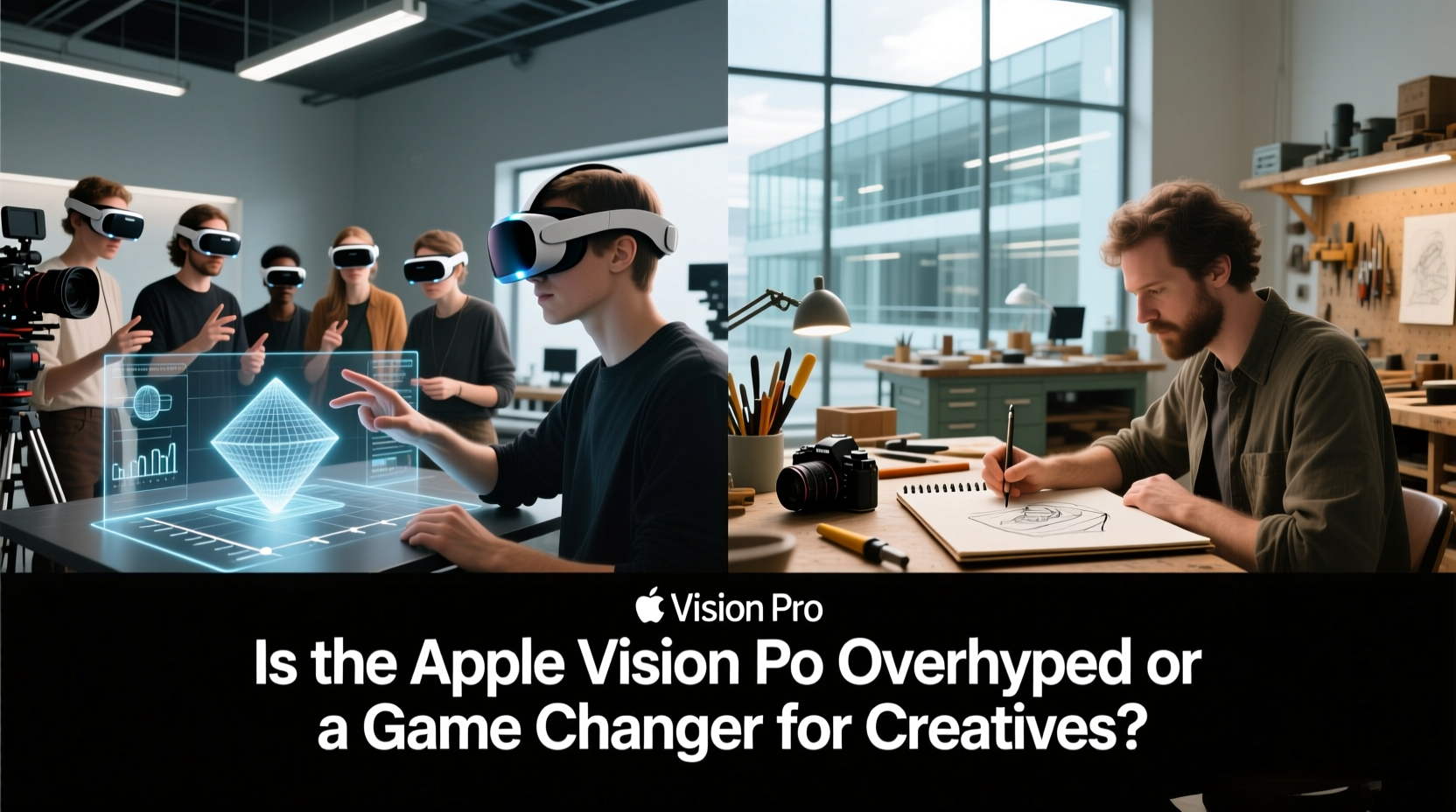
The Apple Vision Pro is not a traditional VR headset nor a simple AR glasses replacement. It’s a hybrid spatial computer that overlays digital content onto the physical world while maintaining awareness of your surroundings. Using dual micro-OLED displays (23 million pixels total), LiDAR sensors, and advanced spatial audio, it creates an immersive yet context-aware experience.
Unlike earlier headsets that required controllers, the Vision Pro relies on natural inputs: your eyes, hands, and voice. You navigate by glancing at an app, then tapping your fingers together to select—no remotes needed. This intuitive interface reduces friction, making it easier to multitask across virtual screens or manipulate 3D models mid-air.
For creatives, this means potentially working in a limitless digital workspace while still seeing their desk, tools, or team members. Architects can walk through life-sized building models. Musicians can arrange tracks in floating timelines. Designers can pin mood boards around their studio walls—all without leaving their physical environment.
Creative Applications That Are Already Working
While many use cases are still emerging, several industries have begun integrating the Vision Pro into real workflows—with measurable results.
Architecture & Interior Design
Firms like Gensler and Skidmore, Owings & Merrill have piloted Vision Pro for client walkthroughs. Instead of presenting flat renderings, architects now guide clients through photorealistic 3D spaces. Clients can “stand” inside a future living room, adjust lighting conditions, or swap materials in real time.
This level of immersion improves decision-making and reduces costly revisions later in construction. One firm reported a 30% reduction in design approval cycles after adopting spatial presentations.
Film & Animation Previsualization
In pre-production, directors and cinematographers use the Vision Pro to scout virtual sets before filming begins. With apps like Frame.io Spatial and Unreal Engine integration, teams can block scenes, test camera angles, and simulate lighting setups—all within a shared virtual space.
“We used the Vision Pro to rehearse a complex crane shot in a warehouse that didn’t exist yet,” said Maya Tran, a production designer in Los Angeles. “It saved us two days of location scouting and let us finalize the rigging plan ahead of time.”
“Spatial computing lets us prototype ideas faster than ever. It’s not replacing storyboards—it’s enhancing them.” — David Kim, VFX Supervisor, Industrial Light & Magic
Multimedia Art & Installation Design
Interactive artists are using the Vision Pro to prototype augmented installations. By layering digital sculptures or animations over physical galleries, they can test scale, movement, and audience interaction before fabrication.
One artist, Lila Chen, created a mixed-reality exhibit where viewers saw floating poetry above real plants. She prototyped the entire layout in Vision Pro, adjusting text size and opacity based on viewing distance—something impossible to simulate accurately on a 2D screen.
The Overhype: Where the Vision Pro Falls Short Today
Despite these promising applications, the Vision Pro faces significant limitations that prevent widespread adoption among creatives.
- Price barrier: At $3,500, plus taxes and accessories, it’s inaccessible for freelancers and small studios.
- Battery life: Only 2 hours of untethered use limits fieldwork and long creative sessions.
- App ecosystem: Few professional-grade creative tools are optimized for spatial input.
- Physical discomfort: Extended wear causes fatigue; not ideal for all-day editing or design marathons.
- Collaboration challenges: True multi-user experiences are limited, and remote sharing feels clunky compared to cloud-based platforms.
Additionally, the “wow factor” often overshadows utility. Many users report initial excitement followed by underuse—what one designer called “the shelf-of-shame” phenomenon. Without daily integrations into core workflows, even powerful hardware risks becoming a novelty.
Do’s and Don’ts for Creative Professionals Considering the Vision Pro
| Do | Don’t |
|---|---|
| Test it in your actual workspace to assess comfort and usability | Buy it solely because of brand prestige or hype |
| Start with one focused use case (e.g., 3D modeling review) | Expect full Photoshop or Premiere Pro functionality |
| Leverage built-in productivity features like virtual external monitors | Use it for extended periods without breaks |
| Explore free trials via Apple Store appointments | Assume it replaces your primary workstation |
Real-World Example: A Freelance Motion Designer’s Journey
Jamal Ortiz, a freelance motion designer based in Austin, purchased a Vision Pro six months ago with hopes of improving his 3D animation workflow. He primarily uses Cinema 4D and After Effects, tools not yet natively supported on the device.
Initially, he was frustrated. The lack of direct software integration meant he couldn’t animate directly in space. However, he discovered a workaround: using the Vision Pro as a secondary review station. After rendering a scene, he’d load it into a compatible 3D viewer and inspect camera paths from inside the environment.
“I caught a parallax error in a drone flythrough that I never would’ve seen on my monitor,” he explained. “Seeing it from the character’s perspective made the motion feel off. Fixed it in half an hour.”
He also uses the massive virtual screen setup to organize project files, reference images, and communication apps—effectively turning his coffee table into a command center. While not revolutionary, these small gains improved his focus and reduced context switching.
Still, Jamal admits he hasn’t recouped the investment yet. “If I were at a studio with a budget, I’d recommend it for specific review tasks. As a solo creator? It’s a luxury with pockets of usefulness.”
Step-by-Step Guide: How to Evaluate the Vision Pro for Your Creative Work
If you’re considering the Vision Pro, follow this practical evaluation process before committing:
- Define your goal: Identify one task you want to improve (e.g., client presentations, 3D reviews, distraction-free writing).
- Research compatible apps: Check if tools like Adobe Substance, Blackmagic Unreal, or Microsoft Mesh support Vision Pro workflows.
- Book a demo: Visit an Apple Store to try the device with your type of content (bring sample projects if possible).
- Test ergonomics: Wear it for at least 20 minutes. Note any pressure points or visual strain.
- Simulate collaboration: Try sharing a screen or joining a FaceTime call in spatial mode.
- Calculate ROI: Estimate time saved or client value added per month. Does it justify the cost over 12–18 months?
- Start with rental: Consider leasing through providers like Grover or Apple’s education programs before buying.
Expert Perspectives: What Industry Leaders Are Saying
Opinions vary widely among creative technologists. Some hail it as foundational; others urge caution.
“The Vision Pro isn’t the final form of spatial computing—but it’s the first one that doesn’t make you nauseous or embarrassed to wear.” — Dr. Naomi Patel, Human-Computer Interaction Researcher, MIT Media Lab
Meanwhile, veteran UI designer Carlos Mendez offers a more skeptical view:
“We’ve been here before with Google Glass and Magic Leap. Cool demos, weak daily utility. Until third-party developers build deeply integrated creative tools, this remains a proof-of-concept.” — Carlos Mendez, Principal Designer, Figma Community Forum
The consensus? The hardware is ahead of the software. Apple delivered a remarkable platform—but the ecosystem needs time to catch up.
FAQ
Can I use Adobe Creative Cloud apps on the Apple Vision Pro?
Not natively. Apps like Photoshop and Premiere Pro don’t run directly on the Vision Pro. However, you can stream them from a connected Mac and interact with them on a virtual display. Editing precision may be limited due to gesture controls.
Is the Vision Pro worth it for graphic designers?
Currently, only in niche scenarios—such as reviewing large-scale layouts in immersive space or collaborating on 3D branding elements. Most 2D design work is still more efficient on a high-resolution monitor.
How does it compare to Meta Quest Pro for creative work?
The Vision Pro excels in realism, build quality, and passthrough clarity. Meta Quest Pro offers broader app support (including Blender and Gravity Sketch) and lower cost, but inferior display and tracking. For professional output quality, Vision Pro wins. For versatility and affordability, Quest Pro leads.
Conclusion: A Bridge to the Future, Not the Destination
The Apple Vision Pro is neither overhyped nor a universal game changer—it’s a transitional device marking the beginning of a new computing era. For creatives willing to experiment, it offers glimpses of what’s possible: infinite canvases, immersive prototyping, and redefined collaboration.
But it’s not essential. Most creative professionals will find greater value in upgrading their current toolkit before investing in spatial computing. The real revolution won’t come from the headset alone, but from the wave of software innovations it inspires.
If you're in a position to explore it—through a trial, studio access, or phased integration—do so with clear goals and realistic expectations. Use it to solve specific problems, not to chase novelty. And stay engaged with the developer community, because the next breakthrough app could transform your workflow overnight.




 浙公网安备
33010002000092号
浙公网安备
33010002000092号 浙B2-20120091-4
Comments
No comments yet. Why don't you start the discussion?