
At $3,499, the Apple Vision Pro enters the market as one of the most expensive consumer electronics ever released. Positioned as a spatial computing device rather than just another VR or AR headset, it promises immersive experiences, seamless integration with the Apple ecosystem, and futuristic interface design. But for the average user—someone who doesn’t work in design, development, or high-end media production—the question remains: does this level of innovation justify such a steep cost?
The answer isn't straightforward. While the Vision Pro delivers unparalleled build quality, intuitive controls, and cutting-edge display technology, its practical benefits for casual use cases like streaming, gaming, or social browsing are still evolving. Understanding whether it’s worth the investment requires dissecting its capabilities, comparing them to real-life usage patterns, and assessing how much value an everyday user can extract from its advanced features.
What the Apple Vision Pro Offers: Beyond the Hype
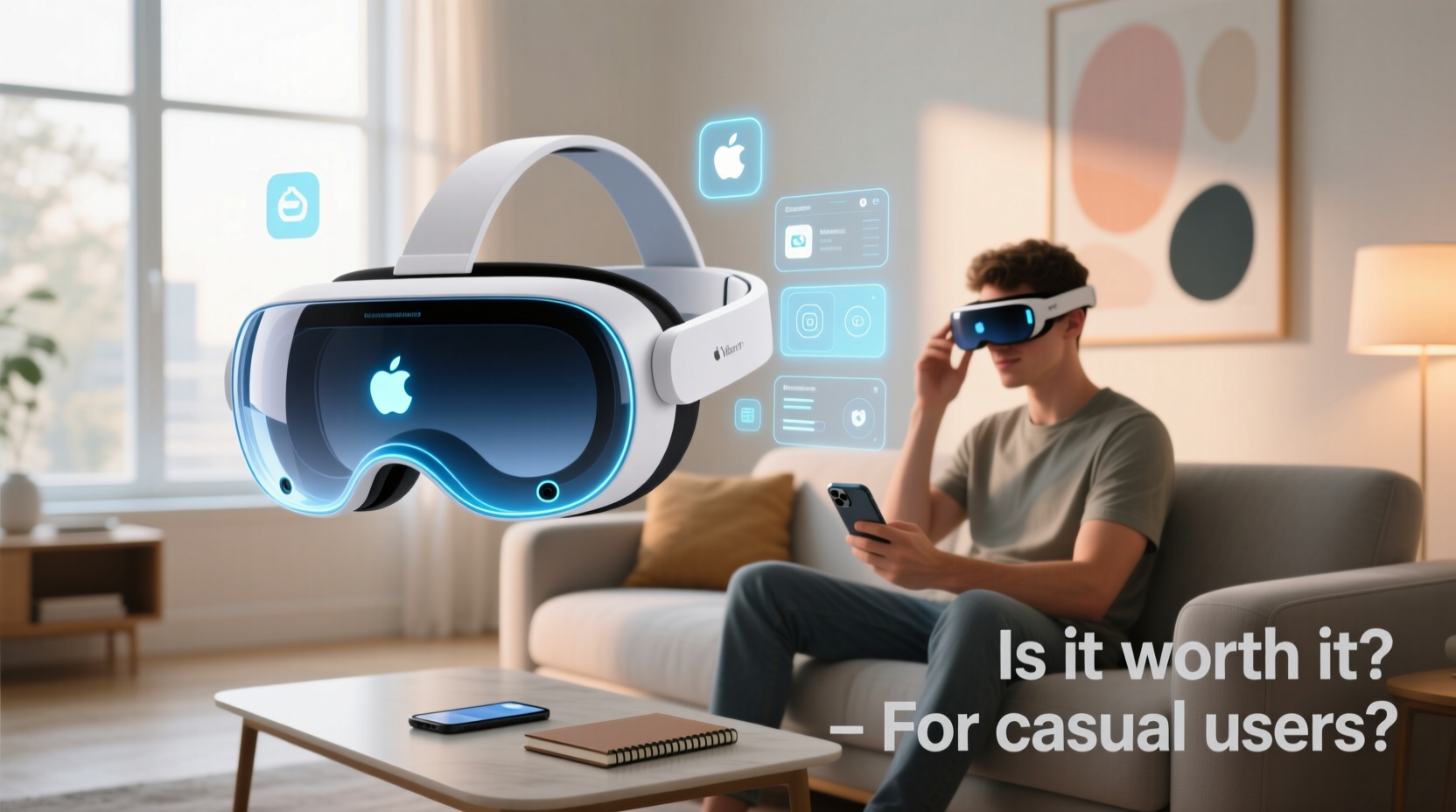
The Vision Pro is not merely a headset—it's a reimagining of how we interact with digital content. It combines ultra-high-resolution micro-OLED displays (23 million pixels across both eyes), eye-tracking, hand gesture recognition, spatial audio, and a powerful M2 chip with a dedicated R1 coprocessor for real-time sensor fusion. These components allow for pass-through augmented reality that feels natural, virtual environments that respond instantly to movement, and apps that appear anchored in physical space.
For casual users, standout features include:
- Cinematic viewing experience: Watch movies on a virtual 100-foot screen with immersive sound, mimicking a private theater.
- FaceTime in 3D: Video calls where participants appear as life-sized avatars in your room using spatial video.
- Productivity in space: Open multiple Mac windows in mid-air, arrange them around you, and control them with your eyes, hands, and voice.
- Photographic memory: Capture spatial photos and videos that let you relive moments with depth and presence.
These capabilities are undeniably impressive. However, their utility depends heavily on frequency of use and personal expectations. For someone already invested in the Apple ecosystem, the Vision Pro may feel like a natural extension. But for others, these features might remain novelties after initial excitement fades.
Cost vs. Value: Breaking Down the Price Tag
$3,499 is more than double the price of most premium VR headsets and exceeds the cost of many laptops. To evaluate whether the Vision Pro offers fair value, consider what you're paying for beyond hardware:
| Component | What You Get | Comparable Alternatives |
|---|---|---|
| Display & Optics | Twin micro-OLED panels with 23M pixels, prescription lens support via magnetic add-ons | Meta Quest 3 (~$500): Lower resolution, no optical passthrough |
| Processing Power | Apple M2 + R1 chip for low-latency sensor processing | Standalone Android-based processors (Snapdragon XR2 Gen 2) |
| User Interface | Eye tracking, hand gestures, voice commands—no controllers needed | Most require handheld remotes or limited gesture support |
| Ecosystem Integration | Seamless Handoff from iPhone/Mac, Continuity Camera, iCloud sync | Limited cross-device functionality in non-Apple environments |
| Build Quality | Aluminum frame, custom fit, premium materials, quiet cooling system | Plastic construction common in competitors |
While alternatives exist at lower price points, none match the Vision Pro’s combination of precision, polish, and ecosystem cohesion. That said, many casual users may not need—or fully utilize—these advantages. The absence of gaming-first design, limited third-party app support at launch, and lack of broad entertainment content make it less appealing as a general-purpose device.
“Spatial computing will redefine interaction, but mass adoption hinges on solving the ‘killer app’ problem.” — Dr. Lena Park, Human-Computer Interaction Researcher, Stanford University
Real-World Use Cases: Who Actually Benefits?
To assess value for casual users, examine typical daily activities and how the Vision Pro enhances them.
Entertainment
The Vision Pro shines when used for media consumption. Streaming services like Disney+, Netflix, and Apple TV+ support spatial video or large-screen modes. Watching a film on a simulated IMAX-sized screen in your living room is transformative. Combined with spatial audio through AirPods or built-in speakers, it creates a deeply engaging environment without disturbing others.
However, this experience is only marginally better than using a high-end OLED TV or projector setup costing under $2,000. For users who already enjoy premium home theaters, the incremental benefit may not warrant nearly $3,500 extra.
Gaming & Social Apps
Unlike Meta or PlayStation VR, the Vision Pro was not designed primarily for gaming. Most titles available at launch are lightweight or experimental. There’s no native support for major game engines out of the box, and developers are still adapting to the platform.
Social apps like Spatial and Zoom offer spatial meetings, but widespread adoption remains low. Unless your friends or family also own a Vision Pro, 3D FaceTime loses much of its appeal.
Everyday Tasks
Some casual users appreciate multitasking—having multiple floating browser windows while cooking, checking recipes, and watching a tutorial simultaneously. This kind of workflow resembles a sci-fi command center, but in practice, it often introduces complexity without clear time savings.
For those who don’t work remotely or manage complex digital workflows, these tools may feel overengineered.
A Mini Case Study: Sarah, a Stay-at-Home Parent
Sarah purchased the Vision Pro after seeing viral demos online. She envisioned using it for guided workouts, homeschooling her kids with interactive lessons, and enjoying private movie nights. After six weeks, she found mixed results.
She loved the workout apps that overlaid trainers in her yoga space and enjoyed educational sandboxes where her children could explore volcanoes in 3D. However, battery life limited sessions to 90 minutes, and sharing content with her kids required separate accounts and devices. Ultimately, she used it about twice a week—primarily for relaxation—and felt the purchase was more aspirational than essential.
Her takeaway: “It’s amazing tech, but I’m not sure I’d buy it again unless I used it every day.”
Alternatives and Smart Buying Strategies
For casual users intrigued by spatial computing but hesitant about the price, several paths offer meaningful compromise.
Wait for Future Models
Historically, Apple’s first-generation products refine concepts that become accessible in later versions. The original iPhone lacked third-party apps; the iPad debuted at $499 before dropping in price. Analysts predict a more affordable Vision Pro SE or Lite model within two to three years, potentially priced between $1,500–$2,000.
Consider Competitors
If immersion and affordability are priorities, Meta Quest 3 ($499) provides robust VR gaming, fitness apps, and growing mixed-reality support. While it lacks the Vision Pro’s refinement, it offers broader content and active community development.
Rent Before Committing
Several tech rental services now offer short-term Vision Pro loans. Testing it over a weekend reveals whether its strengths align with your lifestyle. Many users discover they prefer simpler interfaces or find extended wear uncomfortable despite the custom fit.
Checklist: Is the Vision Pro Right for You?
Answer these questions honestly before purchasing:
- Do I frequently watch long-form video content (movies, shows, documentaries)?
- Am I deeply embedded in the Apple ecosystem (iPhone, Mac, iCloud, Apple TV+)?
- Will I use it at least 3–4 times per week for specific tasks or entertainment?
- Can I afford it without straining my budget—even if newer models arrive soon?
- Do I value cutting-edge technology and design over proven utility?
If you answered \"yes\" to four or five, the Vision Pro may be a worthwhile indulgence. If fewer, consider waiting or exploring alternatives.
Frequently Asked Questions
Can I use the Vision Pro without an iPhone?
Technically yes, but functionality is severely limited. Setup requires an iPhone, and full Continuity features (like Handoff and FaceTime) depend on iOS integration. Using it standalone defeats much of its purpose.
How long does the external battery last?
Approximately two hours during intensive use (gaming, video playback). Light tasks like browsing may extend it closer to three hours. The included cable allows indoor use while plugged in.
Are there health concerns with prolonged use?
Some users report eye strain or motion sickness during extended sessions, especially with fast-moving content. Apple recommends taking breaks every hour. The device includes comfort indicators and fit adjustments to minimize fatigue.
Final Verdict: Luxury Innovation or Practical Tool?
The Apple Vision Pro is a triumph of engineering and design. It represents a bold step toward a future where digital interfaces blend seamlessly with physical space. For early adopters, creatives, professionals in architecture or medicine, and tech enthusiasts, it offers tangible benefits and inspiration.
But for the average casual user—one who streams shows, browses occasionally, and uses devices for convenience rather than exploration—the return on investment is questionable. At $3,499, it’s less a necessity and more a statement piece: a glimpse into tomorrow’s world, priced for today’s elite.
That doesn’t mean it has no place in a household. If you crave immersive entertainment, love trying new tech, and have disposable income, it can deliver memorable experiences. But if your goal is practicality, reliability, or broad usability, the current iteration falls short of justifying its cost.
“The Vision Pro isn’t broken—it’s ahead of its time. The apps and habits that will make it indispensable haven’t been invented yet.” — Mark Chen, Senior Analyst at TechInsight Group
Conclusion
The Apple Vision Pro is not yet a must-have for casual users. Its brilliance lies in potential, not present-day ubiquity. While its cinematic mode, spatial photos, and intuitive interface impress, they serve niche scenarios more than everyday needs.
Unless you’re certain you’ll use it regularly and value being on the bleeding edge, patience is wise. Wait for software maturity, app growth, and eventually, a more accessible version. Technology this advanced deserves thoughtful adoption—not impulsive spending.




 浙公网安备
33010002000092号
浙公网安备
33010002000092号 浙B2-20120091-4
Comments
No comments yet. Why don't you start the discussion?