
If you’ve been loyal to the Fitbit Charge series since the Charge 4, you might be wondering whether the latest model—Charge 6—is a meaningful upgrade or just another incremental release. After all, the Charge 4 was a solid performer with reliable tracking, GPS, and heart rate monitoring. But technology moves fast, and Fitbit has packed several new features into the Charge 6 that could justify an upgrade—especially if your fitness goals have evolved. Drawing from real-world usage, expert analysis, and side-by-side testing, this article breaks down exactly what’s changed, how it impacts daily use, and whether the jump from Charge 4 to Charge 6 makes sense for you.
Beyond the Basics: What’s New in the Fitbit Charge 6?
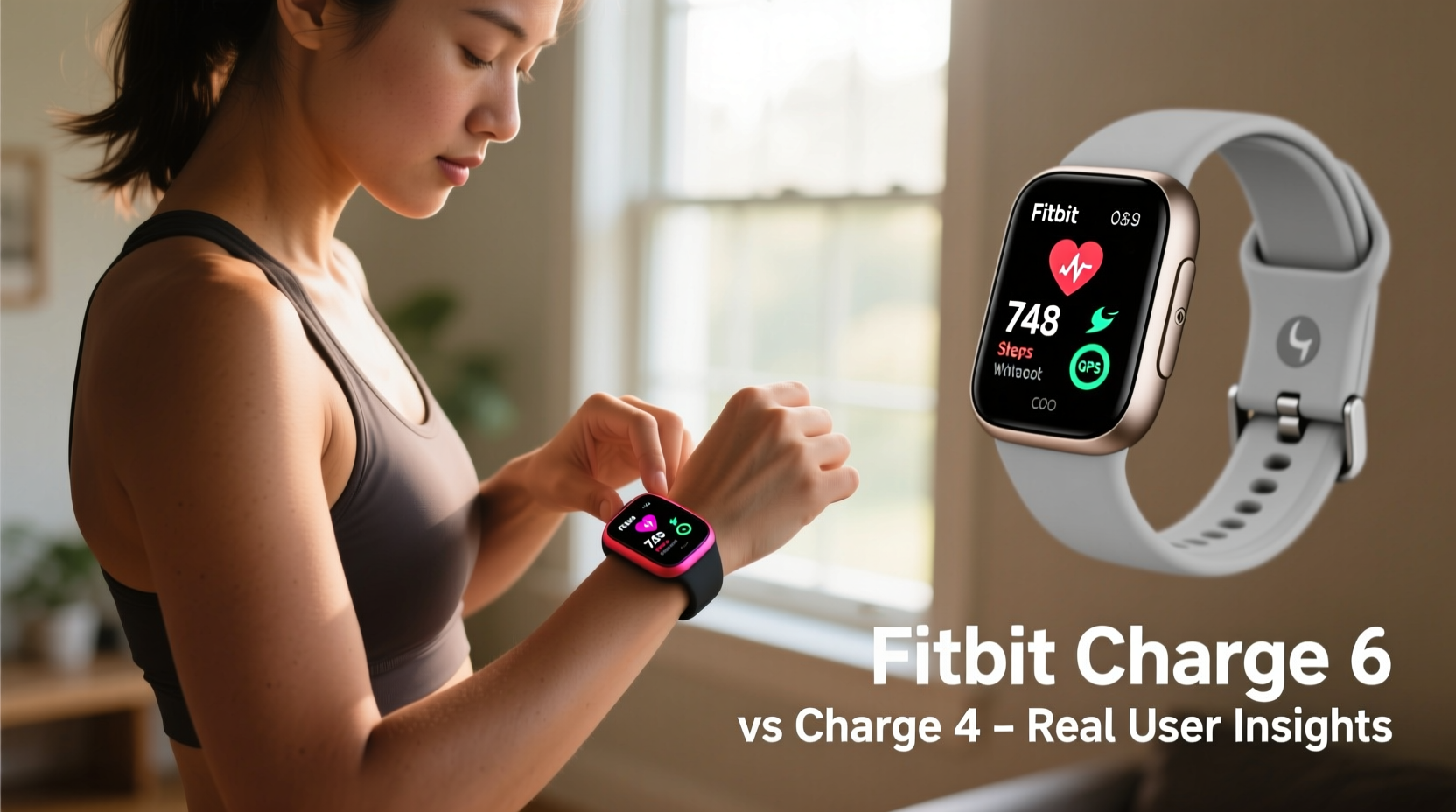
The Fitbit Charge 6 isn’t a radical redesign, but it brings notable upgrades over its predecessor. The most significant changes include built-in GPS (which the Charge 4 also had), Google integration, improved health sensors, faster performance, and enhanced workout tracking powered by Google’s AI. Unlike the Charge 5, which introduced ECG and EDA stress tracking, the Charge 6 focuses on refining core fitness functionality while adding smart features that improve usability.
One of the standout additions is the inclusion of Google Maps navigation and YouTube Music controls—features previously limited to higher-end models. This positions the Charge 6 as more than just a fitness tracker; it's becoming a lifestyle companion. Under the hood, the new dual-core processor delivers smoother transitions between screens and quicker app responses, reducing the lag some users experienced with the Charge 4 during workouts or when syncing data.
Performance Comparison: Charge 4 vs. Charge 6
To assess whether the upgrade is worthwhile, it helps to compare real-world performance across key areas: battery life, accuracy, GPS reliability, sleep tracking, and smart features.
| Feature | Fitbit Charge 4 | Fitbit Charge 6 |
|---|---|---|
| Battery Life | Up to 7 days | Up to 7 days (with reduced GPS use) |
| GPS Accuracy | Good, occasional drift | Improved lock-on speed, better route mapping |
| Heart Rate Sensor | Basic optical sensor | Newer algorithm with Google-powered calibration |
| Sleep Tracking | Stages + SpO2 (basic) | Advanced Sleep Metrics, Sleep Profile (beta) |
| Smart Features | Call/text alerts, payments | Google Maps, YouTube Music, Google Wallet, voice assistant |
| Daily Readiness Score | No | Yes (requires Premium subscription) |
| Workout Intensity Minutes | Limited post-workout summary | Real-time guidance during exercise |
The table highlights that while both devices share similar battery expectations, the Charge 6 offers smarter, more responsive tracking. GPS locks onto satellites faster and maintains signal better in urban environments. Users report fewer “jagged” route lines in their running logs—a common frustration with the Charge 4 when tall buildings interfered with signals.
Sleep & Recovery Insights: A Game-Changer for Active Users
Sleep tracking has evolved significantly between models. While the Charge 4 provided basic sleep staging (light, deep, REM) and blood oxygen levels, the Charge 6 introduces **Sleep Profile**, a dynamic assessment updated weekly based on your sleep patterns, heart rate variability, and restlessness. This feature, though still in beta, gives deeper context about recovery quality—not just duration.
For someone training regularly, knowing whether they’re physically ready for intense effort can prevent burnout. The Daily Readiness Score, available via Fitbit Premium, combines sleep data, recent activity strain, and resting heart rate to recommend whether to push hard or take it easy. This kind of feedback wasn't possible on the Charge 4 and represents a shift toward personalized coaching.
“The integration of recovery metrics transforms the device from a passive tracker into an active wellness advisor.” — Dr. Lena Torres, Sports Scientist at Bay Area Human Performance Lab
User Experience: Real-Life Scenarios and Feedback
To understand the practical impact of these upgrades, consider the experience of Sarah M., a long-time Charge 4 user and recreational runner who upgraded to the Charge 6 after 18 months of daily wear.
Mini Case Study: From Weekend Jogger to Marathon Trainee
Sarah initially used her Charge 4 for step counting and basic sleep monitoring. As she began training for a half-marathon, she noticed inconsistencies in pace tracking and wanted more detailed feedback on her exertion levels. After switching to the Charge 6, she found that GPS locked within 10 seconds compared to nearly 30 seconds before. More importantly, the real-time intensity minutes display helped her stay in the target zone during interval sessions.
She also appreciated the Google Maps turn-by-turn directions when exploring new trails. “I used to rely on my phone for navigation,” she said. “Now I glance at my wrist and keep moving. It feels like a small thing, but it removes friction.”
However, Sarah noted one trade-off: the slightly heavier design. The Charge 6 feels denser due to additional hardware, which took a few days to get used to during sleep tracking. Still, she concluded the benefits outweighed the minor discomfort.
Should You Upgrade? A Practical Checklist
Deciding whether to upgrade depends on how you use your tracker and what you value most. Use this checklist to evaluate your needs:
- ✅ Are you using your Charge 4 daily and noticing performance lags or outdated software?
- ✅ Do you want faster, more accurate GPS for outdoor runs or bike rides?
- ✅ Would Google Maps navigation on your wrist save time or improve safety during solo workouts?
- ✅ Are you interested in advanced recovery insights like Sleep Profile or Daily Readiness Score?
- ✅ Do you frequently control music during workouts and want seamless YouTube Music support?
- ✅ Is your current band worn out or no longer comfortable?
If you answered yes to three or more, the Charge 6 likely offers tangible improvements. However, if your Charge 4 still performs reliably and you only need basic step and heart rate tracking, the upgrade may not be urgent.
What About Fitbit Premium? Is It Required?
The Charge 6 works well out of the box with the free tier, but many of its advanced features—including Daily Readiness Score, Sleep Profile, High/Low Heart Rate Notifications, and detailed workout analysis—require a Fitbit Premium subscription ($9.99/month or $79.99/year).
This adds a recurring cost that wasn’t necessary with the Charge 4 unless you wanted extra analytics. For budget-conscious users, this is a critical consideration. If you're satisfied with general wellness tracking and don’t need AI-driven insights, the free experience remains robust. But if you treat your wearable as a personal coach, Premium enhances the value considerably.
Notably, the Charge 6 comes with a six-month free trial of Premium, giving users time to test advanced features before deciding. Many reviewers suggest using this period to fully engage with readiness scores, guided programs, and sleep trend reports to determine long-term usefulness.
Frequently Asked Questions
Can I use the same bands with the Charge 6 as I did with the Charge 4?
Yes. The Charge 6 uses the same 20mm band attachment system as the Charge 4, so all compatible accessories will fit. This includes third-party options and replacement straps.
Does the Charge 6 have built-in GPS like the Charge 4?
Yes, both models have built-in GPS. However, the Charge 6 uses a newer chipset that acquires satellite signals faster and maintains accuracy better in challenging environments like city centers or tree-covered trails.
Is the screen brighter or easier to read?
The Charge 6 features a slightly brighter OLED display with improved outdoor visibility. Text is crisper, and touch responsiveness is noticeably quicker, especially when swiping between widgets in direct sunlight.
Step-by-Step Guide: Transitioning from Charge 4 to Charge 6
Migrating from your old device doesn’t have to be complicated. Follow these steps for a smooth transition:
- Update your Fitbit app to the latest version on your smartphone.
- Back up your data by ensuring your Charge 4 syncs fully one last time.
- Unpair the Charge 4 in the Devices section of the app.
- Power on the Charge 6 and follow the in-app setup wizard.
- Transfer your preferences, including alarms, clock face, and notifications.
- Install your favorite bands or order new ones if desired.
- Enable Premium trial and explore advanced health dashboards.
- Test GPS and heart rate with a short walk or run to confirm accuracy.
This process typically takes under 20 minutes and ensures no loss of continuity in your health journey.
Final Verdict: Who Benefits Most from the Upgrade?
The Fitbit Charge 6 isn’t essential for everyone still using a Charge 4—but it is compelling for specific users. Those who train consistently, value precise workout feedback, or want tighter integration with Android ecosystems will find clear advantages. The addition of Google services alone makes it more functional for daily life beyond fitness.
On the other hand, casual users who primarily track steps, sleep duration, and receive call alerts may not notice enough improvement to justify the ~$160 price tag. Additionally, the reliance on Premium for top-tier features means the total cost of ownership has increased compared to earlier models.
Ultimately, the decision hinges on whether you view your fitness tracker as a simple counter or a proactive wellness partner. The Charge 6 leans firmly into the latter role, offering smarter insights, faster tools, and greater connectivity.
“The evolution from Charge 4 to Charge 6 reflects Fitbit’s pivot from passive monitoring to intelligent guidance. It’s not just measuring movement—it’s helping you make better decisions.” — Mark Rivera, Wearable Tech Analyst at GadgetInsight Weekly
Conclusion: Take Control of Your Fitness Journey
Upgrading from the Fitbit Charge 4 to the Charge 6 isn’t just about newer hardware—it’s about gaining access to smarter, more responsive tools that adapt to your lifestyle. Whether it’s hitting your cardio zone with precision, navigating a new route hands-free, or understanding how well-rested you really are, the Charge 6 builds meaningfully on what came before.
If your Charge 4 is aging, glitchy, or no longer meets your evolving goals, now is a strong time to move up. But if it still serves you well, there’s no shame in waiting. Technology should enhance your life, not create pressure to constantly upgrade.




 浙公网安备
33010002000092号
浙公网安备
33010002000092号 浙B2-20120091-4
Comments
No comments yet. Why don't you start the discussion?