
For many users, the iPad has become more than just a device for browsing or watching videos—it’s a productivity tool, creative studio, and portable classroom all in one. If you’re using an iPad from 2017 or earlier, you might be wondering: is the upgrade to the latest iPad Air actually worth it? Real-world experiences from users who’ve made the switch reveal that the answer depends on how you use your device, what features matter most, and whether your current iPad still meets your needs.
The iPad Air line has evolved significantly since its early iterations. The latest models feature faster processors, improved displays, support for Apple Pencil (2nd generation), and Magic Keyboard compatibility—features once reserved for the Pro lineup. But does this translate into meaningful improvements for everyday users? Let’s break down real user experiences, performance gains, accessory benefits, and long-term value to help you decide if now is the right time to upgrade.
Performance Leap: From Lag to Fluid Multitasking
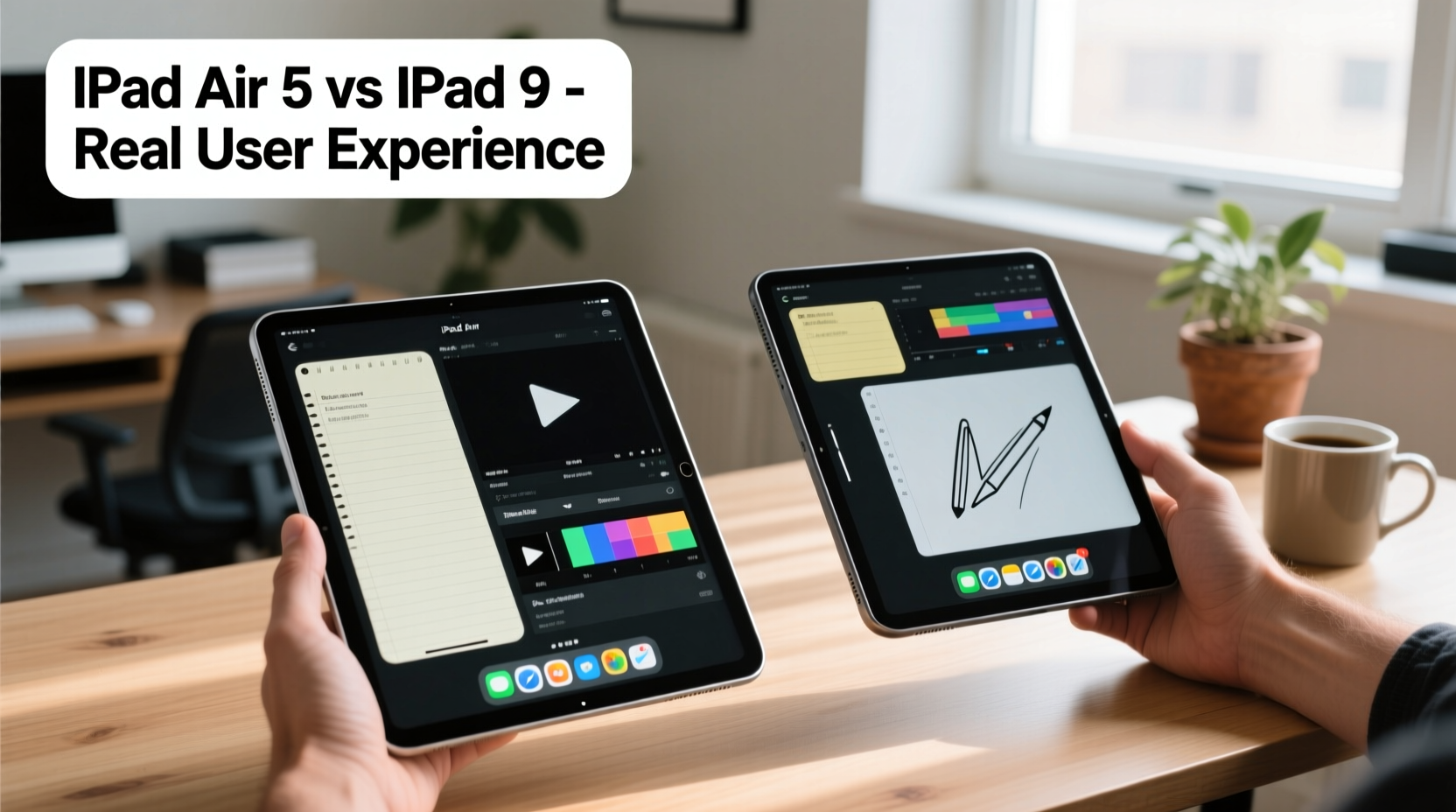
One of the most consistent points across user reviews is the dramatic improvement in performance. Users upgrading from iPad models prior to 2019—especially those with A10 Fusion chips or earlier—report a near-instantaneous shift from sluggish app launches and multitasking delays to seamless navigation.
The current iPad Air runs on the Apple M1 chip, the same processor used in several MacBook models. This isn’t overkill; it future-proofs the device for years. Real users note that complex tasks like editing 4K video in LumaFusion, running multiple split-screen apps, or using advanced drawing software in Procreate feel effortless compared to older iPads.
“Switching from my 2016 iPad Air to the M1 iPad Air was like going from dial-up to fiber internet. Everything loads instantly, and I can finally use Split View without everything freezing.” — Daniel R., freelance graphic designer
Even for less intensive uses—like reading PDFs, taking notes, or managing emails—the difference is noticeable. Background apps stay active longer, Safari tabs don’t reload constantly, and FaceTime calls are smoother thanks to better noise suppression and front camera positioning.
Display and Design: Subtle but Meaningful Upgrades
The design overhaul in recent iPad Air models includes narrower bezels and a top-mounted Touch ID power button, making the device not only sleeker but also more functional. The 10.9-inch Liquid Retina display offers brighter colors, higher contrast, and better viewing angles than older LCD panels.
Users upgrading from iPads before 2020 often mention how much they appreciate the reduced glare and improved outdoor visibility. For creatives, students, and remote workers, screen quality directly impacts usability—especially when reviewing documents, sketching, or watching instructional videos.
Another under-the-radar benefit is weight distribution. The newer iPad Air feels more balanced in hand, especially during extended reading or annotation sessions. It’s only slightly heavier than older models but distributes mass more evenly, reducing wrist fatigue.
Key Design Improvements Over Older Models
| Feature | Older iPad (e.g., 2017 Air) | New iPad Air (M1, 5th Gen) |
|---|---|---|
| Processor | A10 Fusion | Apple M1 |
| Display Size & Type | 9.7\" LCD | 10.9\" Liquid Retina (LED-backlit IPS) |
| Front Camera | 1.2MP, bottom-facing | 12MP Ultra Wide, landscape-oriented |
| Touch ID | Fingerprint sensor in home button | Integrated into top power button |
| Apple Pencil Support | Pencil 1st gen (wired charging) | Pencil 2nd gen (magnetic attach & wireless charging) |
| USB Port | Lightning | USB-C (faster data transfer, broader peripheral support) |
Accessories That Transform Usability
Perhaps the most compelling reason users cite for upgrading is full compatibility with modern Apple accessories. The ability to magnetically attach and charge the 2nd-generation Apple Pencil eliminates the frustration of losing caps or dealing with loose charging cables. Artists and note-takers consistently praise this change.
Likewise, the Smart Connector support for the Magic Keyboard opens up laptop-like functionality. While not essential for everyone, users who rely on their iPad for writing, coding, or spreadsheet work find the keyboard’s stability, trackpad integration, and floating design to be game-changers.
One educator shared: “I used to prop my old iPad on a stand and type slowly with a Bluetooth keyboard. Now, with the Magic Keyboard, I grade papers, run Zoom classes, and take handwritten notes—all without switching devices.”
Real User Case: From 2018 iPad to iPad Air (2022)
Sophie T., a university student majoring in architecture, upgraded from her 2018 base-model iPad to the M1 iPad Air in early 2023. Her old device struggled with large PDF blueprints and lagged when using SketchUp Viewer. She also found herself constantly managing storage due to limited 32GB capacity.
After the upgrade, she noticed immediate improvements:
- Large architectural plans load in under two seconds.
- She uses Split View to reference lecture slides while taking notes in GoodNotes.
- The center-facing camera makes online presentations look more professional.
- Magnetic Pencil attachment means she never loses it between classes.
“It’s not just faster—it feels like a different category of device,” Sophie said. “I used to avoid bringing my iPad to studio because it couldn’t handle the files. Now, it’s my primary tool.”
Her only regret? Not upgrading sooner. “I waited because I thought ‘it still turns on,’ but once I switched, I realized how much mental energy I was spending fighting my old device.”
Battery Life and Long-Term Value
Battery degradation is a silent issue with older iPads. Many users report that even after replacing the battery, their pre-2020 devices struggle to last a full school or workday under moderate use. The newer iPad Air maintains strong battery performance—typically 8–10 hours of active use—thanks to the efficiency of the M1 chip.
More importantly, long-term software support plays a crucial role. Apple typically supports iPads for about 5–6 years with iOS updates. An iPad from 2017 or earlier may already be at risk of falling off update cycles soon. In contrast, the M1 iPad Air will likely receive updates until at least 2029, ensuring access to new features, security patches, and app compatibility.
From a cost-per-year perspective, the iPad Air starts to make sense for users planning to keep their device for four or more years. At approximately $599 (base model), that’s roughly $150 per year over four years—less than the monthly cost of many streaming services.
“The real value isn’t in the specs sheet—it’s in not having to think about your device slowing you down. That peace of mind is worth the upgrade.” — Lena Park, tech reviewer at EduTech Weekly
When the Upgrade Might *Not* Be Worth It
Despite the clear advantages, some users find the upgrade unnecessary based on their usage patterns. If your iPad is primarily used for:
- Streaming video
- Occasional web browsing
- Reading e-books
- Basic email and calendar management
…then the performance gains may go unnoticed. In these cases, investing $600+ may not deliver proportional returns. Additionally, if your current iPad still runs iOS smoothly and holds a charge well, extending its life with a battery replacement ($49–$99 at Apple) could be a smarter financial move.
Another consideration: if you're deeply invested in non-Apple ecosystems (e.g., Android phones, Windows laptops), the iPad Air’s ecosystem lock-in (Pencil, keyboard, iCloud) may limit cross-platform flexibility.
Checklist: Is It Time to Upgrade?
Use this checklist to evaluate your personal need for an upgrade:
- Does your current iPad take more than 5 seconds to open common apps?
- Do you regularly experience crashes or forced app reloads?
- Is your battery life under 6 hours with moderate use?
- Are you unable to use the latest version of iPadOS?
- Do you want to use Apple Pencil 2 or Magic Keyboard?
- Do you create content (art, documents, videos) on your iPad?
- Do you plan to keep your next iPad for 4+ years?
If you answered “yes” to three or more, the iPad Air upgrade is likely justified. If fewer, consider optimizing your current device or waiting for a sale.
Frequently Asked Questions
Can I use my old Apple Pencil with the new iPad Air?
No. The iPad Air (4th and 5th gen) supports only the 2nd-generation Apple Pencil, which attaches magnetically for charging and pairing. The 1st-gen Pencil is not compatible, so you’ll need to purchase a new one if upgrading.
Is the iPad Air good for college students?
Yes, especially for those who take handwritten notes, read textbooks, or collaborate remotely. With the M1 chip, multi-app workflows, and accessory support, it outperforms most entry-level laptops in portability and battery life while handling academic software efficiently.
How much storage should I get?
Base 64GB is sufficient for light users who rely on cloud storage. However, if you download large apps, offline videos, or work with high-res media, opt for 256GB. There’s no expandable storage, so choose wisely at purchase.
Final Verdict: Who Should Upgrade?
The iPad Air is worth upgrading to if you’re using a device from 2018 or earlier and rely on your iPad for more than passive consumption. The combination of the M1 chip, modern display, USB-C port, and premium accessory support transforms the user experience from functional to fluid.
Students, professionals, creatives, and anyone seeking a reliable tablet for active daily use will benefit most. The investment pays off in time saved, frustration avoided, and capabilities unlocked. For casual users, however, the upgrade may feel underutilized.
Ultimately, the decision hinges on how much you depend on your iPad. Technology should empower, not hinder. If your current device feels like a bottleneck, the iPad Air isn’t just an upgrade—it’s a reset.




 浙公网安备
33010002000092号
浙公网安备
33010002000092号 浙B2-20120091-4
Comments
No comments yet. Why don't you start the discussion?