
The PlayStation 5 has evolved since its 2020 launch, with Sony introducing a revised model—the PS5 Slim—in late 2023. For owners of the original disc or digital edition, the question isn’t just about whether the new version exists, but whether it’s worth making the jump. After all, consoles are long-term investments, and upgrades should deliver tangible benefits. This article breaks down every key difference between the original PS5 and the PS5 Slim, evaluates practical improvements, and helps you decide if an upgrade makes sense for your gaming lifestyle.
Design and Physical Differences
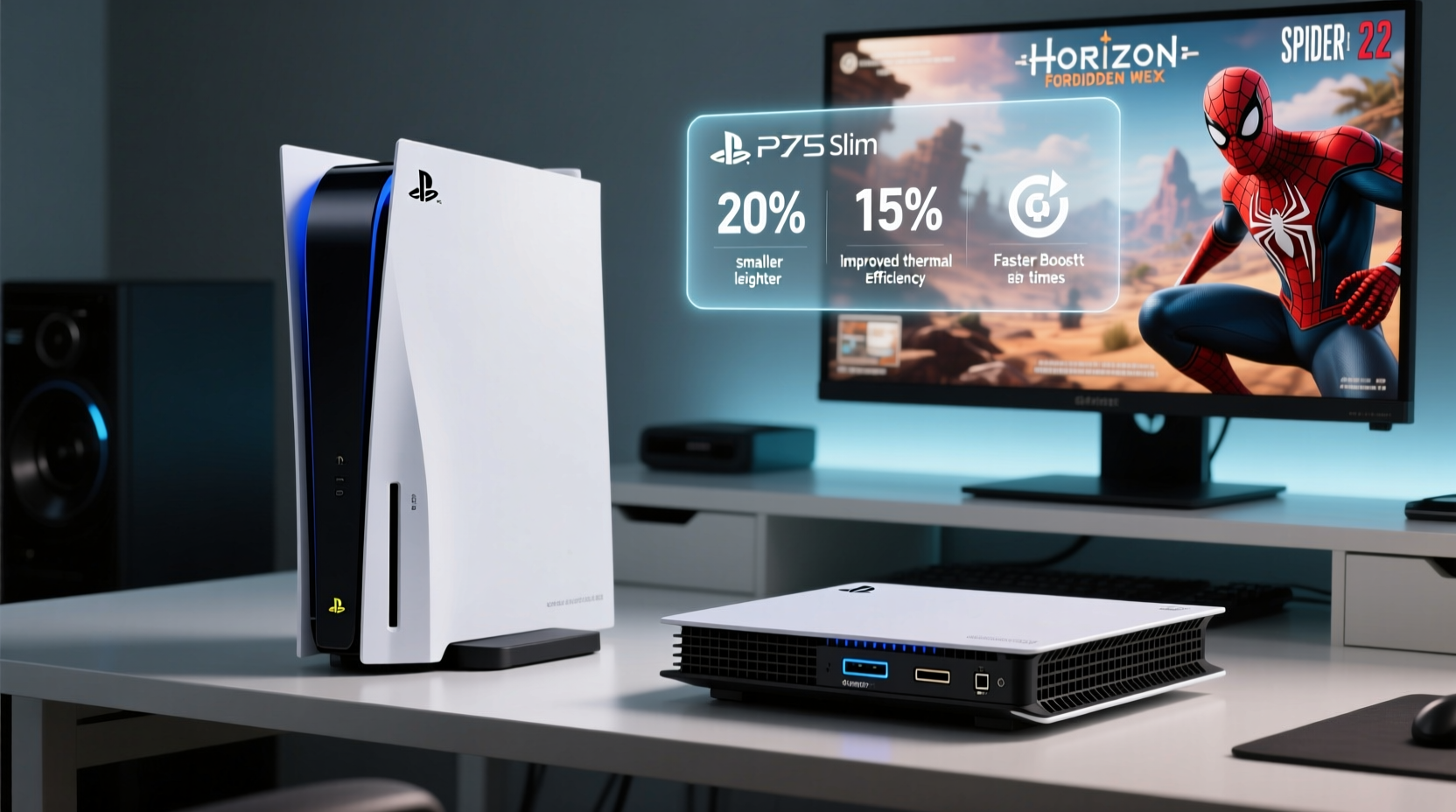
The most immediate change in the PS5 Slim is its size and shape. Sony reduced the console’s volume by nearly 30% compared to the original model. The new design features a more compact, boxy silhouette with smaller side panels and a redesigned stand that no longer requires tools for orientation changes. The disc version now includes a removable Ultra HD Blu-ray drive—something absent from the original digital edition’s fixed configuration.
While aesthetics remain consistent with the white-and-black two-tone look, the overall footprint is significantly smaller. This makes the Slim easier to fit into entertainment centers and improves portability for players who move their console between locations.
Storage Expansion and Flexibility
One of the most user-friendly upgrades in the PS5 Slim is the increased base storage. The original PS5 came with 825GB of SSD storage, offering roughly 667GB of usable space after system files. The PS5 Slim bumps this up to 1TB, giving users approximately 848GB for games and apps—an improvement of over 180GB.
This may not sound like much in an era where AAA titles regularly exceed 100GB, but it translates to being able to install one or two additional large games without immediately needing an expansion drive. More importantly, Sony redesigned the internal SSD bay to accommodate larger drives. The Slim supports M.2 NVMe SSDs up to 8TB (up from 4TB), future-proofing storage options as game sizes continue to grow.
| Feature | Original PS5 | PS5 Slim |
|---|---|---|
| Base Storage | 825GB SSD (~667GB usable) | 1TB SSD (~848GB usable) |
| Max M.2 SSD Support | 4TB | 8TB |
| Disc Drive Removability | No (digital only) | Yes (on disc model) |
| External Dimensions | 390 x 104 x 260 mm | 358 x 92 x 216 mm |
| Weight (Disc Edition) | 4.5 kg | 3.2 kg |
The ability to remove and reattach the disc drive on the Slim’s disc model adds flexibility. Users can start with physical media and later detach the drive if they switch to digital-only gaming, effectively converting it into a digital edition—a feature previously unavailable.
Performance: Is There a Noticeable Difference?
Despite the redesign, Sony did not upgrade the core hardware. Both consoles use the same AMD Zen 2 CPU, RDNA 2 GPU, and 16GB of GDDR6 RAM. Game performance, frame rates, loading times, and ray tracing capabilities are identical across both models.
In real-world usage, this means no enhancement in graphical fidelity or gameplay smoothness. Games like *Spider-Man 2*, *Horizon Forbidden West*, and *God of War Ragnarök* run at the same resolutions and frame rates on both systems. The SSD speed remains unchanged at 5.5 GB/s raw bandwidth, so load times are indistinguishable.
“There’s no performance delta between the original PS5 and the Slim. It’s the same silicon, same cooling solution, same experience.” — Mark Cerny, Lead System Architect, Sony Interactive Entertainment
Thermal performance has been slightly optimized due to refined internal layout, but temperature differences are marginal during extended sessions. Independent tests show the Slim runs about 2–3°C cooler under load, but this doesn’t impact fan noise or longevity in any meaningful way.
Practical Upgrade Considerations
Deciding whether to upgrade depends on your current setup, usage patterns, and priorities. Here’s a step-by-step guide to help evaluate your situation:
- Assess Your Current Console Condition: If your original PS5 works flawlessly, shows no signs of wear, and meets your storage needs (especially with an added M.2 SSD), there’s little functional reason to replace it.
- Evaluate Space Constraints: Do you struggle to fit the original PS5 in your entertainment center? The Slim’s smaller footprint could solve placement issues and improve ventilation.
- Consider Future-Proofing: With support for up to 8TB of internal storage, the Slim offers better long-term scalability. If you plan to keep your console for five years or more, this flexibility matters.
- Determine Disc Usage: If you own the original digital edition but occasionally want to borrow or resell physical games, the Slim’s swappable disc drive adds functionality you previously lacked.
- Weigh Replacement Costs: Upgrading means either paying full price for a new console or trading in your old one. Factor in potential losses from selling used hardware versus the benefits gained.
Mini Case Study: Jamie’s Upgrade Dilemma
Jamie bought a launch-day PS5 Digital Edition in November 2020. Over three years, they accumulated 12 terabytes of game data across two external drives and one internal M.2 SSD. While performance was stable, the console took up significant space in a compact living room setup. When the PS5 Slim launched, Jamie considered upgrading primarily for the smaller size and extra base storage.
After researching, Jamie realized the performance would be identical and the storage gain amounted to just one extra AAA title. They also factored in the $400 trade-in value of their original console against the $450 price of the Slim. Ultimately, Jamie decided against upgrading, opting instead to reorganize their entertainment unit and keep their existing setup. The marginal gains didn’t justify the financial and logistical effort.
This scenario reflects a common reality: for many long-term users, the PS5 Slim is an evolutionary update, not a revolutionary one.
When the Upgrade Makes Sense
Not every owner will find the Slim unnecessary. Certain situations tilt the balance in favor of upgrading:
- You own the original digital edition and want physical media flexibility. The Slim allows adding or removing the disc drive as needed—something impossible before.
- Your console is damaged or under warranty replacement. If your original PS5 has hardware issues, replacing it with a Slim is a logical choice.
- You’re buying your first PS5 now. For new buyers, the Slim is clearly the better option due to improved storage, design, and future compatibility.
- You frequently travel with your console. The lighter weight and smaller size make the Slim easier to transport safely.
However, if you already have an M.2 SSD installed and aren’t constrained by space or disc usage, the upgrade delivers minimal return on investment.
Frequently Asked Questions
Can I transfer my games and data from the original PS5 to the PS5 Slim?
Yes. You can transfer all data—including games, saves, and settings—via Wi-Fi, LAN cable, or by moving your old M.2 SSD to the new console. The process is seamless and typically takes under an hour depending on data volume.
Does the PS5 Slim support all original PS5 accessories?
Absolutely. All DualSense controllers, Pulse 3D headsets, charging docks, and other officially licensed accessories work identically with the Slim. No compatibility issues exist.
Is the disc drive sold separately for the PS5 Slim Digital Edition?
Yes. Sony sells the Ultra HD Blu-ray drive as an add-on for $79.99. You can purchase it at any time and install it yourself using the provided instructions.
Final Verdict: Who Should Upgrade?
The PS5 Slim is a refinement, not a reinvention. It streamlines the original design, adds modest storage improvements, and introduces welcome flexibility with the removable disc drive. But it does not enhance gaming performance.
For owners of the original PS5 who are satisfied with their current setup, the upgrade is difficult to justify purely on functional grounds. The benefits are largely ergonomic and forward-looking rather than immediately impactful.
On the other hand, if you’ve been waiting for a more compact model, need the extra base storage, or want the option to play physical games without committing permanently to a disc drive, the PS5 Slim offers meaningful quality-of-life improvements.
“The PS5 Slim represents Sony’s shift from innovation to optimization. It’s not about doing more—it’s about doing the same things better.” — Anita Rao, Senior Editor, TechPlay Magazine
Conclusion
The decision to upgrade from the original PS5 to the PS5 Slim ultimately hinges on personal needs, not technical superiority. If you value a smaller footprint, slightly better storage capacity, and modular disc functionality, the Slim is a worthwhile evolution. But if your current console performs well and fits your lifestyle, holding onto it is not just acceptable—it’s sensible.
Gaming technology moves fast, but smart upgrades are measured in utility, not novelty. Before spending hundreds on a new console, ask whether the changes will genuinely improve your experience. In many cases, patience and practicality win over impulse.




 浙公网安备
33010002000092号
浙公网安备
33010002000092号 浙B2-20120091-4
Comments
No comments yet. Why don't you start the discussion?