
Foldable phones were once a futuristic concept—more tech demo than daily driver. Early models were fragile, expensive, and plagued by creases, laggy software, and questionable battery life. But in just a few years, the landscape has shifted dramatically. Samsung, Google, Motorola, and Huawei have all refined their approaches, pushing foldable devices into a realm where they no longer feel like prototypes. The critical question now isn’t whether foldables *exist*, but whether they’re truly ready to replace your standard smartphone for everyday use.
The answer, increasingly, is yes—but with caveats. Today’s foldables are more durable, powerful, and thoughtfully designed than ever before. Yet their practicality still hinges on how you use your phone, what compromises you're willing to make, and which model you choose. Let’s break down the evolution, strengths, limitations, and real-world implications of modern foldable phones.
Durability: From Fragile Gadget to Rugged Contender
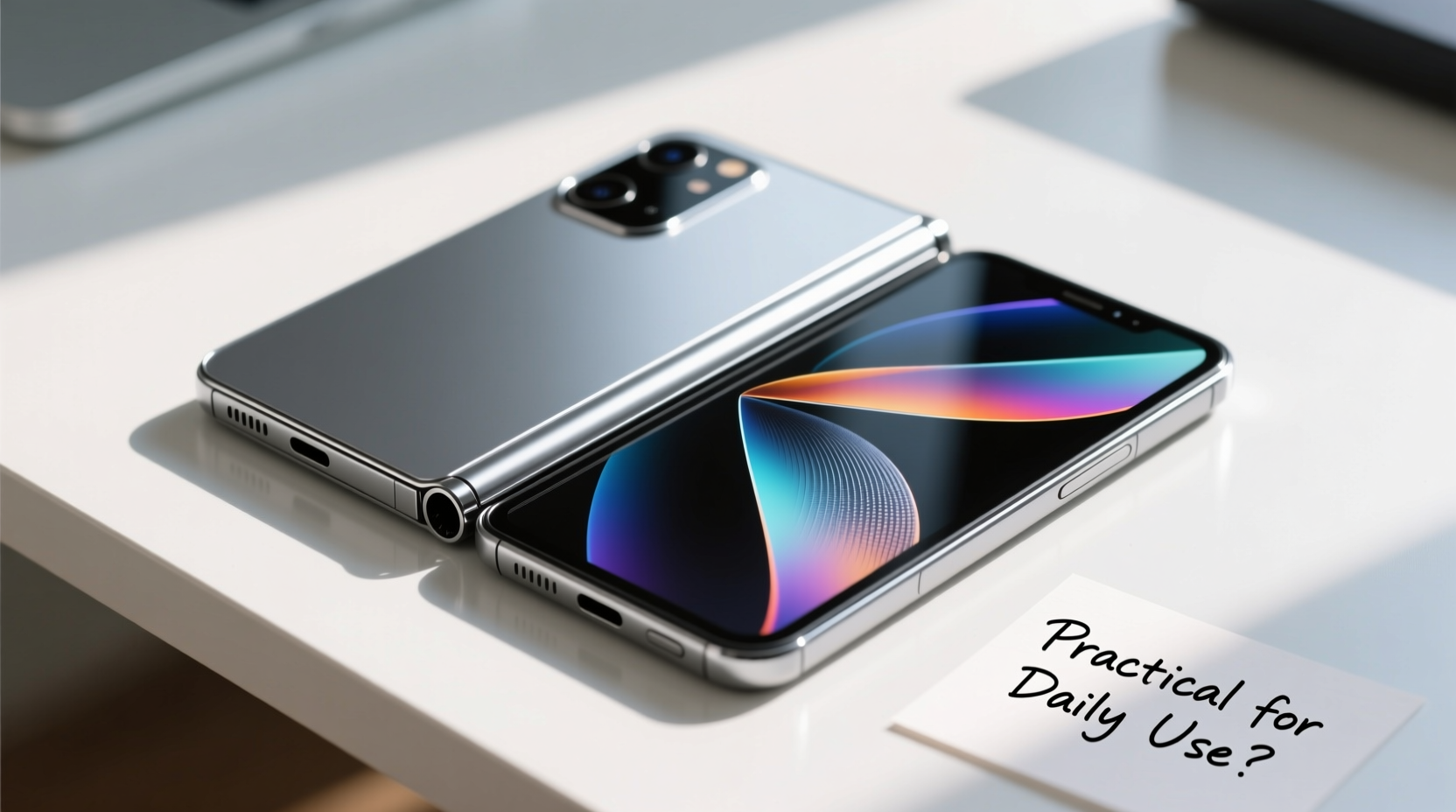
One of the biggest barriers to foldable adoption was durability. Early Galaxy Fold units famously failed within days due to dust ingress and hinge weakness. Critics weren’t wrong to question whether these devices could survive a commute, a pocket, or a drop.
Today’s models tell a different story. Samsung’s Ultra Thin Glass (UTG) and improved polymer layers have significantly reduced screen wear. Hinges are now rated for hundreds of thousands of folds—Samsung claims up to 200,000, which equates to about five years of average use. Motorola’s Razr series uses a “waterdrop” hinge design that minimizes the gap when closed, reducing debris exposure. Meanwhile, newer IP ratings, such as IPX8 water resistance on the Galaxy Z Fold 5, signal that manufacturers are treating foldables as serious, long-term devices.
That said, caution is still advised. While modern foldables can withstand daily use, they aren’t indestructible. Sand, grit, and sharp objects can still damage the folding mechanism or screen. Most manufacturers void warranties for screen damage caused by external factors, so protective habits matter.
Performance and Multitasking: A Productivity Leap
Where foldables truly shine is in functionality. The larger internal display—often around 7.6 inches—transforms the device into a mini tablet. This opens up meaningful multitasking possibilities. You can run three apps side-by-side, drag and drop text between windows, and view full desktop-like web pages without constant zooming.
Samsung’s One UI and Google’s Android updates have made significant strides in optimizing apps for larger screens. Gmail, YouTube, and Microsoft Office now adapt fluidly across folded and unfolded states. Google’s Pixel Fold introduced taskbar navigation, mimicking a desktop OS and making app switching intuitive.
For professionals who frequently review documents, manage emails, or edit content on the go, the productivity boost is tangible. A journalist can draft an article while referencing research in a split window. A project manager can track tasks in Trello while joining a video call on Zoom—all without switching devices.
“Foldables are evolving from novelty items into genuine productivity tools. The software experience now matches the hardware ambition.” — David Liu, Mobile UX Researcher at TechInsight Labs
Design Trade-offs: Size, Weight, and Battery Life
Despite improvements, foldables still come with trade-offs. They are thicker and heavier than conventional smartphones. The Galaxy Z Fold 5, for example, measures 13.4mm when folded—nearly twice the thickness of an iPhone 15 Pro. In a back pocket, it can feel bulky. Some users report it slipping out more easily due to uneven weight distribution.
Battery life has improved but remains inconsistent. Larger screens demand more power, and the dual-battery systems in most foldables help, but not always enough. The Pixel Fold lasts about 8–9 hours of screen-on time under moderate use—on par with flagship phones, but less than expected given its size. Fast charging is often slower than non-foldable counterparts, likely due to thermal constraints around the hinge.
External displays are also a point of compromise. While necessary for quick glances, they’re typically smaller than traditional phone screens. On the Pixel Fold, the outer display is tall and narrow, making typing and media viewing awkward. Samsung has widened theirs, but it’s still not ideal for extended use.
| Device | Weight (g) | Thickness (folded) | Battery Life (hours SOT) | Outer Display Usability |
|---|---|---|---|---|
| Samsung Galaxy Z Fold 5 | 271 | 13.4mm | 9–10 | Good |
| Google Pixel Fold | 285 | 14.0mm | 8–9 | Fair |
| Motorola Razr+ (2023) | 197 | 8.2mm (closed) | 7–8 | Excellent |
| iPhone 15 Pro | 187 | 8.25mm | 10–11 | N/A |
Note: SOT = Screen-On Time; data based on independent lab tests and user reports.
Real-World Use Case: The Traveling Consultant
Consider Sarah, a management consultant who travels two weeks per month. She used to carry a phone and a small tablet for presentations, note-taking, and client communication. After switching to a Galaxy Z Fold 5, she eliminated her tablet entirely.
During flights, she reviews slide decks on the large screen, annotates PDFs with the S Pen, and runs a background Teams call—all in split-screen mode. At client sites, she unfolds the phone during meetings to share visuals more clearly. When navigating airports, the compact folded size fits comfortably in her blazer pocket.
After six months, she reported only one minor scratch on the inner screen (from a pen tip), and the battery reliably lasted a full workday with moderate charging. For her, the foldable wasn’t just convenient—it streamlined her workflow and reduced digital clutter.
Sarah’s experience reflects a growing trend: professionals who value versatility and screen real estate are finding foldables not just usable, but preferable.
Software Maturity: Catching Up to Hardware
Hardware alone doesn’t determine practicality. Software optimization is equally crucial. Early foldables suffered from apps that didn’t scale properly, misaligned buttons, or abrupt transitions when unfolding.
Today, Android 14 includes native support for foldable-specific features like posture-aware apps and multi-resume (running multiple apps even when folded). Developers are increasingly designing responsive layouts. Instagram, TikTok, and Spotify now offer adaptive interfaces that enhance the large-screen experience.
Still, gaps remain. Some legacy apps render poorly or default to phone-sized views. Video calls often don’t auto-adjust when transitioning between folded and unfolded modes. These inconsistencies remind users that the ecosystem is still maturing.
Checklist: Is a Foldable Right for You?
- Do you multitask frequently? If you often juggle apps or need a larger canvas, a foldable adds real value.
- Are you comfortable with a bulkier device? Consider how it feels in your hand, pocket, or bag.
- Do you prioritize battery life? Test usage patterns—you may need midday charging.
- Can you protect it? Using a case and avoiding loose pockets with keys or coins extends lifespan.
- Is the price justified? Foldables cost $1,500–$1,800. Weigh that against potential productivity gains.
Expert Insight: The Long-Term Outlook
Industry analysts see foldables as a pivotal innovation, not a passing trend. According to IDC, global foldable shipments grew by over 48% year-over-year in 2023, with Samsung capturing nearly 60% of the market.
“The next three years will define foldables. As prices drop and designs slim down, we’ll see mainstream adoption, especially in enterprise and creative sectors.” — Raj Sharma, Senior Analyst at IDC Mobility
Innovation continues. Samsung is experimenting with rollable displays. Oppo has demonstrated a tri-fold prototype. Material science advances may soon deliver self-healing polymers or fully crease-free screens. These developments suggest that today’s foldables are merely the first generation of a lasting category.
Frequently Asked Questions
Can I use a stylus on a foldable screen?
Yes, but only with compatible models. The Samsung Galaxy Z Fold series supports the S Pen (sold separately), though using it requires care to avoid pressing too hard on the flexible surface. Google and Motorola do not currently support styluses on their foldables.
How do I clean the inner screen safely?
Use a soft, lint-free cloth slightly dampened with water. Avoid cleaning solutions, alcohol, or abrasive materials. Never spray liquid directly onto the screen. Close the device gently after cleaning to prevent debris from entering the hinge.
Are foldable phones worth the premium price?
For general users who mainly browse, message, and take photos, the answer may be no—the benefits are marginal compared to high-end flagships. However, for power users, mobile professionals, or those seeking a tablet-phone hybrid, the added functionality can justify the cost, especially if it replaces another device.
Making the Decision: Who Should Upgrade Now?
Foldable phones are no longer impractical curiosities. They’ve evolved into capable, resilient devices that serve specific needs exceptionally well. But they’re not for everyone.
If you value compact portability above all, prefer lightweight phones, or stick to basic tasks, a traditional smartphone remains the better choice. But if you regularly engage in multitasking, consume media on the go, or want a single device that bridges phone and tablet functionality, a modern foldable is genuinely practical.
The key is managing expectations. Treat it with reasonable care, understand its limitations, and leverage its strengths. With those guardrails in place, a foldable phone can seamlessly integrate into daily life—commutes, meetings, travel, and leisure.




 浙公网安备
33010002000092号
浙公网安备
33010002000092号 浙B2-20120091-4
Comments
No comments yet. Why don't you start the discussion?