
The iPad 8, released in 2020, was a solid entry-level tablet that served millions of students and casual creatives well. But with Apple’s release of the latest iPad Air—featuring significant upgrades in processing power, display technology, and compatibility with advanced accessories—the question arises: is it worth upgrading? For students juggling notes, research, and multimedia projects, or creatives sketching, editing, and designing on the go, this decision isn’t just about specs—it’s about workflow, longevity, and value.
This article examines whether the new iPad Air delivers meaningful improvements over the iPad 8 to justify the upgrade, especially for those relying on their device for education and creative work.
Performance Leap: From A12 to M2 Chip
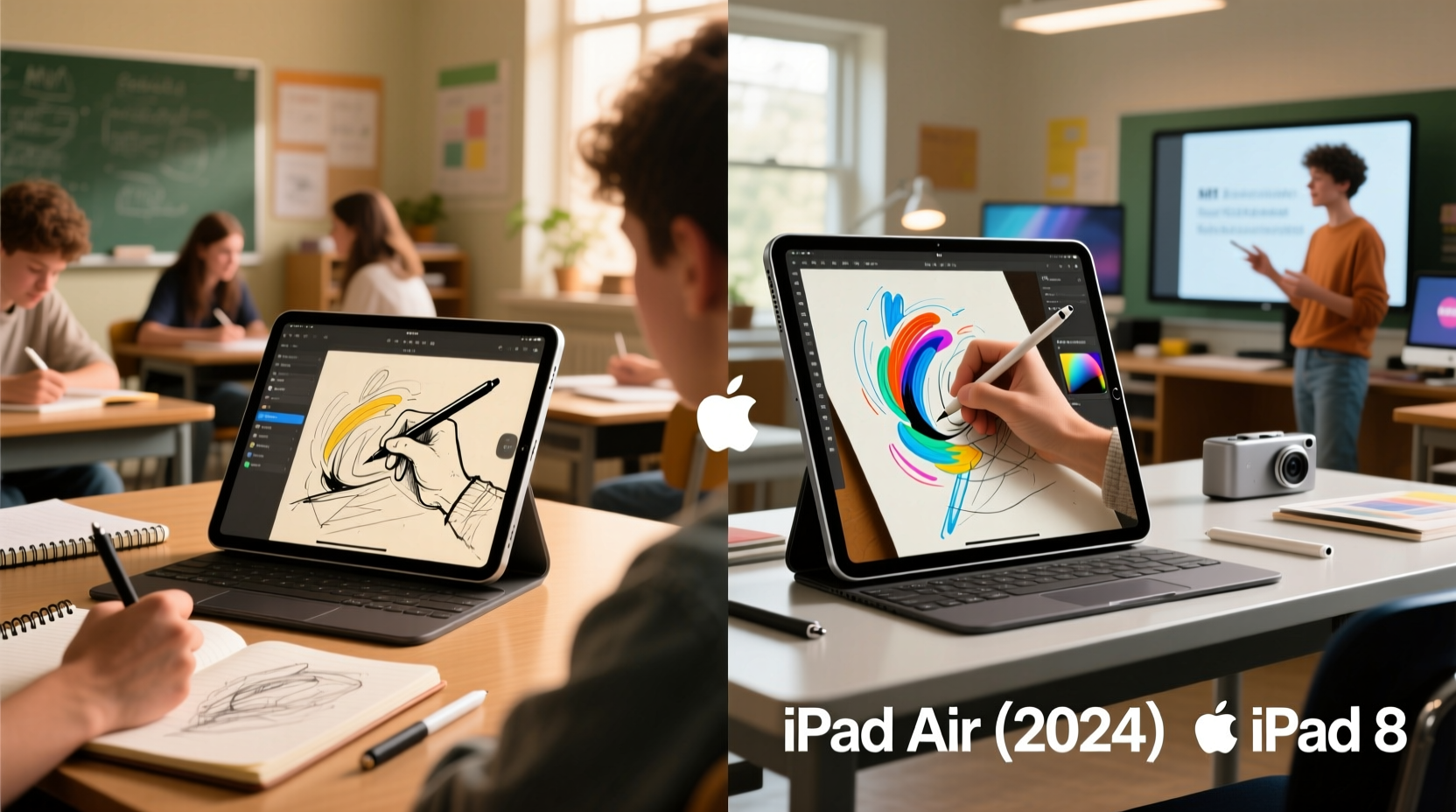
The most dramatic difference between the iPad 8 and the new iPad Air lies under the hood. The iPad 8 runs on the A12 Bionic chip—a capable processor at launch but now showing its age when handling multitasking, complex apps, or long video rendering sessions. In contrast, the new iPad Air features Apple’s M2 chip, the same silicon found in higher-end MacBooks and the latest iPad Pro models.
The M2 brings a generational leap in performance:
- CPU Performance: Up to 50% faster than the A12, enabling smoother app launches, quicker file processing, and better handling of demanding software like Adobe Fresco or LumaFusion.
- GPU Power: The M2’s 10-core GPU outperforms the A12’s 4-core setup significantly, making it viable for digital illustration, light 3D modeling, and high-resolution video editing.
- Neural Engine: With 16 cores (vs. 8 in the A12), machine learning tasks—such as handwriting recognition, photo enhancement, and voice transcription—are faster and more accurate.
For students using note-taking apps like GoodNotes or Notability, the improved responsiveness means near-instantaneous ink tracking and fewer lags during class. Creatives benefit from faster export times and reduced rendering delays, especially when working with layered designs or 4K timelines.
Display and Design: Clarity Meets Comfort
The iPad 8 has a 10.2-inch Retina display with thick bezels and a physical Home button. While functional, its screen-to-body ratio feels outdated compared to modern tablets. The new iPad Air boasts a 10.9-inch Liquid Retina display with narrower bezels, offering more screen real estate in a similar footprint.
Key display upgrades include:
- Brightness: Up to 500 nits, making outdoor reading and drawing in natural light far more comfortable.
- P3 Wide Color Gamut: Essential for artists who need accurate color representation in their digital artwork or photo edits.
- True Tone & Anti-Reflective Coating: Reduces eye strain during long study sessions and improves visibility under different lighting conditions.
The design shift also enhances usability. Removing the Home button allows for full-screen gestures, aligning the iPad Air with the iPad Pro experience. Combined with a lighter aluminum unibody frame, the new model feels more balanced when held for extended periods—ideal for students taking notes in lectures or artists sketching in cafes.
Accessory Compatibility: Unlocking Full Potential
One of the most compelling reasons to upgrade is enhanced accessory support. The iPad 8 only works with the first-generation Apple Pencil via a Lightning adapter and lacks Smart Keyboard compatibility. It also uses the older Smart Connector, limiting peripheral options.
The new iPad Air supports:
- Apple Pencil (USB-C): Magnetic attachment, pressure sensitivity, tilt detection, and palm rejection make writing and drawing feel natural. It charges via USB-C, eliminating the need for separate adapters.
- Smart Keyboard Folio: Offers a laptop-like typing experience, perfect for essay writing, coding, or email management.
- Folio Cases with Trackpad Support: Enables cursor navigation, essential for precise control in design apps or navigating complex documents.
This expanded ecosystem transforms the iPad Air into a hybrid device—capable of replacing a laptop for many users. Students can type papers efficiently while switching to handwritten annotations with the Pencil. Creatives gain precision tools previously limited to desktop setups.
“With the right accessories, the iPad Air becomes not just a consumption device, but a true creation platform.” — Maya Tran, Digital Art Educator and Illustrator
Real-World Impact: A Student’s Workflow Transformed
Consider Sarah, a third-year architecture student using an iPad 8 for her coursework. She takes lecture notes with a basic stylus, sketches preliminary designs in Procreate, and compiles PDF portfolios. Her current device struggles with large files, often freezing when she opens multiple reference images alongside her canvas.
After upgrading to the new iPad Air, Sarah notices immediate improvements:
- Her sketches render instantly, even with 20+ layers.
- She uses Split View to compare blueprints while annotating them with the Apple Pencil.
- The Smart Keyboard lets her write research summaries without switching to a laptop.
- Battery lasts through back-to-back classes without anxiety.
The upgrade doesn’t just improve speed—it reshapes her workflow. She spends less time waiting for apps to load and more time being productive. For students in fields like engineering, medicine, or design, where visual and textual work coexist, this integration is transformative.
Comparison Table: iPad 8 vs. New iPad Air
| Feature | iPad 8 (2020) | New iPad Air (2024) |
|---|---|---|
| Chip | A12 Bionic | Apple M2 |
| Display | 10.2\" Retina, 60Hz, wide bezels | 10.9\" Liquid Retina, 60Hz, narrow bezels |
| Apple Pencil Support | Pencil 1st gen (via Lightning) | Pencil (USB-C), magnetic attach & charge |
| Keyboard Support | Limited third-party options | Smart Keyboard Folio, Magic Keyboard Folio |
| Port | Lightning | USB-C (supports external displays) |
| RAM | 3GB | 8GB |
| Front Camera | 1.2MP FaceTime HD | 12MP Ultra Wide (Center Stage) |
| Battery Life | Up to 10 hours | Up to 10 hours (but faster charging) |
| Storage Options | 64GB / 256GB | 128GB / 256GB / 512GB / 1TB |
| Price (Starting) | $329 (discontinued, but still available refurbished) | $599 |
While both devices offer all-day battery, the iPad Air’s superior RAM, storage flexibility, and modern port make it future-proof for at least five years of academic or creative use.
Step-by-Step Guide: Should You Upgrade?
If you're unsure whether the upgrade makes sense, follow this evaluation process:
- Assess Your Current Pain Points: Does your iPad 8 freeze often? Is multitasking frustrating? Do you avoid certain apps due to lag?
- Review Your App Usage: Are you using creative software (Procreate, Affinity Designer, DaVinci Resolve)? These benefit greatly from the M2 chip.
- Evaluate Accessory Needs: Would a responsive pencil or keyboard improve your productivity? If yes, the iPad Air unlocks full potential.
- Check File Storage: If you’re constantly deleting files to free up space, the base 128GB on the iPad Air is a major upgrade from the iPad 8’s 64GB minimum.
- Calculate Long-Term Value: At $599, the iPad Air costs more upfront, but its lifespan and resale value are significantly higher than the aging iPad 8.
FAQ: Common Questions Answered
Can the new iPad Air replace a laptop for students?
For most students, yes—especially when paired with the Smart Keyboard and trackpad. With apps like Microsoft Office, Google Workspace, and Notion, plus multitasking features like Slide Over and Stage Manager, the iPad Air handles essays, presentations, and research effectively. However, those needing specialized software (e.g., SPSS, AutoCAD) may still require a traditional laptop.
Is the Apple Pencil worth it for non-artists?
Absolutely. Even if you don’t draw, the Pencil excels at annotating PDFs, solving math problems by hand, diagramming concepts, or brainstorming with mind maps. Its low latency makes handwriting feel natural, improving retention and engagement during study sessions.
Will the iPad Air last through four years of college?
Given its M2 chip, 8GB RAM, and Apple’s commitment to iOS updates (typically 5–6 years), the iPad Air is built to last through a full degree program and beyond. Regular software support ensures security and feature updates well into the 2030s.
Final Checklist Before Upgrading
- ✅ I regularly experience slowdowns or app crashes on my iPad 8.
- ✅ I use or plan to use creative apps that demand more power.
- ✅ I want better handwriting and drawing accuracy.
- ✅ I need a reliable keyboard setup for typing-heavy tasks.
- ✅ I value longer software support and resale value.
- ✅ My current storage is consistently full.
If three or more apply, the upgrade is likely worthwhile.
Conclusion: A Worthy Investment for Future-Ready Users
The iPad 8 served its purpose well, but technology evolves—and so do the demands of students and creatives. The new iPad Air isn’t just a faster version of an old device; it’s a reimagined tool that bridges the gap between tablets and laptops. With the M2 chip, modern display, full accessory ecosystem, and long-term software support, it offers tangible benefits that directly enhance productivity, creativity, and convenience.
For students preparing for rigorous coursework or creatives expanding their digital toolkit, the investment pays off in efficiency, reliability, and peace of mind. It’s not merely about having the latest gadget—it’s about equipping yourself with a device that grows with you, adapts to your needs, and supports your goals without holding you back.




 浙公网安备
33010002000092号
浙公网安备
33010002000092号 浙B2-20120091-4
Comments
No comments yet. Why don't you start the discussion?