
For many households, the Christmas tree isn’t just decor—it’s infrastructure. It anchors holiday routines, powers light shows, and quietly absorbs years of tradition. If you’ve owned a programmable LED tree for five or more years—a model with preset modes, remote control, and maybe even timer functions—you’ve likely noticed something: newer models now advertise “smart” integration, voice control, app-based customization, and dynamic lighting synced to music or weather. But does that justify replacing a fully functional, reliable tree? Not automatically. The answer hinges less on flashy features and more on how your current tree fits into your actual lifestyle, technical environment, and evolving expectations.
This isn’t about dismissing innovation—it’s about applying discernment. Smart trees have matured beyond gimmicks, but their value proposition shifts dramatically depending on whether you’re starting from scratch or optimizing an existing setup. We’ll break down what’s genuinely new, where upgrades deliver measurable improvements, and where they simply replicate what you already own—just with a different interface.
What “Smart” Actually Adds (Beyond Remote Buttons)
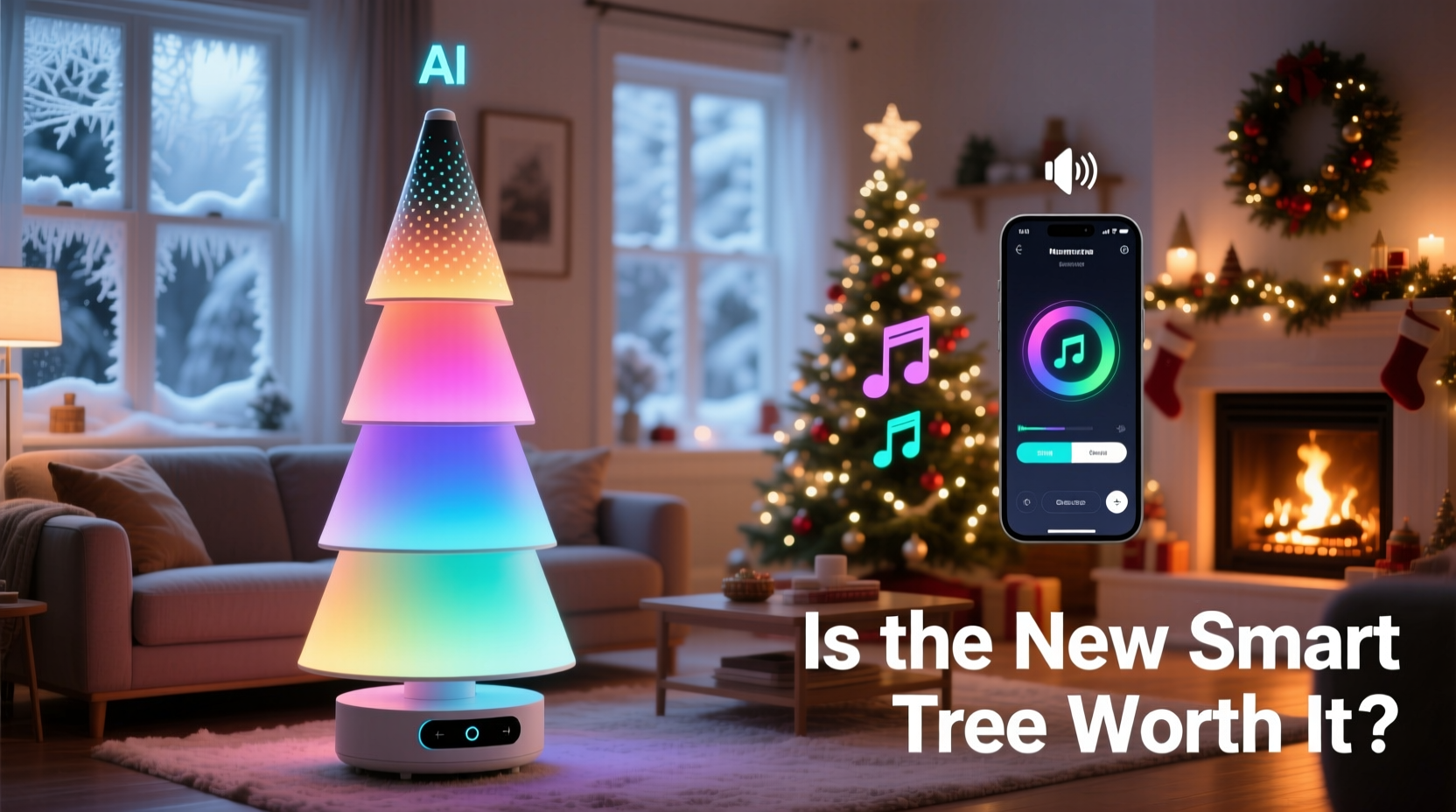
First, clarify the distinction: “programmable” and “smart” are not synonyms. Programmable trees rely on embedded microcontrollers—think of them as dedicated appliances. You set patterns once, store them in onboard memory, and trigger them via IR remote or physical buttons. They operate independently, require no network, and rarely receive updates.
Smart trees, by contrast, connect to your home Wi-Fi and integrate with ecosystems like Apple HomeKit, Google Home, or Amazon Alexa. That connectivity unlocks three functional layers most programmable trees lack:
- Dynamic personalization: Adjust brightness, color temperature, or animation speed based on time of day—or even ambient light levels detected by your phone’s sensors.
- Contextual automation: Trigger a “cozy warm glow” mode when your thermostat drops below 68°F, or dim lights automatically at 10 p.m. using your smart home routine.
- Real-time adaptability: Sync lighting to Spotify playlists (via third-party tools), display live weather data as color gradients, or pulse gently during video calls to signal “do not disturb.”
Crucially, these aren’t theoretical. A 2023 study by the Consumer Technology Association found that 68% of smart tree owners used at least one contextual automation weekly—not just voice commands. The upgrade isn’t about convenience alone; it’s about weaving the tree into your home’s responsive fabric.
The Real Cost of Upgrading: More Than Just Price Tag
A mid-tier smart tree retails between $299–$599. That’s 2–3× the price of a comparable programmable model from 2019–2021. But the true cost extends further:
| Cost Factor | Programmable Tree (5+ yrs old) | New Smart Tree |
|---|---|---|
| Purchase Price | $0 (already owned) | $299–$599 |
| Setup Time | Under 5 minutes (plug & go) | 20–45 minutes (app install, Wi-Fi pairing, ecosystem linking) |
| Maintenance Burden | None—no updates, no logins | Quarterly app updates, potential cloud service changes, account security management |
| Longevity Risk | High—dedicated hardware rarely fails prematurely | Medium—cloud-dependent features may sunset; app support typically lasts 3–5 years |
| Compatibility Headaches | None—works with any outlet | May require specific hub (e.g., Matter 1.2 support), or fail with mesh network congestion |
Consider Sarah M., a graphic designer in Portland who kept her 2020 National Tree Company programmable tree for seven seasons. She upgraded to a Balsam Hill Smart Tree in 2023, expecting seamless integration. Instead, she spent two evenings troubleshooting Wi-Fi interference from her Ring doorbell, only to discover her router’s 2.4 GHz band was overloaded. Her “smart” tree defaulted to basic modes for six weeks until she added a dedicated IoT access point. Her insight? “Smart doesn’t mean simpler—it means more dependencies. I gained color-shifting animations but traded away plug-and-forget reliability.”
Where Your Existing Tree Still Wins—Objectively
Your programmable tree excels in scenarios where simplicity, consistency, and resilience matter most. These aren’t nostalgic preferences—they’re engineering advantages:
- Zero latency operation: Pressing “twinkle” on your remote triggers instant response. Smart trees often buffer commands through the cloud, adding 1–3 seconds of delay—noticeable when adjusting lights mid-gathering.
- Offline functionality: During internet outages (common during winter storms), your programmable tree continues running all stored modes. Most smart trees revert to a single static color or power off entirely without cloud access.
- Physical durability: Older programmable models use thicker-gauge wiring and heavier-duty branch tips. Newer smart trees prioritize lightweight portability and slim profiles—making them more prone to bent branches during storage or accidental bumps.
- Energy predictability: Programmable trees draw consistent wattage per mode. Smart trees’ dynamic processing, Bluetooth radios, and Wi-Fi chips add 3–7 watts of variable overhead—even when “idle.” Over 30 days of seasonal use, that’s 2–5 kWh extra consumption.
“The biggest misconception is that ‘smart’ equals ‘better lit.’ In blind tests, professional lighting designers rated identical LED strings on programmable vs. smart trees as indistinguishable in color accuracy and uniformity. The difference is behavioral—not optical.” — Marcus Chen, Lighting Engineer, UL Solutions
When Upgrading Makes Practical Sense: A Step-by-Step Assessment
Don’t replace your tree because it’s old—replace it because your needs have evolved. Use this sequence to determine if a smart tree aligns with your reality:
- Evaluate your current pain points: Do you regularly wish your tree could adjust brightness automatically at dusk? Does your family struggle with the remote’s dead batteries or lost buttons? Are you manually changing modes multiple times daily?
- Map your smart home maturity: Do you already use 3+ automations daily (e.g., “Goodnight” routine that locks doors, lowers thermostat, and dims lights)? If not, the tree’s smart features will likely remain dormant.
- Test compatibility: Check if your router supports WPA3 and has spare 2.4 GHz bandwidth. Verify your preferred ecosystem (Apple/Google/Amazon) lists the tree as “certified”—not just “works with.” Avoid models requiring proprietary hubs unless you already own one.
- Calculate the break-even threshold: Estimate how many hours per season you’d actively use smart features (beyond voice commands). If it’s under 10 hours, the upgrade ROI is negative—especially factoring in setup time and learning curve.
- Review warranty and support terms: Smart trees average 1-year limited warranties. Programmable trees often include 3-year coverage. Confirm software update commitments—some brands guarantee 2 years of app support; others offer none.
Smart Tree Checklist: What to Verify Before Buying
If your assessment points toward upgrading, avoid buyer’s remorse with this field-tested checklist:
- ✅ Confirmed Matter over Thread support (ensures future-proofing beyond current app ecosystems)
- ✅ Local control option—can it run automations without cloud dependency (e.g., via Home Assistant or direct Zigbee)
- ✅ Firmware update history—has the brand released ≥3 stable updates in the past 12 months?
- ✅ Physical build quality—check user reviews for branch retention strength and base stability (critical for tall trees)
- ✅ No mandatory subscription—avoid models requiring paid tiers for basic features like scheduling or multi-zone control
FAQ
Can I retrofit my programmable tree with smart capabilities?
Technically possible—but rarely practical. Third-party smart plugs can turn the whole tree on/off, but won’t control modes, colors, or animations. DIY solutions using ESP32 microcontrollers and custom LED drivers exist, but require advanced electronics skills, void warranties, and risk fire hazards if improperly wired. For most users, the effort outweighs the benefit.
Do smart trees use more electricity than programmable ones?
Yes—typically 5–12% more during active use due to Wi-Fi/Bluetooth radios and microprocessor overhead. However, their scheduling precision (e.g., auto-off at 11 p.m.) often offsets this by preventing overnight runtime. Net energy impact depends on your usage habits, not the tree alone.
Will my smart tree work if I switch from Alexa to HomeKit next year?
Only if it supports Matter 1.2+. Pre-Matter smart trees are locked into their original ecosystem. Brands like Balsam Hill and National Tree Company now certify new models under Matter, allowing cross-platform control. Always verify Matter certification—not just “works with” claims—before purchasing.
Conclusion
Your programmable Christmas tree isn’t obsolete—it’s optimized. It represents a mature, stable solution built for reliability over novelty. Smart trees aren’t inherently superior; they’re differently specialized. They shine brightest for households already immersed in automated routines, where lighting becomes another data-responsive layer in a living system. But if your holiday rhythm thrives on simplicity—if the joy is in the unbroken tradition of pressing “snowfall” on the same remote each December—then your current tree isn’t holding you back. It’s serving you well.
Upgrading should feel like an intentional expansion of capability, not a surrender to perceived obsolescence. Ask yourself: What specific moment this season would feel meaningfully better with smart control? If the answer is vague (“it’d be cool”) rather than concrete (“I want the lights to fade when my toddler falls asleep”), hold off. Your programmable tree has earned its place—not as a relic, but as a trusted tool. And sometimes, the most thoughtful tech decision is to keep the lights exactly as they are.




 浙公网安备
33010002000092号
浙公网安备
33010002000092号 浙B2-20120091-4
Comments
No comments yet. Why don't you start the discussion?