
The Nintendo Switch has evolved since its 2017 launch, with the OLED model arriving in 2021 as a premium upgrade. For many players, a key question arises: Is upgrading to the Switch OLED truly better than simply expanding storage on the original model? The answer depends on how you use your console, what games you play, and where you game most often. While external storage solves one limitation—space—the OLED model enhances nearly every aspect of the experience. Understanding the differences goes beyond gigabytes; it's about immersion, durability, and long-term enjoyment.
Understanding the Core Differences
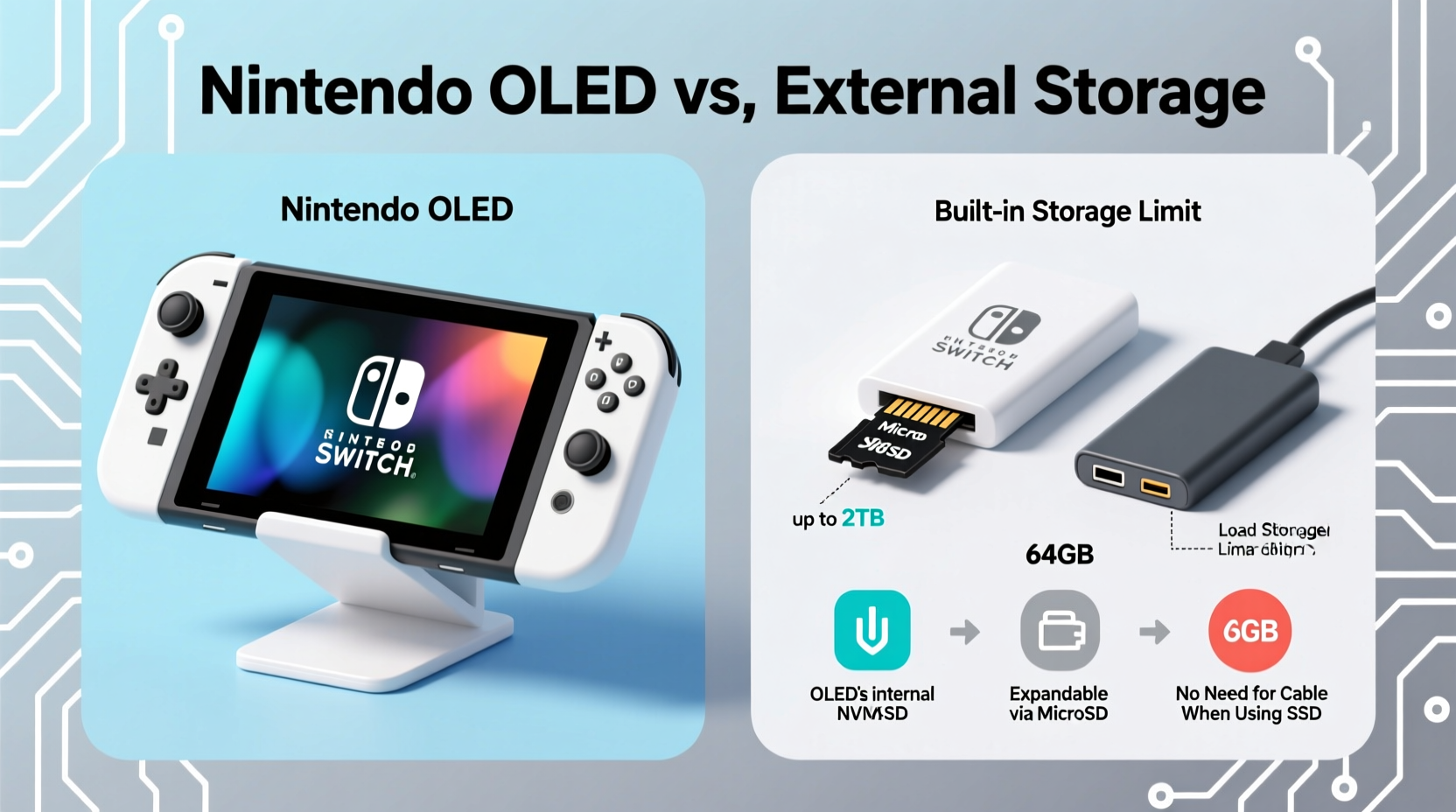
The original Nintendo Switch, while revolutionary, had notable limitations: a 6.2-inch LCD screen, average speakers, modest internal storage (32GB), and a base model lacking a built-in Ethernet port. The Switch OLED, released five years later, addresses these shortcomings with targeted upgrades. It features a larger 7-inch OLED screen, improved audio, a more stable kickstand, increased internal storage (64GB), and a LAN port in the dock. Externally, it maintains backward compatibility with all existing accessories and games.
Adding external storage—typically via a microSD card or USB drive—only expands available space for game downloads. It does nothing to improve display quality, sound, build, or battery life. While essential for heavy digital users, it’s a functional fix, not an experiential upgrade. The OLED model, by contrast, redefines how games look and feel, particularly in handheld mode.
Display and Visual Experience: A Clear Advantage
The most striking difference between the models is the screen. The OLED panel delivers deeper blacks, higher contrast, and more vibrant colors than the original’s LCD. This isn’t just cosmetic—it affects gameplay. In titles like The Legend of Zelda: Breath of the Wild or Metroid Dread, environmental details become more pronounced, shadows appear more natural, and nighttime scenes gain atmospheric depth.
OLED technology emits light per pixel, allowing true black levels when pixels are off. LCDs rely on a backlight, which can cause grayish blacks and light bleed. On the original Switch, dark scenes may appear washed out or lack dimension. The OLED screen eliminates this issue, offering a more cinematic experience, especially in dimly lit rooms or during evening play sessions.
Brightness is another factor. The OLED model reaches higher peak brightness, making outdoor visibility significantly better. Whether playing on a sunlit porch or commuting, the upgraded screen reduces glare and improves readability. For hybrid gamers who switch frequently between TV and handheld modes, the visual consistency matters—games look closer to their docked appearance even on the go.
“The OLED screen transforms handheld gaming on the Switch. It’s not just sharper—it feels more immersive.” — James Reed, Senior Editor at GameTech Weekly
Storage: Capacity vs. Convenience
Internal storage remains a shared bottleneck across both models, though the OLED starts with double the space—64GB versus 32GB. However, after system files, that leaves roughly 50GB and 24GB respectively. Modern AAA titles like Super Mario Odyssey or Hollow Knight: Silksong can exceed 10GB each. Without expansion, even the OLED fills quickly.
External storage solves this. MicroSDXC cards up to 2TB are supported, effectively removing capacity limits. You can store dozens of games, updates, and downloadable content without deletion anxiety. But there’s a trade-off: performance consistency. Lower-quality cards may result in longer load times or hiccups during streaming-heavy sections, such as open-world transitions.
Still, storage expansion is inexpensive. A reliable 512GB card costs under $50, preserving the original Switch’s lower upfront price ($299) while matching the OLED’s utility in this single category. However, cost efficiency doesn’t equate to overall superiority. Choosing based solely on storage ignores other critical enhancements.
Storage Comparison Table
| Feature | Original Switch | Switch OLED |
|---|---|---|
| Internal Storage | 32GB | 64GB |
| Expandable via microSD? | Yes (microSDXC) | Yes (microSDXC) |
| USB External Drive Support | Yes (for games & saves) | Yes (same) |
| Effective Max Storage | ~2TB | ~2TB |
| Storage Upgrade Cost (512GB card) | $45–$60 | $45–$60 |
Build Quality and Usability Upgrades
Beyond the screen, the OLED model improves daily usability. The adjustable wide-angle kickstand is a standout feature. The original’s flimsy plastic hinge often failed mid-game or required precise surface angles. The new metal-reinforced stand supports multiple viewing positions and works reliably on uneven surfaces—ideal for tabletop mode with friends or travel trays.
The speakers have been redesigned for richer audio output. Though still modest compared to headphones, the improvement is noticeable. Explosions in Super Bomberman R Online have more punch, and ambient sounds in Animal Crossing: New Horizons feel fuller. When sharing gameplay with others nearby, clearer audio enhances social play.
The inclusion of a Gigabit Ethernet port in the dock is a subtle but meaningful upgrade for online gamers. Wired connections reduce lag and packet loss, crucial for competitive titles like Splatoon 3. While both models support Wi-Fi, the OLED’s dock eliminates the need for a separate adapter, streamlining setup for home use.
Battery life is comparable (4.5–9 hours depending on game), but the OLED’s slightly larger battery helps offset the power demands of the brighter screen. In practice, usage time remains similar, so no significant advantage exists here.
Real-World Example: Sarah’s Gaming Setup
Sarah, a college student and avid Switch player, initially bought the original model in 2018. She used it primarily in handheld mode during commutes and dorm downtime. After two years, she filled her internal storage and added a 512GB microSD card. While this solved space issues, she found herself frustrated by poor visibility outdoors and frequent kickstand breakage.
In 2023, she traded in her old unit and upgraded to the OLED model. The change was immediate. “I didn’t realize how much I was missing until I saw Hyrule in true blacks,” she said. “And now I can prop it on my desk without taping the stand together.” Her microSD card transferred seamlessly, giving her full library access with vastly improved visuals and stability. For Sarah, the OLED wasn’t just a luxury—it fixed recurring pain points that storage alone couldn’t address.
When External Storage Makes More Sense
There are scenarios where sticking with the original Switch and adding storage is the smarter choice:
- Budget constraints: If staying under $300 is critical, buying the base model + a 512GB card (~$340 total) is cheaper than the OLED ($349).
- Primary docked use: If you play mostly on a TV, the OLED screen offers no benefit. Image quality is handled by your display, so internal upgrades matter less.
- Existing accessory investment: Owners of multiple Joy-Cons, charging docks, or carrying cases may prefer to extend their current setup rather than re-invest.
However, if you value handheld clarity, durability, and long-term comfort, the OLED’s advantages compound over time. It’s not just a screen upgrade—it’s a refinement of the entire portable experience.
Actionable Checklist: Should You Upgrade?
- Do you play more than 50% of your games in handheld or tabletop mode? → OLED preferred
- Are you frequently annoyed by screen visibility or speaker quality? → OLED recommended
- Do you mostly play docked on a large TV? → External storage may suffice
- Is your budget tight and storage your only concern? → Stick with original + microSD
- Do you travel often or play in varied environments? → OLED’s screen and stand add real value
Frequently Asked Questions
Can I use my old microSD card in the Switch OLED?
Yes. All data from the original Switch, including games, save files, and user profiles, transfers directly to the OLED model using the same microSD card or via local wireless transfer.
Does the OLED model have better performance or frame rates?
No. Both models use the same NVIDIA Tegra X1+ processor. There is no improvement in loading speed, resolution, or frame rate. Performance gains are purely visual and ergonomic.
Is the OLED screen prone to burn-in?
The risk is minimal under normal use. Nintendo implemented protective measures like automatic brightness adjustment and screen dimming during idle periods. Static HUD elements in games are typically small, reducing long-term risk. No widespread reports of burn-in exist among typical users.
Final Verdict: Beyond Storage, Toward Experience
The decision between the Switch OLED and adding external storage isn’t truly an either/or proposition. They solve different problems. Expanding storage fixes capacity. The OLED model elevates the entire sensory and mechanical experience of using the console.
If your priority is simply owning more games digitally, then yes—a microSD card on the original Switch achieves that affordably. But if you care about image quality, audio clarity, build reliability, and everyday usability, the OLED delivers tangible, lasting benefits that storage cannot replicate.
Think of it this way: external storage is like adding a bigger gas tank to your car. The OLED is like upgrading the engine, suspension, and infotainment system. One extends range; the other enhances the ride.




 浙公网安备
33010002000092号
浙公网安备
33010002000092号 浙B2-20120091-4
Comments
No comments yet. Why don't you start the discussion?