
The Samsung Galaxy Note 8 was once a crown jewel in Samsung’s premium lineup—launched in 2017, it offered cutting-edge features, an S Pen, and a sleek dual-camera system. Fast forward to today, and many users who once swore by the Note 8 are now switching to budget-friendly models like the Galaxy A32. On paper, this seems counterintuitive. How could a mid-range 2021 device outshine a flagship from just a few years prior? The answer lies not in raw specs alone, but in real-world usability, software support, battery life, and evolving user priorities.
Performance and Software: The Real-World Experience
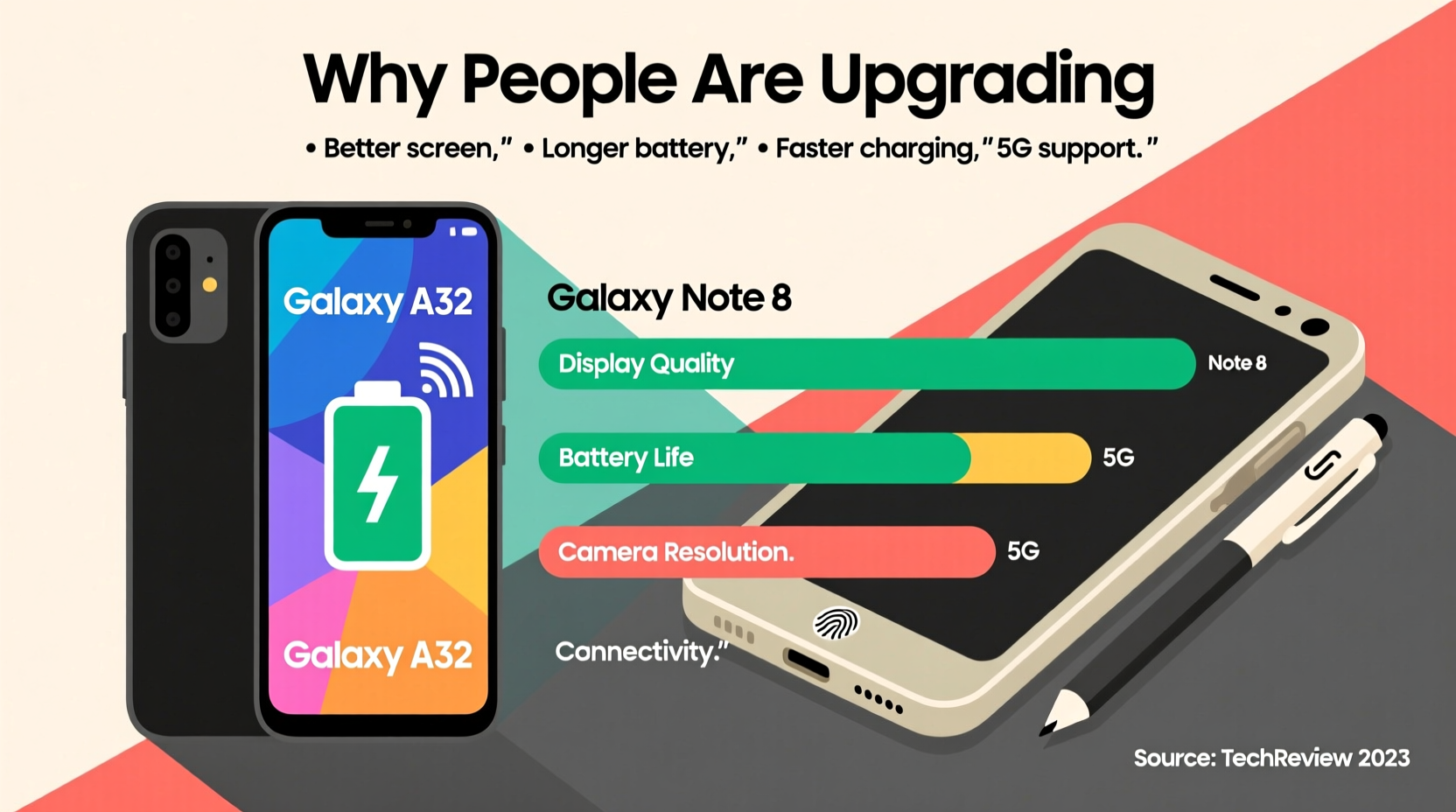
The Galaxy Note 8 ran on either the Exynos 8895 or Snapdragon 835, both powerful chips for their time. In 2017, they delivered smooth multitasking, excellent gaming performance, and fast app launches. However, as apps have grown more demanding and Android has evolved, the Note 8 struggles with modern software. It maxed out at Android 9 (Pie) with One UI 1.1, leaving it vulnerable to security flaws and incompatible with newer app features.
In contrast, the Galaxy A32 launched with Android 11 and is upgradable to Android 13 with One UI 5.1. This means access to recent security patches, Google Play Protect updates, and compatibility with current apps like TikTok, WhatsApp’s latest features, and cloud-based productivity tools. For everyday users, this translates to fewer crashes, faster load times, and smoother navigation—even if the MediaTek Helio G80 or Snapdragon 480 in the A32 isn’t as powerful as the Note 8’s processor.
Battery Life and Charging: A Generational Leap
The Note 8 came with a 3,300mAh battery—respectable in 2017 but modest by today’s standards. With moderate use, it lasted about a day, but heavy users often needed a midday charge. Fast charging was supported, but wireless charging and reverse charging were its only extras.
The Galaxy A32 packs a 5,000mAh battery—over 50% larger. This allows for two full days of light use or consistent one-and-a-half-day performance under heavier loads. It supports 15W fast charging, which may seem slower than the Note 8’s 18W, but combined with the larger capacity, it results in longer intervals between charges. Users upgrading from the Note 8 frequently cite battery anxiety as a key reason for switching.
“Battery degradation over time makes even original-capacity batteries feel inadequate after five years. The A32 offers peace of mind.” — David Lin, Mobile Tech Analyst at TechPulse Weekly
Display and Durability: Modern Standards vs. Legacy Design
The Note 8 featured a stunning 6.3-inch Quad HD+ Super AMOLED display with an 18.5:9 aspect ratio. It was sharp, vibrant, and ideal for media consumption. However, its flat glass design made it prone to drops, and it lacked IP68 water resistance in some regions.
The Galaxy A32 comes with a 6.4-inch Full HD+ Super AMOLED display at 90Hz refresh rate—smoother scrolling, better touch response, and comparable color accuracy. While resolution is slightly lower (1080x2400 vs 1440x2960), the difference is negligible to most eyes. More importantly, it includes Corning Gorilla Glass 5 and maintains IP67 dust/water resistance in select markets—a rare feature in its price range.
| Feature | Samsung Galaxy Note 8 | Samsung Galaxy A32 |
|---|---|---|
| Release Year | 2017 | 2021 |
| OS Support | Android 9 (No further updates) | Android 13 (Security updates until 2025) |
| Battery Capacity | 3,300mAh | 5,000mAh |
| Charging | Fast (18W), Wireless | Fast (15W), No Wireless |
| Display Refresh Rate | 60Hz | 90Hz |
| Rear Cameras | Dual 12MP (Wide + Telephoto) | Quad: 64MP + 8MP + 5MP + 2MP |
| Water Resistance | IP68 (varies by region) | IP67 (select models) |
| Current Market Price | $0 (Discontinued, used ~$80) | New: $150–$200 |
User Case: From Note 8 to A32 – A Practical Upgrade
Take the example of Maria, a freelance graphic designer who relied on her Note 8 for five years. She loved the S Pen for sketching ideas and appreciated the compact size. But by 2022, she noticed her phone freezing during video calls, failing to export large files, and dying by noon. After replacing the battery twice, she switched to the Galaxy A32.
Though she missed the S Pen initially, she found that the A32’s larger screen improved her ability to review designs, and the extra camera sensors helped her capture client site details more clearly. Most importantly, she no longer had to carry a power bank. “It’s not a powerhouse,” she said, “but it does what I need without slowing me down.”
Camera Evolution: Quantity Meets Practicality
The Note 8’s dual-camera setup was exceptional in its era—optical zoom, live focus, and low-light capabilities set benchmarks. However, modern photography demands go beyond hardware. The A32’s 64MP main sensor captures significantly more detail, especially in daylight. Its ultra-wide lens (8MP) enables landscape shots impossible on the Note 8 without third-party apps. The addition of macro and depth sensors, while lower quality, adds versatility for social media creators.
More crucially, the A32 benefits from AI-powered scene optimization, night mode, and better HDR processing—features absent or primitive on the Note 8. While purists may argue the Note 8 produces more natural colors, the average user values convenience and share-ready photos over manual tuning.
Checklist: When to Consider Upgrading from Note 8 to A32
- ✅ Your phone no longer receives security updates
- ✅ Battery dies before evening, even with light use
- ✅ Apps crash or fail to install due to OS incompatibility
- ✅ You want a brighter, larger screen with smoother scrolling
- ✅ You value modern camera features like night mode or ultra-wide shots
- ✅ You’re spending more than $30 on repairs or replacements
Why People Are Upgrading: Beyond Specs
The shift from the Note 8 to the A32 isn’t just about technology—it reflects changing consumer behavior. Today’s users prioritize longevity, reliability, and cost-effectiveness over prestige. The A32 delivers four years of guaranteed security updates, something the Note 8 lost long ago. It also integrates seamlessly with Samsung’s ecosystem—SmartThings, Galaxy Wearables, and Samsung Health—all of which require up-to-date devices.
Moreover, the psychological burden of owning an aging device affects decision-making. Knowing your phone could fail at any moment creates stress. The A32, while not a flagship, offers predictability. At $180 new, it’s a low-risk investment compared to $800+ flagships or the gamble of buying a used Note 8.
Frequently Asked Questions
Can the Galaxy A32 replace the S Pen functionality?
Not directly. The A32 doesn’t support stylus input, but third-party capacitive pens work for basic note-taking. For serious drawing or annotation, consider the Galaxy Tab A8 or refurbished S Pen-compatible devices like the Note 10 Lite.
Is the Note 8 still usable in 2024?
Yes, for very basic tasks—calls, texts, offline music, and simple web browsing. However, lack of security updates makes it risky for banking, email, or social media. Performance will continue degrading with newer app versions.
Does the A32 have better call quality than the Note 8?
Call clarity is comparable, but the A32 benefits from updated noise cancellation algorithms and VoLTE optimization. In weak signal areas, it often maintains stronger connections due to newer modem technology.
Final Thoughts: Progress Over Prestige
The Samsung Galaxy A32 isn’t “better” than the Note 8 in every technical sense. The Note 8 had superior build materials, a higher-resolution display, and a more refined camera algorithm. But in 2024, relevance is determined by functionality, not legacy status. The A32 represents a pragmatic upgrade path—one that prioritizes daily usability, future-proofing, and value.
People aren’t upgrading because the A32 is a technological marvel. They’re upgrading because it works reliably, lasts longer, and keeps them connected without constant troubleshooting. That’s the new definition of “better.”




 浙公网安备
33010002000092号
浙公网安备
33010002000092号 浙B2-20120091-4
Comments
No comments yet. Why don't you start the discussion?