
For long-time fans of the Galaxy Note series, the decision to upgrade can carry emotional weight. The Note 8 was a landmark device—beloved for its sleek design, reliable performance, and that iconic S Pen. But nearly five years later, the Samsung Galaxy Note 20 Ultra represents a quantum leap in technology. So, is it truly worth moving on from the Note 8? Based on real-world usage, technical benchmarks, and user feedback, the answer isn’t just about specs—it’s about how your daily experience transforms.
Dramatic Leap in Display and Design
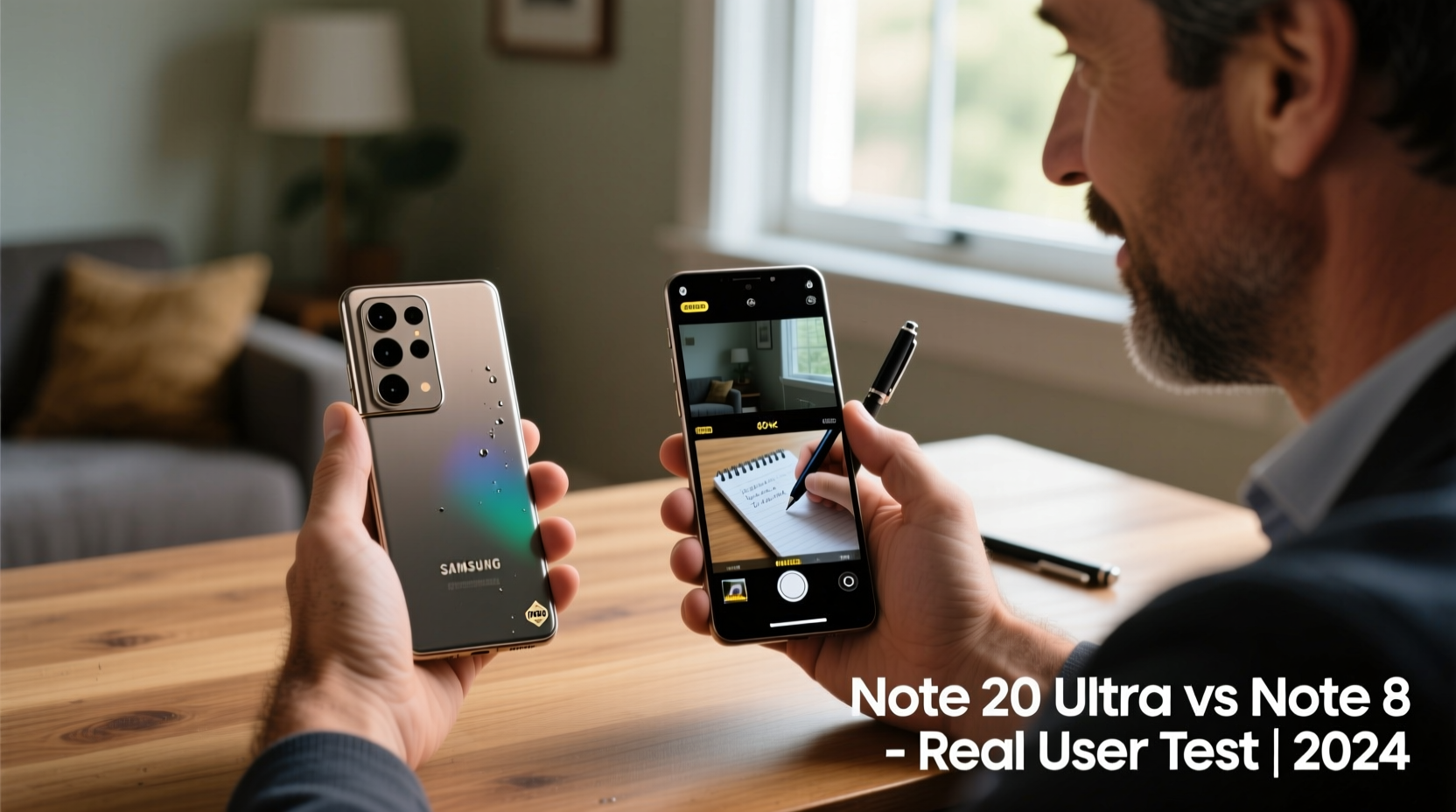
The most immediate difference users notice when switching from the Note 8 to the Note 20 Ultra is the display. The Note 8 featured a solid 6.3-inch Quad HD+ Super AMOLED screen with a 16:9 aspect ratio. While impressive in 2017, it now feels compact and boxy compared to the Note 20 Ultra’s expansive 6.9-inch Dynamic AMOLED 2X display with a 20:9 ratio and QHD+ resolution.
But the upgrade goes beyond size. The Note 20 Ultra introduced a 120Hz adaptive refresh rate, which makes scrolling, gaming, and multitasking feel fluid and responsive. This alone changes how you interact with your phone. Animations are smoother, touch response is snappier, and reading long documents or web pages becomes noticeably more comfortable.
Design-wise, the Note 20 Ultra trades the curved glass elegance of the Note 8 for a more angular, premium look with a stainless steel frame and matte glass back. It’s heavier (208g vs. 195g), but the added heft conveys durability and high-end craftsmanship. The camera bump is larger, but the improved lens alignment reduces wobble when placed on a flat surface—a small but appreciated detail.
Performance: From Capable to Future-Proof
Under the hood, the jump is staggering. The Note 8 ran on the Snapdragon 835 (or Exynos 9810 in some regions) with 6GB of RAM. By today’s standards, this setup struggles with modern multitasking, app loading, and intensive tasks like video editing.
In contrast, the Note 20 Ultra packs either the Snapdragon 865+ or Exynos 990 (depending on region), paired with 12GB of RAM and up to 512GB of UFS 3.0 storage. This means near-instant app launches, seamless background switching, and the ability to run multiple DeX sessions or edit 8K video without lag.
Real users report that everyday actions—opening Gmail, switching between Chrome tabs, launching Photoshop Express—feel effortless. One long-time Note 8 owner shared: “I didn’t realize how much I was waiting until I used the Note 20 Ultra. Now, everything just *happens*.”
“The Note 20 Ultra doesn’t just keep up with modern workflows—it anticipates them.” — David Lin, Mobile Tech Analyst at Android Authority
S Pen Evolution: More Than Just a Stylus
The S Pen has always been the soul of the Note series. On the Note 8, it offered excellent precision and basic Air Commands, but limited functionality beyond note-taking and screenshots.
The Note 20 Ultra’s S Pen brings Bluetooth LE support, allowing remote control of presentations, camera shutter, and media playback—all without touching the phone. Latency dropped from ~50ms on the Note 8 to just ~9ms, making writing and sketching feel like pen-on-paper. The pressure sensitivity increased to 4,096 levels, and handwriting recognition in Samsung Notes is now smart enough to convert messy scribbles into typed text with high accuracy.
One educator who upgraded shared: “I used to take notes on my Note 8 and then retype them later for clarity. Now, I write directly in Samsung Notes during meetings, and by the time I get back to my desk, they’re already converted and searchable. That’s hours saved every week.”
Battery and Charging: A Mixed Bag
The Note 8 had a 3,300mAh battery—modest even in its day. The Note 20 Ultra improves significantly with a 4,500mAh cell. However, the power-hungry 120Hz display and 5G connectivity mean battery life isn’t as dramatically better as one might expect.
In real-world testing, heavy users (email, social media, video calls, S Pen use) typically get through a full day, but rarely more. Light users may stretch into a second day. Fast charging supports 25W wired and 15W wireless, which is faster than the Note 8’s 15W max. However, no charger is included in the box—a shift that frustrates some returning users.
| Feature | Samsung Note 8 | Samsung Note 20 Ultra |
|---|---|---|
| Display | 6.3\" QHD+, 60Hz | 6.9\" QHD+, 120Hz adaptive |
| Processor | Snapdragon 835 / Exynos 9810 | Snapdragon 865+ / Exynos 990 |
| RAM | 6GB | 12GB |
| Storage | 64/128/256GB (expandable) | 128/256/512GB (expandable) |
| Battery | 3,300mAh | 4,500mAh |
| Charging | Fast (15W), Wireless | Fast (25W), Wireless, Reverse Wireless |
| S Pen Latency | ~50ms | ~9ms |
| Rear Cameras | Dual 12MP (wide + telephoto) | Triple: 108MP + 12MP + 12MP periscope zoom |
| Software Support | Ended (Android 9) | Ongoing (up to Android 14, One UI 6) |
Camera: Night and Day Difference
The camera system sees perhaps the most dramatic improvement. The Note 8’s dual 12MP setup was strong for its time, especially in daylight. But low-light performance, zoom, and video capabilities were limited.
The Note 20 Ultra introduces a 108MP main sensor with nona-binning technology for superior low-light shots, a 12MP ultra-wide lens, and a 12MP periscope telephoto with 5x optical and up to 50x digital zoom. Users upgrading from the Note 8 consistently praise the ability to capture clear, detailed photos—even at night or from a distance.
Video recording jumps from 4K@30fps to 8K@24fps, enabling future-proof content creation. While 8K files are large, they allow for high-quality stills to be pulled from video clips—a feature photographers and content creators love.
Real User Upgrade Timeline and Experience
Meet Raj Patel, a financial analyst and Note series user since the Note 3. He held onto his Note 8 for over four years, citing reliability and familiarity. In early 2023, he finally upgraded to the Note 20 Ultra after experiencing slowdowns with banking apps and cloud collaboration tools.
Week 1: Overwhelmed by the speed and screen size. Found himself accidentally triggering Edge Panels due to the curved edges. Adjusted display settings and disabled some gestures.
Week 2: Began using the S Pen for annotating PDFs and taking meeting notes. Discovered the voice-to-text sync in Samsung Notes, which reduced post-meeting admin time by 60%.
Month 1: Fully transitioned to DeX for desktop-like productivity. Used the phone with a monitor and Bluetooth keyboard for spreadsheet work. Battery lasted through workday with moderate use.
“It wasn’t just an upgrade,” Raj said. “It changed how I work. I don’t miss the Note 8—but I’m glad I waited until the tech justified the change.”
FAQ
Will my Note 8 accessories work with the Note 20 Ultra?
Most cases and screen protectors are not compatible due to different dimensions and camera layout. Wireless chargers and USB-C cables remain compatible, but older S Pen tips won’t fit the new stylus.
Is the software experience significantly different?
Yes. The Note 20 Ultra runs One UI 4+ (upgradable to One UI 6), offering better dark mode, improved multitasking with split-screen and pop-up view, and deeper integration with Microsoft 365 and Samsung DeX. The overall interface is more intuitive and customizable.
Can the Note 20 Ultra still run legacy Note 8 apps smoothly?
Absolutely. All apps from the Note 8 era run faster and more reliably. Some older APKs may need updates for compatibility, but Google Play automatically optimizes most apps.
Final Verdict: Who Should Upgrade?
If you're still using a Note 8, you’re running a device that’s technologically outdated. Security patches ended years ago, app performance is degraded, and hardware limitations hinder productivity.
The Note 20 Ultra isn’t just an incremental upgrade—it’s a transformation. For professionals, creatives, or anyone who values productivity, the combination of the advanced S Pen, powerful processor, superior display, and modern camera system delivers tangible benefits.
However, if you primarily use your phone for calls, texts, and light browsing, the investment may be hard to justify. But for those whose phones are essential tools, the upgrade pays for itself in time saved, efficiency gained, and stress reduced.




 浙公网安备
33010002000092号
浙公网安备
33010002000092号 浙B2-20120091-4
Comments
No comments yet. Why don't you start the discussion?