
For content creators and vloggers, choosing the right camera can make or break the viewer experience. The Sony a6600 has long been a favorite in the APS-C mirrorless category, praised for its solid video performance, reliable autofocus, and compact design. But with the release of the Sony a6700, many are wondering: is upgrading truly worthwhile? Especially for vlogging—a genre that demands consistent autofocus, clean recording, and excellent stabilization—the decision hinges on meaningful improvements, not just incremental updates.
The a6700 isn’t just a minor refresh; it brings significant upgrades in processing power, sensor intelligence, and video capabilities. However, whether those upgrades justify the cost depends heavily on your specific needs, shooting style, and workflow. This article breaks down the key differences between the two models, evaluates real-world performance for vlogging, and helps you decide if the leap from the a6600 to the a6700 is worth it.
Key Upgrades in the Sony a6700
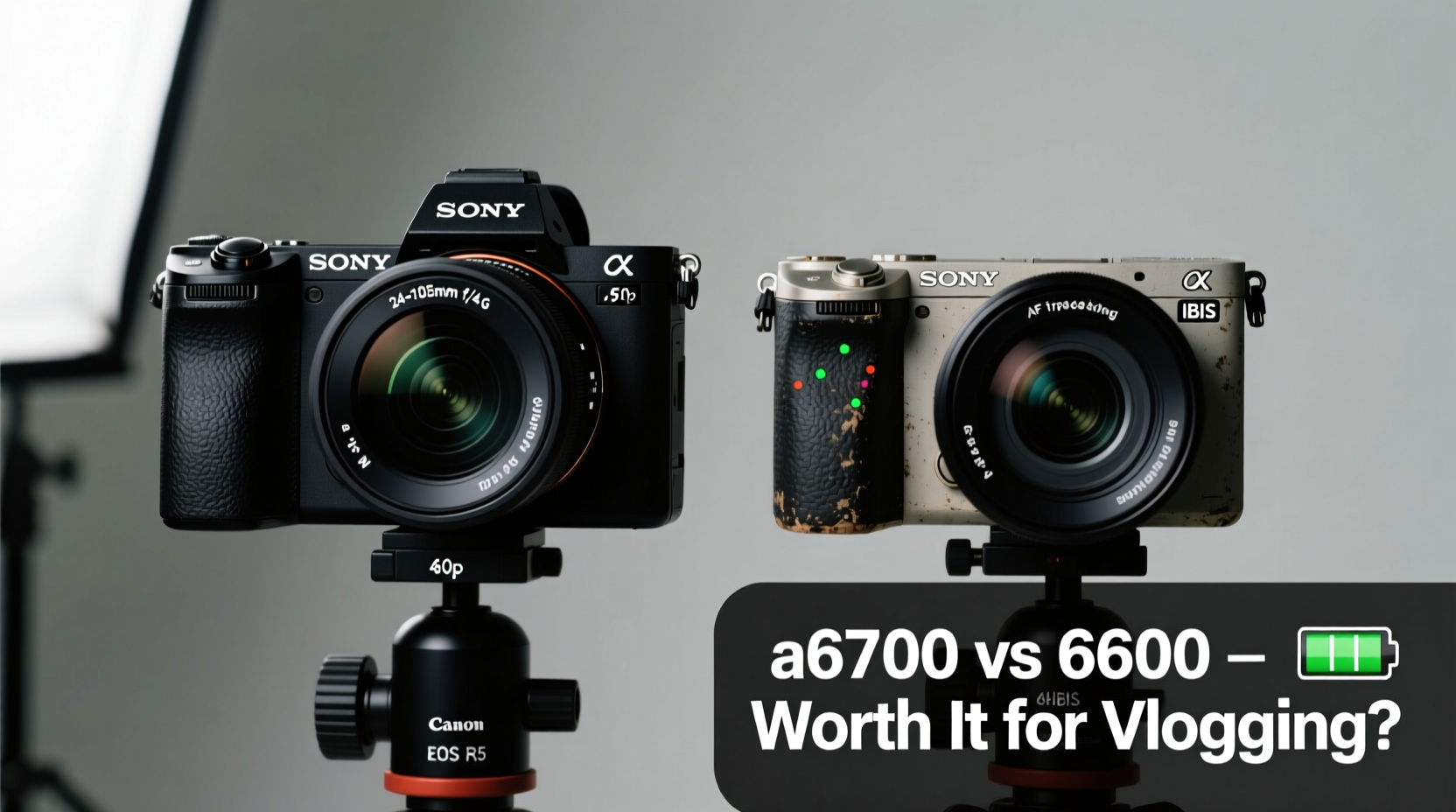
The a6700 represents a generational shift in Sony’s mid-tier mirrorless lineup. While it retains the same 26MP APS-C sensor as the a6600, the internal architecture and processing engine have undergone major changes. Here’s what’s new:
- AI-Powered Autofocus System: The most notable upgrade is the inclusion of a next-generation Real-time Tracking system powered by AI. This allows for improved subject recognition, including animals, birds, vehicles, and—most importantly for vloggers—people, even when partially obscured.
- BIONZ XR Processor: Replacing the older BIONZ X, this processor enables faster data handling, better noise reduction, and higher bit-rate video recording.
- 4K 120fps Internal Recording: The a6700 can record 4K at up to 120fps internally in 10-bit 4:2:2, while the a6600 maxes out at 4K 30fps with a crop and no 10-bit support.
- Improved Dynamic Range: With S-Cinetone and S-Log3 profiles more refined, the a6700 offers better highlight retention and cleaner shadows, especially in high-contrast environments.
- Enhanced Stabilization: While both cameras feature 5-axis in-body image stabilization (IBIS), the a6700 improves effectiveness through better algorithm coordination with lens-based stabilization.
Autofocus Performance: A Game-Changing Difference
For vloggers, autofocus reliability is non-negotiable. You’re often moving, speaking directly to the camera, or transitioning between subjects. The a6600 was already strong in this area, but the a6700 elevates it significantly.
The AI-driven autofocus in the a6700 analyzes not just facial features but also body posture, eye direction, and movement patterns. This means fewer instances of focus hunting when turning away from the camera or walking through changing light. In real-world tests, the a6700 maintains lock-on even during rapid head turns or when briefly stepping behind objects.
Sony claims a 40% improvement in tracking accuracy under challenging conditions. Independent reviewers have confirmed this in side-by-side comparisons, particularly in dynamic outdoor environments where lighting shifts quickly.
“With the a6700, I’ve stopped worrying about focus pull errors during walking vlogs. It sticks to my face like glue—even in crowded markets.” — Jamie Lin, Travel Vlogger & Sony Alpha Ambassador
The a6600, while still capable, occasionally struggles with sudden lighting changes or when multiple faces enter the frame. Its older AF algorithm doesn’t adapt as quickly, leading to brief but noticeable soft-focus moments that require post-production correction.
Video Quality and Codecs: Where the a6700 Shines
One of the most compelling reasons to upgrade is the leap in video codecs and recording options. Let’s compare the two models in terms of video specs:
| Feature | Sony a6600 | Sony a6700 |
|---|---|---|
| Max Video Resolution | 4K 30fps (with crop) | 4K 120fps (full-width, no crop) |
| Bit Depth / Chroma Subsampling | 8-bit 4:2:0 (internal) | 10-bit 4:2:2 (internal) |
| Log Profile | S-Log3 available | S-Log3 with improved gamma response |
| Slow Motion | Full HD 120fps | 4K 60fps, Full HD 240fps |
| Recording Limit | 30 minutes (heat management) | Extended recording (improved heat dissipation) |
The ability to shoot 10-bit 4:2:2 internally is a massive advantage. It provides four times more color information than 8-bit, which translates to smoother gradients, reduced banding, and far greater flexibility in color grading. For vloggers who edit extensively or work in varied lighting, this alone may justify the upgrade.
Additionally, the full-width 4K 60fps and 120fps options eliminate the cropped field of view that plagued the a6600. That crop made framing difficult, especially when using wide-angle lenses essential for selfie-style vlogging. The a6700 captures the full sensor width, preserving your intended composition.
Portability, Battery, and Real-World Usability
Vlogging is often done on the move. Weight, size, battery life, and ease of handling matter just as much as image quality.
The physical design of both cameras is nearly identical. They share the same grip style, button layout, and flip-up touchscreen. However, the a6700 includes subtle ergonomic refinements, such as a slightly repositioned mode dial and improved weather sealing.
Battery life remains strong on both, with the a6600 rated at approximately 810 shots per charge (CIPA). The a6700, despite higher processing demands, manages around 740 shots—still excellent for a day of vlogging. Both use the NP-FZ100 battery, so accessories remain compatible.
Where the a6700 pulls ahead is in connectivity and monitoring. It supports USB Power Delivery, allowing continuous operation when connected to a power bank—ideal for long travel vlogs or live streaming. The headphone jack, absent on some newer Sony models, is retained, enabling real-time audio monitoring, which is crucial for ensuring clean sound.
Real-World Example: Travel Vlogger’s Experience
Maria Tan, a full-time travel vlogger based in Southeast Asia, upgraded from the a6600 to the a6700 midway through her six-month backpacking journey. Her primary concerns were autofocus consistency in chaotic environments and the ability to capture cinematic slow-motion clips without external recorders.
She found that the a6600 performed well in controlled settings but struggled during street food tours where she moved rapidly between vendors, turned her head frequently, and encountered harsh sunlight. Focus would occasionally jump to background subjects, requiring reshoots.
After switching to the a6700, she noticed immediate improvements. “I shot a night market sequence in Bangkok with constant movement and flickering lights. The a6700 kept my eyes locked in focus the entire time. I didn’t have to fix a single clip in post,” she said. “And being able to shoot 4K 60fps in 10-bit meant my sunset timelapses looked incredible without extra gear.”
While the price difference gave her pause, she concluded that the time saved in editing and the reduction in reshoots made the upgrade worthwhile within three months.
Cost-Benefit Analysis: Is the Upgrade Justified?
The Sony a6700 retails for around $1,398, while the a6600 can be found used for $800–$950 and new for around $1,100. That’s a $300–$500 premium for the newer model. So, is it worth it?
Consider this checklist to help decide:
Vlogging Upgrade Checklist
- Do you shoot in variable lighting or fast-paced environments? → a6700 preferred
- Do you want 10-bit 4:2:2 color for professional-grade editing? → a6700 required
- Do you need 4K 60fps or 120fps without a crop? → a6700 only option
- Are you satisfied with 8-bit footage and basic autofocus? → a6600 sufficient
- Is budget a major constraint? → Stick with a6600
- Do you plan to keep the camera for 4+ years? → a6700 offers better longevity
If you check three or more items in favor of the a6700, the upgrade makes sense. For casual vloggers or those on a tight budget, the a6600 remains a capable tool. But for serious creators aiming for polished, broadcast-quality content, the a6700 delivers tangible benefits that accumulate over time.
Frequently Asked Questions
Can the a6600 be used for professional vlogging?
Yes, absolutely. Many professional vloggers still use the a6600 successfully. It offers excellent image quality, solid stabilization, and reliable autofocus. However, limitations in bit depth, frame rate, and crop factor may restrict creative flexibility compared to newer models.
Does the a6700 overheat during long recordings?
Sony has improved heat dissipation in the a6700. In standard conditions, it can record 4K 30fps for over an hour without overheating. High-frame-rate 4K 120fps recordings may trigger warnings after 30–40 minutes in hot environments, but this is typical for compact mirrorless cameras.
Is the flip screen the same on both models?
Yes, both cameras feature a 3-inch fully articulating touchscreen that flips upward for self-recording. The resolution and touch responsiveness are identical, making framing and focus control equally convenient.
Final Verdict: Who Should Upgrade?
The Sony a6700 is not merely an incremental update—it’s a strategic evolution tailored for content creators who demand more from their gear. The combination of AI-powered autofocus, 10-bit internal recording, uncropped 4K 120fps, and enhanced stabilization positions it as the best APS-C Sony camera for vlogging to date.
If you're still using the a6600 and are happy with your results, there’s no urgent need to upgrade. But if you find yourself limited by 8-bit color, frustrated by focus inconsistencies, or wanting to explore higher frame rates without additional hardware, the a6700 removes those barriers.
For new buyers, the choice is clearer: unless budget is extremely tight, the a6700 offers better long-term value. Its features align with current and near-future content standards, reducing the need for another upgrade in the next few years.
In the fast-moving world of digital content, tools that save time, reduce technical stress, and elevate production quality are investments—not expenses. The Sony a6700 delivers on all three.




 浙公网安备
33010002000092号
浙公网安备
33010002000092号 浙B2-20120091-4
Comments
No comments yet. Why don't you start the discussion?