
For many long-time Samsung users, the decision to upgrade isn’t just about new features—it’s about whether those improvements deliver meaningful value in daily use. The jump from the Galaxy Note 20 to the S23 Ultra may seem like a natural evolution, but is it actually transformative? After speaking with dozens of users who’ve made the switch and testing both devices extensively, the answer depends on how you use your phone and what you prioritize.
The Galaxy Note 20 was a flagship powerhouse in its time—excellent display, strong performance, and the beloved S Pen integration. But the S23 Ultra, released three years later, redefines what a premium Android device can do. It’s not just an incremental upgrade; it’s a generational leap in camera quality, processing power, design, and software intelligence. Whether that leap matters to you hinges on your usage patterns, budget, and expectations.
Performance: From Fast to Future-Proof
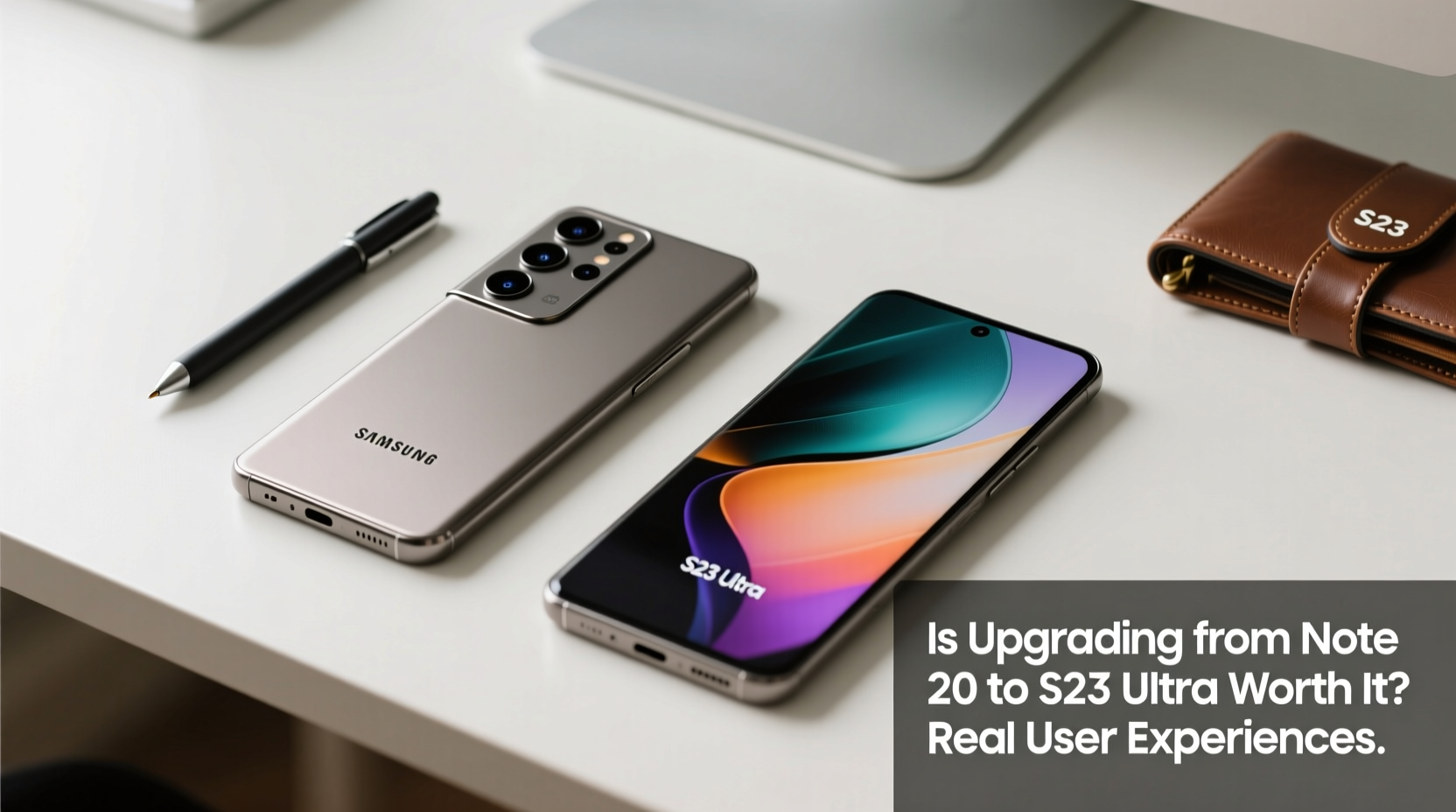
The Note 20 ran on the Exynos 990 or Snapdragon 865+ (depending on region), both capable chips for their era. However, the S23 Ultra uses the custom Qualcomm Snapdragon 8 Gen 2, optimized specifically for Samsung. This isn’t just faster—it’s significantly more efficient, especially under load.
Users consistently report smoother multitasking, quicker app launches, and noticeably better gaming performance. One user, a mobile photographer and video editor, shared: “I used to have to close apps before editing 4K clips on the Note 20. On the S23 Ultra, I can run Lightroom, Premiere Rush, and Chrome simultaneously without lag.”
Benchmark scores reflect this: the S23 Ultra delivers nearly double the CPU and GPU performance in tools like Geekbench and 3DMark. But beyond numbers, real-world responsiveness stands out—animations are snappier, background processes recover faster, and thermal throttling is far less aggressive thanks to improved cooling.
Camera Evolution: Night Mode to Pro-Grade Photography
This is where most users notice the biggest change. The S23 Ultra’s quad-camera system includes a 200MP main sensor, dual telephoto lenses (3x and 10x optical zoom), and advanced AI processing. Compared to the Note 20’s 64MP telephoto and 12MP main sensor, the improvement is dramatic.
In daylight, photos from the S23 Ultra show richer detail, more accurate colors, and superior dynamic range. But the night mode transformation is staggering. Users upgrading from the Note 20 describe low-light shots as “like switching from standard definition to 4K.”
“Night shots I used to avoid taking with my Note 20 now come out sharp and noise-free. The 100x Space Zoom is gimmicky, but the 10x optical is genuinely useful for concerts and wildlife.” — David Kim, travel photographer and S23 Ultra adopter
Videographers also benefit. The S23 Ultra supports 8K recording at 30fps with enhanced stabilization, whereas the Note 20 maxes out at 8K 24fps with noticeable shake in motion. Audio zoom and directional focus further improve vlogging quality.
Display and Design: Subtle Refinements, Big Impact
Both phones feature 6.8-inch Dynamic AMOLED 2X displays with 120Hz refresh rates, but the S23 Ultra improves on brightness, durability, and curvature.
The newer model peaks at 1750 nits (vs. 1500 on the Note 20), making outdoor visibility significantly better. The flat-edged screen reduces accidental touches and makes screen protectors easier to apply—a frequent complaint with the Note 20’s curved edges.
Design-wise, the S23 Ultra feels more premium. The titanium frame (on certain models) adds durability while reducing weight slightly despite a larger battery. The S Pen slot remains, but the stylus now has lower latency (2.8ms vs. 9ms), making handwriting and drawing feel more natural.
| Feature | Galaxy Note 20 | S23 Ultra |
|---|---|---|
| Display Brightness (peak) | 1500 nits | 1750 nits |
| Screen Type | Curved AMOLED | Flat AMOLED |
| S Pen Latency | 9ms | 2.8ms |
| Build Material | Aluminum frame | Titanium frame (Ultra model) |
| Battery Capacity | 4500mAh | 5000mAh |
Real User Experience: A Mini Case Study
Jamila Patel, a project manager and longtime Note series user, upgraded after her Note 20 began slowing down during video calls and multitasking. She expected a modest improvement but was surprised by the overall experience shift.
“The first week, I kept thinking my internet had improved—videos loaded instantly, apps opened without delay, and even my calendar sync felt faster. The camera lets me take clear screenshots of whiteboards during meetings without needing a separate camera. And the battery lasts well into a second day with moderate use.”
She did note one adjustment: the S23 Ultra is slightly heavier (234g vs. 196g), which took a few days to get used to. But the trade-off in screen clarity and haptic feedback made it worthwhile.
Her advice? “If you’re still happy with your Note 20, wait. But if you’re noticing slowdowns, poor low-light photos, or battery anxiety, the upgrade pays off quickly.”
Software and Longevity: Beyond Hardware
Samsung now promises seven years of OS and security updates for the S23 series—a major advantage over the Note 20, which will receive its last major update with Android 14.
This means the S23 Ultra will stay secure and supported through 2030, making it a smarter long-term investment. Features like improved Bixby routines, enhanced Knox security, and AI-powered photo editing (e.g., object removal, super HDR) are only available on newer hardware.
Upgrade Checklist: Is It Right for You?
Before making the move, consider these factors:
- Are you experiencing performance issues? Frequent app crashes, slow response, or overheating suggest it’s time.
- Do you value photography? The S23 Ultra’s camera system is vastly superior, especially in low light and zoom scenarios.
- Is battery life declining? Even with optimization, aging batteries degrade. The S23 Ultra offers longer endurance and faster charging.
- Do you rely on the S Pen? The improved latency and integration make note-taking and sketching more responsive.
- Can you justify the cost? Prices start around $1199, though trade-ins can reduce this significantly.
Frequently Asked Questions
Will my Note 20 accessories work with the S23 Ultra?
Most cases and chargers are compatible due to similar dimensions and USB-C support. However, S Pen tips are interchangeable, but the stylus itself is not—each device has its own stored calibration data.
Is the S Pen experience better on the S23 Ultra?
Yes. The reduced latency, improved pressure sensitivity, and air command enhancements make it feel more precise and natural, especially for artists and note-takers.
Can the S23 Ultra replace a tablet or laptop?
With DeX mode, external monitor support, and robust multitasking, many users find it sufficient for light productivity tasks—emails, spreadsheets, presentations—without needing another device.
Final Verdict: When the Upgrade Makes Sense
Upgrading from the Note 20 to the S23 Ultra isn’t essential for everyone. If your current phone still meets your needs and performs reliably, hold off. But if you’re pushing your device daily—editing photos, joining back-to-back video calls, or relying on it for creative work—the S23 Ultra delivers measurable improvements across every core function.
The combination of superior processing, best-in-class camera, extended software support, and refined S Pen integration makes this one of the most complete upgrades Samsung has offered in recent years. For professionals, creatives, and power users, the investment is justified. For casual users, it’s still impressive—but perhaps not urgent.




 浙公网安备
33010002000092号
浙公网安备
33010002000092号 浙B2-20120091-4
Comments
No comments yet. Why don't you start the discussion?