
When shopping for a new router, speed numbers can be misleading. A 200 Mbps (megabits per second) router sounds impressive—fast enough to stream, game, and browse without lag. But if you live in a small apartment with only one or two devices connected at a time, is that kind of bandwidth really necessary? Or are you paying for performance you’ll never use?
The truth lies somewhere between marketing hype and practical necessity. While a 200 Mbps router isn’t inherently “overkill,” whether it’s worth the upgrade depends on your internet plan, number of connected devices, usage habits, and future-proofing goals. Let’s dissect what 200 Mbps actually means, who benefits from it, and when a lower-tier option might serve you better.
Understanding What 200 Mbps Really Means
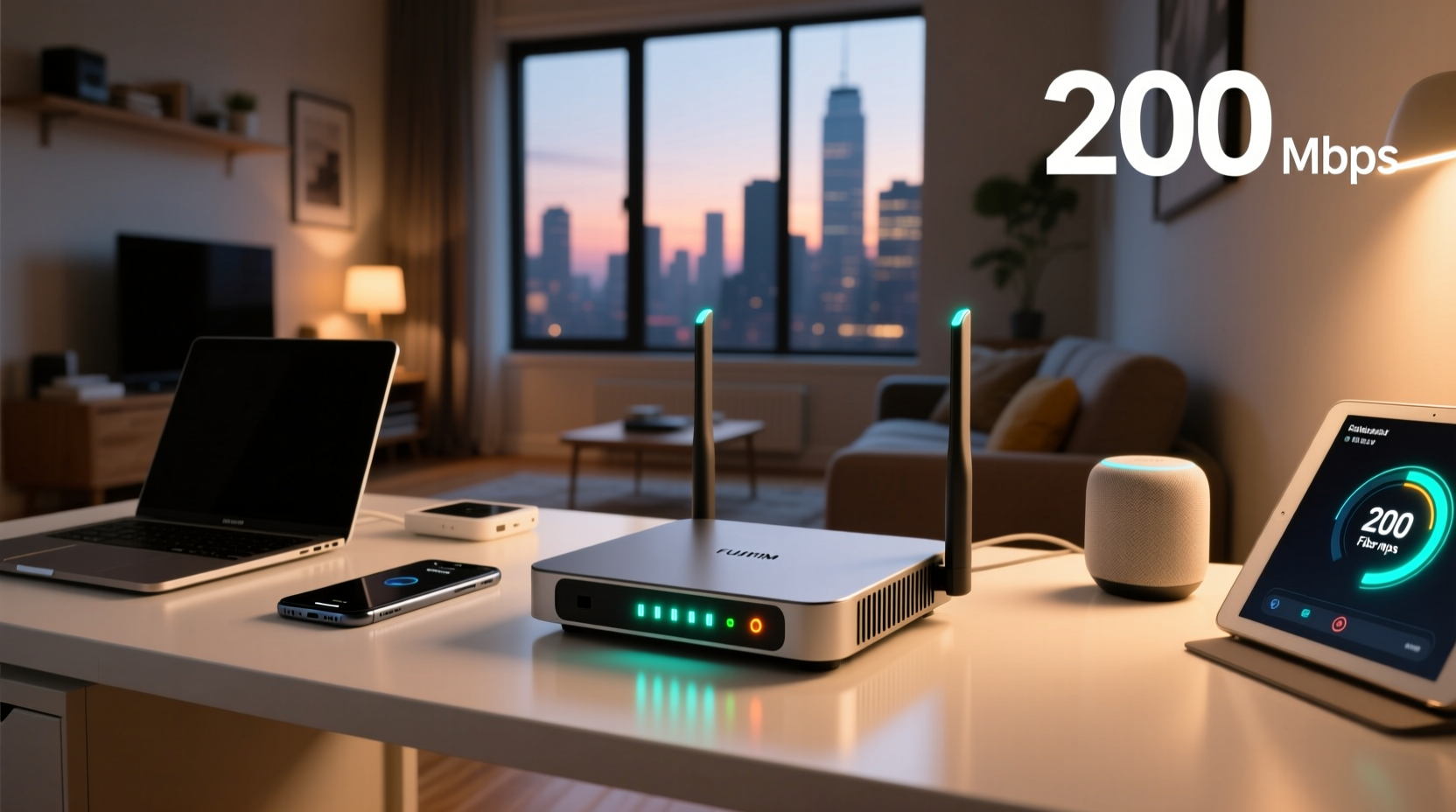
First, clarify the terminology: when people refer to a “200 Mbps router,” they’re usually talking about compatibility with an internet plan offering up to 200 Mbps download speeds—not the router’s own output. The router itself doesn't generate internet; it distributes the connection provided by your ISP (Internet Service Provider). So, if your current plan is capped at 50 Mbps, even the fastest router won’t make your internet faster.
However, routers do affect how efficiently that bandwidth is delivered across devices. A modern router with support for Wi-Fi 5 (802.11ac) or Wi-Fi 6 (802.11ax), multiple antennas, MU-MIMO (Multi-User Multiple Input Multiple Output), and dual- or tri-band frequencies can handle more data traffic smoothly than older models—even within a small space.
In a compact apartment—say, under 800 square feet—signal range is rarely an issue. But congestion from neighboring networks, interference from appliances, and simultaneous device usage can still degrade performance. That’s where a capable router makes a difference, not necessarily because of raw speed, but due to better management of network load.
“Bandwidth is only as useful as the network infrastructure supporting it. A high-speed plan on an outdated router is like pouring race fuel into a lawnmower.” — David Lin, Network Infrastructure Consultant
Who Actually Needs 200 Mbps?
Not all households benefit equally from high-speed internet. To determine whether 200 Mbps is justified, consider your household’s digital footprint:
- Single user browsing, streaming HD video, and occasional video calls: 50–100 Mbps is more than sufficient.
- Couple or roommate setup with multiple smartphones, tablets, laptops, and one 4K stream: 100–150 Mbps handles this comfortably.
- Heavy users doing 4K/8K streaming, cloud gaming (e.g., Xbox Cloud, GeForce Now), large file downloads, smart home automation (30+ devices), or remote work with frequent uploads: 200 Mbps starts to make sense.
In a small apartment, physical size doesn’t dictate bandwidth needs—it’s the number and type of connected activities that matter. For example, someone working from home uploading large design files while their partner streams Netflix in 4K and a smart security system records to the cloud may max out a 100 Mbps plan during peak hours. In that case, upgrading both the internet plan and router becomes worthwhile.
Router Capabilities vs. Internet Plan: Know the Difference
A common misconception is that buying a \"200 Mbps router\" will give you 200 Mbps internet. This isn’t accurate. Your actual speed depends on three factors:
- Your ISP plan cap: If you pay for 100 Mbps, that’s your ceiling.
- Router efficiency: Older routers (Wi-Fi 4 or earlier) may bottleneck even a fast plan due to poor throughput and interference handling.
- Device limitations: Many phones and laptops can’t achieve full gigabit speeds, especially over Wi-Fi.
So, if you have a 200 Mbps internet plan but are using a five-year-old router, upgrading the router could unlock your paid-for speed. But if your plan is only 60 Mbps, a new router won’t increase your top speed—it might just improve stability and coverage.
Real-World Performance Comparison
| Scenario | Internet Plan | Router Type | Observed Speed (Single Device) | Multi-Device Experience |
|---|---|---|---|---|
| Old Router + Fast Plan | 200 Mbps | Wi-Fi 4 (802.11n) | 90–120 Mbps | Laggy during streaming + gaming |
| New Router + Fast Plan | 200 Mbps | Wi-Fi 6 (802.11ax) | 180–200 Mbps | Smooth across 5+ devices |
| New Router + Slow Plan | 60 Mbps | Wi-Fi 6 | 55–60 Mbps | Good stability, no major gains |
| Old Router + Slow Plan | 60 Mbps | Wi-Fi 4 | 30–45 Mbps | Frequent buffering |
This table illustrates that a modern router unlocks the full potential of a high-speed plan—but only if the plan exists. For most small apartments, the bottleneck isn’t space, but either the ISP plan or outdated hardware.
Mini Case Study: Maria’s Studio Apartment Upgrade
Maria lives in a 550-square-foot studio in downtown Seattle. She works remotely as a graphic designer, streams Netflix nightly, and owns several smart home devices—a doorbell camera, thermostat, lights, and voice assistant. Her old ISP plan was 75 Mbps with a rental router from her provider (a basic Wi-Fi 5 model).
She noticed slowdowns every evening when downloading design assets while her smart TV streamed in 4K. After testing her speed, she found actual throughput was averaging 48 Mbps during peak hours. She upgraded to a 200 Mbps plan and purchased a mid-range Wi-Fi 6 router ($90).
Post-upgrade, her speed tests showed consistent 185+ Mbps, and multitasking improved dramatically. Files downloaded in half the time, video calls stayed stable, and her security camera footage uploaded without delay. The router didn’t magically create speed—it allowed her to finally use the bandwidth she was already paying for.
For Maria, the upgrade wasn’t about raw speed—it was about reliability and eliminating friction in her daily digital life. In her small space, the improvement was noticeable despite the limited square footage.
When a 200 Mbps Setup Is Overkill
Despite the benefits, there are clear scenarios where a 200 Mbps router and plan combo is unnecessary:
- Light internet users: If you mostly check email, browse social media, and occasionally watch YouTube, even 50 Mbps is excessive.
- Low-end devices: Older smartphones or budget laptops often max out at 70–80 Mbps over Wi-Fi, making higher speeds unusable.
- No concurrent usage: One person, one device, no smart home gadgets—there’s nothing to saturate the connection.
- Cost sensitivity: Paying extra for speed you don’t need inflates monthly bills with no tangible return.
In these cases, investing in a better router might still improve signal quality and reduce dead zones, but pairing it with a 200 Mbps plan offers diminishing returns. A 100 Mbps plan with a decent Wi-Fi 5 or entry-level Wi-Fi 6 router is often the sweet spot for minimalists.
Checklist: Is a 200 Mbps Upgrade Right for You?
Before spending money on new equipment or a pricier internet plan, ask yourself:
- ✅ Are you currently subscribed to a 150+ Mbps internet plan?
- ✅ Do you regularly use multiple high-bandwidth applications at once (streaming, gaming, video calls)?
- ✅ Do you have 5 or more active devices connected simultaneously?
- ✅ Are you experiencing slow speeds or buffering despite having a fast plan?
- ✅ Do you want to future-proof for upcoming smart home additions or remote work demands?
If you answered “yes” to three or more, a 200 Mbps-compatible router is a sensible investment. If not, consider holding off or opting for a more modest upgrade.
FAQ: Common Questions About Router Speeds and Apartment Living
Does apartment size affect router performance?
Size matters less than construction materials and interference. A small apartment with thick concrete walls or metal framing may struggle with signal penetration, while a larger open-concept space might have perfect coverage. However, in most studios and one-bedrooms, range isn’t the primary concern—device congestion and network management are bigger factors.
Can I use a mesh system instead of a single 200 Mbps router?
You can, but it’s usually unnecessary in a small apartment. Mesh systems shine in homes over 1,500 sq ft or with complex layouts. In a compact unit, a single modern router placed centrally provides excellent coverage. Adding satellite nodes adds cost and complexity without meaningful gain.
Will a faster router reduce my latency for gaming?
Only indirectly. Routers with QoS (Quality of Service) features can prioritize gaming traffic, reducing lag during busy periods. However, ping times are mostly determined by your ISP and distance to servers. A good router helps maintain consistency but won’t slash milliseconds off your connection.
Final Verdict: Practical Advice for Smart Upgrading
Upgrading to a 200 Mbps router isn’t automatically overkill for a small apartment—but it’s also not automatically necessary. The decision should be driven by your actual usage, not marketing labels.
If you already have a 200 Mbps (or faster) internet plan and experience lag, dropouts, or slow Wi-Fi on modern devices, then yes: a compatible router is worth it. It ensures you’re getting the performance you’re paying for, with better device handling and future readiness.
But if your internet plan is under 100 Mbps, or you’re the only user with light habits, skip the high-end model. Invest in a reliable mid-tier router (Wi-Fi 5 or basic Wi-Fi 6) and save the extra cash. You’ll enjoy better stability without overspending on unused capacity.
Technology should serve your lifestyle—not the other way around. Evaluate your real needs, test your current setup, and upgrade only when performance gaps exist. In a small apartment, simplicity and efficiency often beat raw power.




 浙公网安备
33010002000092号
浙公网安备
33010002000092号 浙B2-20120091-4
Comments
No comments yet. Why don't you start the discussion?