
Internet speed isn’t the only factor that determines how well your home network performs. While many assume a faster internet plan is the key to smoother streaming, gaming, and browsing, the truth is that your router’s technology plays an equally critical role. Wi-Fi 6E, the latest evolution in wireless networking, has generated significant buzz—but if your current internet plan maxes out at 50 Mbps, is the upgrade truly justified? The answer isn't a simple yes or no. It depends on your household’s usage patterns, number of connected devices, and long-term digital needs.
Wi-Fi 6E doesn’t just offer higher theoretical speeds; it introduces architectural improvements that enhance efficiency, reduce congestion, and improve responsiveness—even when your broadband connection isn’t blazing fast. To understand whether this upgrade makes sense for you, it’s essential to look beyond raw download numbers and consider how your entire network functions under real-world conditions.
Understanding Wi-Fi 6E: More Than Just Speed
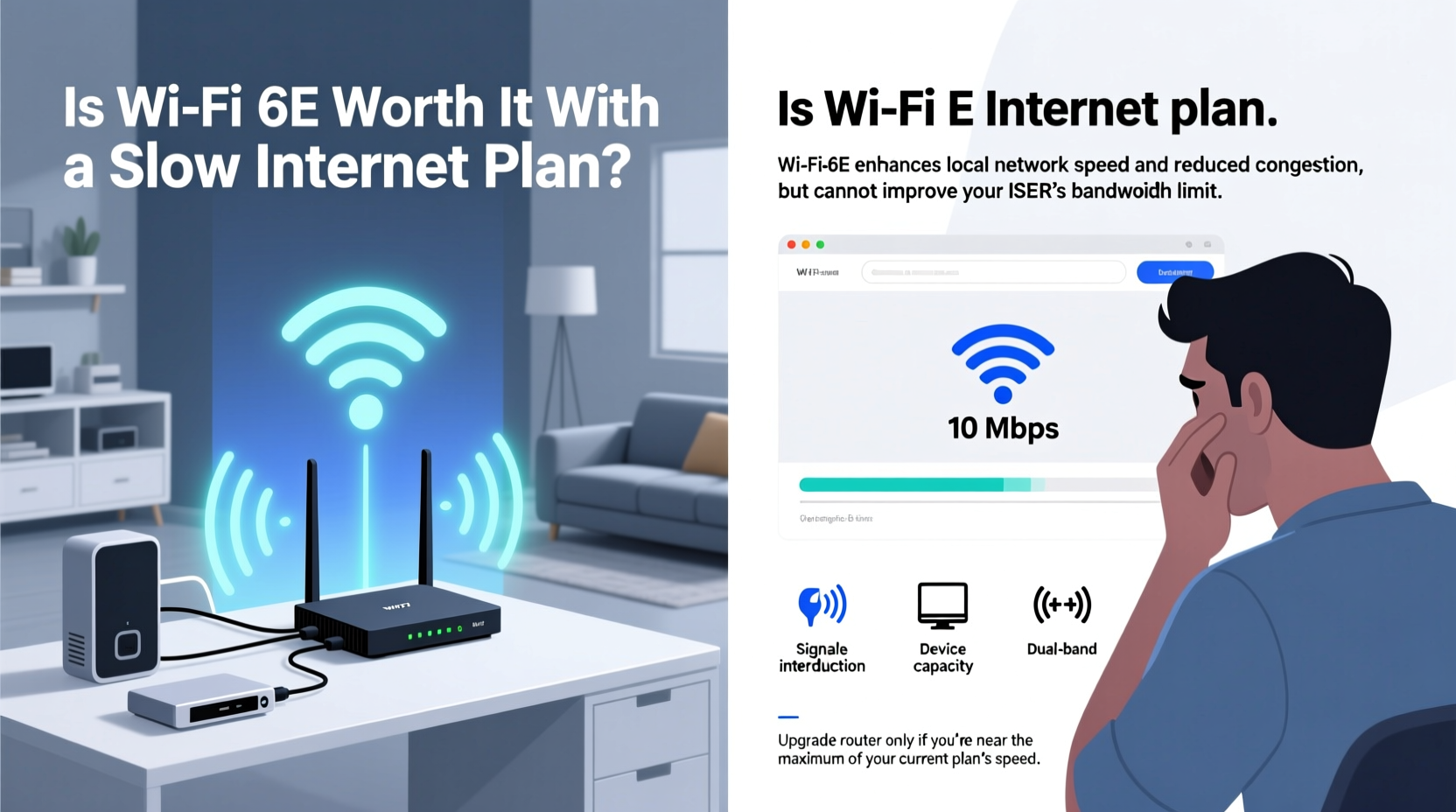
Wi-Fi 6E builds upon the foundation of Wi-Fi 6 (802.11ax) by adding access to the 6 GHz frequency band—a clean, interference-free spectrum not used by older devices. This addition is transformative. Unlike the crowded 2.4 GHz and 5 GHz bands, which are saturated with signals from routers, Bluetooth gadgets, microwaves, and neighboring networks, the 6 GHz band offers up to 1,200 MHz of dedicated bandwidth. This means more channels, less interference, and significantly lower latency.
But here’s the crucial point: Wi-Fi 6E improves network *efficiency*, not just peak throughput. Even if your internet plan delivers only 30–100 Mbps, your local network might still be a bottleneck. For example, transferring large files between devices on your home network—like backing up photos from a laptop to a NAS drive—relies entirely on internal Wi-Fi speed, not your ISP’s bandwidth. In such cases, Wi-Fi 6E can make transfers several times faster, even with a slow internet plan.
“Wi-Fi 6E is about airtime efficiency. It allows more devices to communicate simultaneously without stepping on each other’s toes.” — Dr. Kevin Cope, Wireless Network Architect at IEEE
When Slow Internet Masks a Bigger Problem
A slow internet plan often gets blamed for laggy video calls, buffering streams, or unresponsive smart home devices. But these issues may stem from poor Wi-Fi performance rather than your ISP’s limitations. Consider this scenario: You have a 75 Mbps fiber connection, but your 2016 router operates on Wi-Fi 5 (802.11ac). With six people in the house—each using multiple devices—the network becomes overwhelmed during peak hours. Devices compete for airtime, leading to jittery Zoom meetings and stuttering 4K video, despite having “fast enough” internet.
This is where Wi-Fi 6E shines. Its advanced features like OFDMA (Orthogonal Frequency Division Multiple Access), MU-MIMO (Multi-User, Multiple Input, Multiple Output), and Target Wake Time (TWT) allow the router to serve multiple devices at once with greater precision. Think of it as upgrading from a single-lane road to a multi-lane highway with intelligent traffic control. Even if the destination is only 10 miles away (analogous to a slow internet plan), the journey is smoother, faster, and more reliable.
Device Density and the Hidden Need for Upgrades
The average U.S. household now owns over 20 connected devices—from smartphones and laptops to smart lights, thermostats, doorbells, and voice assistants. Older routers weren’t designed for this level of congestion. They handle device requests sequentially, creating delays even when bandwidth isn’t fully utilized.
Wi-Fi 6E tackles this through better scheduling and reduced overhead. Each device spends less time waiting for a signal, which lowers latency and improves responsiveness. This is especially noticeable in high-density environments like apartments or homes with multiple remote workers and students.
For instance, a family using tablets for online learning, a parent on a Teams call, a teenager gaming, and a smart TV streaming 4K content—all simultaneously—can experience consistent performance on Wi-Fi 6E, whereas a legacy router might struggle, causing dropped packets and rebuffering, even within a 100 Mbps plan.
Wi-Fi Generations Compared
| Feature | Wi-Fi 5 (802.11ac) | Wi-Fi 6 (802.11ax) | Wi-Fi 6E (802.11ax + 6 GHz) |
|---|---|---|---|
| Frequency Bands | 2.4 GHz, 5 GHz | 2.4 GHz, 5 GHz | 2.4 GHz, 5 GHz, 6 GHz |
| Max Theoretical Speed | 3.5 Gbps | 9.6 Gbps | 9.6 Gbps |
| Typical Real-World Speed (Local Transfer) | 200–400 Mbps | 600–900 Mbps | 1–2 Gbps+ |
| OFDMA Support | No | Yes | Yes |
| Number of 160 MHz Channels (5/6 GHz) | 1 (5 GHz) | 2 (5 GHz) | 7 (6 GHz alone) |
| Ideal for High Device Count | Poor | Fair | Excellent |
Future-Proofing Your Home Network
You might not need gigabit speeds today, but your needs will evolve. ISPs are steadily increasing baseline offerings, and new services—like cloud gaming (e.g., Xbox Cloud Gaming, GeForce Now), AR/VR applications, and AI-powered home assistants—require low-latency, high-reliability connections. Installing a Wi-Fi 6E system now prepares your home for these advancements without requiring another hardware refresh in two years.
Additionally, newer devices are increasingly shipping with Wi-Fi 6E support. Flagship smartphones (iPhone 15 Pro, Samsung Galaxy S23+ and above), premium laptops, and next-gen gaming consoles are already leveraging the 6 GHz band. If you invest in one of these devices, pairing it with a non-6E router means you’re not using its full wireless potential.
Think of Wi-Fi 6E like insulation in a house. You don’t feel its value when the weather is mild, but when extreme conditions hit—whether heat, cold, or high network demand—it makes all the difference in comfort and efficiency.
Mini Case Study: The Smith Family’s Upgrade
The Smiths had a 60 Mbps cable plan and a five-year-old Wi-Fi 5 router. Despite their internet being sufficient for HD streaming, they complained of constant buffering during evenings, dropped video calls, and smart lights responding slowly. After upgrading to a Wi-Fi 6E mesh system, they noticed immediate improvements—without changing their ISP plan.
Why? Their router was the bottleneck. The new system efficiently managed 18 active devices, prioritized traffic for video calls, and used the 6 GHz band for high-bandwidth tasks like screen mirroring. Internal file transfers between family laptops jumped from 180 Mbps to over 900 Mbps. Their internet speed hadn’t changed, but their network experience had transformed.
Step-by-Step Guide: Should You Upgrade?
Follow this decision framework to determine if Wi-Fi 6E is right for your situation:
- Inventory Your Devices: List all Wi-Fi-enabled gadgets. How many are Wi-Fi 6E capable? If none, the benefit is reduced—but not eliminated.
- Assess Network Congestion: Are there frequent slowdowns during peak use? Do devices disconnect randomly? These are signs of inefficiency, not necessarily slow internet.
- Test Local Transfer Speeds: Use two modern devices to send a large file wirelessly. If speeds are under 300 Mbps, your current Wi-Fi is likely limiting performance.
- Evaluate Future Needs: Are you planning to upgrade your internet soon? Add more smart devices? Start working from home? Anticipate growth.
- Check ISP Roadmap: Some providers (e.g., Google Fiber, AT&T Fiber) are expanding gigabit availability. Being ready ensures you can take advantage immediately.
- Calculate Cost vs. Benefit: A quality Wi-Fi 6E mesh system costs $300–$600. Weigh this against productivity gains, frustration reduction, and long-term savings from avoiding another upgrade cycle.
Common Misconceptions About Wi-Fi 6E
Several myths persist about Wi-Fi 6E, especially among users with slower internet plans:
- Misconception 1: “It’s only useful with gigabit internet.” Reality: Wi-Fi 6E enhances local network performance, device management, and latency—factors independent of ISP speed.
- Misconception 2: “The 6 GHz band doesn’t penetrate walls well, so it’s useless.” Reality: True, 6 GHz has shorter range, but mesh systems solve this. The band is best used for high-speed tasks near the router, while 5 GHz and 2.4 GHz handle coverage.
- Misconception 3: “I don’t need it because I don’t game or stream 8K.” Reality: Even everyday tasks like web browsing, email syncing, and app updates benefit from lower latency and faster response times.
FAQ
Can Wi-Fi 6E improve my internet speed if my plan is slow?
Not directly. Your internet speed is capped by your ISP. However, Wi-Fi 6E can dramatically improve your network’s responsiveness, reduce lag, and ensure all your devices get fair access to bandwidth, making your existing plan feel faster and more reliable.
Do I need new devices to benefit from Wi-Fi 6E?
To use the 6 GHz band, yes—your phone, laptop, or tablet must support Wi-Fi 6E. However, even older devices benefit from Wi-Fi 6 features like OFDMA and MU-MIMO, which improve overall network efficiency and reduce congestion.
Will Wi-Fi 6E become obsolete soon?
Unlikely. Wi-Fi 7 (802.11be) is emerging, but adoption will take years. Wi-Fi 6E remains the current gold standard and will be supported for at least a decade. Most Wi-Fi 7 routers are backward compatible and include 6E capabilities.
Upgrade Checklist
- ✅ Confirm your internet plan meets current needs (even if slow, assess stability)
- ✅ Audit number and type of connected devices
- ✅ Test real-world Wi-Fi performance (speed, latency, reliability)
- ✅ Identify pain points: lag, disconnections, slow file sharing
- ✅ Research Wi-Fi 6E routers with good reviews and mesh capability
- ✅ Ensure your primary devices (phone, laptop) support Wi-Fi 6E for full benefit
- ✅ Plan placement of router or nodes for optimal 6 GHz coverage
- ✅ Budget for a 2- or 3-node mesh system if you have a larger home
Conclusion
Upgrading to Wi-Fi 6E isn’t solely about matching your internet plan’s speed—it’s about building a smarter, more resilient home network. Even with a modest 50 Mbps connection, the benefits of reduced latency, improved device handling, and faster local transfers can transform your digital experience. The investment pays off not in headline download numbers, but in seamless video calls, responsive smart devices, and a network that keeps pace with modern life.
If you're tired of troubleshooting dropouts, frustrated by sluggish performance, or planning to expand your connected ecosystem, Wi-Fi 6E is a forward-thinking upgrade. Don’t let a slow internet plan fool you into overlooking the hidden potential of your home network. Evaluate your actual usage, consider your future needs, and take control of your connectivity—one efficient signal at a time.




 浙公网安备
33010002000092号
浙公网安备
33010002000092号 浙B2-20120091-4
Comments
No comments yet. Why don't you start the discussion?