
Modern smartphones have become essential tools for communication, productivity, and entertainment. As our reliance on them grows, so does the temptation to use them while they’re plugged in—whether you're scrolling through social media, watching videos, or responding to messages. But a common concern lingers: is it safe? More specifically, does using your phone while it’s charging shorten its battery lifespan? The answer isn’t a simple yes or no. It depends on several factors including heat generation, charging habits, and the type of usage.
Lithium-ion batteries, which power nearly all modern smartphones, are sensitive to temperature, charge cycles, and voltage stress. While occasional use during charging is unlikely to cause immediate damage, repeated patterns of high-intensity activity while charging can accelerate battery degradation over time. Understanding the mechanics behind this process empowers users to make smarter choices that extend their device’s longevity.
How Lithium-Ion Batteries Work
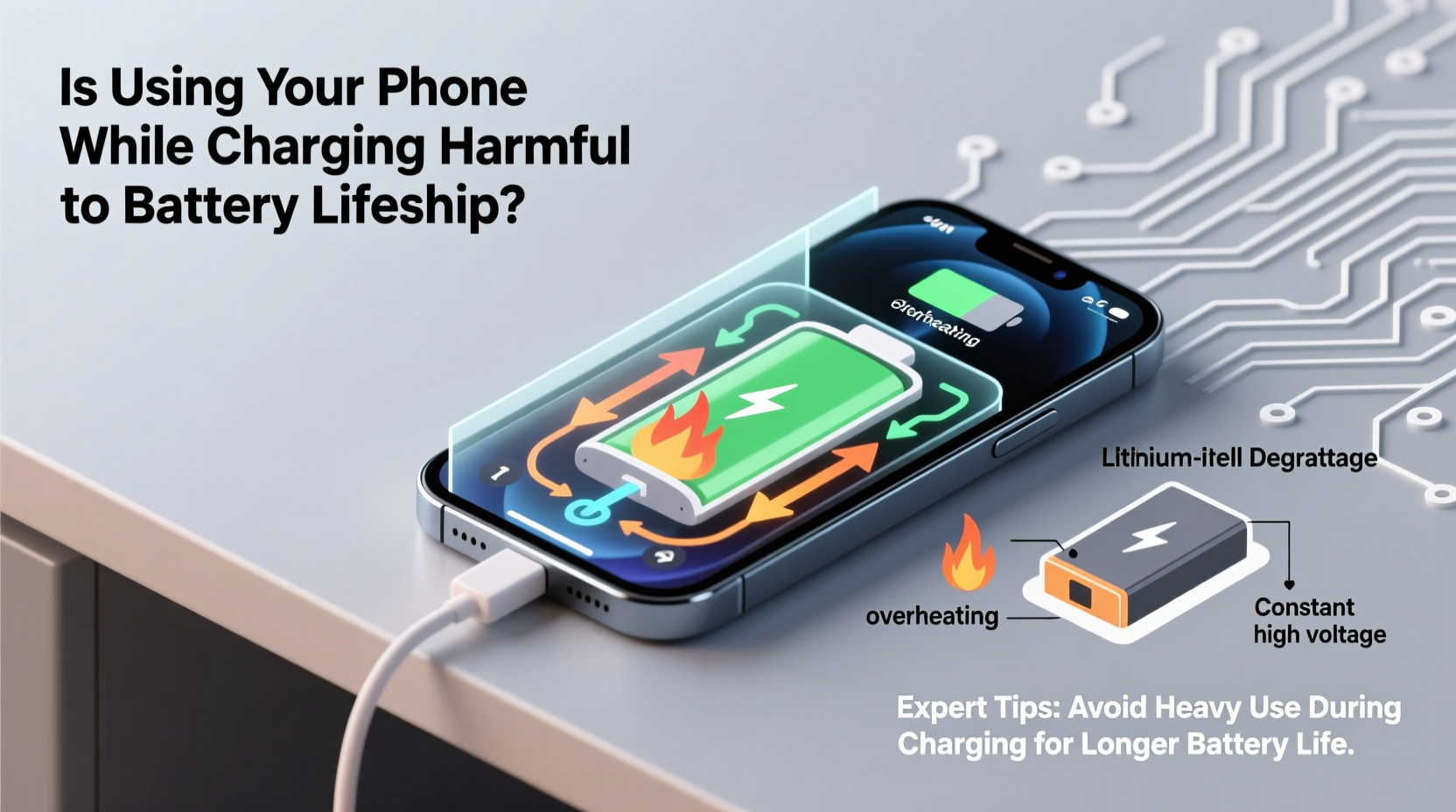
Lithium-ion batteries operate by moving lithium ions between two electrodes—the anode and cathode—through an electrolyte. During charging, ions move from the cathode to the anode, storing energy. When discharging (i.e., when the phone is in use), the ions flow back, releasing energy to power the device.
These batteries are engineered for efficiency but have inherent vulnerabilities. They degrade with each full charge cycle (typically defined as charging from 0% to 100%), and their lifespan is commonly measured in cycles—usually around 500 to 1,000 before capacity drops below 80%. However, degradation isn't just about cycle count; it's also influenced by environmental conditions such as heat, deep discharges, and prolonged exposure to high voltage states.
“Battery longevity isn’t just about how often you charge—it’s about how you charge and what you do during charging.” — Dr. Lena Torres, Battery Technology Researcher at MIT Energy Initiative
The most damaging factor for lithium-ion batteries is excessive heat. When a phone is used intensively while charging, both the processor and battery generate additional heat. This dual load increases internal temperatures, pushing the battery beyond optimal operating ranges (typically 20°C to 35°C). Sustained exposure to temperatures above 40°C can permanently reduce battery capacity and increase internal resistance, leading to slower performance and shorter usable life.
When Phone Use During Charging Becomes Risky
Not all activities carry the same risk. Light usage—such as reading emails, texting, or listening to music—is generally low-impact and poses minimal threat to battery health. However, high-performance tasks significantly elevate the risk:
- Gaming or augmented reality apps
- Streaming HD or 4K video
- Recording video while charging
- Using GPS navigation with screen brightness maxed
- Running multiple apps simultaneously under heavy load
These activities demand substantial processing power, causing the CPU and GPU to work harder. Combined with the electrical input from charging, this creates a thermal hotspot inside the device. Manufacturers include thermal management systems, but these can only do so much—especially if the phone is covered, placed on a bed, or enclosed in a poorly ventilated case.
Charging Speed and Its Impact on Battery Stress
The rise of fast-charging technology has changed user behavior. Many now expect their phones to reach 50% or more in under 30 minutes. While convenient, rapid charging generates more heat than standard charging, particularly in the early stages (from 0% to 60%). If you're simultaneously using the phone during fast charging, the cumulative heat effect becomes even more pronounced.
Studies conducted by Battery University indicate that keeping a lithium-ion battery at elevated voltages (above 4.0V per cell) for extended periods accelerates chemical aging. Fast charging pushes voltage higher, and combining that with active discharge from usage keeps the battery in a stressed state longer than ideal.
Moreover, wireless charging—while convenient—is inherently less efficient than wired charging. It produces more ambient heat due to energy loss in the induction process. Using your phone while wirelessly charging compounds this issue, making it one of the highest-risk scenarios for long-term battery wear.
Do’s and Don’ts of Charging Habits
| Behavior | Impact on Battery | Recommendation |
|---|---|---|
| Using phone for light tasks while slow-charging | Low risk | Generally safe |
| Gaming while fast-charging | High risk | Avoid regularly |
| Watching videos via wired charger | Moderate risk | Keep brightness moderate and remove case |
| Wireless charging with active screen use | High risk | Limit duration; prefer nighttime charging |
| Charging overnight without optimization | Moderate risk | Enable battery protection modes |
Real-World Example: The Case of Daily Commuter Charging
Consider Maria, a 32-year-old urban commuter who charges her phone every morning while preparing for work. She plugs in at 7:00 AM and uses the phone continuously until she leaves at 8:15—checking emails, browsing news, and watching short videos. Her phone supports 30W fast charging and typically reaches 70% during this window. She repeats this routine five days a week.
After nine months, Maria notices her phone no longer lasts a full day. Diagnostic tools show her battery health has dropped to 82% capacity. While not catastrophic, this is faster degradation than average. A technician reviews her usage pattern and identifies the daily combination of fast charging and continuous screen-on activity as the primary contributor. The sustained heat from processor load and high-current charging created micro-stress on the battery cells, accelerating wear.
By adjusting her routine—starting the charge earlier and avoiding intensive use during charging—Maria was able to stabilize further degradation. Within six months, her battery capacity stabilized, and she extended her device’s usable life by over a year.
Best Practices to Minimize Battery Wear
You don’t need to stop using your phone while charging entirely. Instead, adopt smarter habits that balance convenience with long-term device health. The following step-by-step guide outlines practical actions you can take immediately.
Step-by-Step Guide to Safer Charging
- Charge Earlier, Use Less During Peak Charge: Plug in your phone when you first wake up or arrive home, allowing it to charge without immediate use. Let it reach 50–60% before engaging in heavy tasks.
- Remove the Case During Charging: Especially if using fast or wireless charging, removing the case improves airflow and reduces trapped heat.
- Lower Screen Brightness: High brightness increases power draw and heat. Manually dim the screen or enable auto-brightness.
- Avoid Direct Sunlight or Hot Environments: Never charge your phone on a car dashboard or near a heater. Ambient heat exacerbates internal heating.
- Use Manufacturer-Approved Chargers: Third-party chargers may lack proper voltage regulation, increasing stress on the battery.
- Enable Optimized Charging Features: iPhones have “Optimized Battery Charging,” and many Android devices offer similar AI-based charging that delays full charge until needed.
- Prefer Wired Over Wireless When Active: If you plan to use your phone while charging, use a cable instead of a wireless pad to reduce excess heat.
Frequently Asked Questions
Can using my phone while charging cause it to explode?
No, modern smartphones include multiple safety mechanisms—including thermal cutoffs, overvoltage protection, and battery management systems—that prevent catastrophic failures under normal conditions. While overheating can damage the battery or cause swelling, actual explosions are extremely rare and usually linked to defective batteries or counterfeit chargers.
Does charging to 100% harm the battery?
Occasionally charging to 100% is fine, but keeping the battery at full charge for extended periods increases voltage stress. Lithium-ion batteries degrade faster when stored at high states of charge. For daily use, aim to keep the battery between 20% and 80% when possible. Many phones now include settings to cap charging at 80% for improved longevity.
Is it better to use the phone while off or charging?
Using the phone while off eliminates discharge heat, but you can’t interact with it. Charging while powered off generates the least stress because there’s no concurrent processing load. If you need to perform intensive tasks, it’s better to do them after charging. If you must use the phone while charging, minimize resource-heavy apps and monitor device temperature.
Battery Longevity Checklist
To help you maintain optimal battery health, follow this actionable checklist:
- ✅ Charge in cool, well-ventilated areas
- ✅ Avoid gaming or streaming while fast-charging
- ✅ Remove thick cases during charging sessions
- ✅ Use original or certified chargers and cables
- ✅ Enable battery optimization features (e.g., iOS Optimized Charging)
- ✅ Limit wireless charging when actively using the phone
- ✅ Keep battery level between 20% and 80% for daily use
- ✅ Monitor battery health monthly via built-in diagnostics
“The best way to preserve battery life isn’t to avoid charging altogether—but to manage heat and voltage exposure intelligently.” — Dr. Rajiv Mehta, Senior Engineer at Samsung Battery Lab
Conclusion: Smart Habits for Lasting Performance
Using your phone while charging isn’t inherently dangerous, but it can contribute to faster battery degradation when done frequently under high-load conditions. The real culprit isn’t the act itself, but the heat generated by combining charging current with active processing demands. By understanding how lithium-ion batteries respond to stress and adopting mindful charging practices, you can significantly extend your device’s functional lifespan.
Small changes—like charging earlier, removing the case, or delaying heavy usage until after charging—can make a measurable difference over time. With today’s phones costing more than ever, protecting battery health isn’t just about convenience; it’s a smart financial decision. You don’t need to give up your routines entirely. Just be intentional about how and when you use your phone during charging.




 浙公网安备
33010002000092号
浙公网安备
33010002000092号 浙B2-20120091-4
Comments
No comments yet. Why don't you start the discussion?