
Smart speakers and voice assistants like Amazon Alexa, Google Assistant, and Apple Siri have become fixtures in homes and pockets around the world. Their ability to play music, set reminders, control smart devices, and answer questions with a simple voice command offers undeniable convenience. But behind that seamless interaction lies a complex system of data collection, cloud processing, and machine learning—raising an important question: Is voice assistant privacy a real concern?
The short answer is yes. While these tools are designed to make life easier, they also continuously listen for wake words, record conversations, and store audio snippets on remote servers. This data can be used to improve services, but it also opens doors to misuse, unauthorized access, and surveillance—both by corporations and malicious actors.
Understanding how voice assistants work, what they collect, and how to manage their settings empowers users to enjoy the benefits without surrendering their privacy unnecessarily.
How Voice Assistants Work—and What They Record
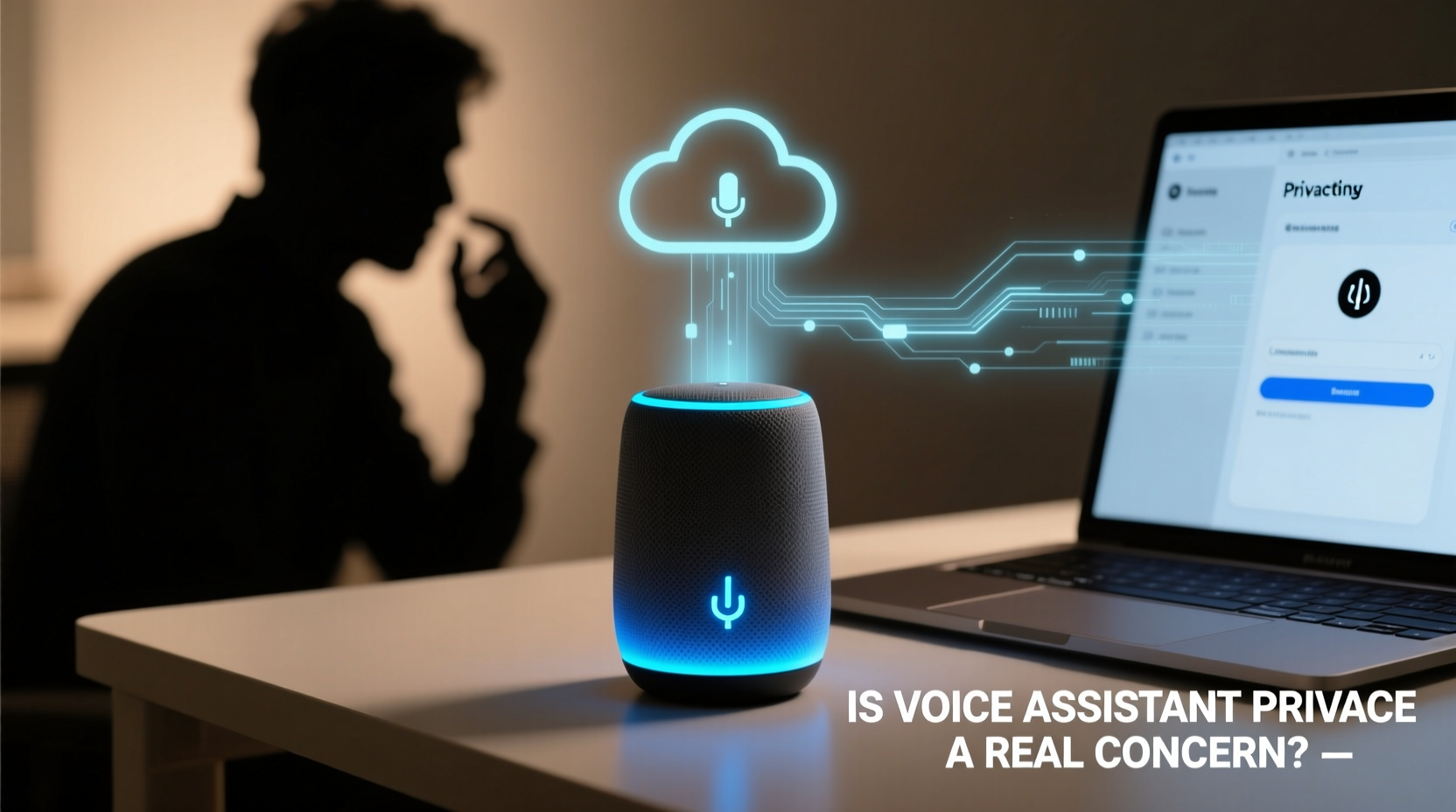
Voice assistants rely on far-field microphones to detect wake phrases such as “Hey Siri,” “OK Google,” or “Alexa.” Once triggered, the device begins recording and sends the audio to the cloud for processing. The request is interpreted, and a response is generated, often within seconds.
What many users don’t realize is that these devices may occasionally activate unintentionally. A 2019 study by Northeastern University found that smart speakers activated about once every two days without being prompted, capturing private conversations. These accidental recordings are stored alongside intentional ones in user accounts.
Cloud-based platforms use this audio data to refine speech recognition, personalize responses, and even target advertisements. For example, if you ask Alexa for “running shoes,” you might later see related ads across other apps and websites linked to your Amazon account.
“Voice data is among the most personal forms of information—it reveals not just what you say, but how you say it, your emotions, and your environment.” — Dr. Rebecca Weiss, Digital Privacy Researcher at MIT
Real Risks Behind Voice Assistant Data Collection
The convenience of voice commands comes with tangible privacy trade-offs. Here are the most pressing concerns:
- Always-on Microphones: Even when idle, voice assistants are actively listening for wake words. This creates a constant potential for unintended activation and recording.
- Data Storage and Access: Audio clips are stored on company servers and may be accessed by third-party contractors for quality assurance. In 2019, reports revealed that Amazon employees routinely listened to Alexa recordings to improve accuracy.
- Data Breaches: If a hacker gains access to your account, they could retrieve years of voice interactions, including sensitive topics like health, finances, or relationships.
- Legal and Government Access: Law enforcement agencies have subpoenaed voice assistant data in criminal investigations. In one Arkansas case, police requested Amazon to hand over Echo recordings from a murder suspect’s home.
- Behavioral Profiling: Companies build detailed profiles based on voice queries, which can influence ad targeting, insurance rates, or even employment screenings if data leaks occur.
Step-by-Step Guide to Protect Your Voice Assistant Privacy
You don’t need to abandon your smart speaker to stay safe. Follow these actionable steps to reduce exposure and take back control:
- Review and Delete Stored Recordings
Visit your voice assistant’s online portal (e.g., Amazon's Alexa Privacy Hub or Google My Activity). Look for voice & audio history and delete past entries. You can also set automatic deletion after 3 or 18 months. - Disable Voice Recording Storage
In settings, turn off the option to save voice recordings. On Alexa, go to Settings > Alexa Privacy > Manage Your Alexa Data and toggle off “Help Improve Alexa.” This stops human reviewers from accessing your audio. - Use a Physical Mute Button
Most smart speakers have a hardware mute switch that disables the microphone. Use it during private conversations, meetings, or bedtime. A red light usually indicates the mic is off. - Limit Connected Skills and Permissions
Third-party skills (like games or shopping apps) may request access to your voice history. Review and remove unnecessary permissions under “Skills & Games” in your app. - Opt Out of Ad Personalization
Disable targeted ads tied to your voice data. On Google, go to Ads Settings and turn off “Ad Personalization.” On Amazon, visit Advertising Preferences and disable interest-based ads. - Secure Your Network
Ensure your Wi-Fi uses WPA3 encryption and a strong password. Consider placing smart devices on a separate guest network to limit access to other connected devices like computers or phones. - Update Firmware Regularly
Manufacturers release updates to patch security flaws. Enable automatic updates or check monthly for new firmware versions.
Do’s and Don’ts: Voice Assistant Privacy Checklist
| Do | Don't |
|---|---|
| ✅ Use the mute button when privacy matters | ❌ Leave your device unmuted in bedrooms or bathrooms |
| ✅ Set up auto-delete for voice history | ❌ Assume your recordings are private by default |
| ✅ Review app permissions monthly | ❌ Install random third-party skills without checking reviews |
| ✅ Use strong, unique passwords for your accounts | ❌ Reuse passwords across Amazon, Google, or Apple accounts |
| ✅ Check for firmware updates quarterly | ❌ Ignore software update notifications |
Real Example: How One Family Discovered Unintended Listening
In Portland, Oregon, a couple discovered their Amazon Echo had recorded a private conversation about hardwood flooring and sent the audio clip to a random Alexa contact in their address book. The recipient was startled to receive a message titled “Wood Floors?” containing a 60-second clip of the couple discussing home renovations.
Amazon later confirmed it was a rare glitch: the device misheard “send a message” as a command and selected a contact based on similar-sounding names. While the company apologized and fixed the issue, the incident highlighted how easily voice assistants can breach trust—even without malicious intent.
Afterward, the family disabled all messaging features, enabled auto-deletion after three months, and began using the mute button daily. “We still love Alexa for timers and weather,” said the homeowner, “but now we treat it like a guest in our home—one that needs boundaries.”
Expert Tips for Minimizing Risk Without Losing Functionality
You don’t have to choose between privacy and utility. Many experts recommend a balanced approach that preserves convenience while reducing exposure.
Apple takes a more privacy-centric approach with Siri. On-device processing means many requests are handled locally, and voice data isn’t tied to your Apple ID by default. However, even Apple stores anonymized snippets for six months before disassociating them from your account.
For maximum privacy, consider using voice assistants only for non-sensitive tasks—like setting alarms or playing music—and avoid discussing personal details near the device. You can also invest in models with local processing capabilities, such as the newer generations of smart speakers designed to minimize cloud dependency.
“The best defense is awareness. Users should assume everything they say near a smart speaker could be recorded, analyzed, or shared—even if unintentionally.” — Lena Cho, Cybersecurity Analyst at PrivacyFirst Labs
Frequently Asked Questions
Can companies sell my voice recordings to advertisers?
No major company currently sells raw voice recordings directly to advertisers. However, they do use your voice data to build behavioral profiles that inform targeted advertising. For example, asking about baby products may lead to increased diaper ads across platforms linked to your account.
Are voice assistants always listening to me?
Technically, yes—but only for the wake word. The device processes audio locally until it detects “Hey Google” or “Alexa,” at which point it starts recording and sending data to the cloud. That said, false triggers do happen, and those clips are stored unless manually deleted or auto-deleted.
How do I permanently delete my voice history?
Go to your account’s privacy dashboard: For Amazon, visit Manage Your Content and Devices > Alexa Privacy. For Google, go to My Activity > Voice & Audio. Select “Delete activity by” and choose a date range. To prevent future storage, disable voice recording saving in settings.
Take Control of Your Digital Voiceprint
Your voice is uniquely identifiable—just like a fingerprint. When shared with tech companies, it becomes part of a growing digital footprint that can be exploited, leaked, or misused. While voice assistants offer remarkable utility, treating them as completely private companions is a dangerous assumption.
The key is proactive management. By deleting old recordings, muting microphones when needed, reviewing permissions, and staying informed about updates, you can enjoy the benefits of voice technology without sacrificing your fundamental right to privacy.




 浙公网安备
33010002000092号
浙公网安备
33010002000092号 浙B2-20120091-4
Comments
No comments yet. Why don't you start the discussion?