
In an era where digital productivity defines professional success, the way we input text is undergoing a quiet revolution. Voice typing—powered by advanced speech recognition and artificial intelligence—is no longer a futuristic novelty. It’s embedded in smartphones, laptops, and even smart home devices. But can it truly replace the keyboard for serious writing tasks like drafting emails, composing articles, or coding? The answer isn’t a simple yes or no. It depends on context, environment, technology, and user expectations.
Modern voice typing systems like Google’s Voice Typing, Apple’s Dictation, Microsoft’s Speech Services, and third-party tools such as Dragon Professional Now boast accuracy claims exceeding 95%. On paper, that sounds impressive—close to human transcription levels. But real-world usage reveals nuances: accents, background noise, technical vocabulary, and sentence complexity all influence reliability. To determine whether voice typing can genuinely supplant traditional typing, we need to examine its strengths, limitations, and evolving role in everyday workflows.
How Accurate Is Voice Typing Today?
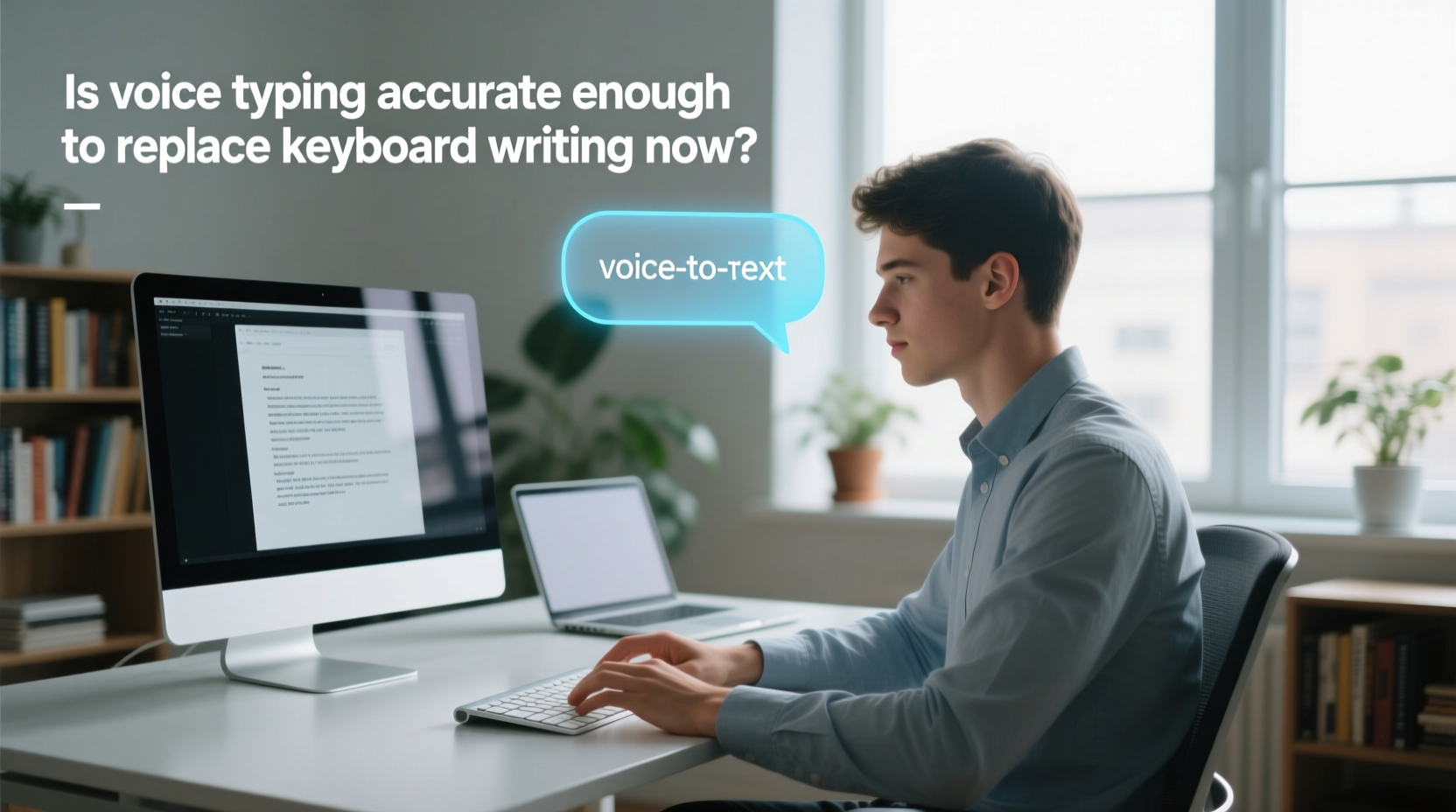
Recent benchmarks suggest that under ideal conditions—clear audio, standard accent, moderate speaking pace—voice typing accuracy ranges from 95% to 98%. That means only 2–5 errors per 100 words. For comparison, professional human transcribers typically achieve 98–99% accuracy. This narrow gap suggests voice typing is approaching parity with human-level precision in controlled environments.
However, accuracy drops significantly when variables change. A 2023 Stanford study tested major voice recognition platforms using non-native English speakers and found error rates spiking to 15–30%, especially with medical or legal terminology. Background chatter, poor microphone quality, or rapid speech further degrade performance. Even slight misrecognitions—“their” instead of “there,” “write” instead of “right”—can alter meaning and require careful editing.
Despite these challenges, continuous learning algorithms allow many systems to adapt over time. For example, Nuance’s Dragon software learns individual speech patterns, improving accuracy after consistent use. Cloud-based models like Google’s also benefit from vast datasets, enabling them to predict likely word sequences based on context.
Voice vs. Keyboard: A Practical Comparison
To assess whether voice typing can replace keyboards, consider key dimensions of writing performance. The table below compares both methods across common criteria:
| Criteria | Voice Typing | Keyboard Typing |
|---|---|---|
| Speed (words per minute) | 120–160 wpm (natural speech rate) | 40–70 wpm (average typist) |
| Initial Accuracy | 95–98% in optimal conditions | Near 100% (user-controlled) |
| Error Correction Time | Moderate to high (requires verbal commands) | Low (instant backspace/edit) |
| Noise Sensitivity | High (fails in loud environments) | Low (usable anywhere) |
| Privacy | Low (speaking aloud may expose content) | High (silent input) |
| Physical Strain | Low (no hand/wrist strain) | Moderate to high (RSI risk) |
| Vocabulary Handling | Variable (struggles with jargon) | Consistent (user types exact terms) |
The data shows voice typing excels in speed and ergonomics but lags in control and privacy. While you can dictate faster than most people type, correcting mistakes often requires switching back to manual input. Additionally, complex formatting—like inserting bullet points, quotation marks, or code snippets—remains cumbersome without hybrid keyboard use.
Real-World Case: A Writer’s Transition to Voice
Samantha Reed, a freelance journalist and former court reporter, began using voice typing full-time after developing carpal tunnel syndrome. Initially skeptical, she invested in Dragon Professional and spent two weeks training the software with her recordings. Within a month, she was producing first drafts entirely by voice.
“The speed was liberating,” she said. “I could capture ideas as fast as I thought them. But I quickly learned that clean audio is non-negotiable. I had to move my workspace away from street noise and stop multitasking while dictating.”
She also adapted her writing style. Instead of pausing to correct every error mid-sentence, she dictated entire paragraphs and reviewed them afterward. Over time, her error rate dropped from 12% to under 4%. However, she still uses a keyboard for editing, formatting, and writing headlines. “Voice gets the draft down,” she explained. “But the keyboard polishes it.”
Her experience illustrates a growing trend: voice typing as a drafting tool rather than a complete replacement. It accelerates ideation and reduces physical strain, but final refinement often demands tactile precision.
“Speech recognition has reached a tipping point—it’s now fast and accurate enough for first-pass content creation, but not yet refined enough for end-to-end writing without human oversight.” — Dr. Alan Torres, NLP Researcher at MIT Computer Science Lab
When Voice Typing Works Best (And When It Doesn’t)
Voice typing thrives in specific scenarios where speed, accessibility, or physical constraints matter most. Understanding these contexts helps users decide when to rely on speech—and when to stick with keys.
Best Use Cases for Voice Typing
- Drafting long-form content: Blog posts, scripts, or journal entries benefit from uninterrupted flow.
- Accessibility needs: Users with mobility impairments or repetitive strain injuries gain independence through voice input.
- Note-taking on the go: Mobile dictation apps allow quick capture of ideas during walks or commutes.
- Transcribing interviews: With proper setup, voice tools can convert spoken dialogue into editable text efficiently.
Situations Where Keyboards Still Dominate
- Editing and proofreading: Fine-tuning grammar, punctuation, and structure is faster with direct keyboard control.
- Working in public: Speaking aloud in cafes, offices, or transit creates privacy and social issues.
- Technical writing: Programming, legal documents, or scientific papers with specialized terms challenge most voice systems.
- Poor acoustic environments: Noisy rooms, wind, or echo distort recognition and increase errors.
Step-by-Step Guide to Maximizing Voice Typing Accuracy
If you’re considering integrating voice typing into your workflow, follow this structured approach to optimize performance:
- Choose the right tool: For casual use, built-in dictation (Google Docs, macOS) suffices. For professionals, invest in Dragon Professional or Otter.ai with enhanced vocabularies.
- Train the system: Spend 10–15 minutes reading sample texts aloud so the AI adapts to your voice, pitch, and rhythm.
- Optimize your environment: Close windows, turn off fans, and use a directional mic to minimize background noise.
- Speak clearly and pause: Enunciate words, avoid filler sounds (“um,” “like”), and insert brief pauses between sentences.
- Use voice commands: Learn phrases like “period,” “new paragraph,” “delete that,” or “undo” to format without touching the keyboard.
- Review immediately: Always read through dictated text right after recording while context is fresh.
- Edit manually: Combine voice for drafting with keyboard for polishing—this hybrid method yields the highest quality output.
This process turns voice typing from a gimmick into a reliable productivity booster. Over time, users report reduced cognitive load during initial writing phases, allowing greater focus on content rather than keystrokes.
Frequently Asked Questions
Can voice typing replace touch typing for office work?
For certain roles—such as content creators, reporters, or customer service agents who generate large volumes of text—voice typing can handle up to 70–80% of daily writing. However, administrative tasks requiring precise data entry, spreadsheet navigation, or frequent corrections still favor keyboards. A blended approach delivers the best results.
Do accents affect voice typing accuracy?
Yes. Most systems are trained primarily on American, British, and Australian English. Speakers with strong regional, non-native, or tonal accents may experience higher error rates. Some platforms, like Google’s, offer accent-specific models, and user training can mitigate discrepancies over time.
Is voice typing secure for confidential information?
Cloud-based tools process audio on remote servers, raising privacy concerns. For sensitive material (e.g., medical records, legal briefs), opt for offline solutions like Dragon Anywhere, which processes speech locally. Avoid dictating confidential details in shared spaces regardless of platform.
Tips for Seamless Integration Into Daily Workflows
Adopting voice typing doesn’t mean abandoning the keyboard. Instead, think of it as expanding your toolkit. Here’s how to integrate it effectively:
- Start small: Use voice for journaling or brainstorming before attempting full reports.
- Create custom commands: Set up shortcuts for frequently used phrases like email signatures or boilerplate text.
- Combine with transcription apps: Tools like Otter.ai record meetings and convert speech to text automatically, saving hours of note-taking.
- Monitor fatigue: Prolonged speaking can strain vocal cords. Take breaks and stay hydrated.
- Backup with keyboard: Always keep your hands near the keyboard for quick fixes and formatting.
“The future isn’t voice versus keyboard—it’s intelligent switching between modalities based on task, context, and user preference.” — Lena Patel, UX Lead at a Leading AI Writing Platform
Conclusion: Voice Typing Isn’t Ready to Fully Replace Keyboards—Yet
Voice typing has made remarkable strides in accuracy, speed, and usability. For drafting, accessibility, and hands-free writing, it offers undeniable advantages. But it still falters in noisy settings, struggles with niche vocabulary, and lacks the tactile precision of keyboard input for editing and formatting.
Today’s reality is not replacement, but augmentation. The most effective writers aren’t choosing one over the other—they’re combining both. Voice captures raw thought at the speed of speech; the keyboard refines it with surgical precision. As AI continues to evolve, we’ll likely see tighter integration, predictive correction, and adaptive interfaces that blur the line between speaking and writing.




 浙公网安备
33010002000092号
浙公网安备
33010002000092号 浙B2-20120091-4
Comments
No comments yet. Why don't you start the discussion?