
In the early 2010s, the tablet market exploded with options from Amazon, Samsung, Apple, and others. Two devices that stood out during this period were the Amazon Kindle Fire (first generation, released in 2011) and the Samsung Galaxy Tab 2 (7.0\", launched in 2012). While both ran on Android-based systems and targeted budget-conscious consumers, they represented very different philosophies in design, functionality, and ecosystem integration. The Kindle Fire was built as a gateway to Amazon’s digital marketplace, while the Galaxy Tab 2 offered a more open, flexible Android experience. So, did anyone actually prefer the Tab 2 over the Fire? The answer isn’t just yes—it reveals deeper truths about what users value in mobile technology.
The Ecosystem Divide: Closed vs Open
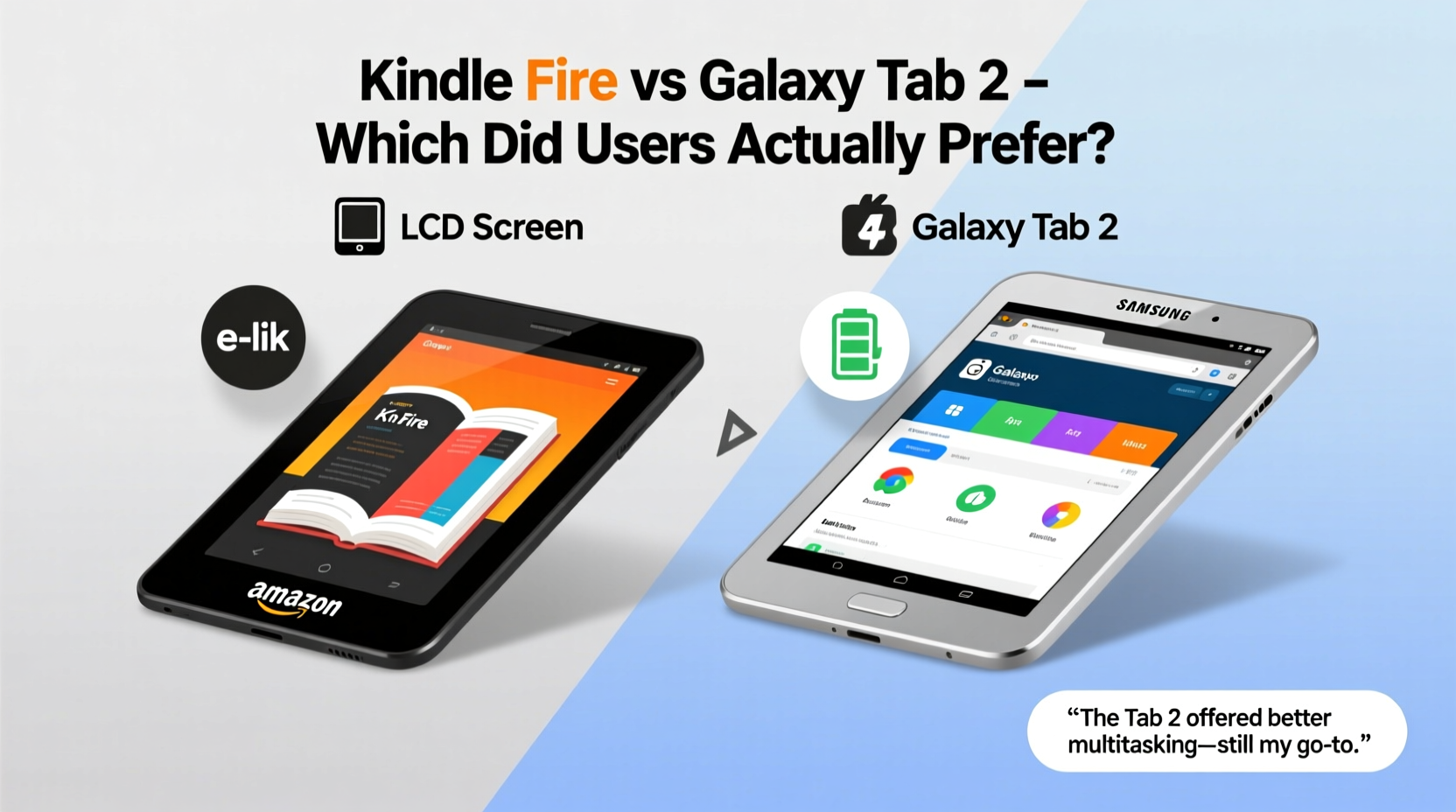
The most fundamental difference between the two tablets lies in their ecosystems. The original Kindle Fire ran a heavily customized version of Android called \"Fire OS,\" which stripped away Google’s services and replaced them with Amazon’s own app store, web browser, and media library. This made it an excellent device for consuming Amazon content—books, videos, music—but limited its utility beyond that closed loop.
In contrast, the Galaxy Tab 2 ran stock Android 4.0 (Ice Cream Sandwich), giving users full access to the Google Play Store, Gmail, YouTube, Chrome, and thousands of third-party apps. For tech-savvy users or those already invested in Google’s ecosystem, this openness was a major advantage.
Performance and Hardware Comparison
On paper, the Galaxy Tab 2 had a modest edge in hardware. It featured a dual-core 1GHz processor (TI OMAP or Samsung Exynos depending on model), 1GB of RAM, and support for microSD expansion up to 32GB. The original Kindle Fire used a TI OMAP 4430 dual-core 1GHz chip as well but only had 512MB of RAM and no expandable storage. Both had 7-inch displays, but the Tab 2’s screen offered a higher resolution: 1024x600 versus the Fire’s 1024x600 with lower color accuracy and brightness.
Real-world usage reflected these specs. The Tab 2 handled multitasking more smoothly, especially when switching between apps or browsing complex websites. The extra RAM allowed for better background process management—an important factor before modern memory optimization techniques became standard.
| Feature | Kindle Fire (1st Gen) | Galaxy Tab 2 (7.0\") |
|---|---|---|
| OS | Fire OS (Android 2.3-based) | Android 4.0.3 (upgradable) |
| Processor | Dual-core 1GHz OMAP 4430 | Dual-core 1GHz OMAP/Exynos |
| RAM | 512MB | 1GB |
| Storage | 8GB (non-expandable) | 8GB/16GB (microSD expandable) |
| Display | 7\" IPS, 1024x600 | 7\" PLS LCD, 1024x600 |
| Camera | No rear camera, front VGA | Rear 3MP, front 0.3MP |
| Battery Life | ~8 hours | ~10 hours |
| Google Services | Not pre-installed | Full integration |
User Experience: Simplicity vs Flexibility
The Kindle Fire excelled at one thing: making Amazon content easy to access. Its interface was streamlined for reading books, watching Prime Video, and shopping—all with minimal friction. Parents found it intuitive for children, and casual users appreciated the lack of clutter. However, installing non-Amazon apps required sideloading, which deterred many.
The Galaxy Tab 2, meanwhile, offered flexibility. Users could install any app from the Play Store, customize home screens, connect to enterprise email systems, and even use it for light productivity tasks. For students, professionals, or hobbyists who wanted more than media consumption, the Tab 2 was clearly superior.
“Back then, having Google services wasn’t just convenient—it was essential. The Tab 2 felt like a real computer. The Fire felt like a single-purpose gadget.” — Mark Tran, Tech Historian & Mobile Analyst
A Real-World Example: Sarah’s Choice
Sarah, a high school teacher in Portland, bought both tablets in 2012—one for her daughter and one for herself. She gave the Kindle Fire to her 10-year-old because it was easier to manage screen time and limit access to age-appropriate content through Amazon’s parental controls. But she kept the Galaxy Tab 2 for personal use.
“I needed something that could sync my Google Calendar, pull up lesson plans from Drive, and let me browse educational apps,” she recalls. “The Fire couldn’t do half of that without jumping through hoops. I rooted it eventually, but by then I’d already switched permanently to the Tab 2.”
This scenario was common among educators, freelancers, and travelers who needed reliable access to cloud tools. While the Fire appealed to passive consumers, the Tab 2 served active users.
Why Some Users Preferred the Tab 2
Despite Amazon’s aggressive marketing and lower price point ($199 vs $229 for the base models), several groups consistently favored the Galaxy Tab 2:
- Tech enthusiasts who wanted root access and customization options.
- Students needing note-taking apps, PDF readers, and research tools available on Google Play.
- Professionals integrating calendars, emails, and cloud storage into daily workflows.
- Parents seeking broader app selection for educational games beyond Amazon’s limited catalog.
- International users relying on Google Maps, Translate, or local services not supported on Fire OS.
Step-by-Step: How to Decide Which Type of Device Suits You (Even Today)
While these devices are now outdated, the decision framework remains relevant for evaluating modern budget tablets:
- Identify your primary use case: Is it media streaming, reading, gaming, productivity, or education?
- Evaluate ecosystem needs: Do you depend on Google services, Microsoft Office, or Apple iWork?
- Check app availability: Can your must-have apps run on the device’s OS?
- Assess upgrade potential: Does the manufacturer provide OS updates or security patches?
- Test real-world performance: Look for user reviews focusing on multitasking, battery life, and responsiveness.
Frequently Asked Questions
Could you install Google Play Store on the Kindle Fire?
Yes, but not officially. Early Kindle Fires could be sideloaded with the Google Play Store using third-party tools and enabling unknown sources. However, this voided warranties and sometimes caused instability due to Fire OS’s deep modifications.
Was the Galaxy Tab 2 better for reading eBooks?
Surprisingly, yes—for some users. Although the Kindle Fire had tighter integration with Amazon’s bookstore, the Tab 2 could run Kindle, Nook, Kobo, and Google Play Books apps simultaneously. Readers who didn’t want to be locked into one platform often preferred this versatility.
Which device lasted longer in terms of software support?
The Galaxy Tab 2 received Android 4.2 updates and continued to function reasonably well into the mid-2010s with custom ROMs. The first-gen Kindle Fire never moved beyond its initial Fire OS version, limiting its longevity despite Amazon’s later improvements in subsequent models.
Final Verdict: Yes, Many Preferred the Tab 2—And Here’s Why It Matters
To ask whether anyone preferred the Galaxy Tab 2 over the Kindle Fire is to overlook a critical trend in consumer tech: people value control. While Amazon succeeded in creating a frictionless path to its products, Samsung delivered a device that respected user autonomy. That distinction resonated deeply with a significant portion of buyers.
The preference wasn’t just about hardware superiority—it was about freedom. Freedom to choose apps, freedom to manage data, freedom to evolve with changing needs. In hindsight, the Galaxy Tab 2 represented a transitional device: affordable enough for mainstream adoption, yet powerful and open enough to serve as a true personal computing tool.
Today’s budget tablet shoppers face similar choices—locked-down platforms versus open systems, low prices versus long-term usability. The legacy of the Tab 2 vs. Fire debate lives on every time someone asks: “Can I actually *do* what I need on this?”




 浙公网安备
33010002000092号
浙公网安备
33010002000092号 浙B2-20120091-4
Comments
No comments yet. Why don't you start the discussion?