
For avid readers, the question isn’t whether to read—but how. With tablets like the Apple iPad becoming increasingly common, many wonder if a dedicated e-reader like the Kindle Paperwhite is still worth the investment. After all, both devices can display books, magazines, and PDFs. But beneath the surface, their purposes diverge significantly. One excels in versatility; the other in focus, comfort, and endurance. Understanding these differences is key to deciding which device—or combination—best supports your reading habits.
The Core Difference: Purpose-Built vs Multifunctional
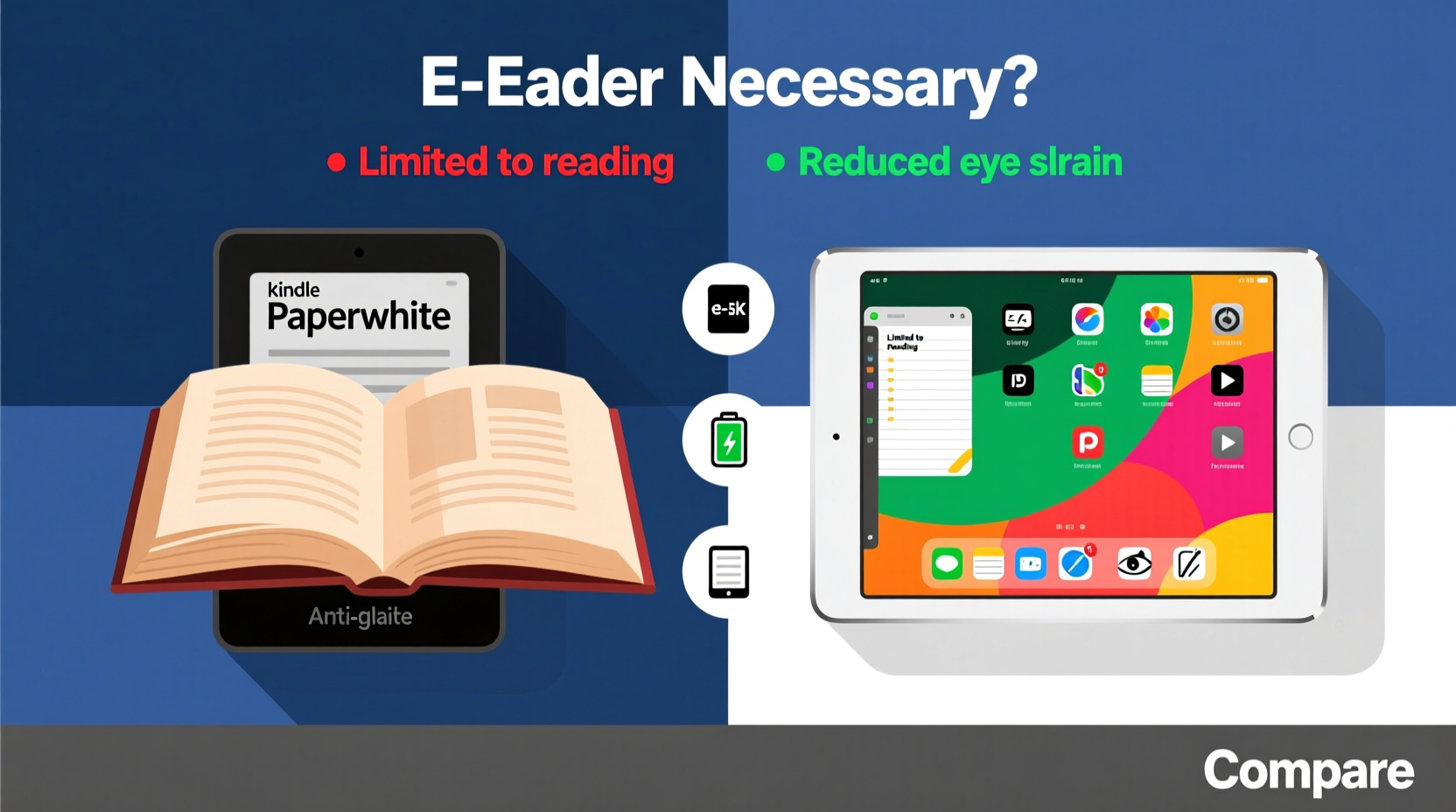
The most fundamental distinction between the Kindle Paperwhite and the Basic iPad lies in their design philosophy. The Paperwhite is engineered solely for reading. Every aspect—from screen technology to interface simplicity—is optimized to reduce distractions and enhance readability. In contrast, the iPad is a general-purpose tablet. It handles email, video calls, gaming, social media, and yes, reading too. But that very versatility comes at a cost when it comes to sustained reading sessions.
Consider this: when you open a Kindle, you’re presented with your book list. There are no notifications, no app icons competing for attention. The iPad, on the other hand, offers endless possibilities—and interruptions. Even with Focus modes enabled, the temptation to switch apps or check messages undermines deep reading. Studies show that context switching reduces comprehension and retention. For readers who value immersion, the Kindle’s single-mindedness becomes a feature, not a limitation.
Screen Technology and Eye Comfort
One of the most critical factors in long-term reading comfort is screen type. The Kindle Paperwhite uses E Ink technology—a reflective display that mimics printed paper. It doesn’t emit light; instead, it relies on ambient light or a front-lit glow that shines evenly across the page. This means less glare, reduced blue light exposure, and minimal eye strain, even during extended sessions.
The Basic iPad, by contrast, features an LED-backlit Retina display. While sharp and vibrant, it emits blue light directly into the eyes. Prolonged exposure, especially in low-light environments, can disrupt melatonin production and interfere with sleep cycles. Apple’s Night Shift helps mitigate this, but it doesn’t eliminate the issue entirely. Many users report dry eyes, headaches, or fatigue after reading on tablets for more than 30–45 minutes.
E Ink screens also perform better in sunlight. Unlike glossy tablet displays that reflect harshly outdoors, the Paperwhite remains readable under direct sun—making it ideal for beach trips, park benches, or morning coffee on the patio.
“E Ink displays provide a reading experience closest to physical books, reducing visual fatigue over time.” — Dr. Lena Torres, Vision Health Researcher at MIT Media Lab
Performance and Battery Life Comparison
Battery longevity highlights another major difference. The Kindle Paperwhite typically lasts **weeks** on a single charge, depending on usage. That’s because E Ink only consumes power when turning pages. Once a page is displayed, the screen requires no energy to maintain the image. This efficiency makes the Paperwhite perfect for travel or situations where charging isn’t convenient.
The Basic iPad, however, demands daily or every-other-day charging under moderate use. Streaming videos, browsing the web, and even reading with backlighting drain the battery much faster. For someone reading several hours a day, this could mean midday recharges—a logistical hurdle when away from home.
In terms of processing power, the iPad wins hands down. It runs complex apps smoothly, supports multitasking, and handles audiobooks, comics, and textbooks with ease. The Kindle, while sufficient for text-based content, struggles with interactive PDFs or heavy file formats. However, for most readers focused on novels, memoirs, or nonfiction, the Paperwhite’s performance is more than adequate—and its simplicity often preferable.
Device Comparison Table
| Feature | Kindle Paperwhite (11th Gen) | Basic iPad (10th Gen) |
|---|---|---|
| Display Type | E Ink Carta (300 ppi), matte finish | Retina IPS LCD (264 ppi), glossy |
| Backlight | Adjustable warm & cool LEDs | Blue-light filtering (Night Shift) |
| Battery Life | Up to 10 weeks (with 30 min/day reading) | Up to 10 hours |
| Weight | 182g (6.4 oz) | 477g (1.05 lbs) |
| Water Resistance | IPX8 rated (survives submersion) | No water resistance |
| Primary Use Case | Dedicated reading | Multimedia, productivity, casual reading |
| Price (Starting) | $139.99 | $449.00 |
Real-Life Scenario: The Commuter Who Reads Daily
Meet Sarah, a 34-year-old urban planner who reads 45 minutes each way on her subway commute. She owns an iPad and initially used it for reading via the Kindle app. Within two weeks, she noticed eye strain and found herself distracted by news alerts and Slack messages popping up. She’d start reading, then end up scrolling Instagram or replying to emails.
Frustrated, she bought a Kindle Paperwhite. The change was immediate. No notifications. Light enough to hold one-handed. Readable even in the dim underground tunnels. Most importantly, she finished books faster because she wasn’t constantly pulled away. “It’s like switching from a multitool to a scalpel,” she said. “One does everything, but the other does one thing perfectly.”
Sarah now keeps her iPad for work documents and weekend movies, reserving the Kindle exclusively for fiction and self-improvement titles. Her reading volume increased by 40% within three months.
When a Tablet Is Enough—And When It’s Not
There are legitimate cases where the iPad suffices as a reading device. Students managing textbooks, researchers reviewing annotated PDFs, or creatives viewing illustrated cookbooks benefit from the iPad’s color display, zoom functionality, and annotation tools. Apps like GoodNotes or PDF Expert turn the tablet into a digital notebook, blending reading with note-taking.
But for leisure reading—especially novels, biographies, or long-form journalism—the iPad introduces friction. Its weight makes one-handed reading tiring. The screen glare causes discomfort in bright environments. And its connectivity invites distraction. Even with grayscale mode and Do Not Disturb, the cognitive load of resisting other apps reduces reading enjoyment.
The Kindle Paperwhite eliminates these barriers. Its ergonomic design, near-instant page turns, and lack of distractions create an environment conducive to flow. For readers aiming to consume more books per year, or those sensitive to screen fatigue, the Paperwhite isn’t just nice to have—it’s functionally superior.
Step-by-Step Guide: Choosing the Right Device for Your Needs
Follow this decision framework to determine whether you need a dedicated e-reader:
- Assess your primary reading purpose: Are you reading mostly novels and articles (favor Kindle), or technical texts and multimedia-rich content (favor iPad)?
- Evaluate your environment: Do you read in bed, outdoors, or in variable lighting? E Ink performs better in diverse conditions.
- Track your distractions: Notice how often you switch apps while reading on your tablet. Frequent switching suggests a need for a simpler device.
- Consider portability: Will you carry it daily? The Kindle is lighter and easier to hold for long periods.
- Review your budget: At $139, the Paperwhite costs less than half the entry-level iPad. If reading is a priority, it’s a high-value investment.
- Test both: Visit a store or borrow devices for a week. Read the same book on each and compare comfort and focus.
Expert Insight: Why Digital Minimalism Matters for Reading
“In a world of constant stimulation, the Kindle represents intentional design. It gives people permission to slow down and engage deeply—with fewer trade-offs.” — Cal Newport, Author of *Digital Minimalism*
This philosophy resonates with users seeking mindfulness in their tech use. The Kindle isn’t outdated because it lacks features; it’s advanced because it removes them. By stripping away everything non-essential, it elevates the act of reading to a deliberate practice rather than a passive habit.
FAQ
Can I sync my Kindle books to my iPad?
Yes. Amazon’s Kindle app is available on iPad and syncs your library, bookmarks, and notes across devices. You can start reading on your Kindle and continue on your iPad seamlessly.
Is the Kindle Paperwhite worth it if I already own an iPad?
If you read frequently for pleasure, yes. The Paperwhite enhances comfort, reduces eye strain, and minimizes distractions. Many owners use both: the iPad for work and multimedia, the Kindle for immersive reading.
Does the iPad have any advantages for reading over the Kindle?
Absolutely. The iPad excels with textbooks, graphic novels, language learning apps, and interactive content. Its larger screen and support for highlighting tools make it better suited for academic or professional reading with heavy annotation needs.
Final Verdict: Complement, Don’t Replace
The choice between the Kindle Paperwhite and the Basic iPad isn’t about superiority—it’s about alignment with your goals. The iPad is a powerful tool, but its strengths lie in flexibility, not focus. The Kindle thrives in one domain: helping you read more, better, and with greater enjoyment.
For serious readers, owning both devices may be the optimal solution. Use the iPad for research, coursework, or magazine subscriptions with rich visuals. Reserve the Kindle for uninterrupted fiction, memoirs, or late-night reading without disrupting sleep. Together, they cover the full spectrum of modern reading needs.
If you’ve been hesitating, ask yourself: do you want to merely access books, or truly absorb them? The answer might just lead you to the quiet elegance of a device designed for nothing but words.




 浙公网安备
33010002000092号
浙公网安备
33010002000092号 浙B2-20120091-4
Comments
No comments yet. Why don't you start the discussion?