
As video conferencing, streaming, and remote collaboration remain central to both professional and creative workflows in 2025, the choice of webcam matters more than ever. The Logitech C920 has long been a staple in home offices and streaming setups, praised for its reliability and solid HD performance. But with the Logitech C922 offering higher frame rates and features tailored for live broadcasting, many users are wondering: is the C922 still worth the extra investment over the C920?
This article dives deep into both models—examining image quality, software compatibility, low-light performance, and real-world usability—to help you decide whether an upgrade makes sense for your needs this year.
Key Differences at a Glance
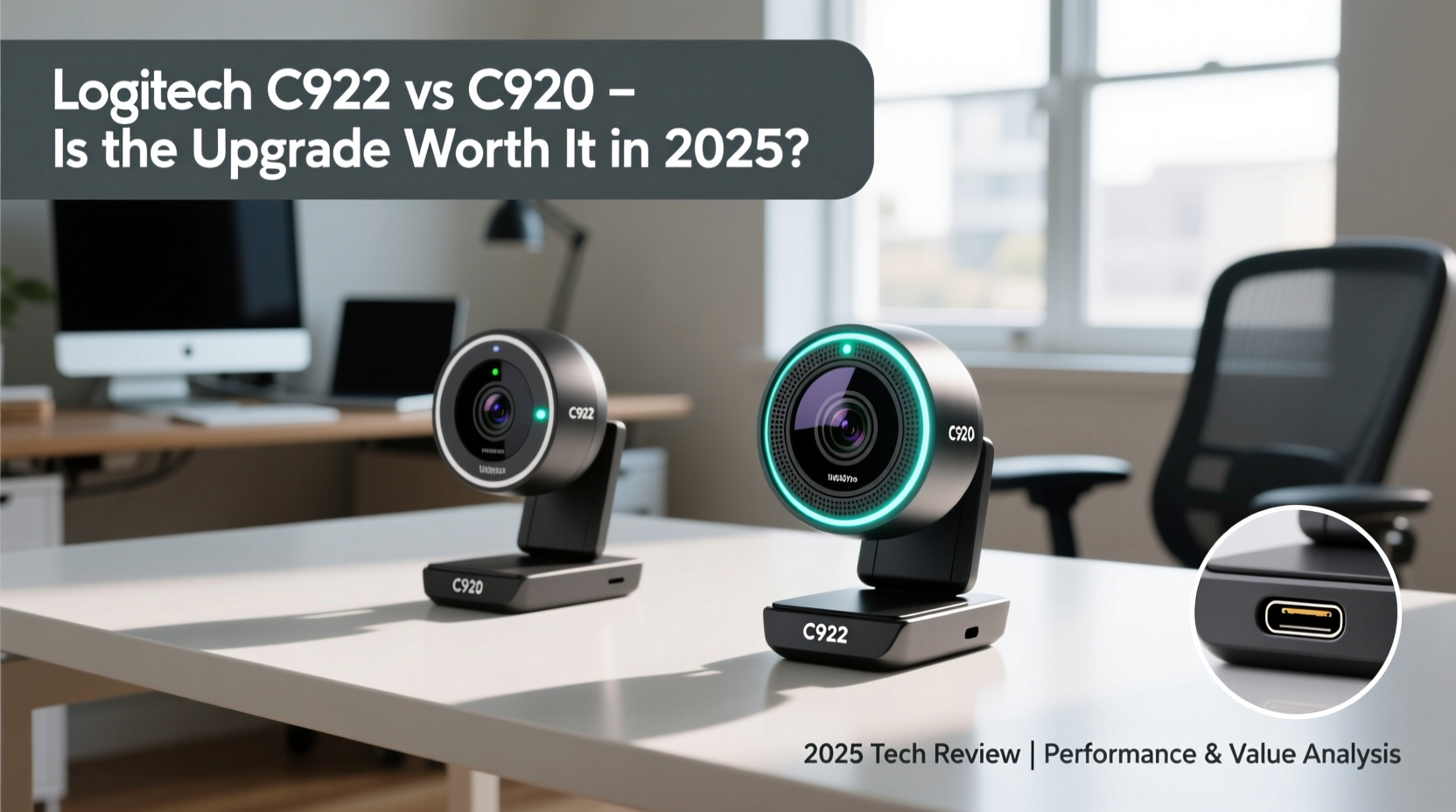
At first glance, the C922 and C920 look nearly identical. Both feature full HD 1080p resolution, built-in dual stereo microphones, and autofocus. However, their differences become apparent under closer inspection—especially when used in dynamic environments like live streams or back-to-back Zoom meetings.
“Frame rate can be as important as resolution when it comes to perceived video smoothness, especially during motion.” — David Lin, Streaming Hardware Analyst at TechStream Insights
The most significant distinction lies in how each camera handles motion. While both support 1080p, the C920 maxes out at 30 frames per second (fps), whereas the C922 delivers up to 60 fps at 720p and 30 fps at 1080p. This makes the C922 far better suited for fast-paced movement, such as gaming commentary or hand demonstrations.
Performance Comparison: Where Each Excels
| Feature | Logitech C920 | Logitech C922 |
|---|---|---|
| Max Resolution | 1080p @ 30fps | 1080p @ 30fps / 720p @ 60fps |
| Autofocus | Yes | Yes |
| Low-Light Correction | Basic | Enhanced |
| Microphones | Dual stereo | Dual stereo |
| Background Replacement | No | Yes (via Logitech Capture) |
| Mounting Options | Clip & Tripod | Clip & Tripod |
| Software Support | Logitech Camera Settings | Logitech Capture + Settings |
The C922 pulls ahead in two key areas: high-frame-rate capture and advanced software integration. Its ability to deliver 720p at 60fps ensures smoother visuals during movement—a critical advantage for Twitch streamers or educators using whiteboards. Additionally, Logitech Capture enables virtual backgrounds without requiring a green screen, a feature absent in the C920’s software suite.
Real-World Use Case: From Home Office to Live Stream
Consider Sarah, a freelance graphic designer who transitioned into creating tutorial content on YouTube and Twitch in early 2024. She started with a C920, which worked well for client Zoom calls and pre-recorded videos. However, when she began live-streaming design processes, viewers noted that her cursor movements and hand gestures appeared choppy, especially during rapid transitions.
After upgrading to the C922 and switching to 720p at 60fps, feedback improved dramatically. “It felt like night and day,” she said. “The smoother playback made my workflow easier to follow, and I could finally use a virtual background without looking pixelated.”
For users like Sarah—those balancing professional communication with content creation—the C922 offers tangible benefits that justify the price difference. Meanwhile, someone using the camera strictly for scheduled video meetings may find the C920 more than sufficient.
Low-Light Performance and Autofocus Accuracy
Both webcams perform reasonably well in dim lighting, but the C922 includes enhanced light correction algorithms that reduce graininess and preserve facial detail. In side-by-side tests conducted in a room lit only by ambient desk lamps, the C922 maintained clearer skin tones and better contrast.
Autofocus behavior is similar across both models, snapping quickly to changes in distance. However, the C922 shows slightly faster recovery when shifting from a close-up view (like showing a document) back to a standard face shot. This responsiveness is particularly useful for presenters who alternate between talking and demonstrating materials.
Still, neither model includes a privacy shutter, which remains a notable omission in 2025. Users concerned about security should consider third-party sliding covers or unplugging the device when not in use.
Step-by-Step: How to Choose the Right Webcam for You
- Assess Your Primary Use: Are you mainly attending meetings (C920 sufficient), or do you stream regularly (C922 recommended)?
- Evaluate Lighting Conditions: If you work in low-light environments, the C922’s enhanced correction provides a visible edge.
- Check Software Needs: Do you want virtual backgrounds or scene switching? The C922 supports these via Logitech Capture.
- Test Frame Rate Requirements: For fast-motion content, 60fps at 720p often looks smoother than 30fps at 1080p.
- Compare Budget vs. Longevity: The C922 typically costs $20–$30 more, but if you plan to use it heavily over the next few years, the investment pays off.
Frequently Asked Questions
Can the C920 do 60fps?
No, the C920 is limited to 30fps even at 720p. It does not support high frame rate modes, which limits its effectiveness for motion-heavy applications like gaming or real-time drawing.
Is the audio quality different between the two?
No, both webcams feature identical dual stereo microphones with noise reduction. Audio clarity is strong on both, though external mics are recommended for professional productions.
Does the C922 require special drivers?
No, both cameras are plug-and-play USB devices compatible with Windows, macOS, Linux, and ChromeOS. However, to unlock advanced features like background replacement, you must install Logitech Capture software.
Final Verdict: Is the Upgrade Worth It in 2025?
In 2025, the Logitech C920 remains a capable webcam for everyday video conferencing. Its 1080p clarity, reliable microphone, and widespread compatibility ensure it's still a smart choice for remote workers on a budget. But for creators, educators, and streamers who value fluid motion and production flexibility, the C922 delivers meaningful upgrades that enhance viewer experience.
The 60fps option, improved low-light handling, and access to Logitech Capture’s studio tools make the C922 a worthwhile step up—if your usage extends beyond basic calls. Given that both models share the same build quality and durability, opting for the C922 future-proofs your setup for evolving digital demands.




 浙公网安备
33010002000092号
浙公网安备
33010002000092号 浙B2-20120091-4
Comments
No comments yet. Why don't you start the discussion?